
ModsJava
VillageRailways
Java mod listed for Minecraft 1.20–26.x. Downloads from the MC Java Mods app on Android.
Links villages with minecart railways built from vanilla blocks as the world generates. Works with vanilla clients.
⬇ Download on Hangar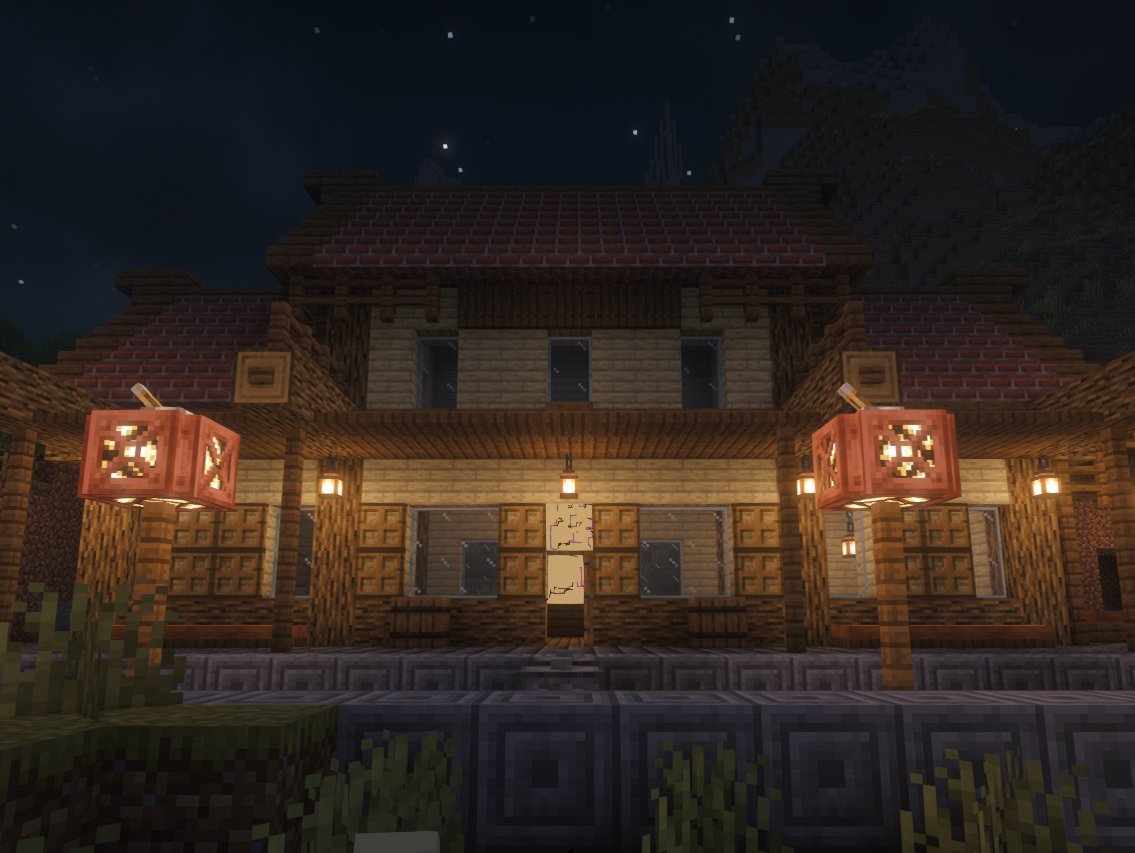
Villages in Minecraft sit hundreds or sometimes thousands of blocks apart with nothing but wilderness between them. Village Railways joins them with minecart railways. Each village gets lines to up to three of its nearest neighbours. Everything is vanilla blocks, so the railways stay in the world even if you remove the plugin later.
Players join with a normal vanilla client and don't need to install anything.
## What gets built
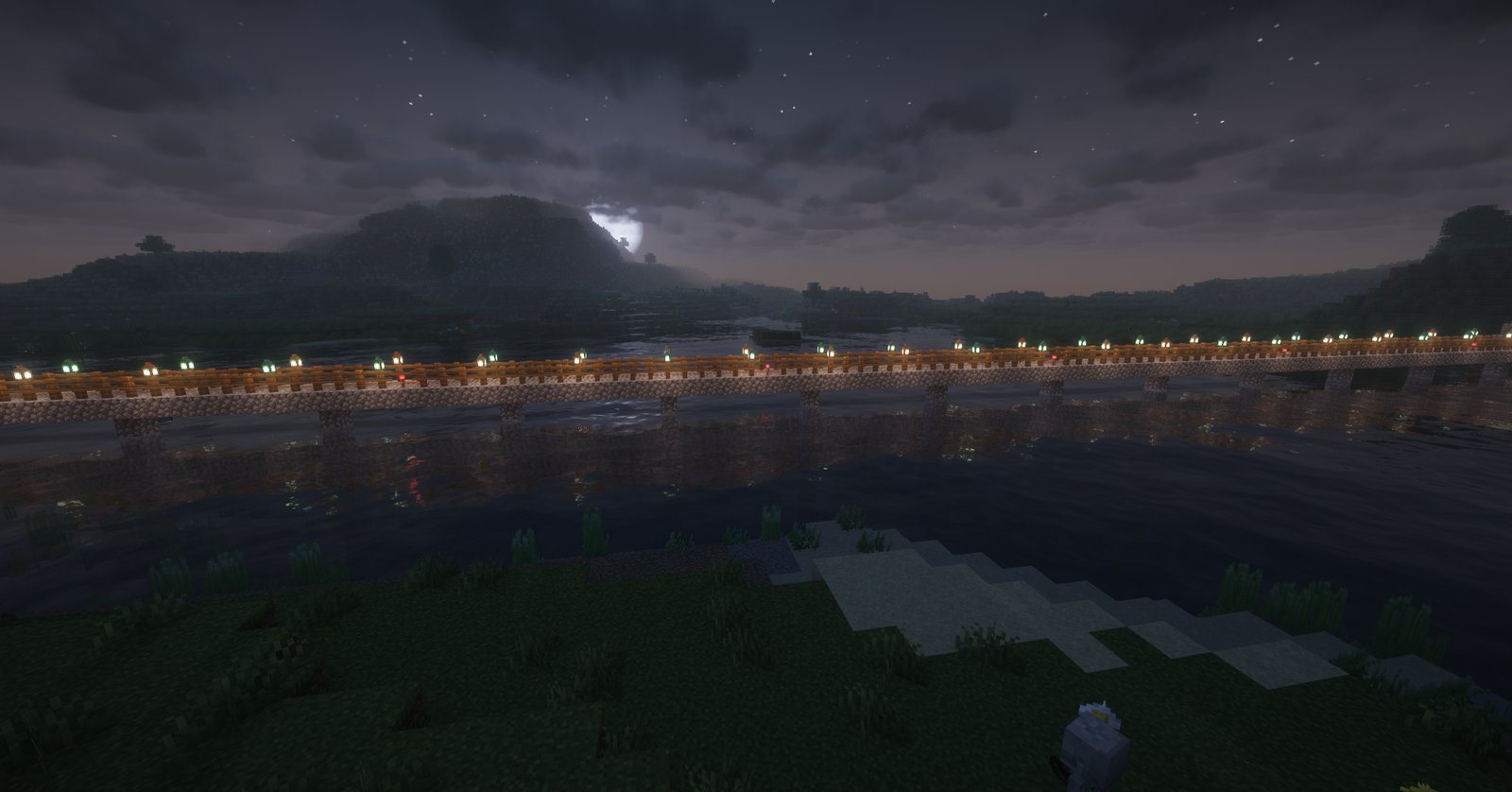
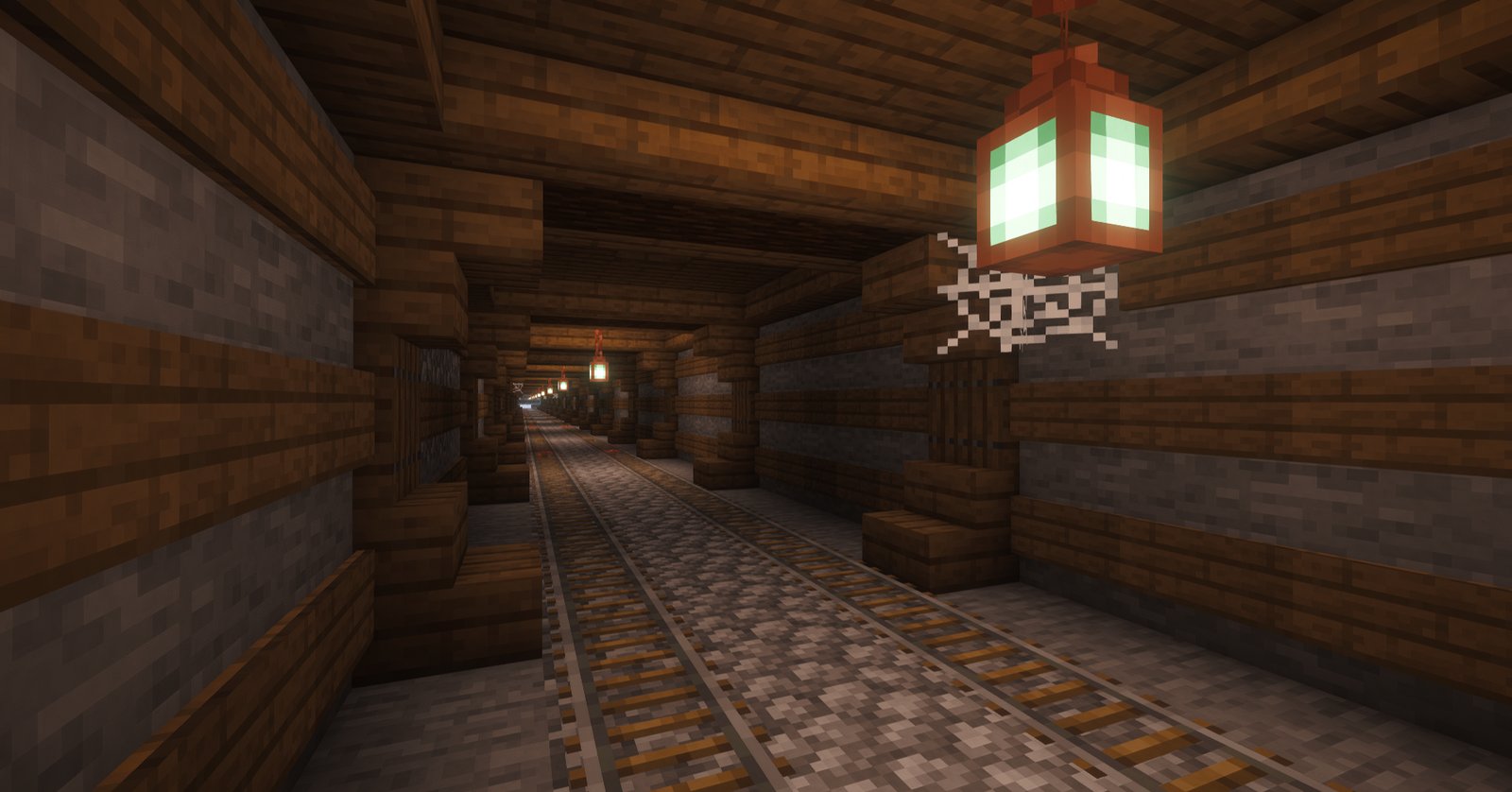
The track stays level wherever it can. A low hill gets an open cut, a mountain gets a beautiful tunnel, and rivers and ravines get bridges with pillars and railings. If a tunnel breaks into a cave on the way, the line crosses the cave on a bridge. The powered rails run off redstone torches hidden under the track, so you won't see torches every few blocks.
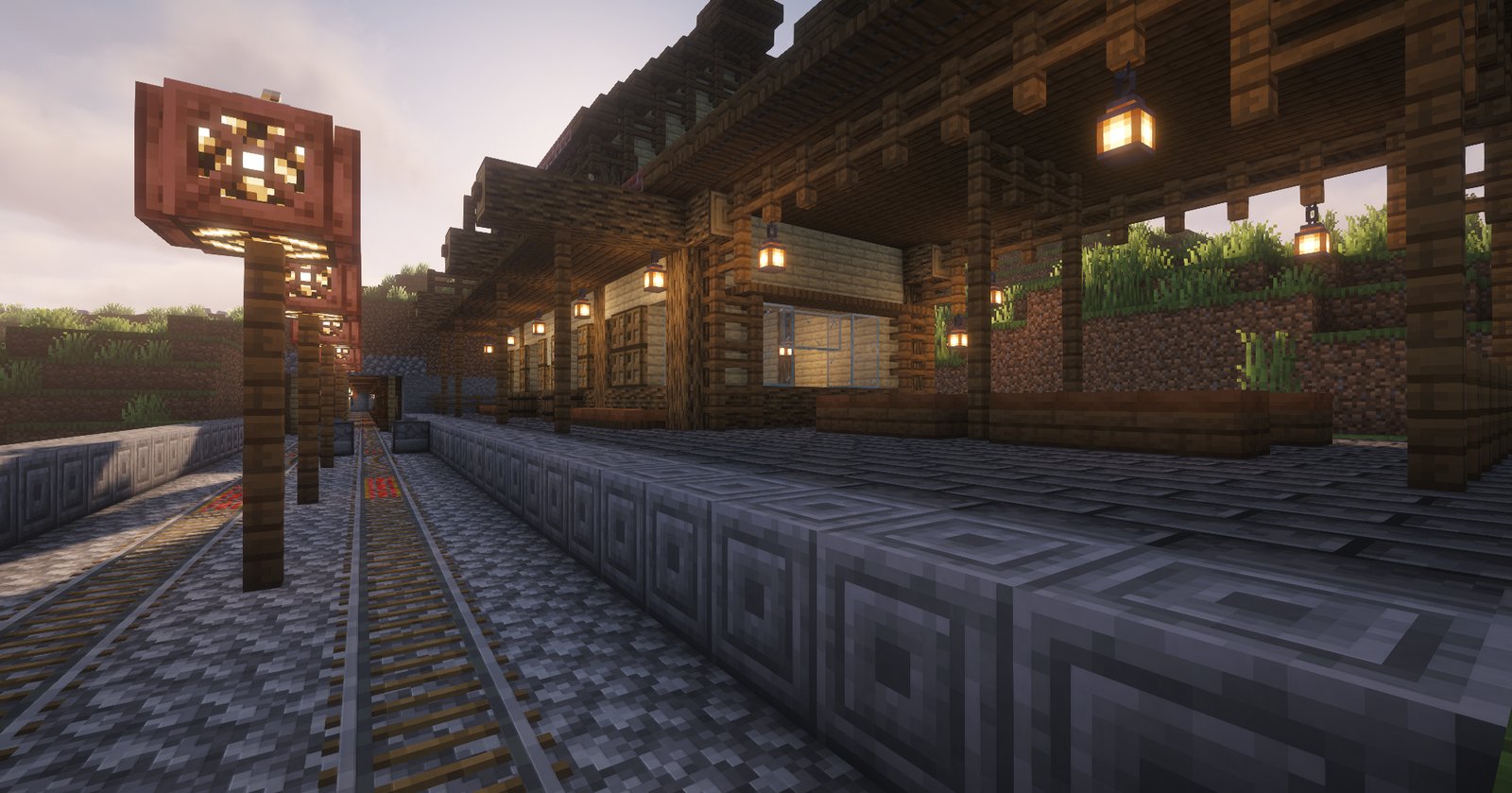
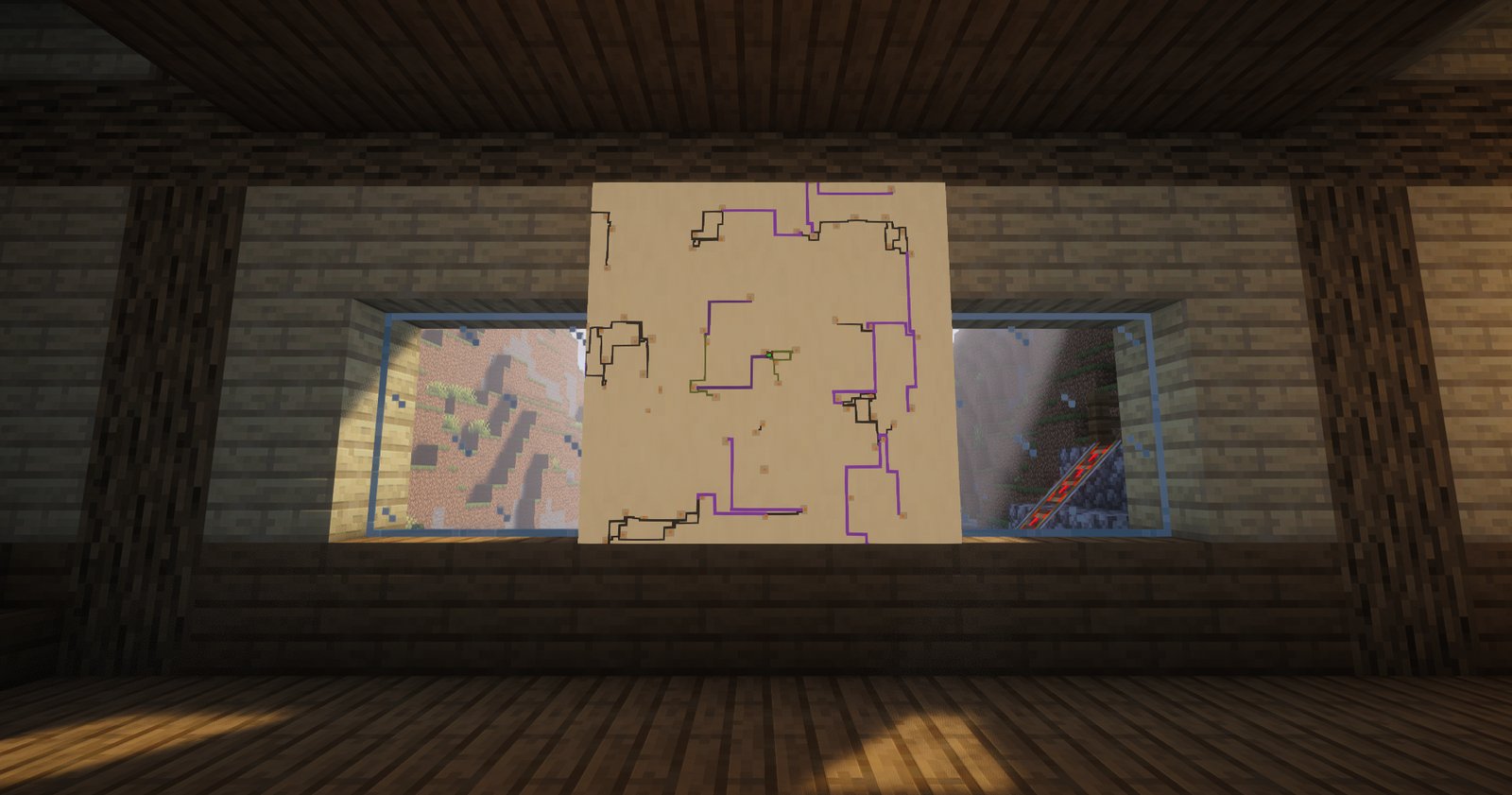
Every village has a station just outside it, where its lines meet. It is either a large station with a map of the network on the wall or a small one, whichever fits beside the village, and both have two tracks with a crossover at each end, so a cart goes on to the far end whichever track it comes in on. Villages close together share one station. Groups of villages that would otherwise be cut off from the rest are joined by a longer double line, which runs into the stations at both ends with both rails. Bridges are double track on every line, and every switch comes with a lever.
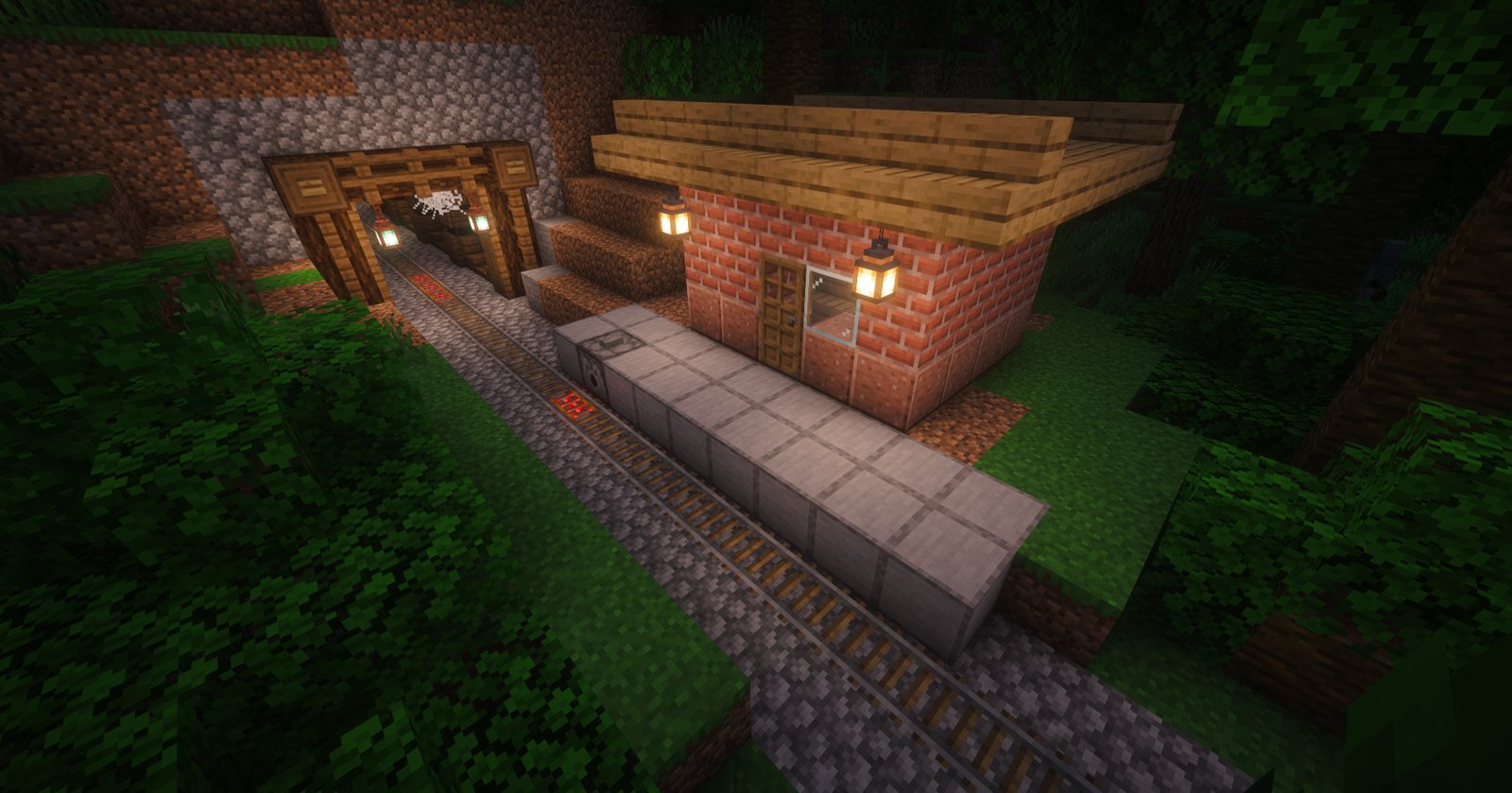
On long stretches there are halts, small brick huts by the track with a minecart dispenser, roughly one every 800 blocks. Long tunnels get one at each end.
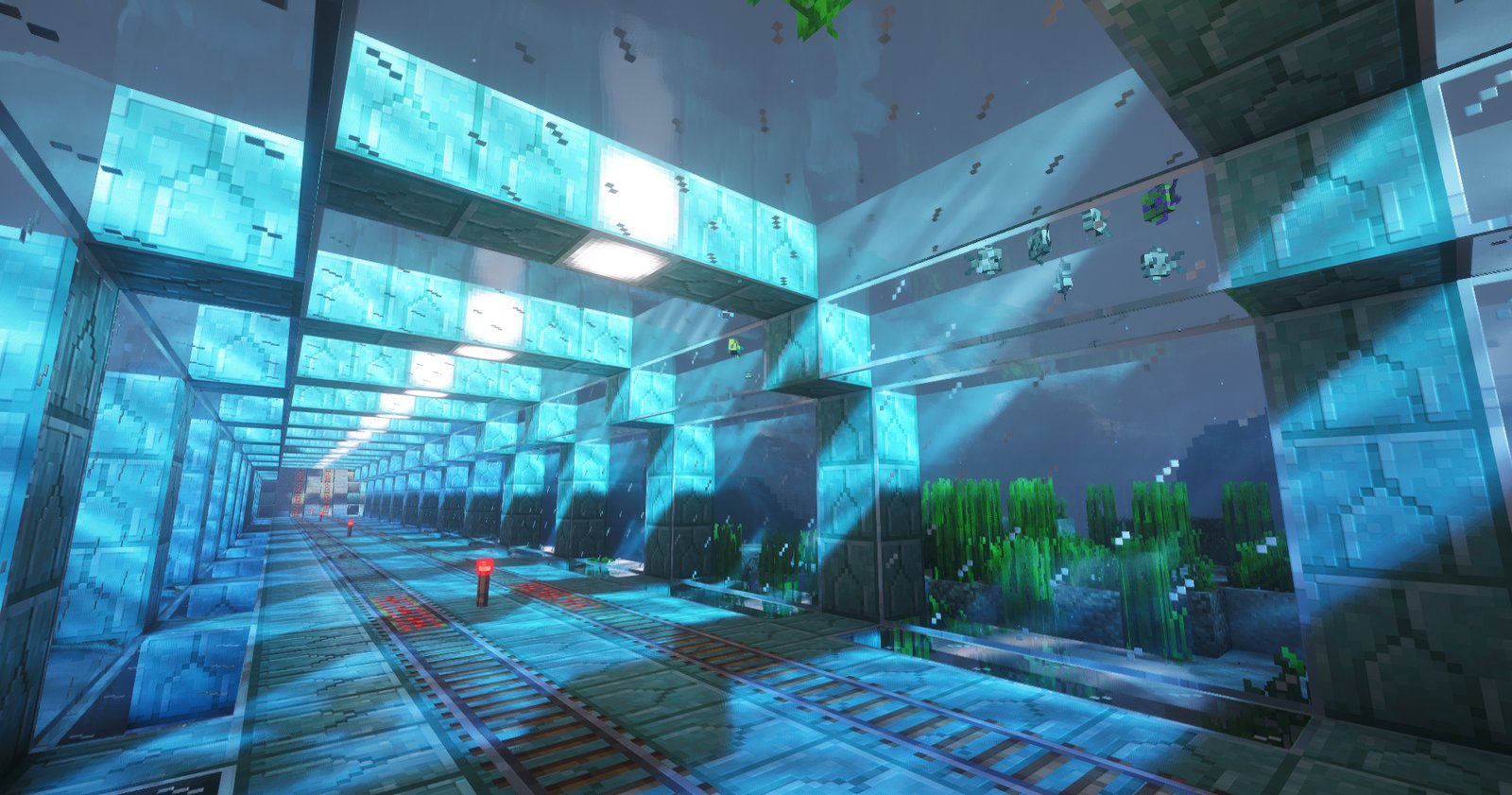
**Sea tubes are off by default.** If you enable them, a line that meets open water carries on along the sea bed in a glass tube covering two tracks, with prismarine ribs every 5 blocks standing on columns. With them off, lines stay away from the ocean and only bridge narrow straits.
## Old worlds
Out of the box, lines are only generated in newly explored land, so nothing anyone has built gets touched.
If you want lines through the old land too, an operator can force the generation on the existing chunks with `/villagerailways openland`. On the next server start the world is backed up into the `backups` folder first, then the lines are planned through the old land and built as it loads. Lines still keep clear of villages and other structures the game generated, but they know nothing about what players have built, so houses, farms and redstone in their way get cut through, and only the backup can undo that.
## Maps
Every player joining the world for the first time gets one map of the network, and only that once. `/villagerailways mapitem` gives you a vanilla map of the network that reaches much farther than a normal map would. `/villagerailways mapwall` gives you a set of them to hang as a wall in item frames, the same kind the large stations have. Both need operator permission.
## Roadmap
Plans for the next versions, in no set order:
- More structures along the lines.
- More styles for tunnels, bridges, stations and the lines themselves, so a line through the desert looks different from one through a snowy forest.
## Versions
There are builds for Paper 26.3, 26.2, 26.1.2, 1.21.11, 1.21.1 and 1.20.1. The 26.x builds need Java 25, the 1.21.x ones Java 21 and the 1.20.1 one Java 17. The jar goes in the `plugins` folder. Fabric, NeoForge and Forge versions are on [CurseForge](https://www.curseforge.com/minecraft/mc-mods/village-railways).
If you only stay on an older version so that players with older clients can join, I'd go with the latest Paper plus [ViaVersion](https://hangar.papermc.io/ViaVersion/ViaVersion) and [ViaBackwards](https://hangar.papermc.io/ViaVersion/ViaBackwards) instead. Paper only gets fixes on its latest version, and Via lets the older clients connect to it. The builds for older versions are there for servers that can't move yet, for example because of other plugins.
The generation is optimized to be fast and accurate, and it shows its progress in the log. Keep in mind that, because of some limitations of Minecraft versions before 26.3, the first start of a world takes a bit longer there (around 40 seconds).
## Settings
Everything is in `plugins/VillageRailways/village_railways.properties`, with a comment on each line. Changes apply on the next server start. The full list of settings and commands is in the [README on GitHub](https://github.com/valcheffnet/village-railways#settings).
## Feedback
Found a bug or have an idea? Come to [Discord](https://discord.com/invite/X6yxJpk9Fz) or open an [issue](https://github.com/valcheffnet/village-railways/issues). If it's a bug, the seed and the coordinates help a lot, and screenshots of your lines are always welcome.
Quick facts
- Edition: Minecraft Java
- File type: .jar
- Minecraft versions listed: 1.20.1, 1.21.1, 1.21.11
- How to install: Install the matching mod loader (Forge, Fabric or NeoForge) for your Minecraft version. → Download the .jar. → Put it in the .minecraft/mods folder and launch that loader profile.
- Where to get it: Opens on Hangar — not every file is mirrored on our own servers.
Install steps are the general flow for this file type — How to install Minecraft Java mods & modpacks walks through it step by step.
VillageRailways is a free Minecraft Java mod. Compatible with Minecraft 1.20.1, 1.21.1, 1.21.11, 26.1.2 and newer. Downloaded 15 times (via Hangar). Download it and open it directly in the game.