Home›Bedrock›Addons›Custom Skies Cubemaps Addon (26.x, 1.21) – High Resolution Skies And Realistic Clouds
AddonsBedrock
Custom Skies Cubemaps Addon (26.x, 1.21) – High Resolution Skies And Realistic Clouds
Bedrock add-on listed for Minecraft 1.16–1.21 (resource pack only). File opened and checked on 20 Sep 2026; installs from the MC Bedrock Mods app on Android.
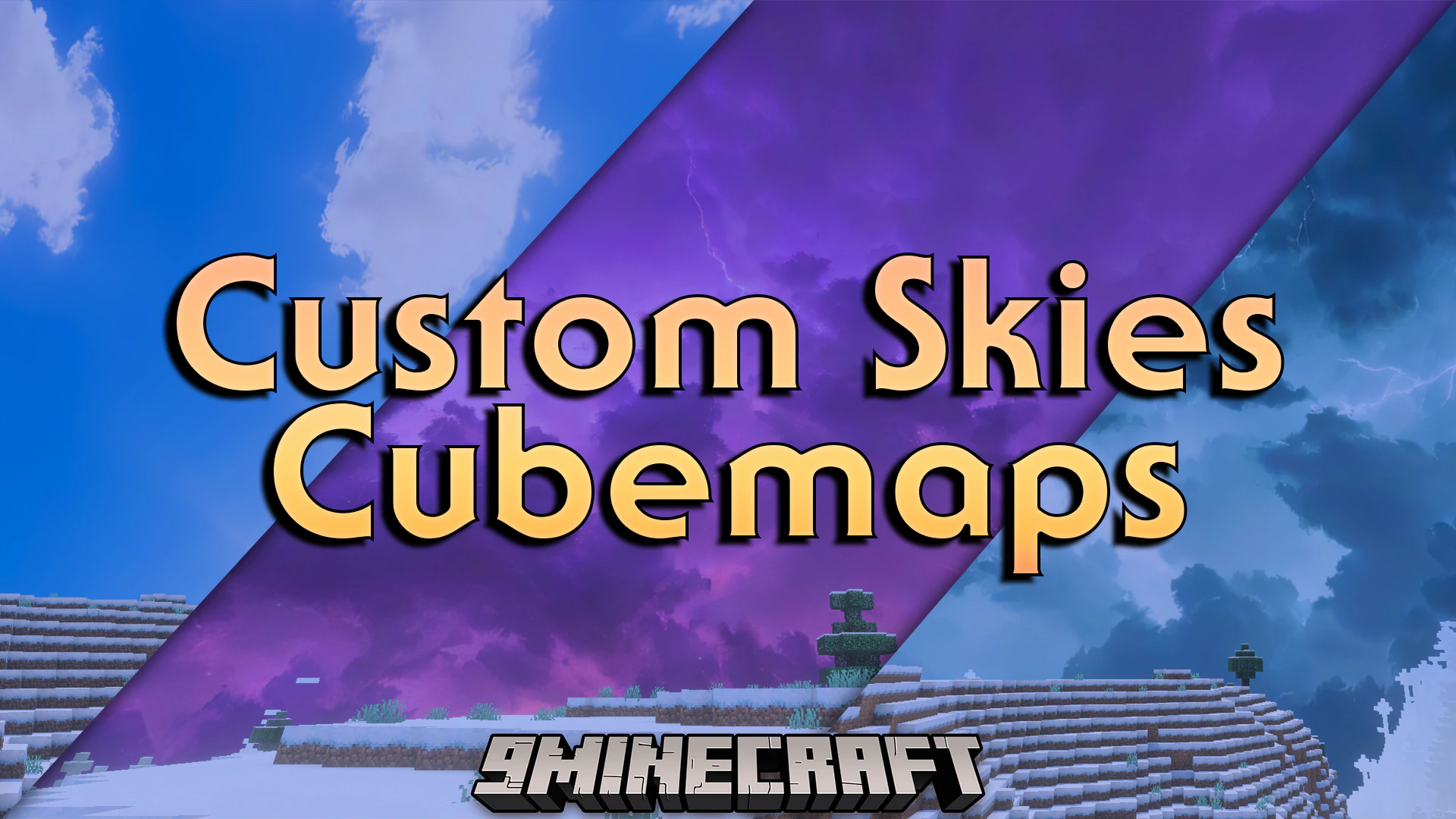
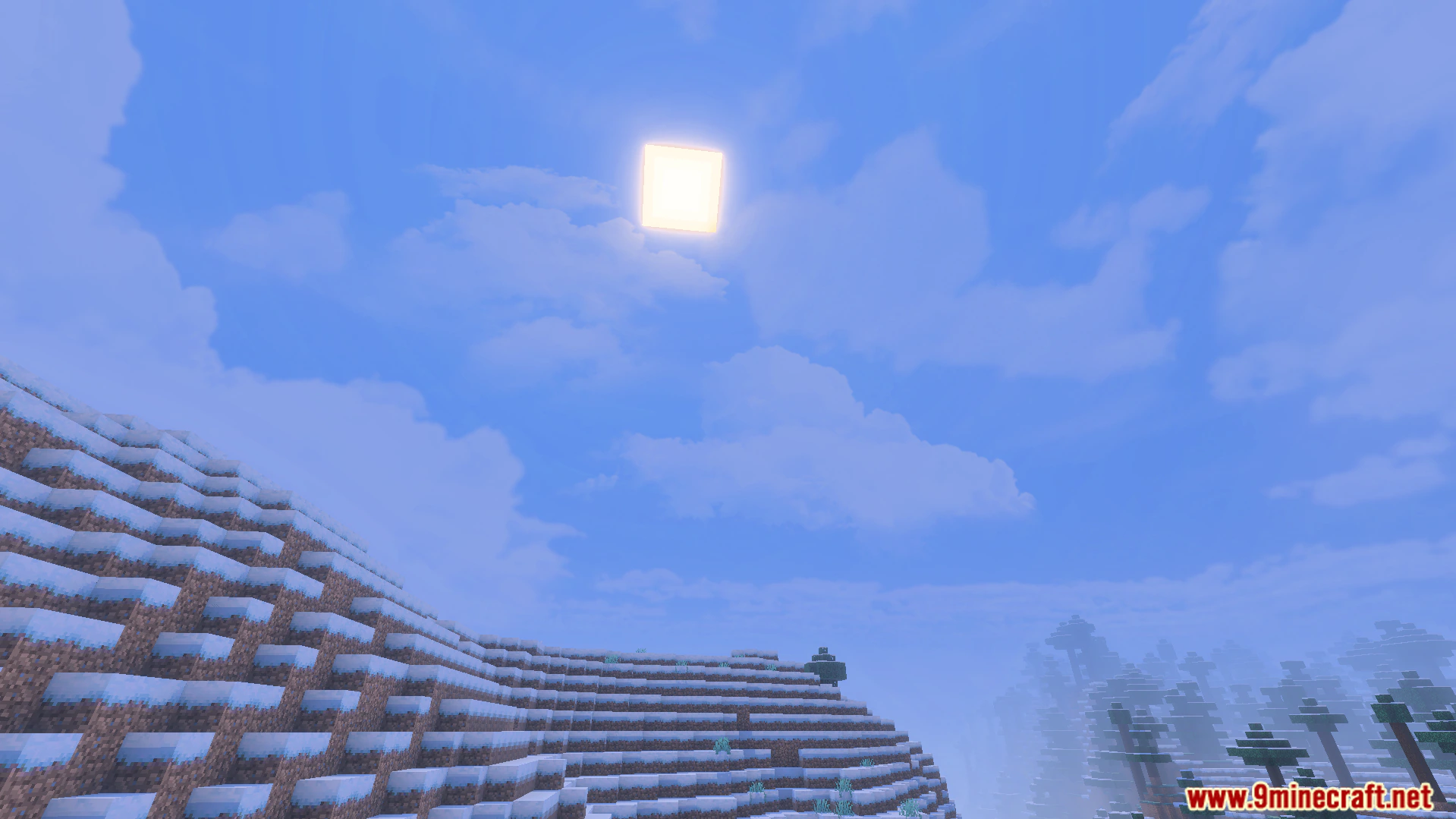
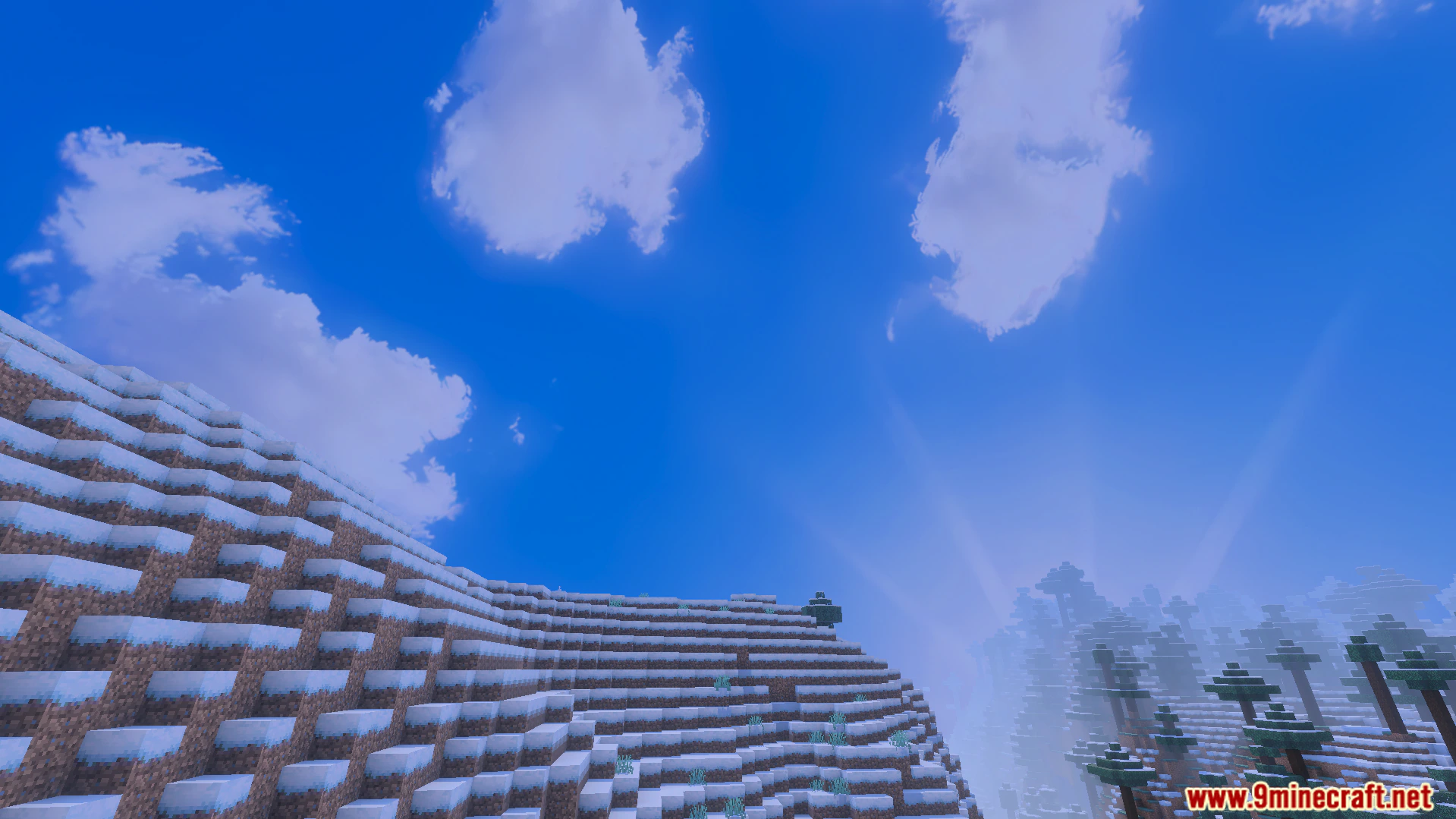
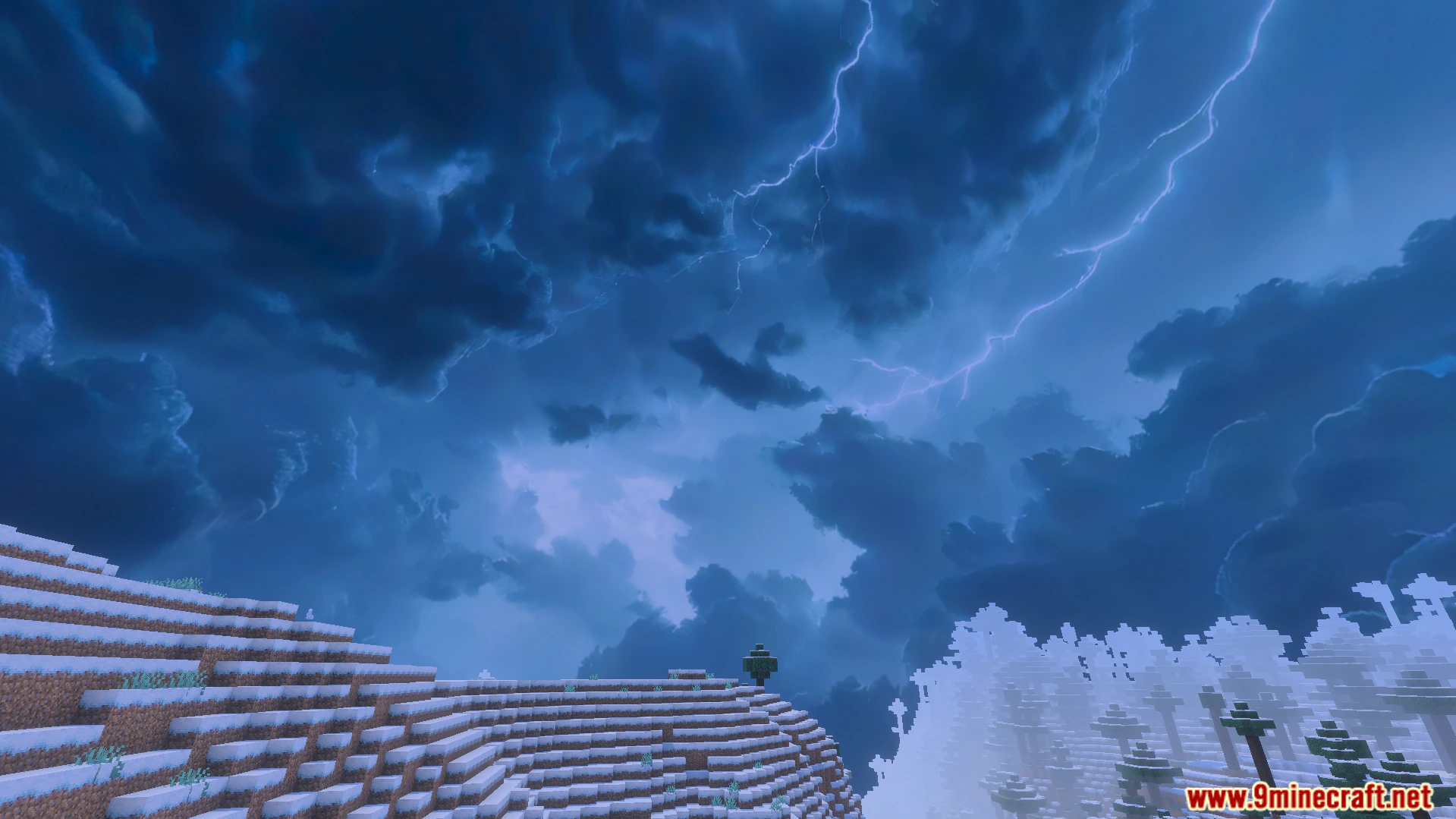
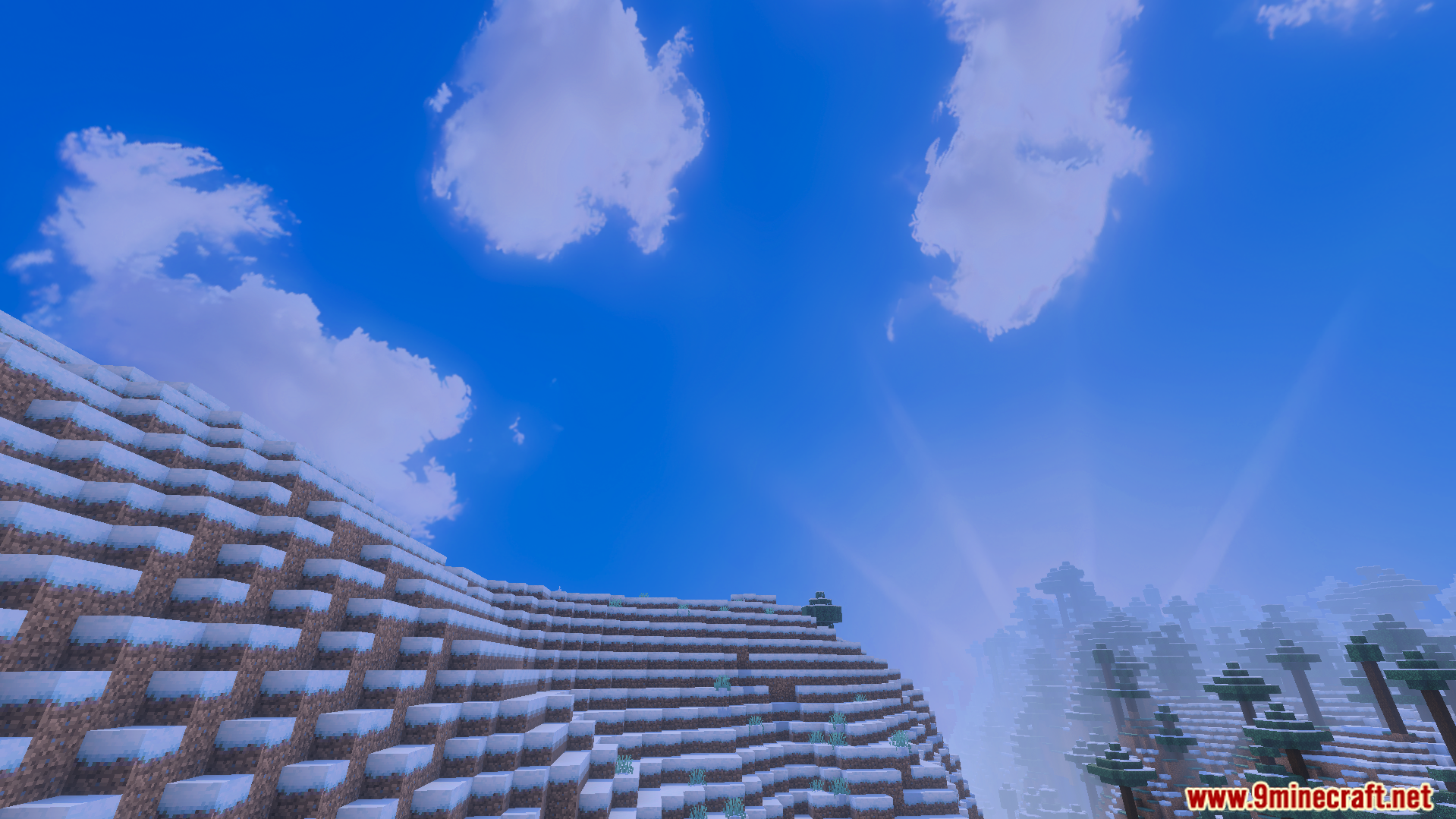
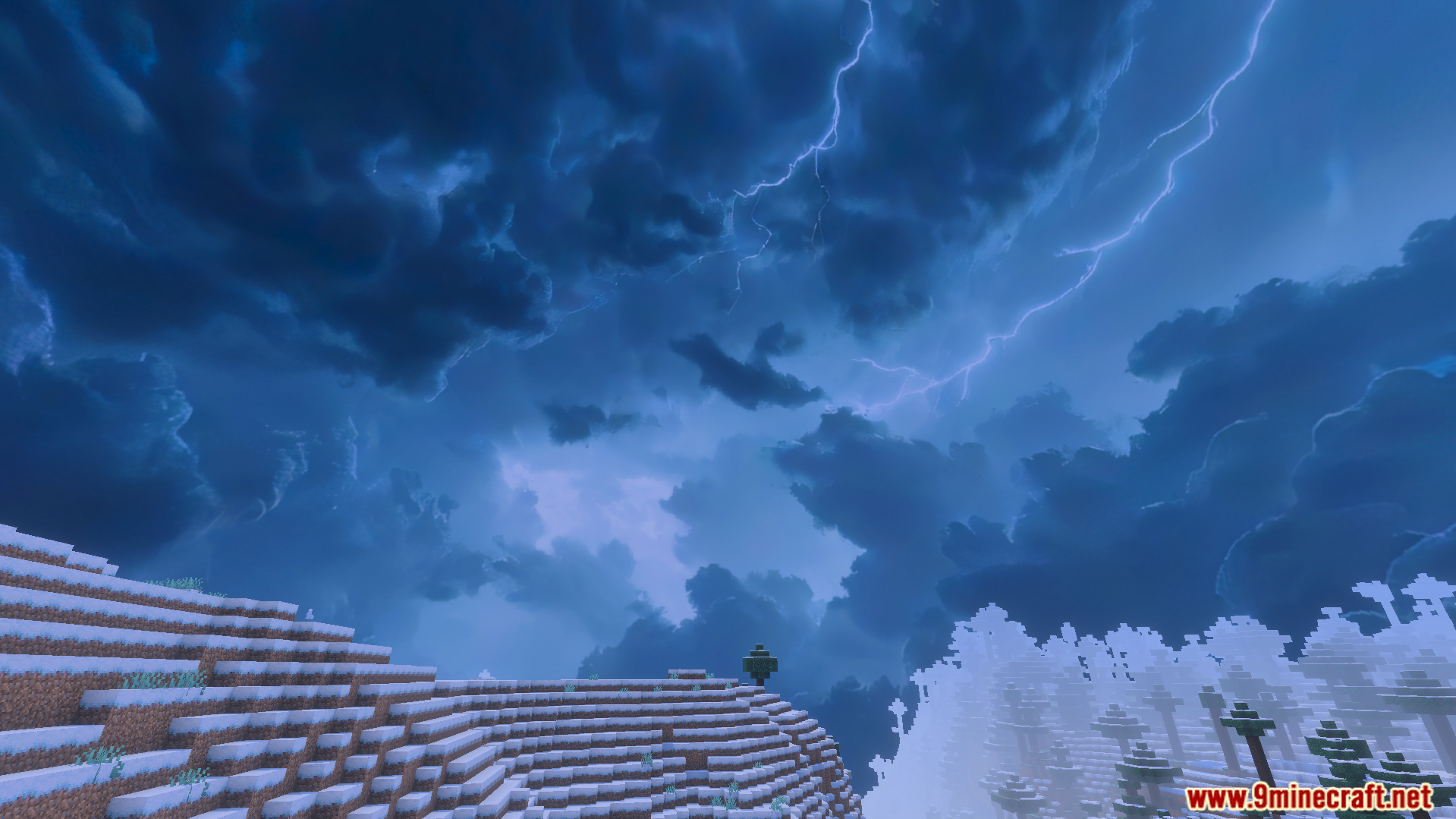
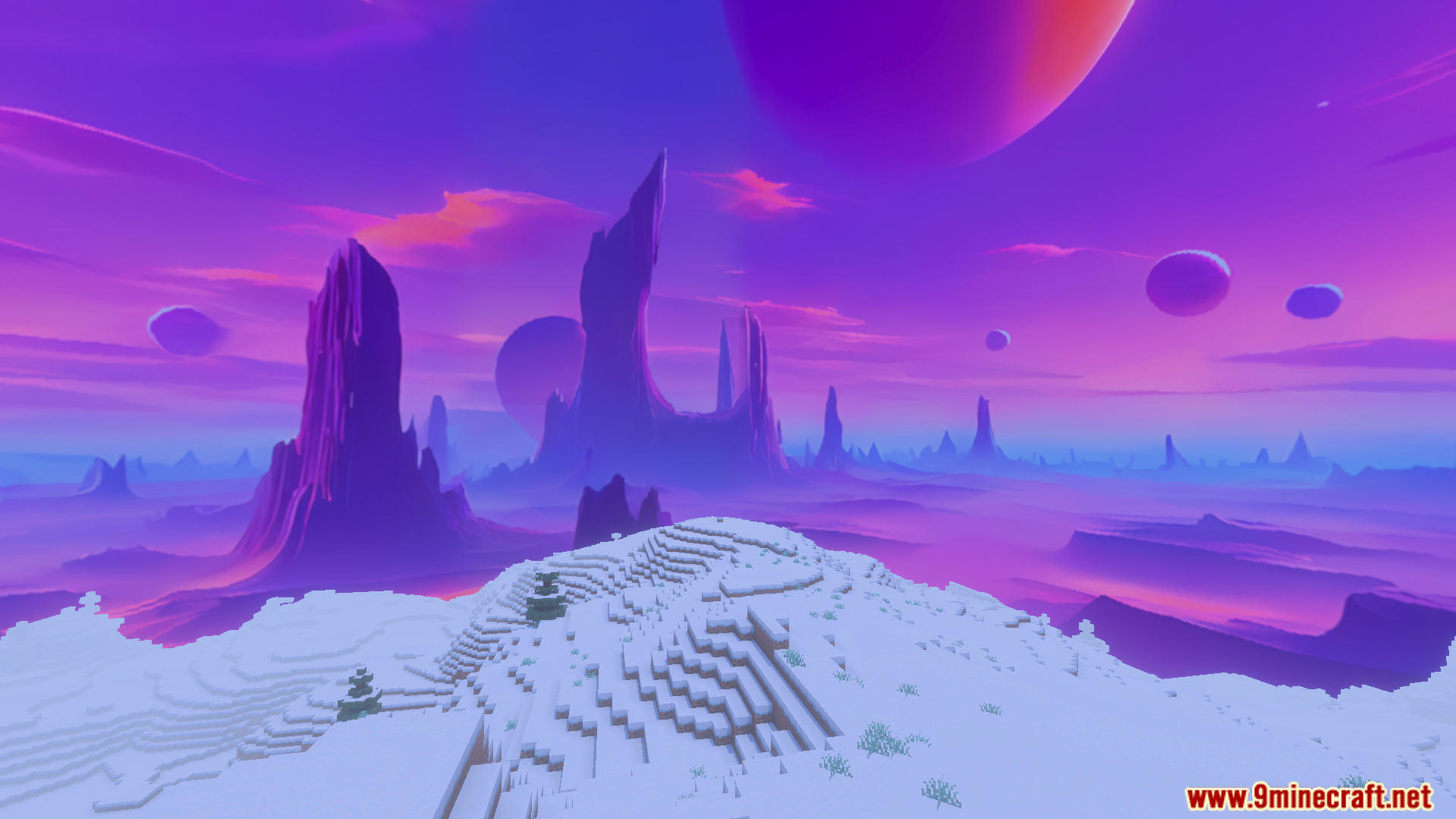
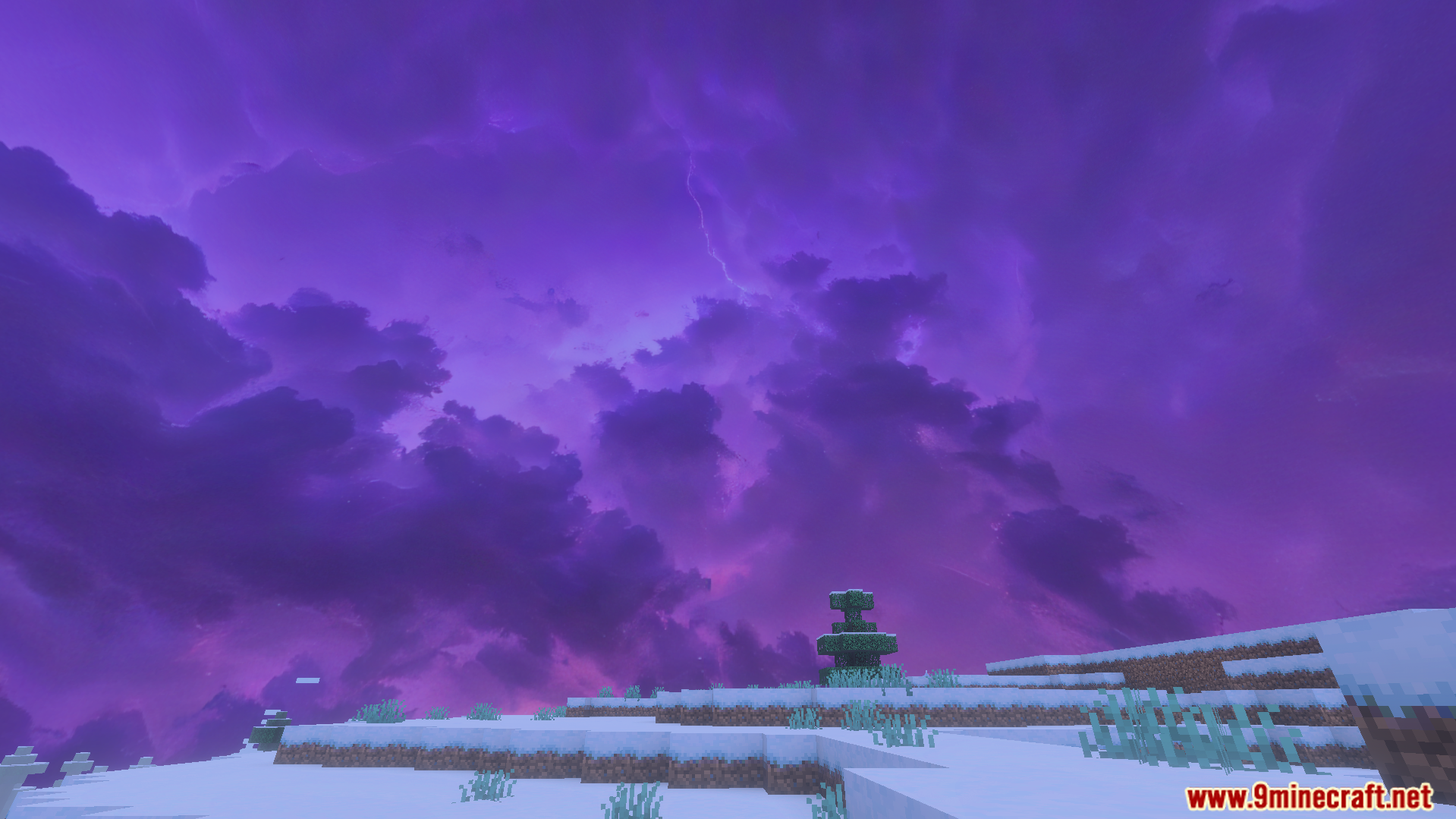
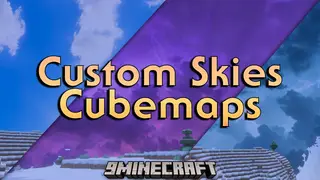
Custom Skies Cubemaps Addon gives you nine new sky designs for your Minecraft worlds. It adds high resolution textures for different weather types like snow and storms. The pack lets you see realistic clouds that change with the day and night cycle.
Features:
Adds nine unique skies for different weather conditions.
Uses real 3D images for a natural look.
Includes a realistic dynamic sky with day and night changes.
Works well with the new vibrant visual mode.
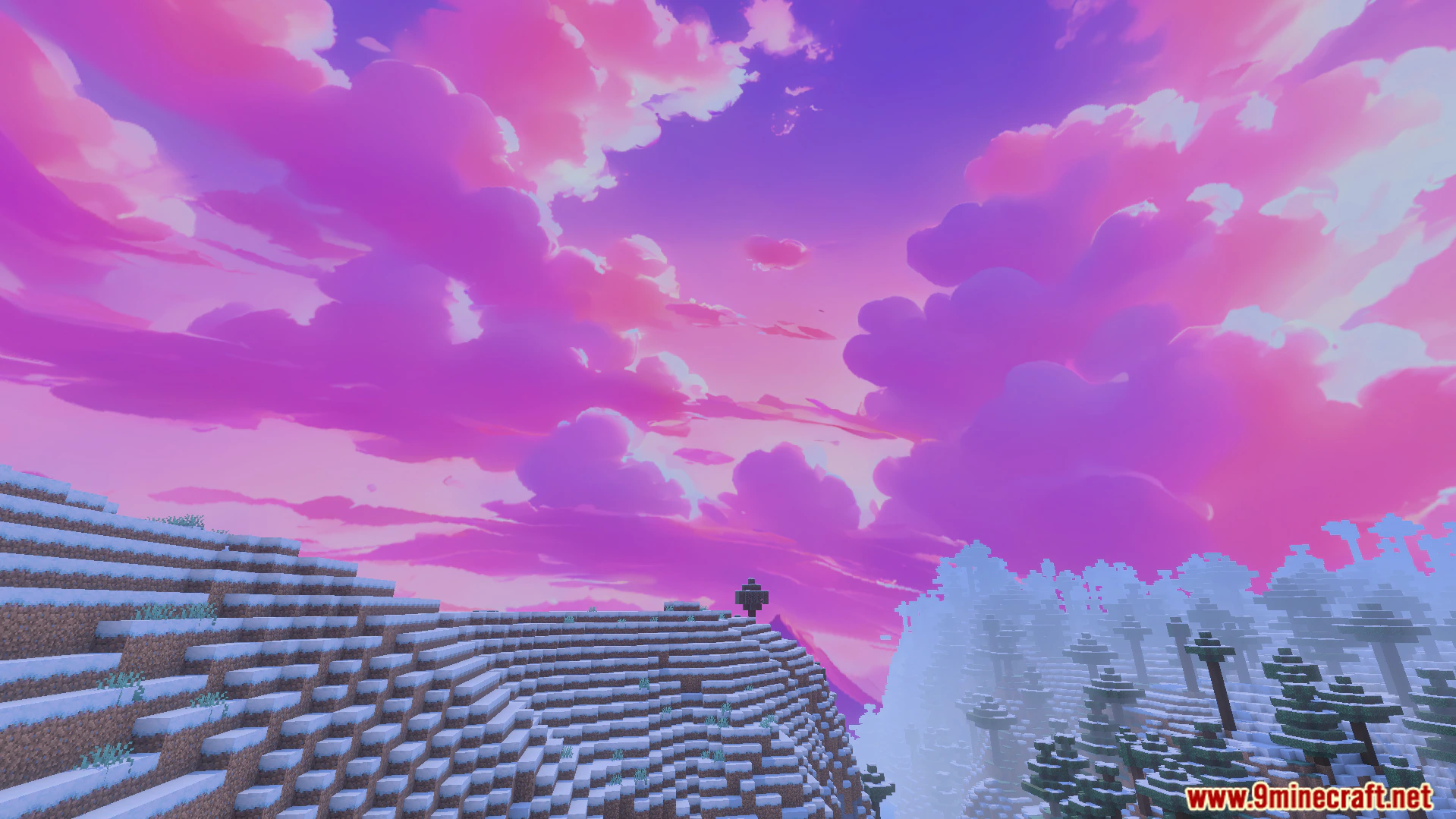
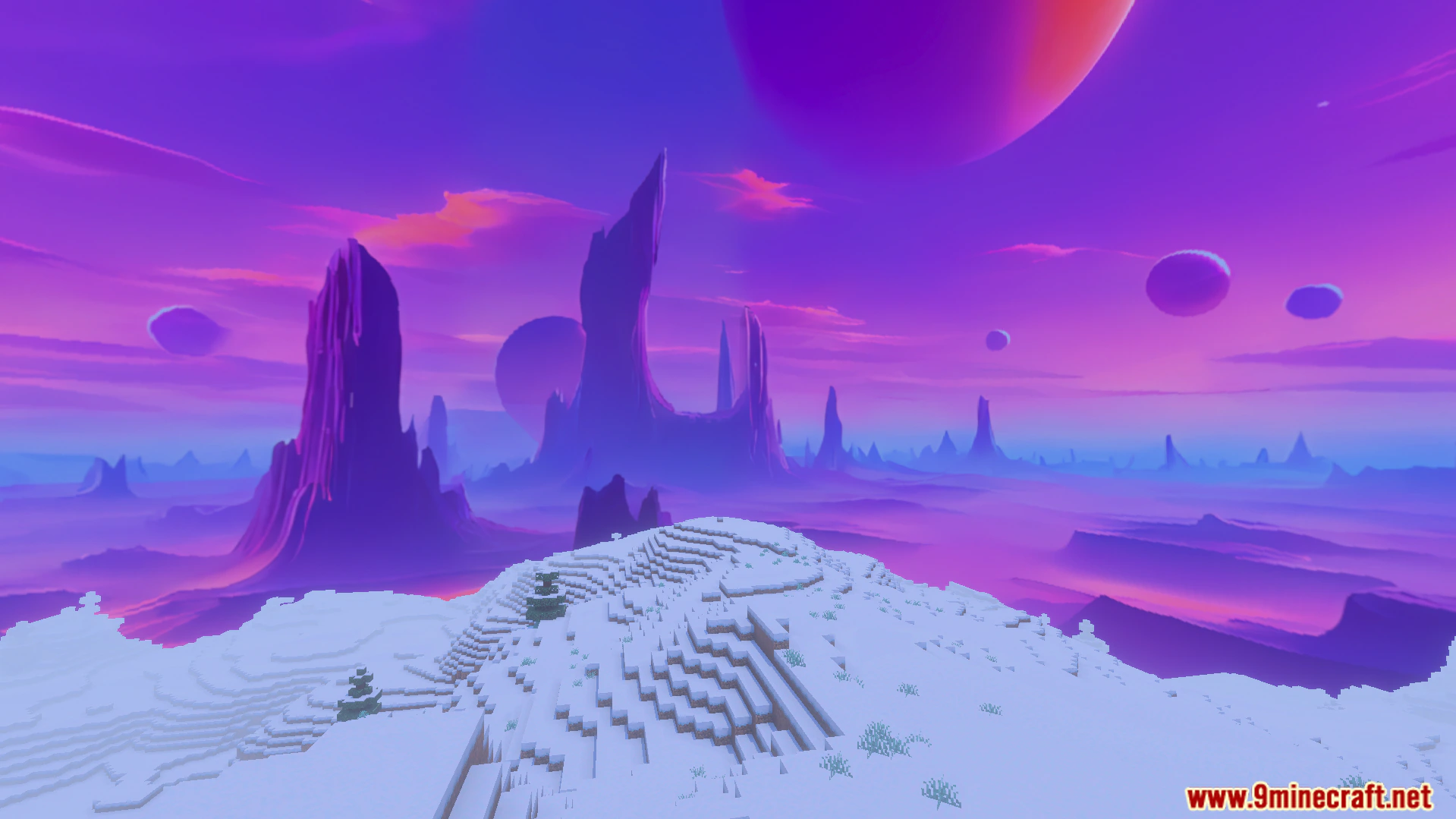
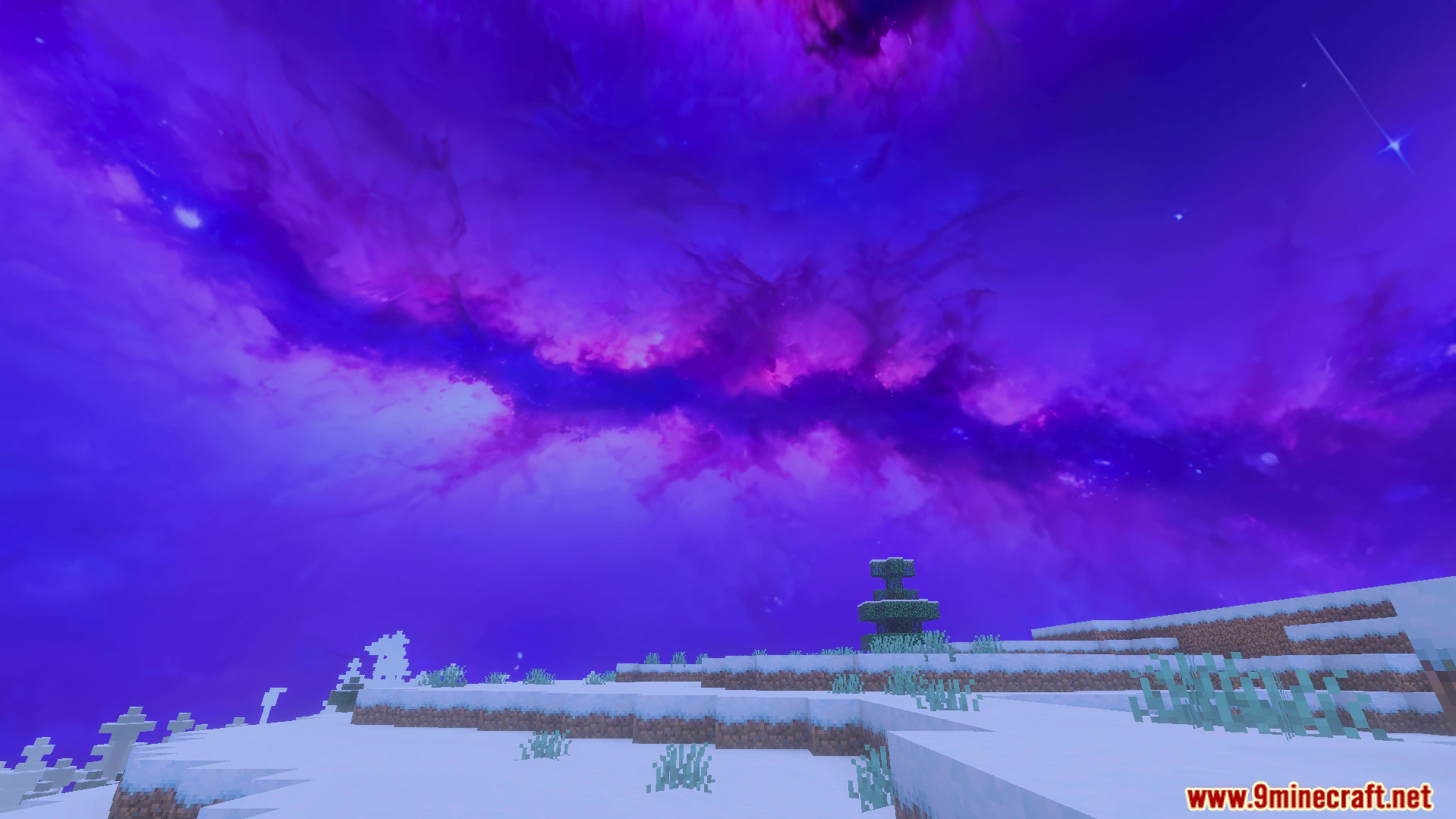
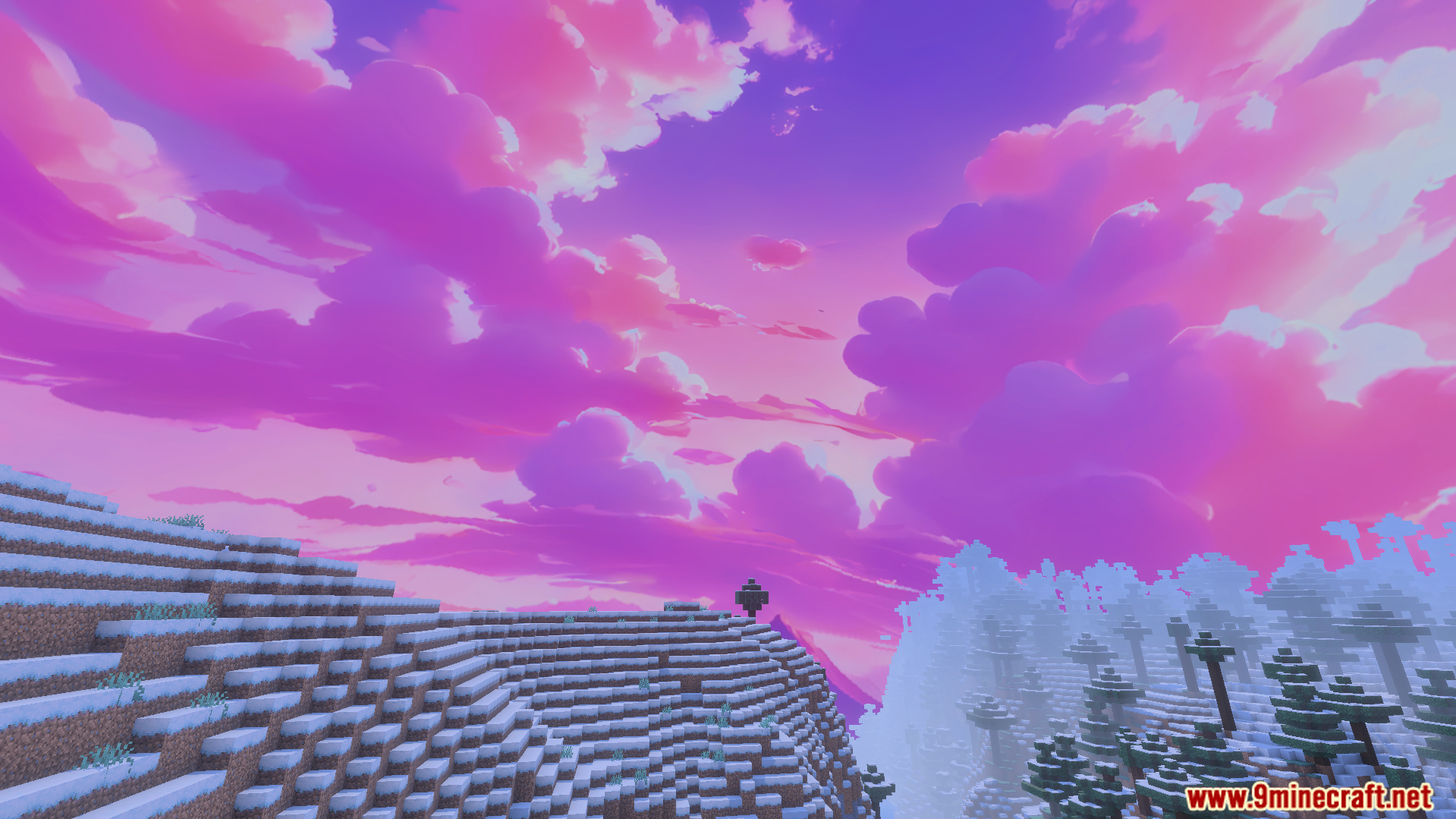
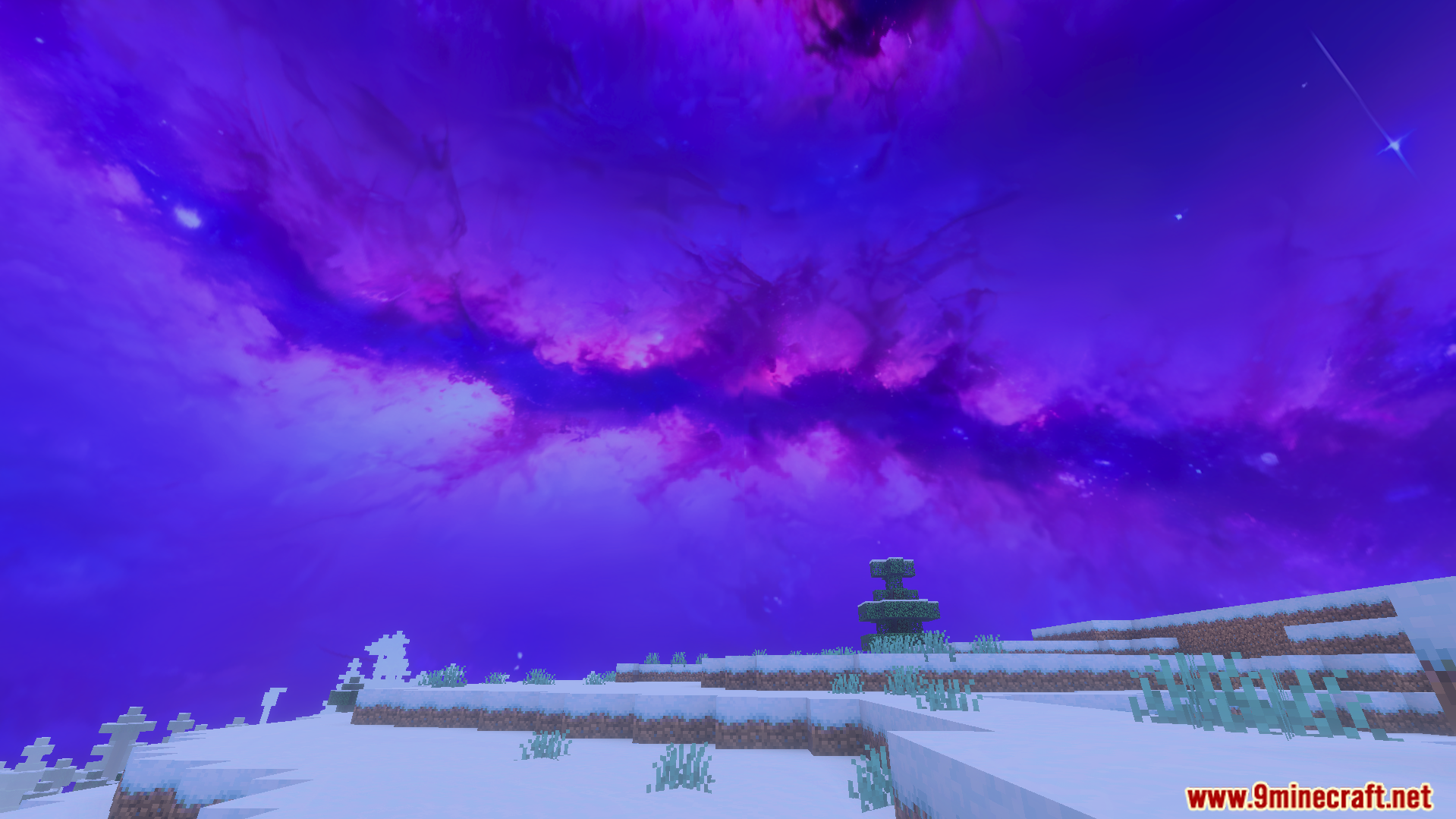
Features a bright nebula galaxy sky design.
Configuration:
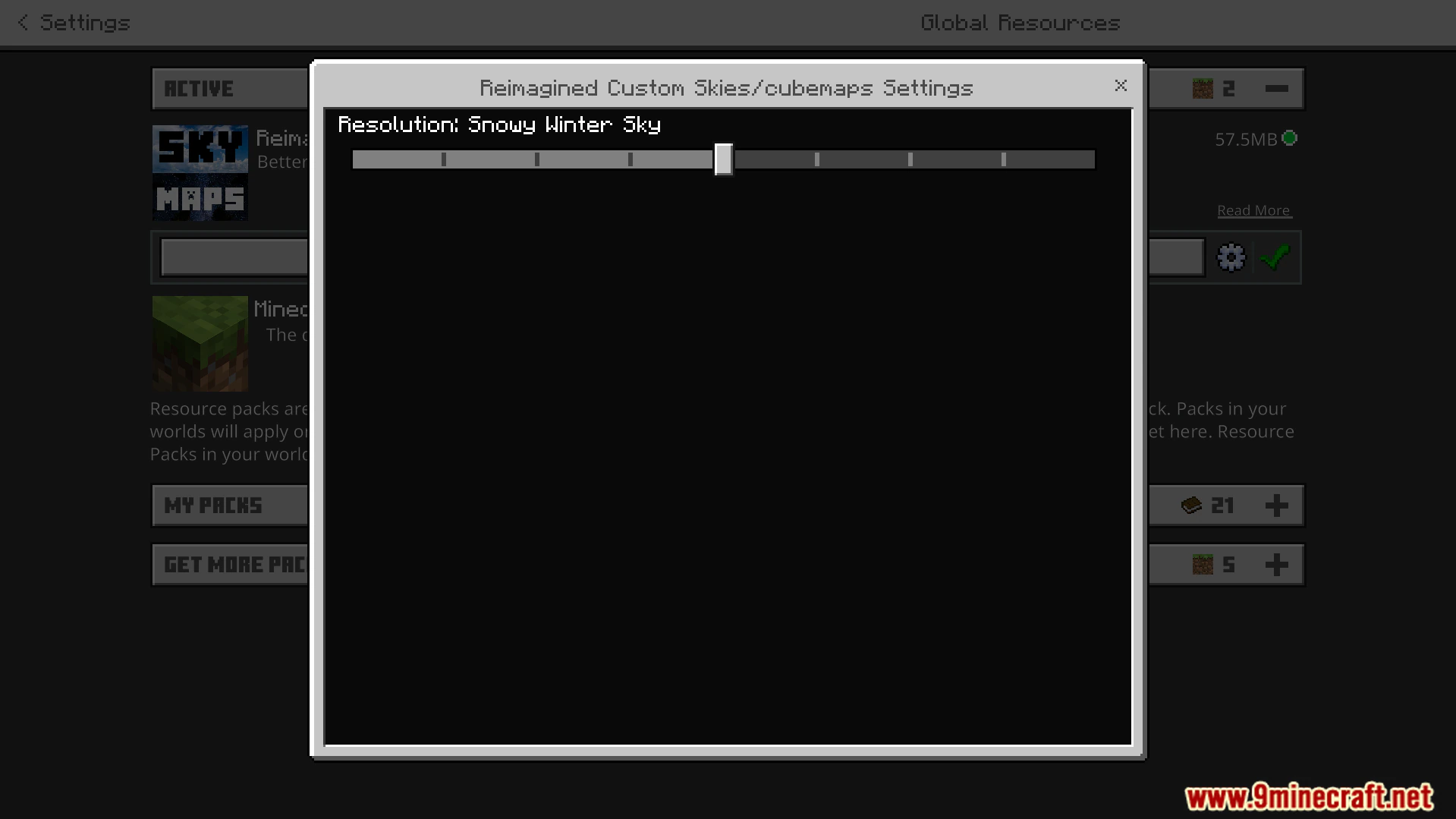
Turn off the render clouds option in your video settings.
Screenshots:
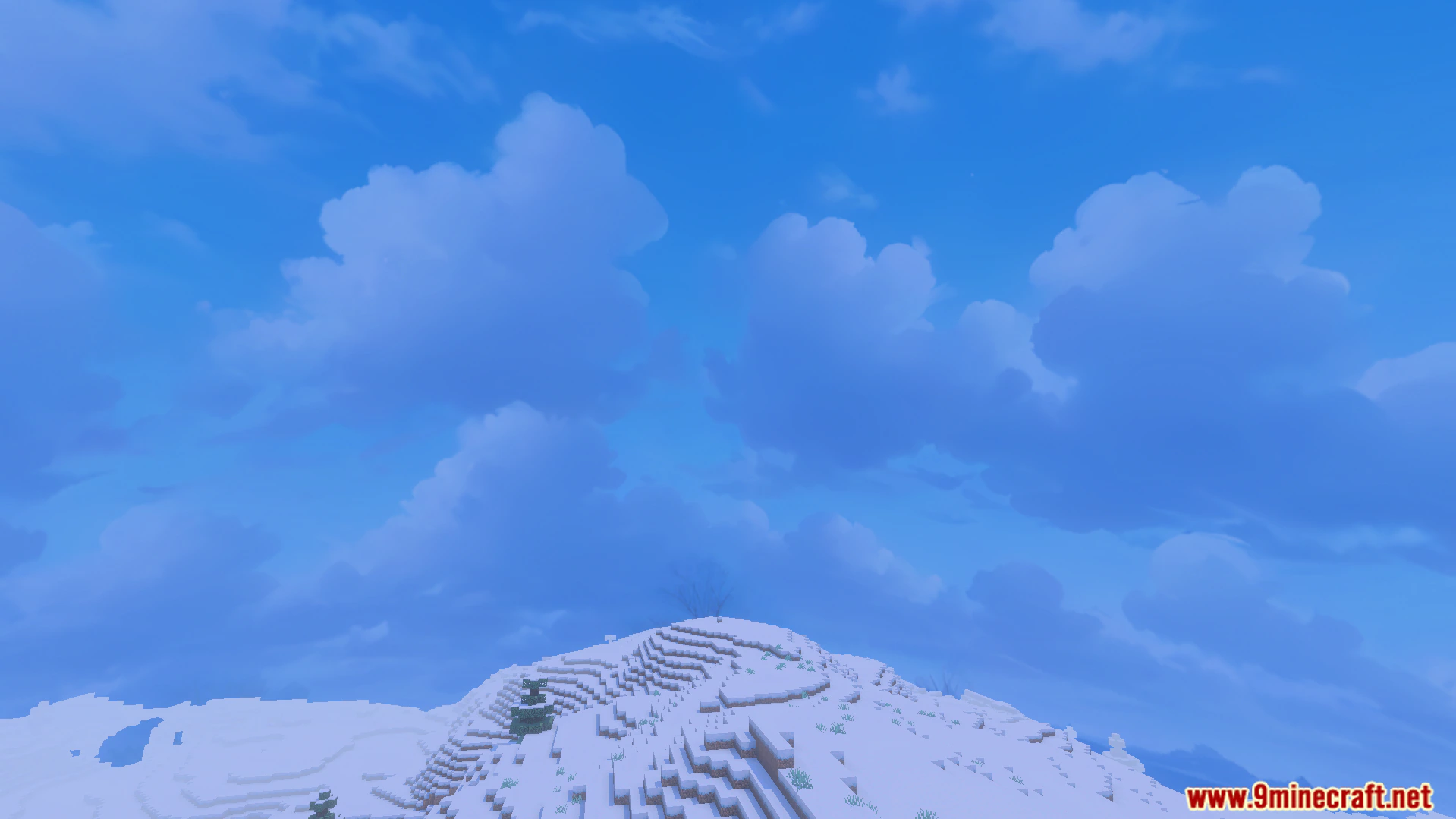
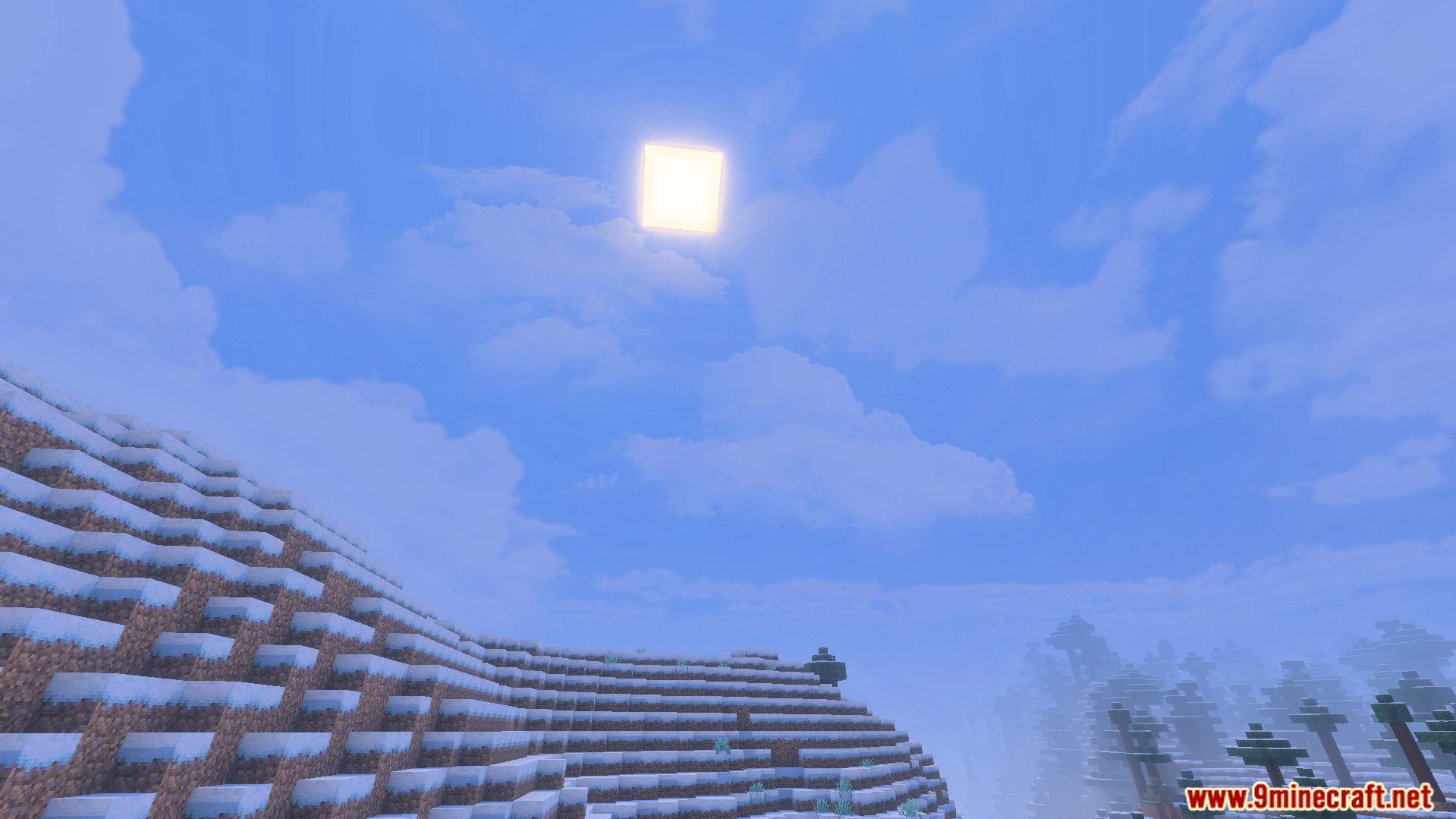
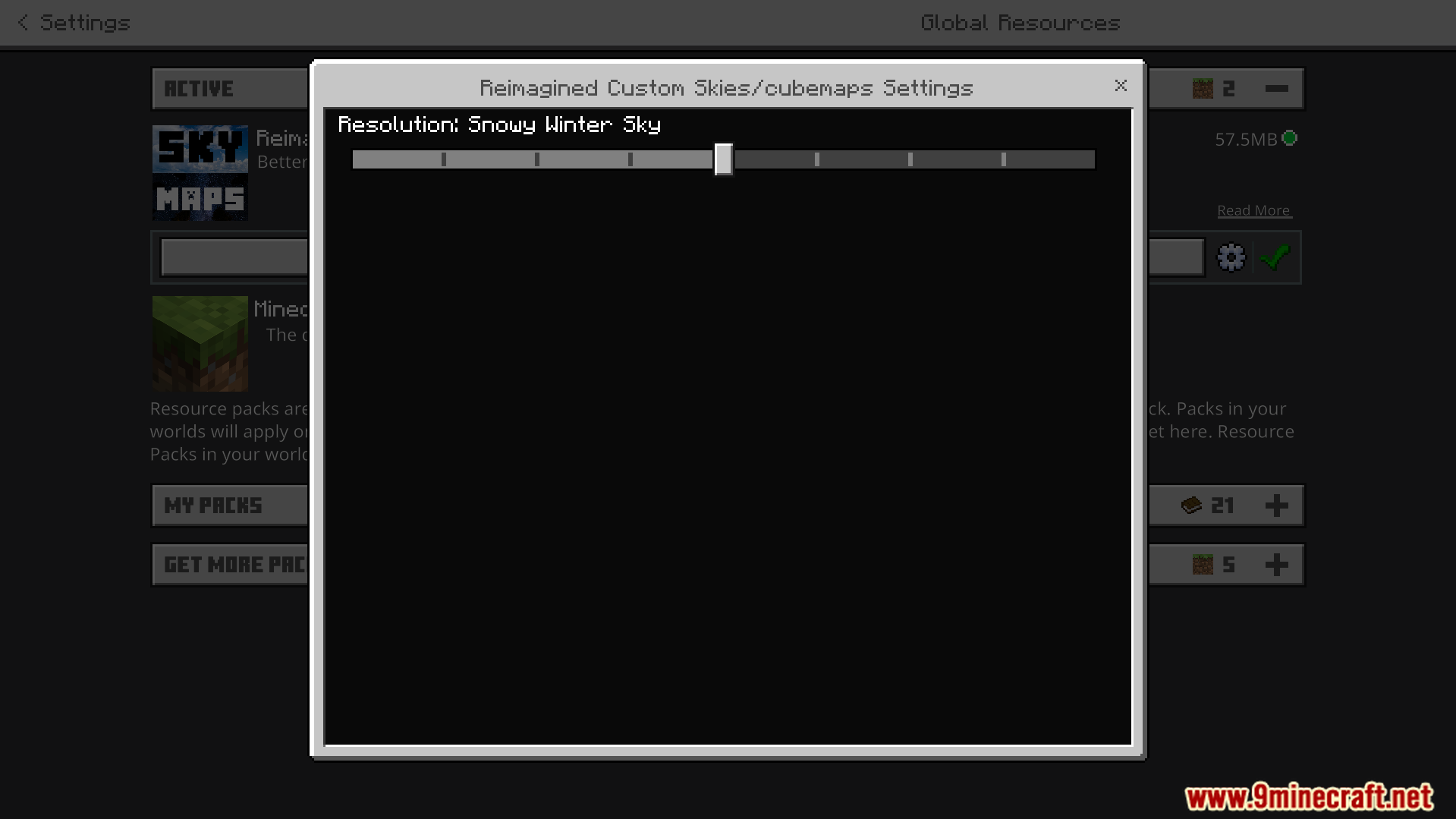
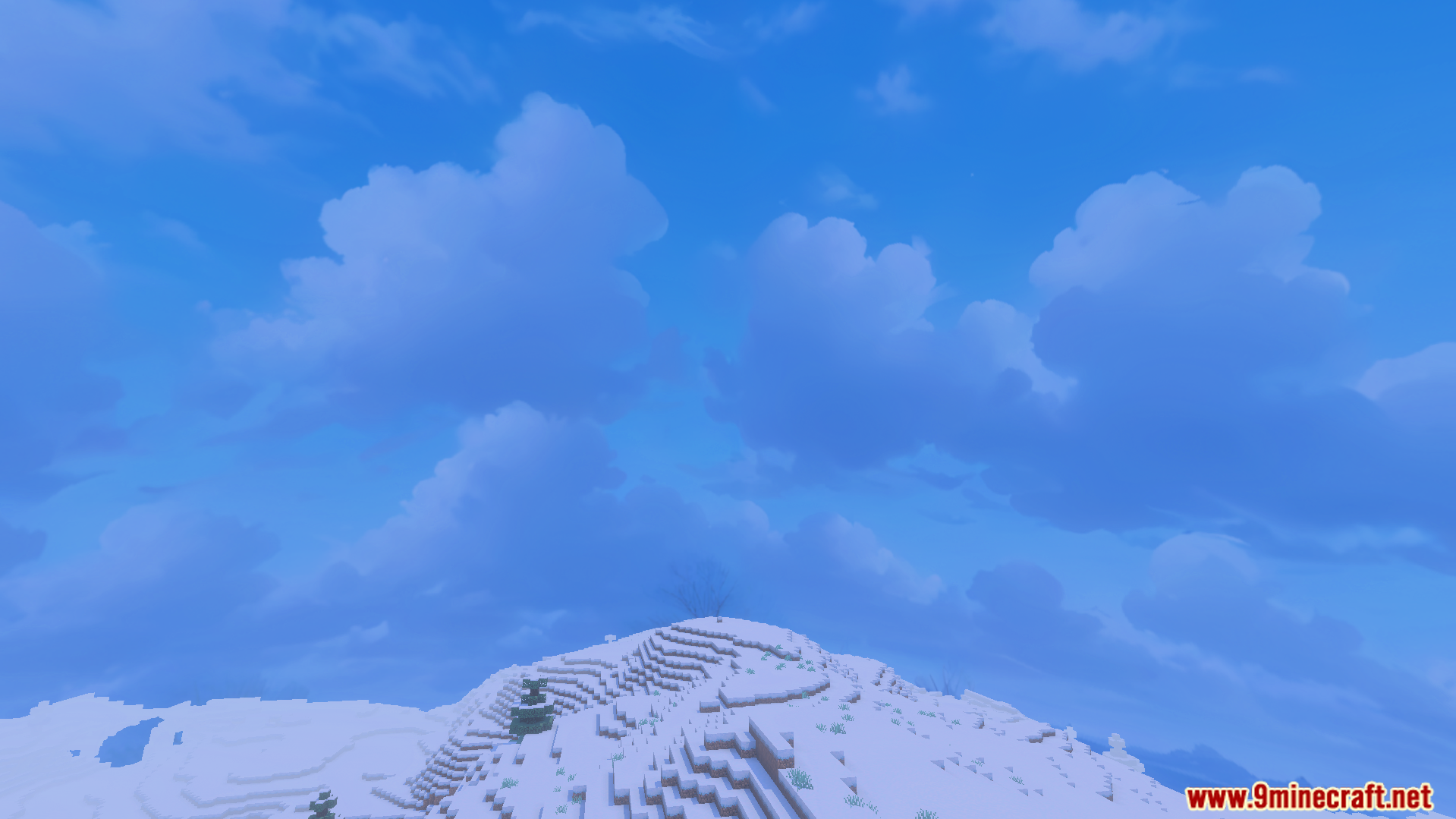
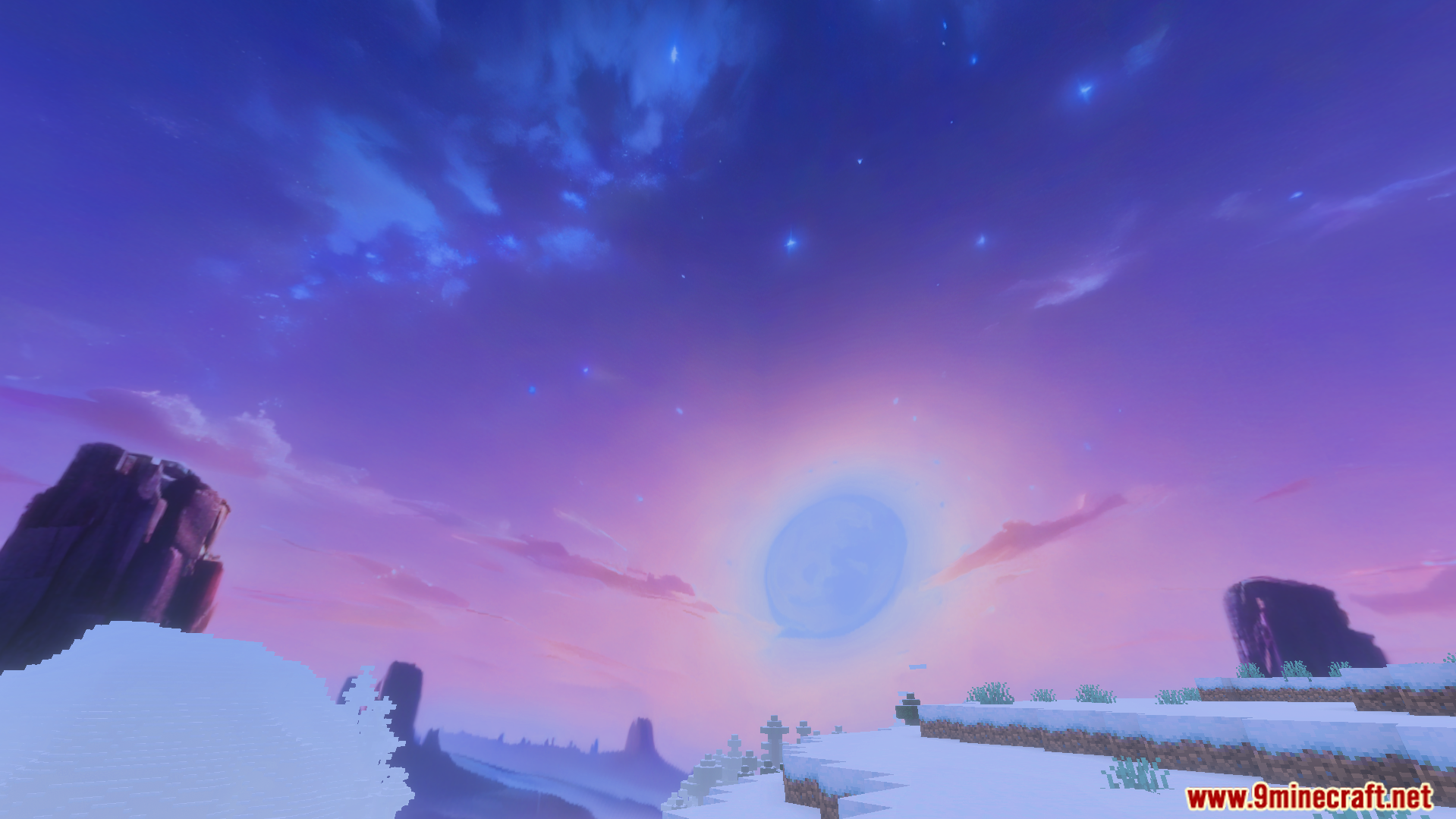
High resolution snowy winter sky texture over a snowy landscapeSettings menu showing the resolution slider for snowy winter skySnowy mountain landscape under a bright blue sky with fluffy white cloudsDark stormy sky with lightning over a snowy mountain and forest landscapebright nebula galaxy sky design over a snowy mountain landscapehigh resolution textures showing realistic clouds above snowy terrainSnowy landscape under a purple sky with planets and tall rock formationsSnowy terrain beneath a vibrant purple nebula galaxy sky designPurple storm clouds over snowy landscape in Minecraft PEBright nebula galaxy sky over snowy terrain in Minecraft PE
Custom Skies Cubemaps Addon Download Links
Quick facts
Edition: Minecraft Bedrock
File type: .mcpack or .mcaddon
Minecraft version listed: 1.21
How to install: Download the .mcpack or .mcaddon file. → Open it — Minecraft imports it. → In your world: Behavior Packs → Available → Activate, then the same under Resource Packs.
Where to get it: In MCModsHub, or directly above on this page.