ModsJava
Modifier Keybinds Mod (26.3, 1.20.1) – Bind Ctrl and Alt Combos
Java mod listed for Minecraft 1.20–26.x. Downloads from the MC Java Mods app on Android.
⬇ Download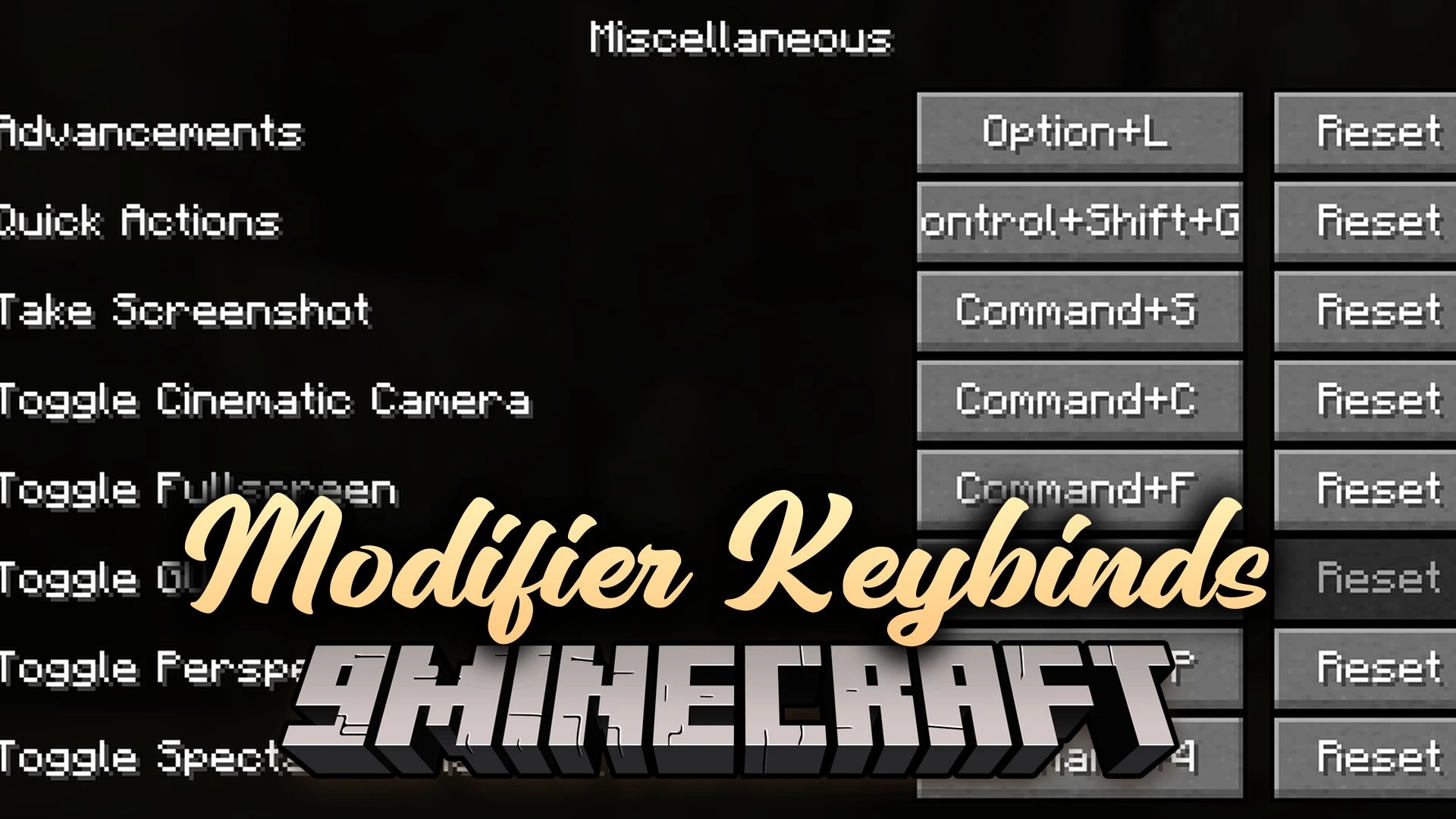
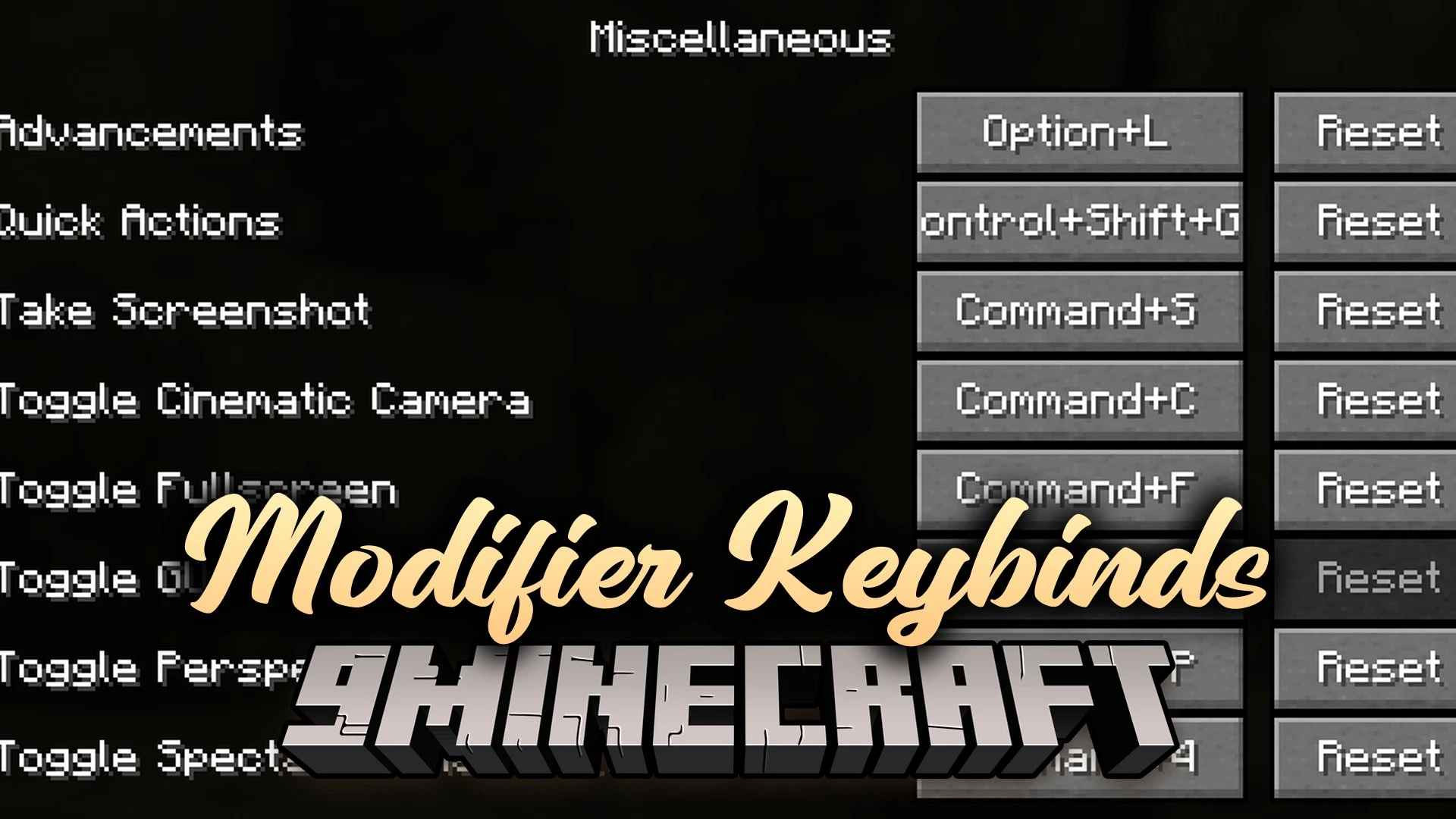
Modifier Keybinds Mod lets you use key chords such as Ctrl+J, Alt+A, or Ctrl+Meta+F for your Minecraft keybinds. You can mix modifier keys with a regular key to make a new shortcut. This mod works inside the normal Key Binds screen, so you manage your controls like usual.
Features:
- Key Chords: Use combos like Ctrl+J, Alt+A, or Ctrl+Meta+F as bindings for any Minecraft keybind.
- Modifier Keys: Pick any mix of Ctrl, Alt, Shift, and Meta and add a regular key on top.
- Mouse Buttons: Pair modifier keys with mouse buttons to build even more shortcuts.
- Works right inside
Options → Controls → Key Binds, so you do not need a new menu. - Lets you keep managing your keybinds the same way you always do.
- Some mods that handle their own keybinds in a different way may not work as expected with this mod.
How to Use:
- Open
Options → Controls → Key Bindsin Minecraft. - Pick the keybind you want to change.
- Set it to a combo, like Ctrl+J or Alt+A.
Modifier Keybinds Mod Download Links
Quick facts
- Edition: Minecraft Java
- File type: .jar
- Minecraft versions listed: 26.3, 1.20.1
- How to install: Install the matching mod loader (Forge, Fabric or NeoForge) for your Minecraft version. → Download the .jar. → Put it in the .minecraft/mods folder and launch that loader profile.
- Where to get it: In MC Java Mods, or directly above on this page.
Install steps are the general flow for this file type — How to install Minecraft Java mods & modpacks walks through it step by step.
File checked by MCModsHub
- Downloads as 538179.mcaddon
- Download size: 26 KB
- Download link checked 1 Nov 2026 — working
- Mirrored on our own servers — the download does not depend on the original host
These come from our own check of the pack file, not from the source page.