ModsJava
Bucketable Port Mod (26.3) – Catch Any Mob in a Bucket, Even the Ender Dragon
Java mod listed for Minecraft 26.x. Downloads from the MC Java Mods app on Android.
⬇ Download
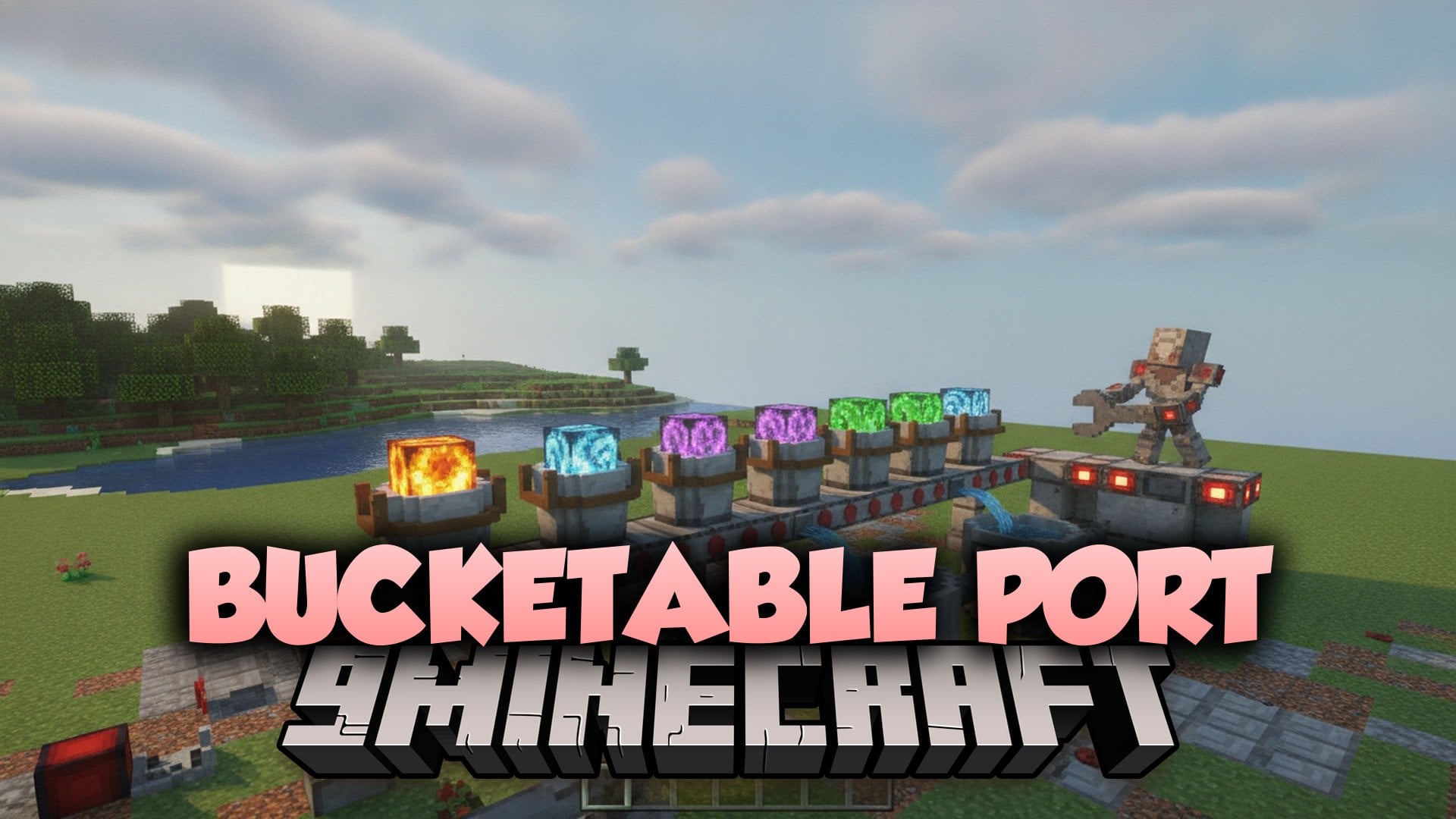
Bucketable Port Mod lets you scoop up any mob with a water bucket. It works on small pets like frogs and on huge mobs like the Ender Dragon. You can then empty the bucket on the ground to set the mob free again.
Features:
- Bucket Any Mob: Hold a water bucket, look at a mob, and right click to catch it.
- Sneak for Busy Mobs: Mobs that already do something when you right click, like villagers, camels, and allays, need you to sneak first.
- Easy Presets: Pick a ready-made group of mobs, such as all mobs, friendly water mobs, all water mobs, or small mobs.
- Custom Mob List: Add or remove single mobs so only the ones you want can go in a bucket.
- Lets you release a caught mob by right clicking the ground with the bucket.
- Includes an in-game help menu and a list of all mobs you can bucket right now.
Commands:
/function bucketable:presets/all: Turns on bucketing for all mobs./function bucketable:presets/none: Turns off bucketing for all mobs./function bucketable:presets/water_mobs_less: Turns on bucketing for friendly water mobs./function bucketable:presets/water_mobs_more: Turns on bucketing for all water mobs./function bucketable:presets/small_mobs: Turns on bucketing for small mobs./function bucketable:add/[MOB_ID]: Adds one specific mob to the list./function bucketable:remove/[MOB_ID]: Removes one specific mob from the list./function bucketable:list_enabled: Shows all mobs you can bucket right now./function bucketable:help: Opens the in-game help menu.
How to Use:
- Hold a water bucket in your hand.
- Look at the mob you want to catch.
- Press Right Click to put the mob in the bucket.
- For villagers, camels, allays, and other mobs with a right click action, hold Sneak while you press Right Click.
- Press Right Click on the ground to empty the bucket and let the mob out.
Bucketable Port Mod Download Links
Quick facts
- Edition: Minecraft Java
- File type: .jar
- Minecraft version listed: 26.3
- How to install: Install the matching mod loader (Forge, Fabric or NeoForge) for your Minecraft version. → Download the .jar. → Put it in the .minecraft/mods folder and launch that loader profile.
- Where to get it: In MC Java Mods, or directly above on this page.
Install steps are the general flow for this file type — How to install Minecraft Java mods & modpacks walks through it step by step.
File checked by MCModsHub
- Downloads as 538189.mcaddon
- Download size: 216 KB
- Download link checked 1 Nov 2026 — working
- Mirrored on our own servers — the download does not depend on the original host
These come from our own check of the pack file, not from the source page.