ModsJava
Mob Kill Counter Mod (26.3, 1.20.1) – Keep Score of Every Kill in Your Survival
Java mod listed for Minecraft 1.20–26.x. Downloads from the MC Java Mods app on Android.
⬇ Download
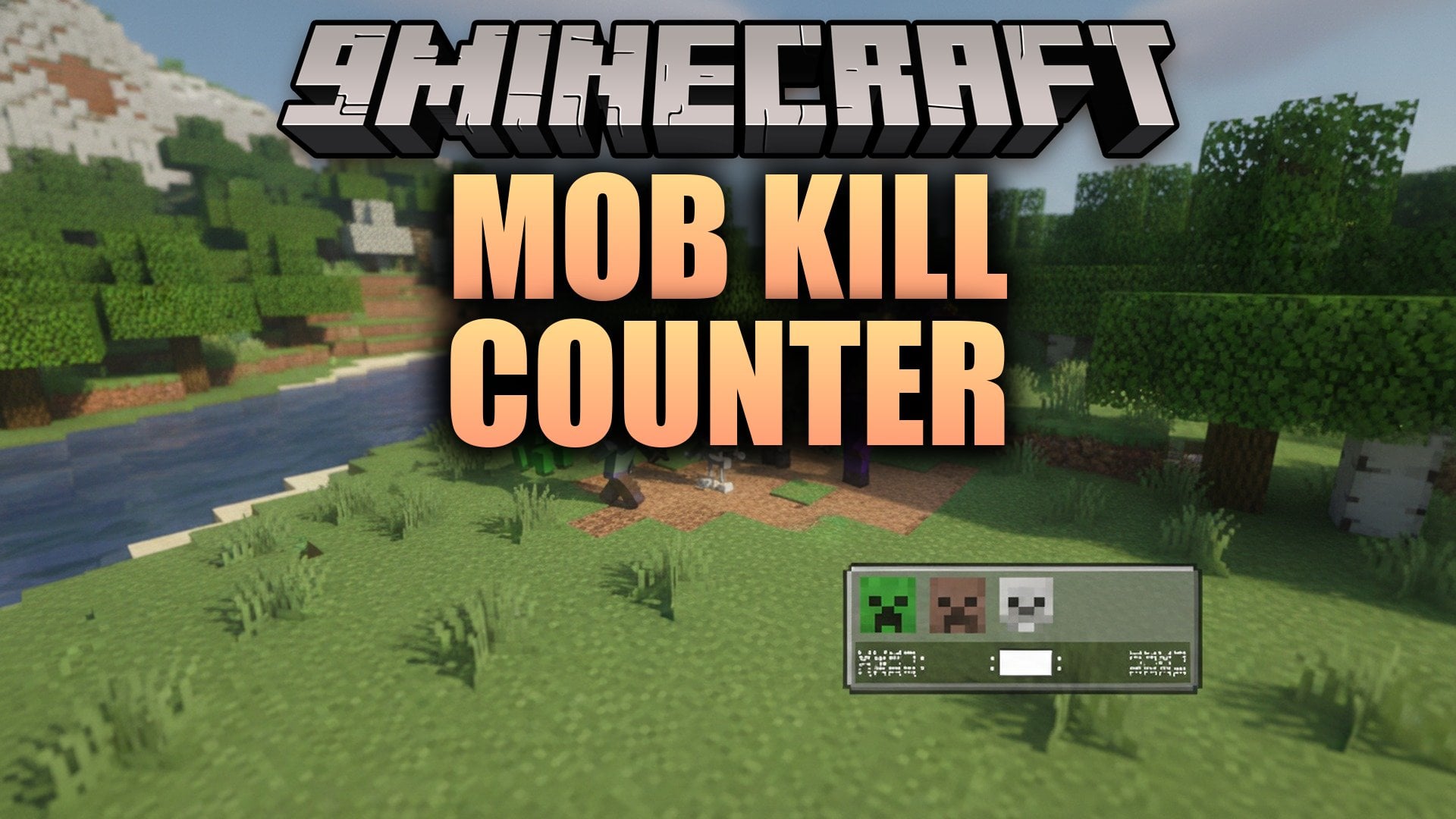
Mob Kill Counter Mod adds a simple kill count above your hotbar. It shows how many mobs you have killed in the current world. This mod is handy for Survival worlds and 100 days challenges.
Features:
- Hotbar Display: Shows the mob kill count right above your hotbar, so you can see it at a glance.
- Per-World Count: Tracks the kills of the world you are playing in.
- Works well for Survival worlds where you like to keep score.
- Fits 100 days challenges, so you can check your kills at any time.
- Can be added to worlds you already made without starting over.
How to Use:
- Open the folder of the world you want to use.
- Find the datapack folder inside it.
- Drop the zip file into that folder.
- Load the world and look above your hotbar to see the kill count.
Mob Kill Counter Mod Download Links
Quick facts
- Edition: Minecraft Java
- File type: .jar
- Minecraft versions listed: 26.3, 1.20.1
- How to install: Install the matching mod loader (Forge, Fabric or NeoForge) for your Minecraft version. → Download the .jar. → Put it in the .minecraft/mods folder and launch that loader profile.
- Where to get it: In MC Java Mods, or directly above on this page.
Install steps are the general flow for this file type — How to install Minecraft Java mods & modpacks walks through it step by step.
File checked by MCModsHub
- Downloads as 538191.mcaddon
- Download size: 7 KB
- Download link checked 1 Nov 2026 — working
- Mirrored on our own servers — the download does not depend on the original host
These come from our own check of the pack file, not from the source page.