ModsJava
Ragdollified Reactions Toggle Mod (26.2, 1.20.1) – Explosions Send You Flying
Java mod listed for Minecraft 1.20–26.x. Downloads from the MC Java Mods app on Android.
⬇ Download
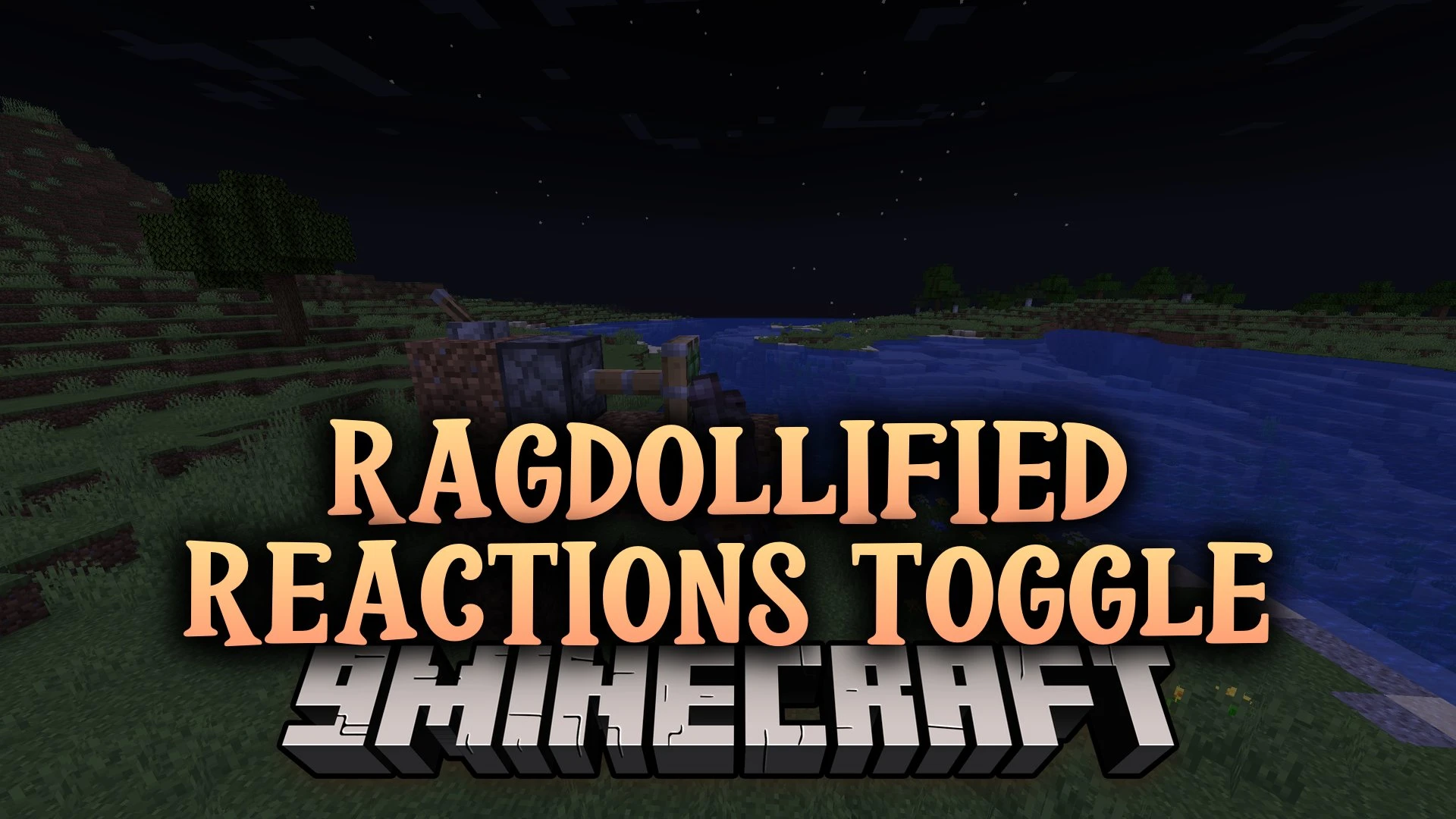
Ragdollified Reactions Toggle Mod adds ragdoll reactions to Ragdollified. Explosions, pistons, hard falls, and fast crashes now throw your body around. This mod also lets you turn ragdoll on and off with one key.
Features:
- Event Reactions: You ragdoll when something big happens, like an explosion, a piston push, a fall, or a high-speed hit.
- Ragdoll Toggle: Press H to switch your ragdoll on or off whenever you want.
- Lets the world still push and hit you while you are in ragdoll mode.
- Sends you flying and flailing after a big knockback.
- Sticks your ragdoll to a sticky piston when it pushes you.
- Shows both of your hands in first-person view while you fall in ragdoll mode.
- Works with everything Ragdollified works with, because it uses the same renderer.
How to Use:
- Press H to turn your ragdoll on or off.
- Stand near an explosion, a piston, or a high ledge to see the ragdoll reactions start on their own.
Ragdollified Reactions Toggle Mod Download Links
Quick facts
- Edition: Minecraft Java
- File type: .jar
- Minecraft versions listed: 26.2, 1.20.1
- How to install: Install the matching mod loader (Forge, Fabric or NeoForge) for your Minecraft version. → Download the .jar. → Put it in the .minecraft/mods folder and launch that loader profile.
- Where to get it: In MC Java Mods, or directly above on this page.
Install steps are the general flow for this file type — How to install Minecraft Java mods & modpacks walks through it step by step.
File checked by MCModsHub
- Downloads as 538194.mcaddon
- Download size: 58 KB
- Download link checked 1 Nov 2026 — working
- Mirrored on our own servers — the download does not depend on the original host
These come from our own check of the pack file, not from the source page.