ModsJava
Conflux Map Mod (26.3, 1.20.1) – Map Caves, Mark Waypoints, and Never Lose
Java mod listed for Minecraft 1.17–26.x. Download on the author's site.
⬇ Download
Conflux Map Mod adds a minimap and a fullscreen world map to Fabric on Minecraft 1.17.1 and the whole 1.21 line. It runs on the client only, so you can use it on vanilla, modded, or proxied servers. You see your position, caves, waypoints, and nearby mobs at a glance. It even guesses unexplored terrain from the world seed.
Features:
- HUD Minimap: Shows a square or round map in a corner of your screen. You pick from 4 corner spots, 4 sizes, and 4 zoom levels. It can also rotate with your view and show your coordinates and biome.
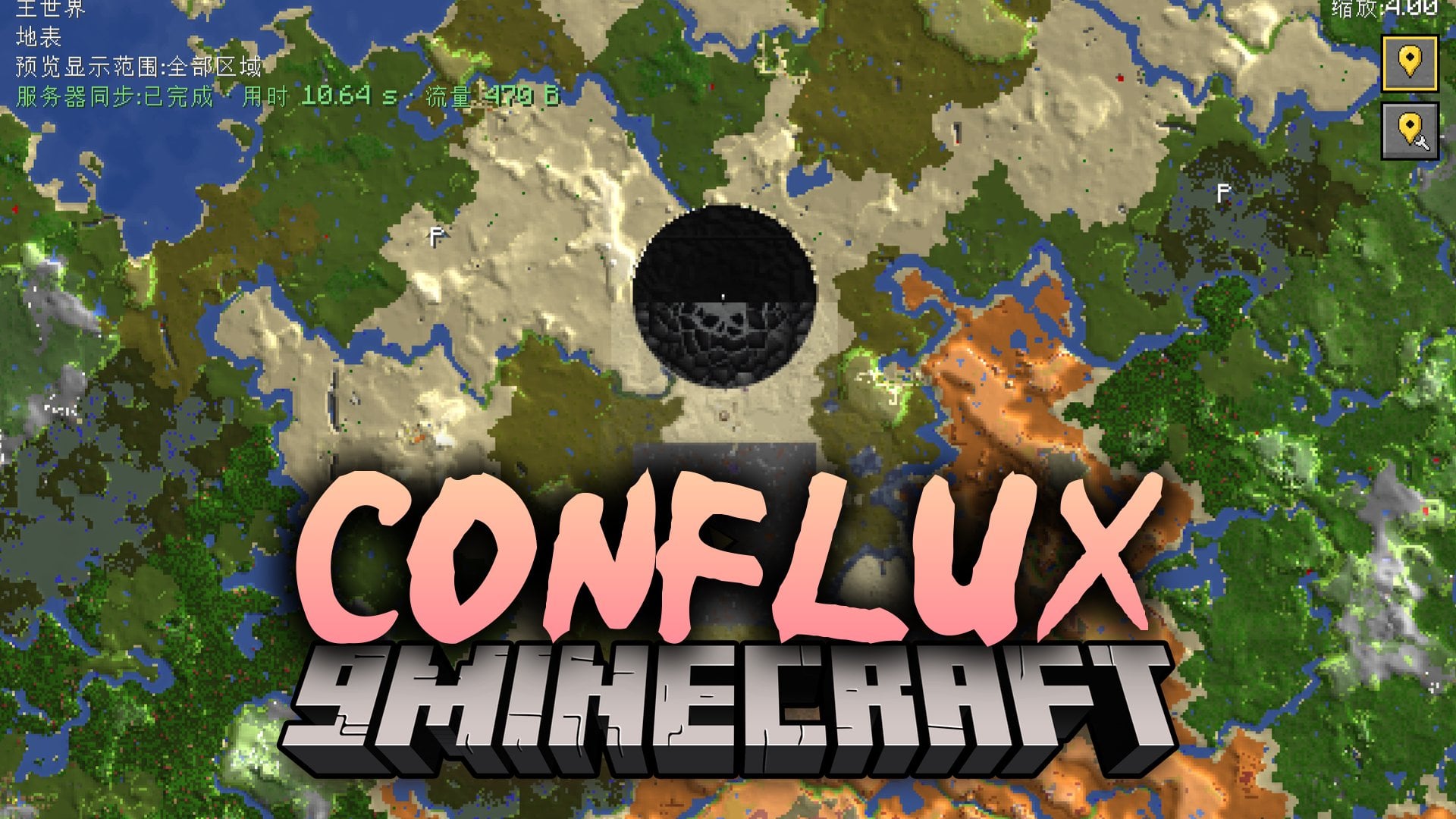
- Fullscreen World Map: Lets you pan and zoom over the map, with zoom centered on your cursor. Right-click anywhere to drop a waypoint.
- Cave, Nether, and End Layers: Detects when you go underground in the Overworld and switches the view without flickering. The Nether has current-layer, ceiling, and manual Y-slice modes. The End draws a void background.
- Waypoints and Death Points: Lets you create, edit, color, group, and toggle waypoints. Death markers are added for you. Arrows at the minimap edge point to waypoints that are off screen.
- Entity Radar: Sorts hostile mobs, passive mobs, players, and others apart. Each group has its own toggle, range, and mob cap.
- Seed-Predicted Underlay: Shows an instant estimate of biomes, terrain height, and tree cover when you pan into unexplored Overworld or End terrain. Real map tiles draw over it as they load.
- Lets you create, rename, and delete waypoint sets, and move many points between sets in one go.
- Shows each waypoint only in its own dimension, with an optional 8:1 Overworld and Nether cross-view.
- Lets you preview a chat message before you share coordinates, in Conflux Map or Xaero format. You can click a coordinate message from chat to import it.
- Saves explored terrain for each world, server, dimension, and layer, so rejoining shows the map you already drew.
- Marks villages, ocean monuments, woodland mansions, outposts, ruined portals, and end cities as see-through markers until real data confirms or rules them out.
- Offers three prediction modes: everywhere, generated-only, and visited-only.
- Includes an in-game settings screen where every option applies right away, with no restart. It comes in English and Simplified Chinese.
- Works fully on the client. An optional server companion can add public waypoint sharing and corrections to predicted terrain when a server operator turns it on.
How to Use:
- Press H to show or hide the minimap.
- Press ] or [ to zoom the minimap in or out.
- Press M to open the fullscreen world map.
- Press B to add a new waypoint at your position, or press U to open the waypoint list.
- Press J to toggle local waypoints.
- Press Y to cycle the manual layer override.
- Press P to cycle the prediction mode, and press F9 to reload prediction tiles.
- Press , to open the settings screen. You can rebind all keys in the Controls screen under the “Conflux Map” category.
Conflux Map Mod Download Links
Quick facts
- Edition: Minecraft Java
- File type: .jar
- Minecraft versions listed: 26.3, 1.20.1, 1.17.1
- How to install: Install the matching mod loader (Forge, Fabric or NeoForge) for your Minecraft version. → Download the .jar. → Put it in the .minecraft/mods folder and launch that loader profile.
- Where to get it: Opens on the file's original source — not every file is mirrored on our own servers.
Install steps are the general flow for this file type — How to install Minecraft Java mods & modpacks walks through it step by step.
Conflux Map Mod (26.3, 1.20.1) – Map Caves, Mark Waypoints, and Never Lose is a free Minecraft Java mod. Compatible with Minecraft 26.3, 1.20.1, 1.17.1, 1.21. Download it and open it directly in the game.