Home›Bedrock›Addons›DoubleHands Addon (26.x, 1.21) – Place Blocks And Use Items From Your Left Hand
AddonsBedrock
DoubleHands Addon (26.x, 1.21) – Place Blocks And Use Items From Your Left Hand
Bedrock add-on listed for Minecraft 1.21 (behavior pack only). File opened and checked on 12 Oct 2026; installs from the MC Bedrock Mods app on Android.
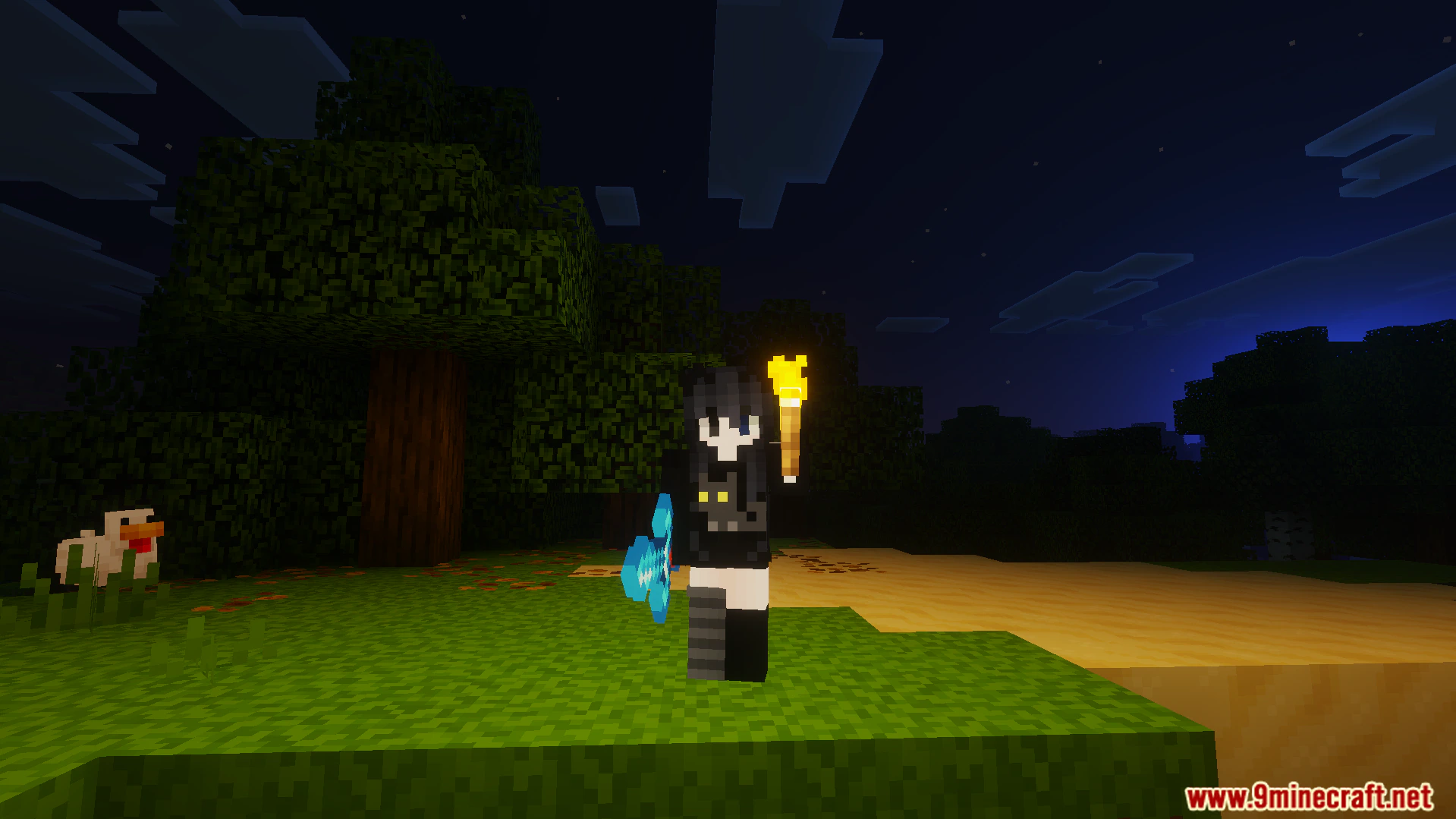
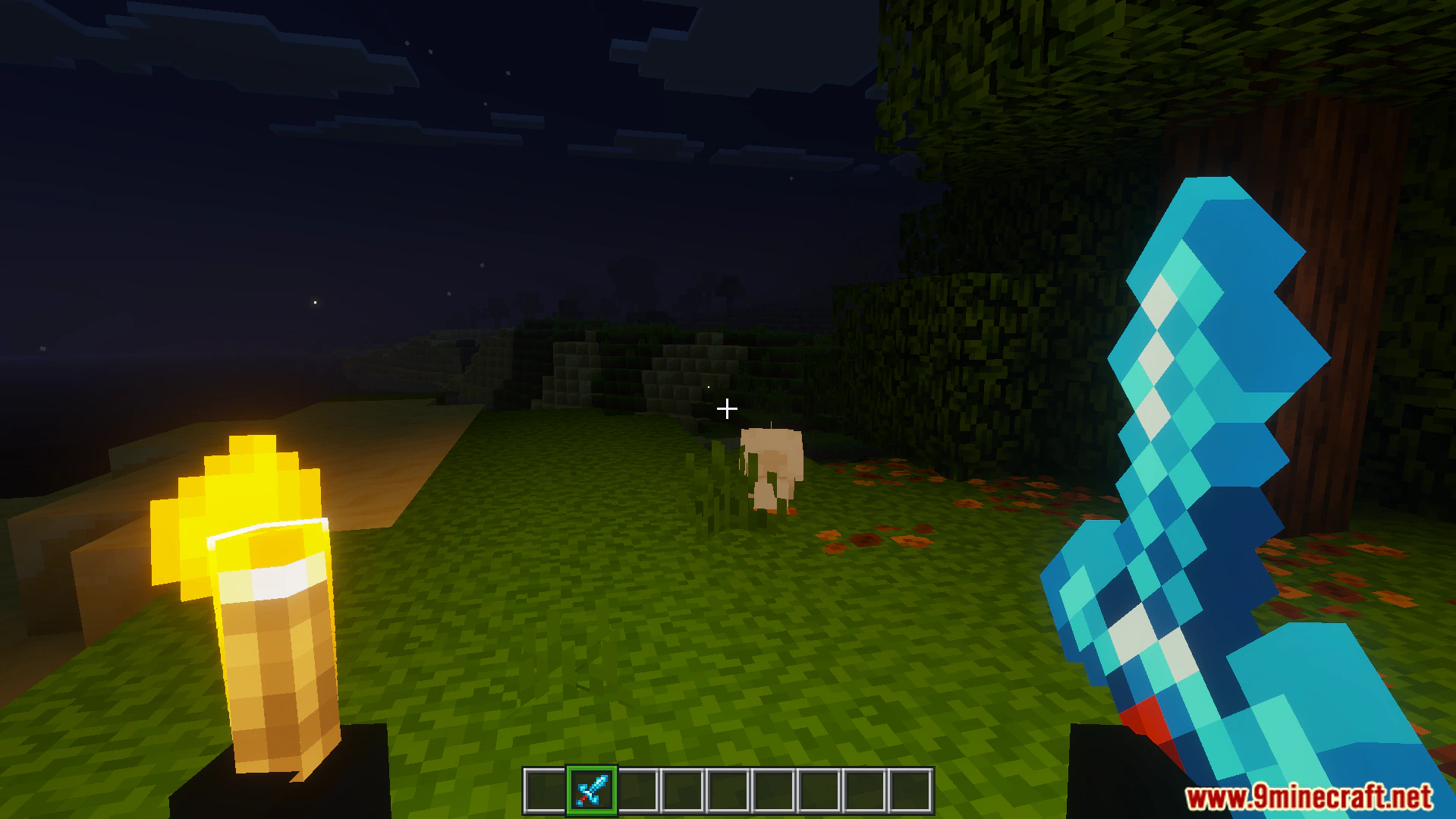
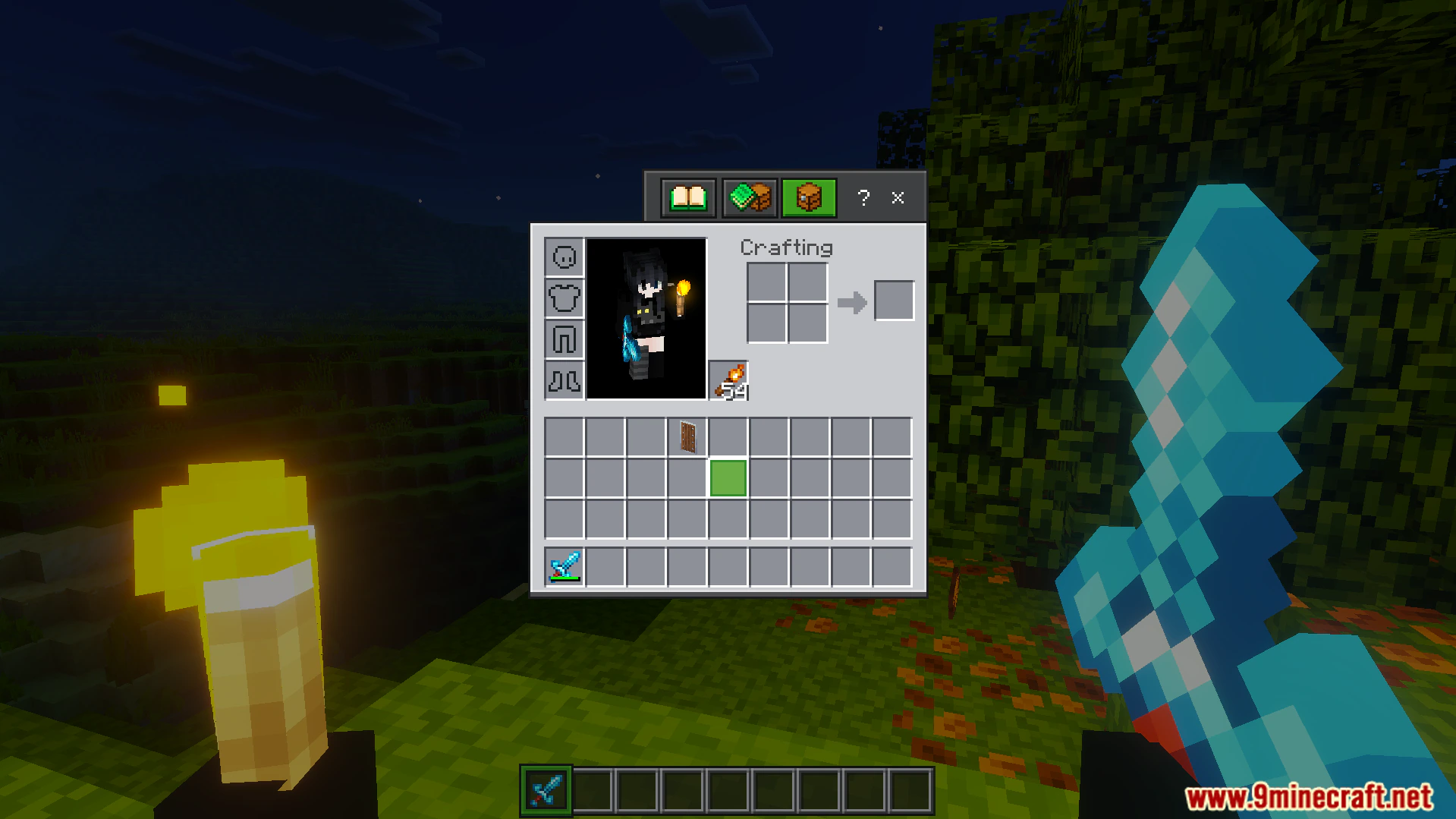
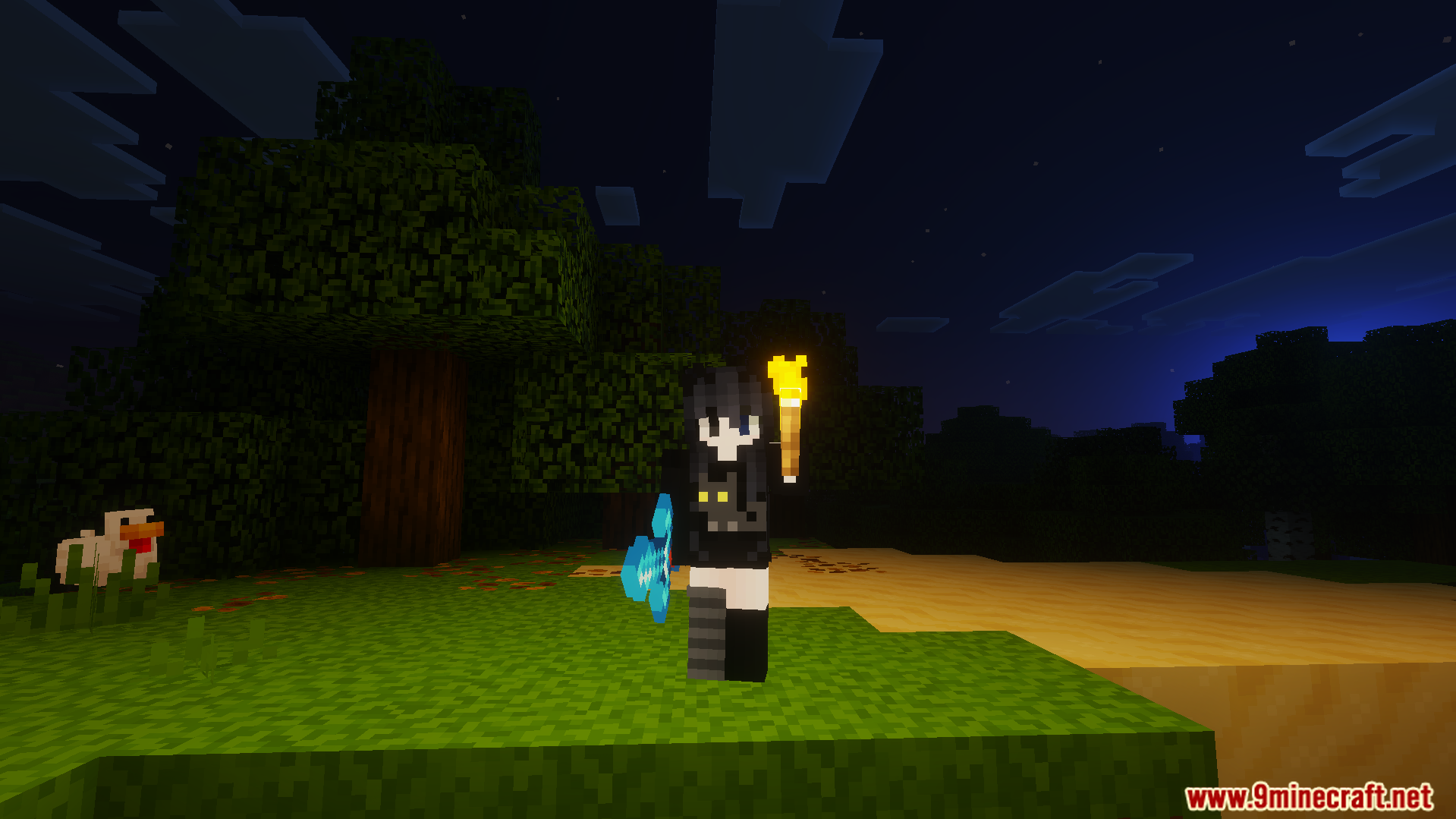
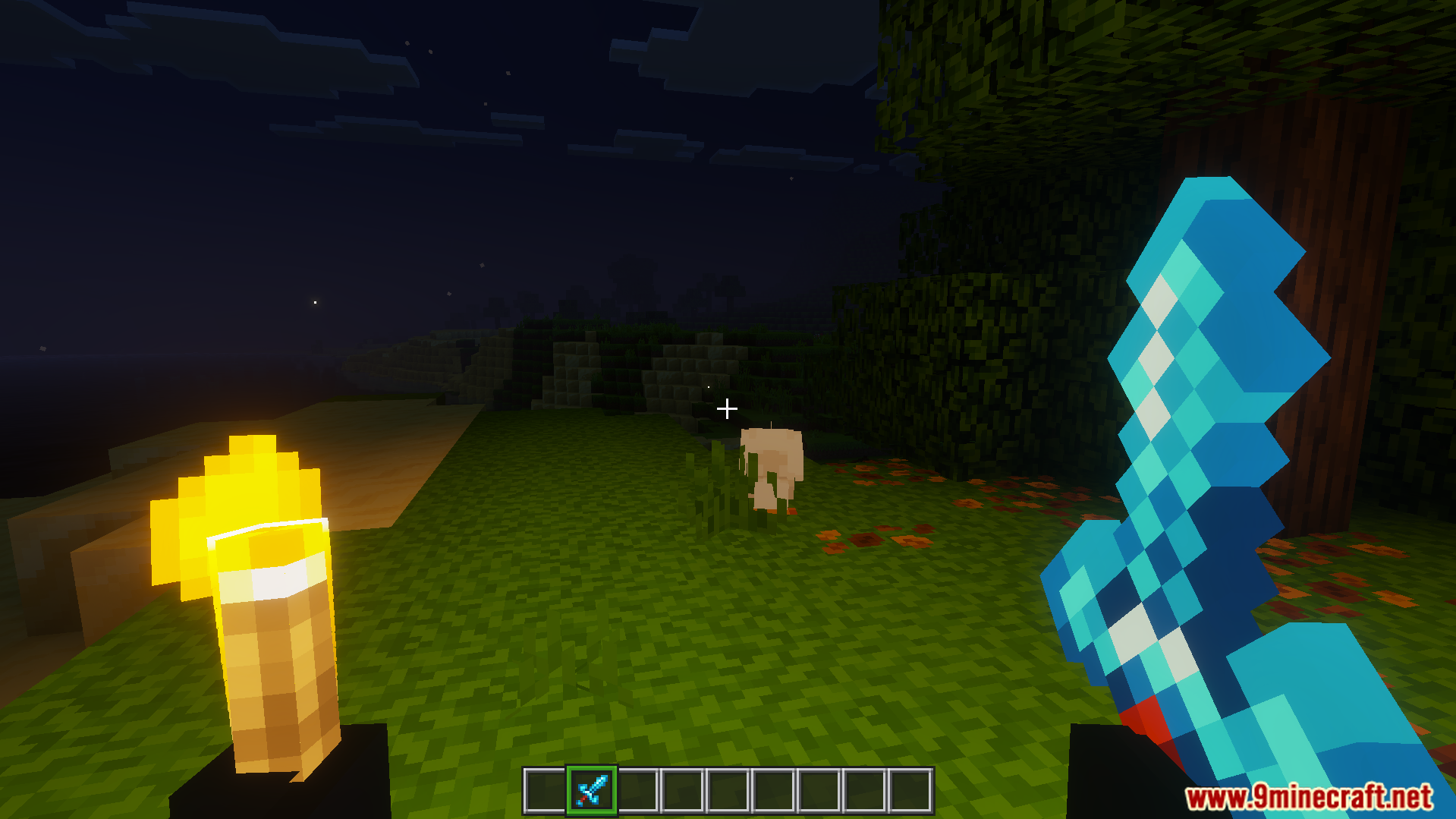
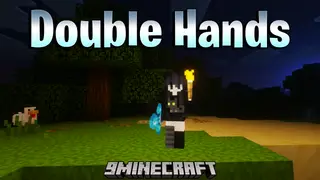
DoubleHands Addon lets you hold and use items in your left hand. It allows you to place blocks, throw snowballs, and plant crops from your offhand. This addon adds bright light to your area when you hold glowing items.
Features:
Places any block or liquid from your left hand easily.
Plants seeds and crops while you hold a farming hoe.
Throws items like snowballs and eggs from your other hand.
Fires rockets to boost your flying speed in the sky.
Makes correct sound effects when you do left-handed actions.
Commands:
Type /swap in the chat box to move your held item. You can also double sneak to shift items to your left hand. The pointing emote will also switch your items instantly. Keyboard players can set a custom key to swap items fast.
Screenshots:
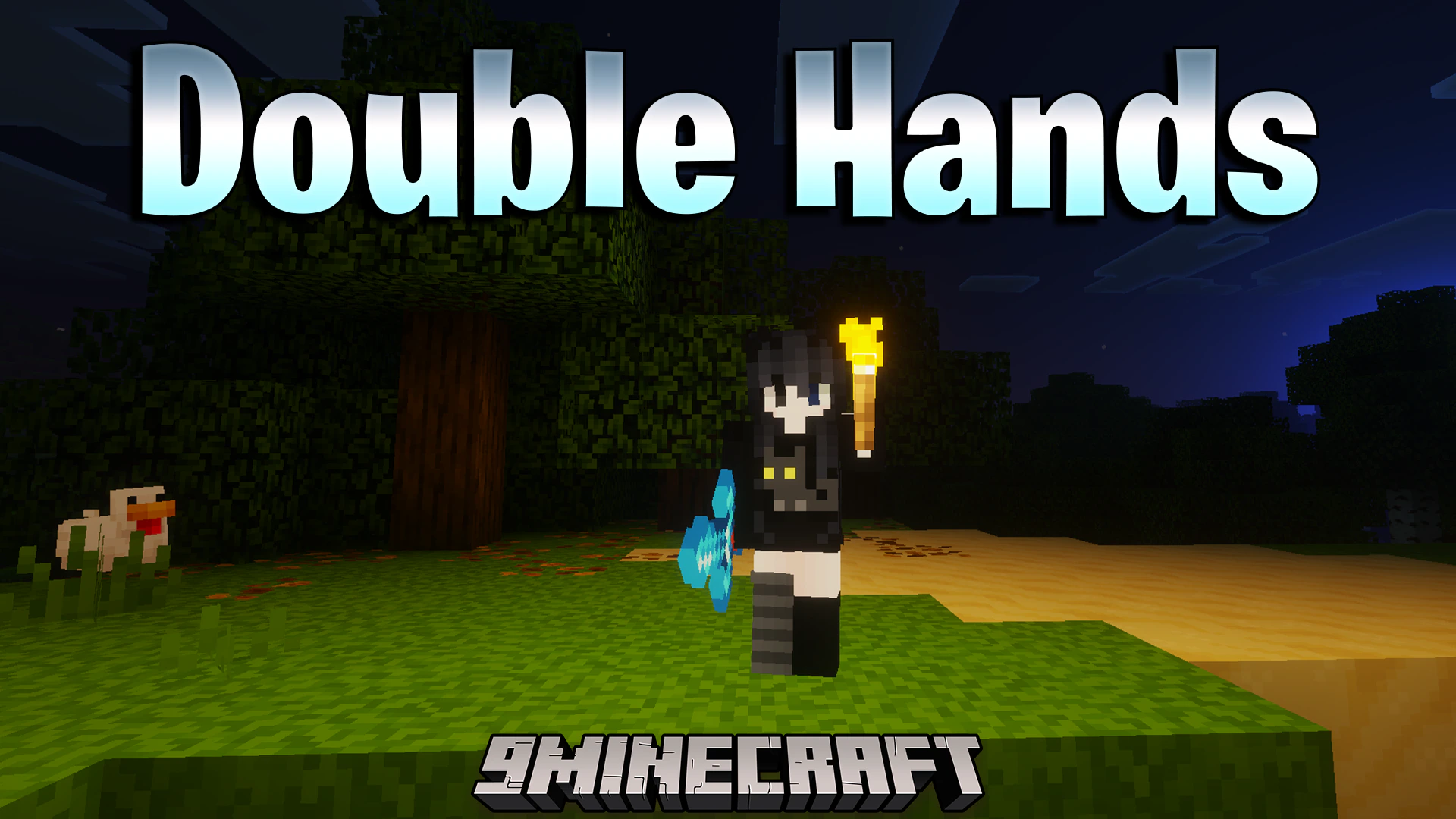
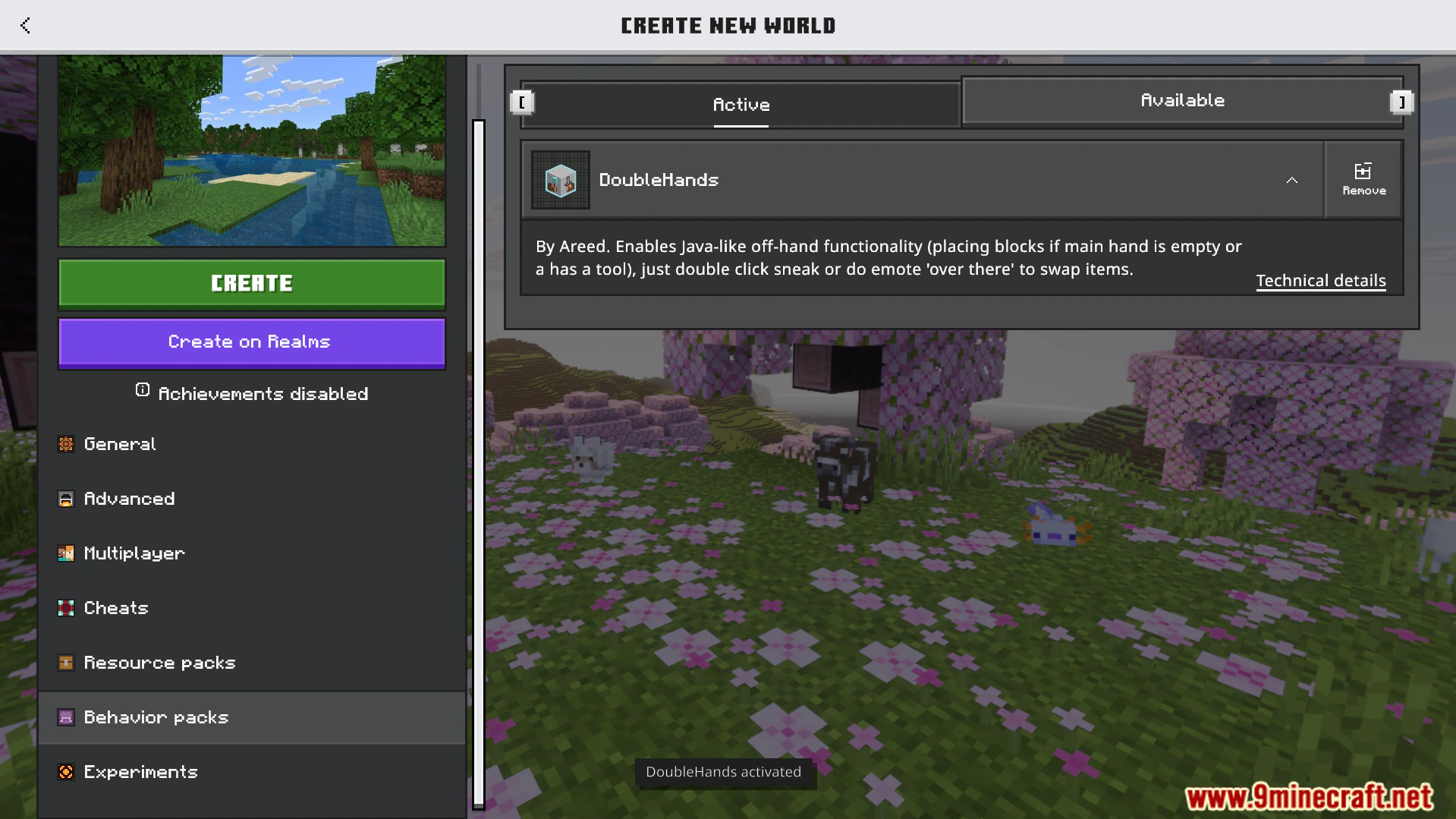
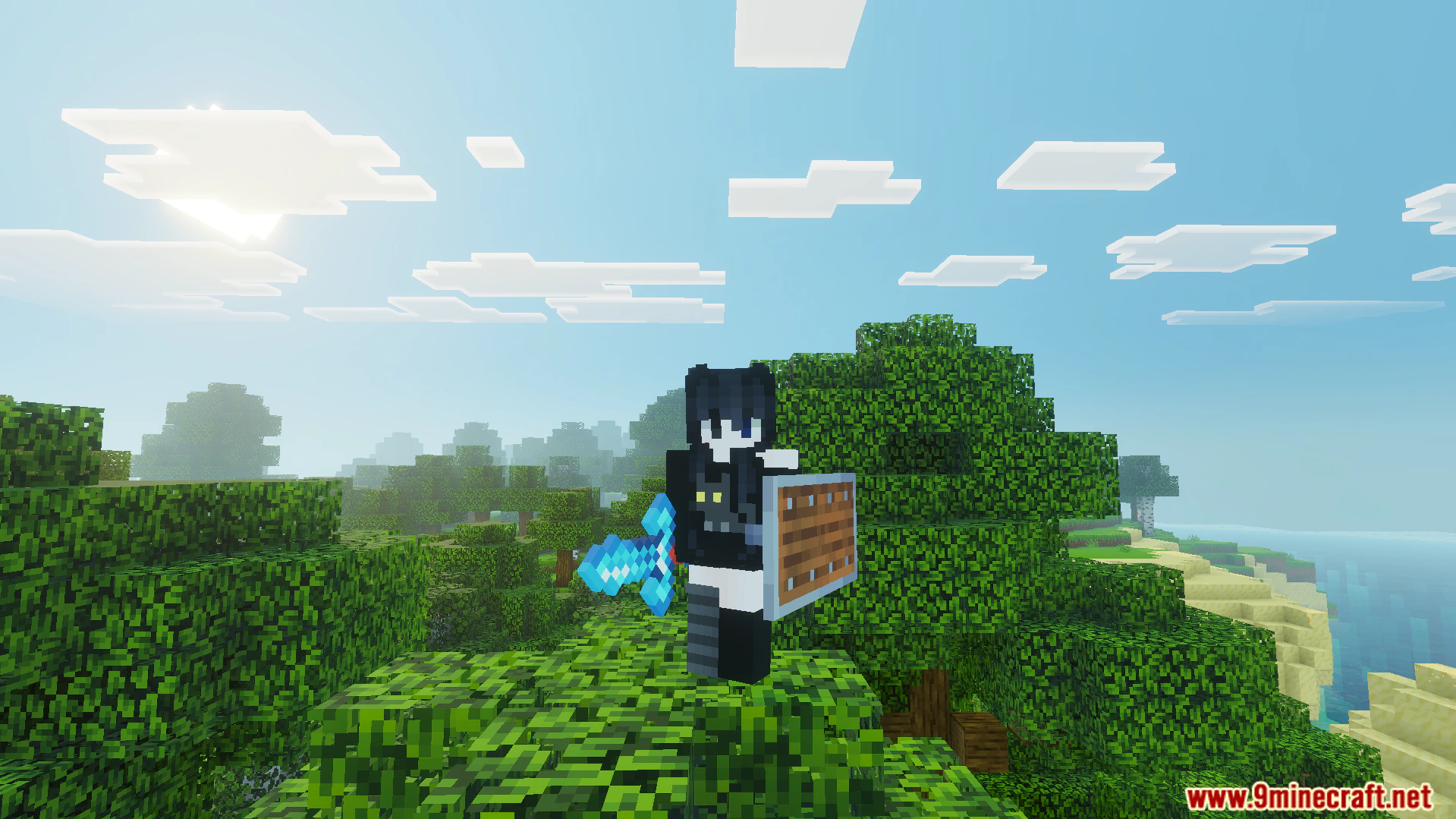
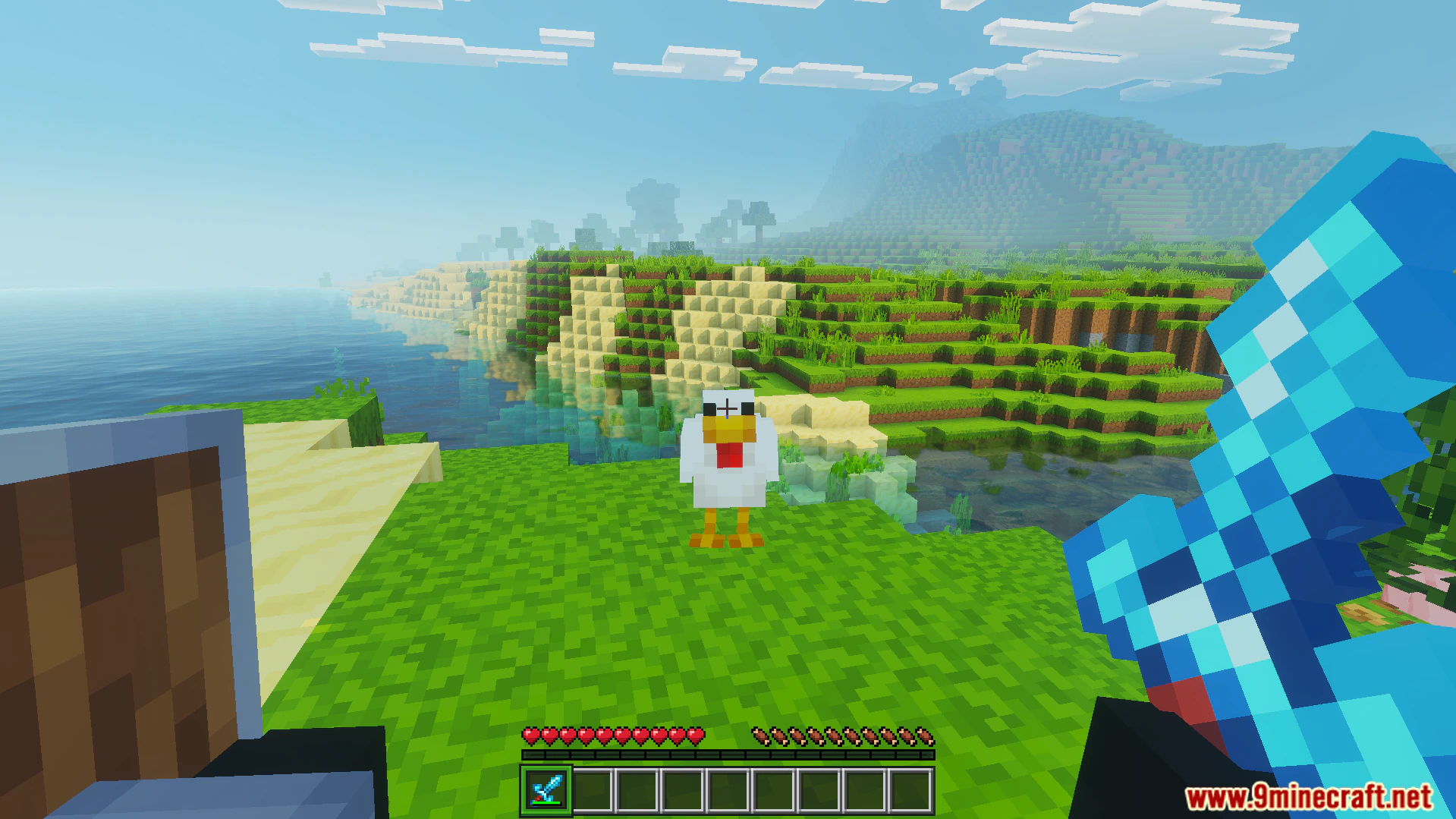
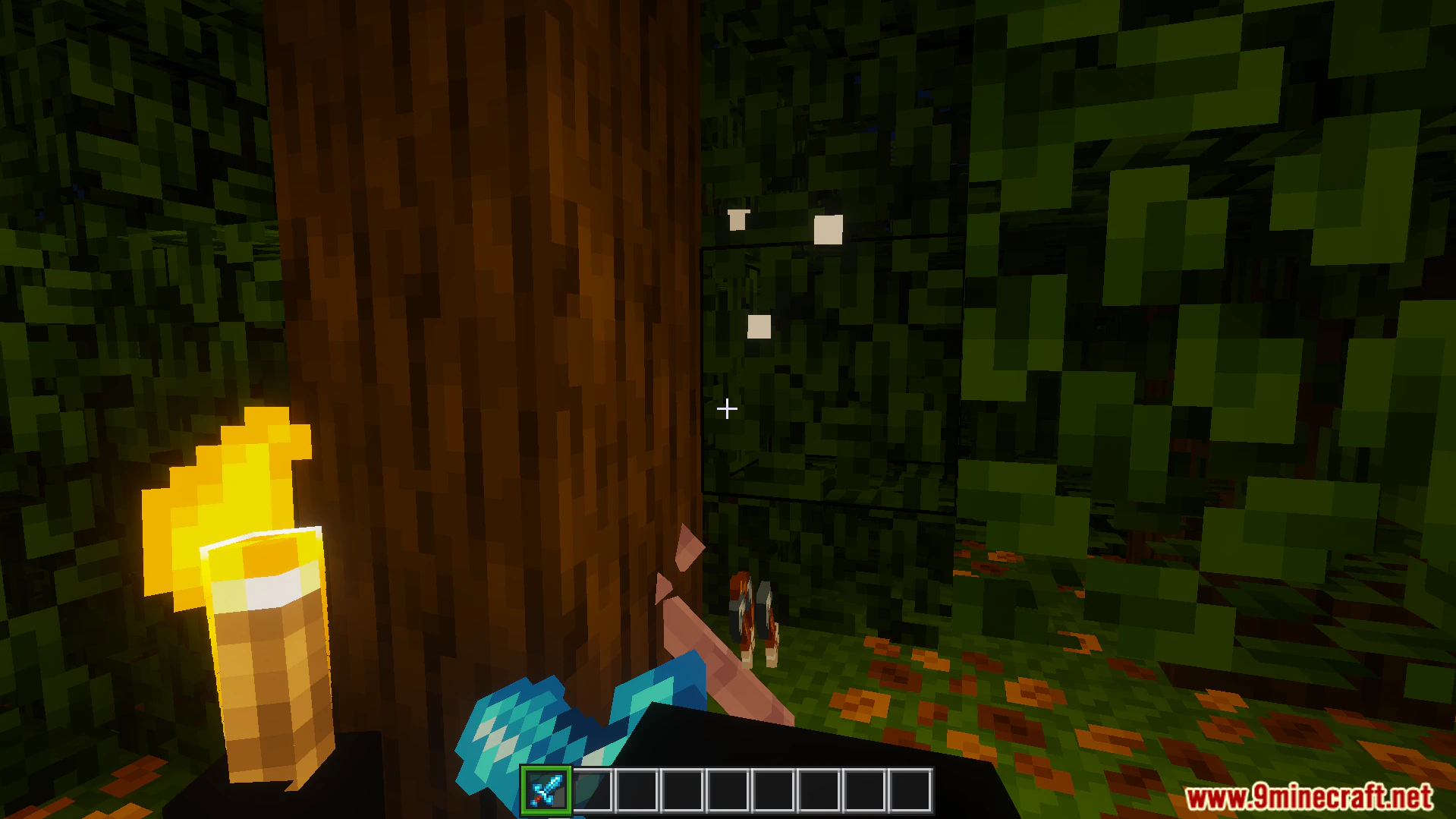
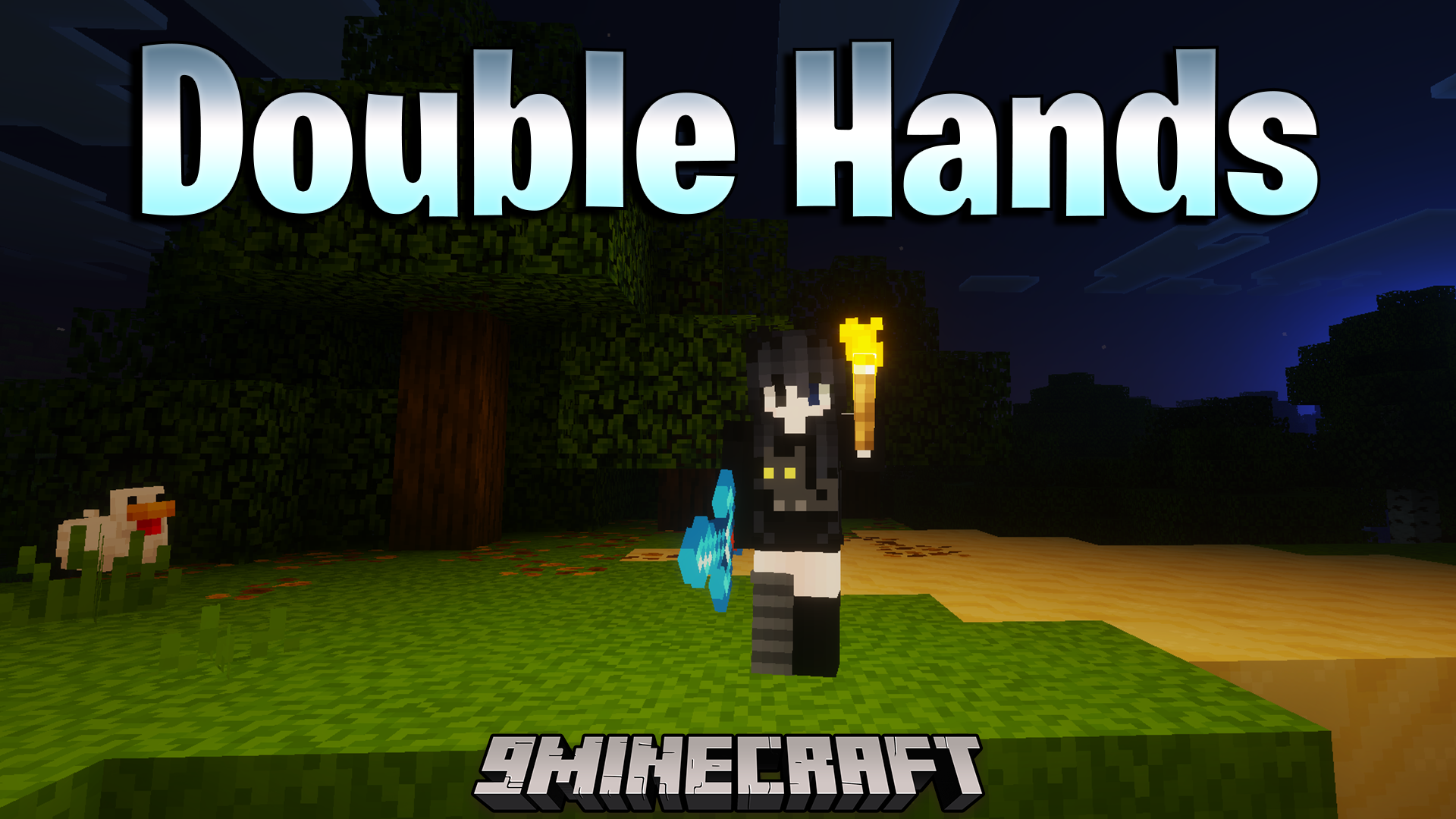
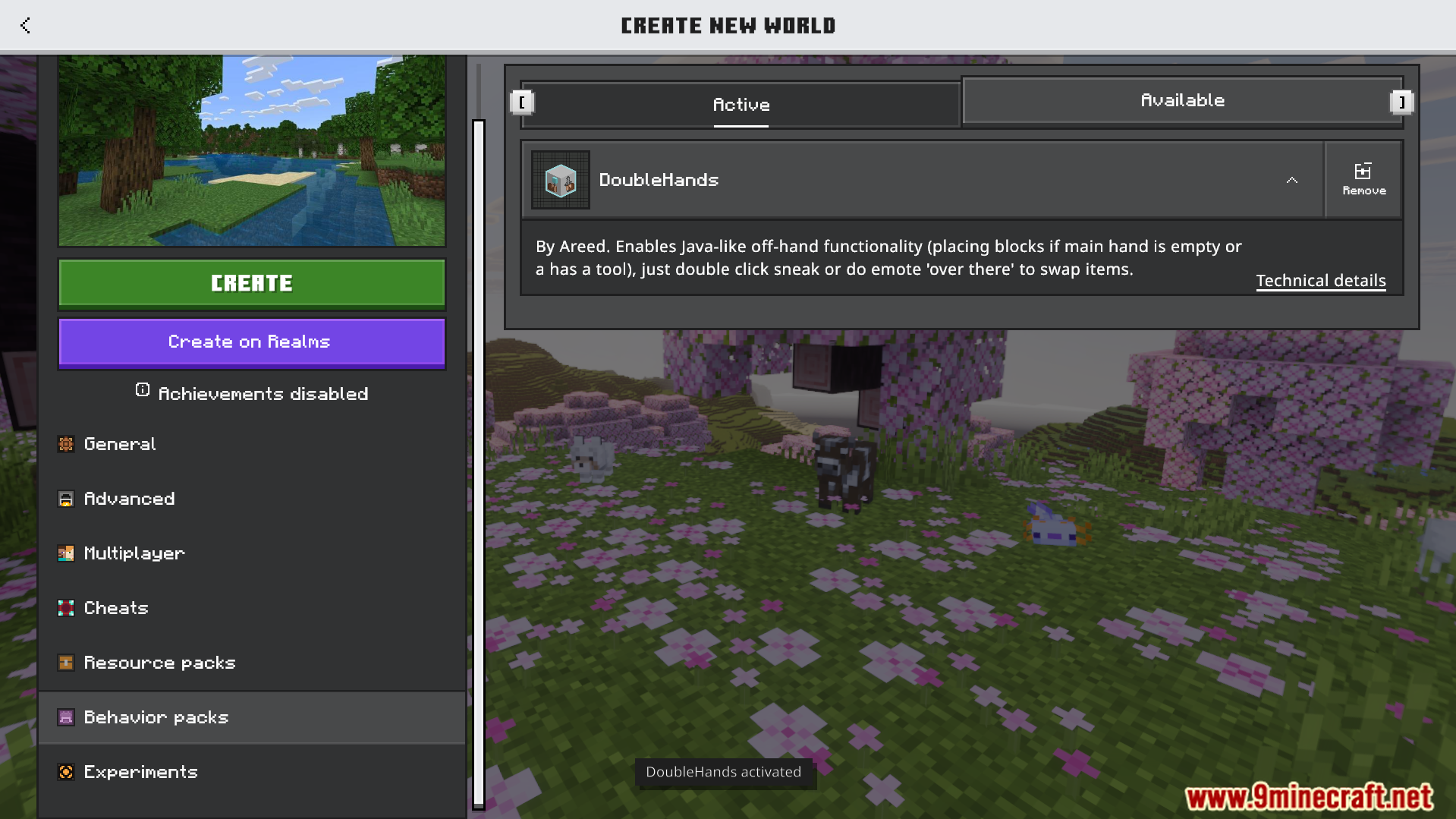
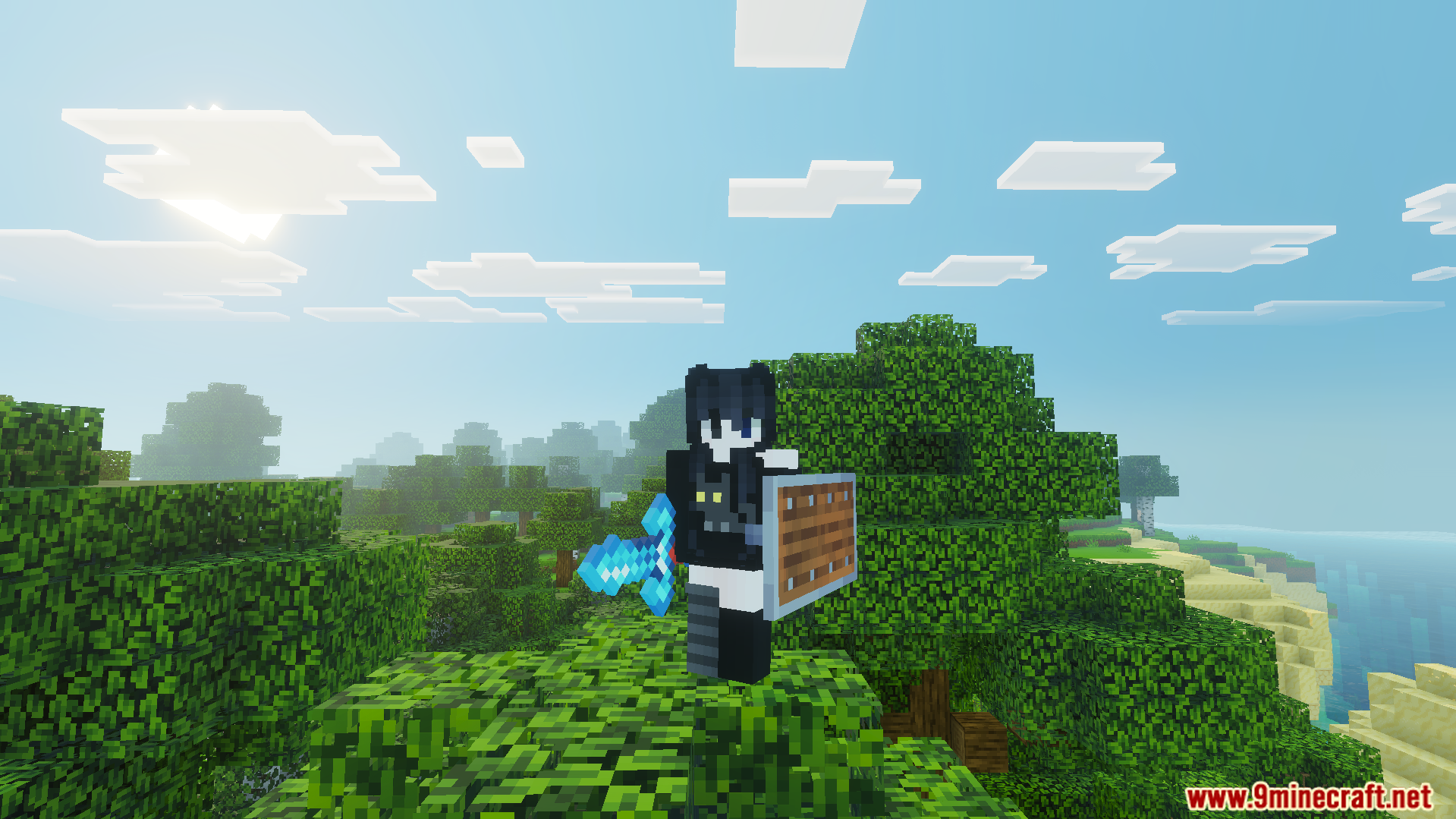
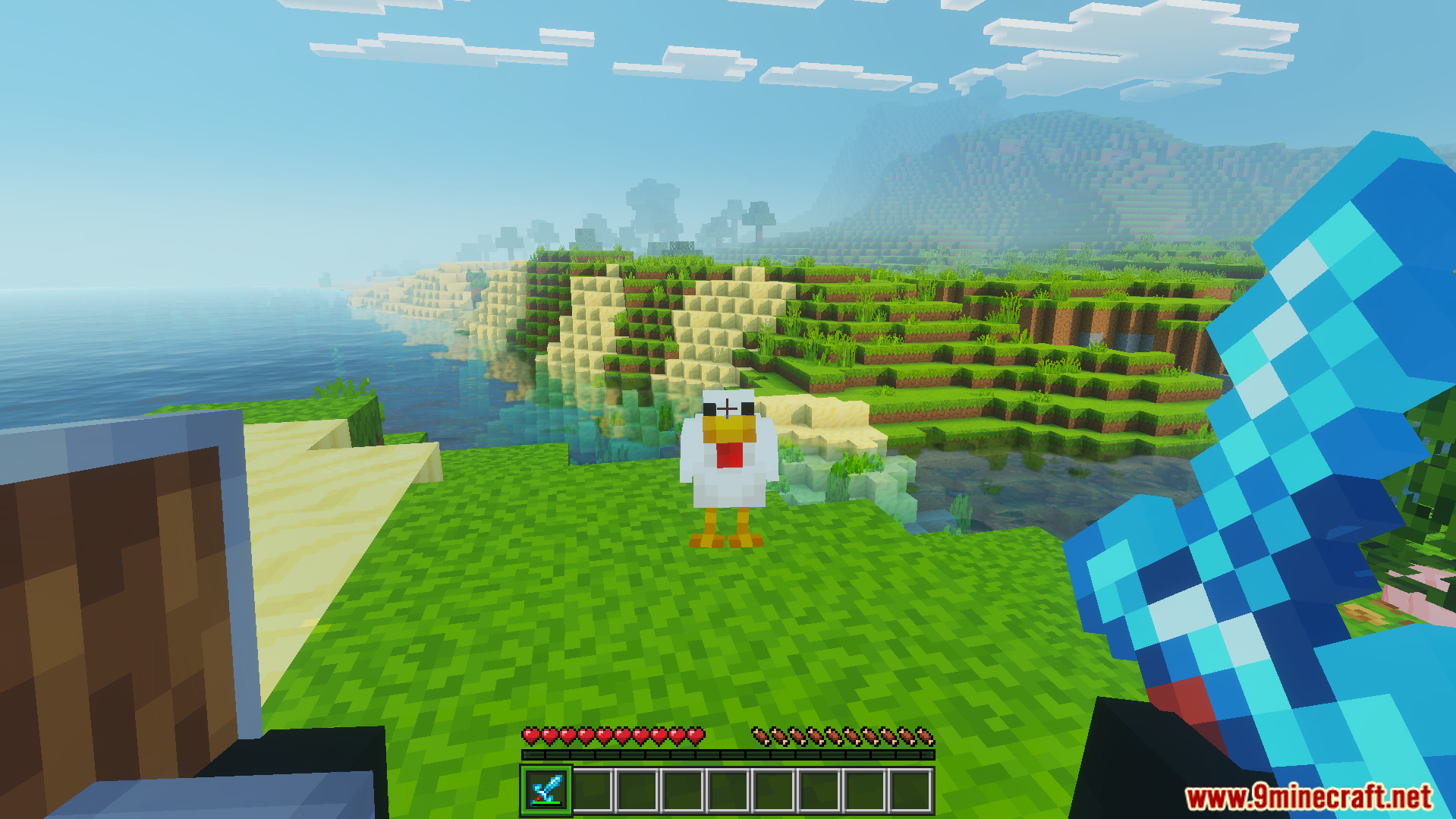
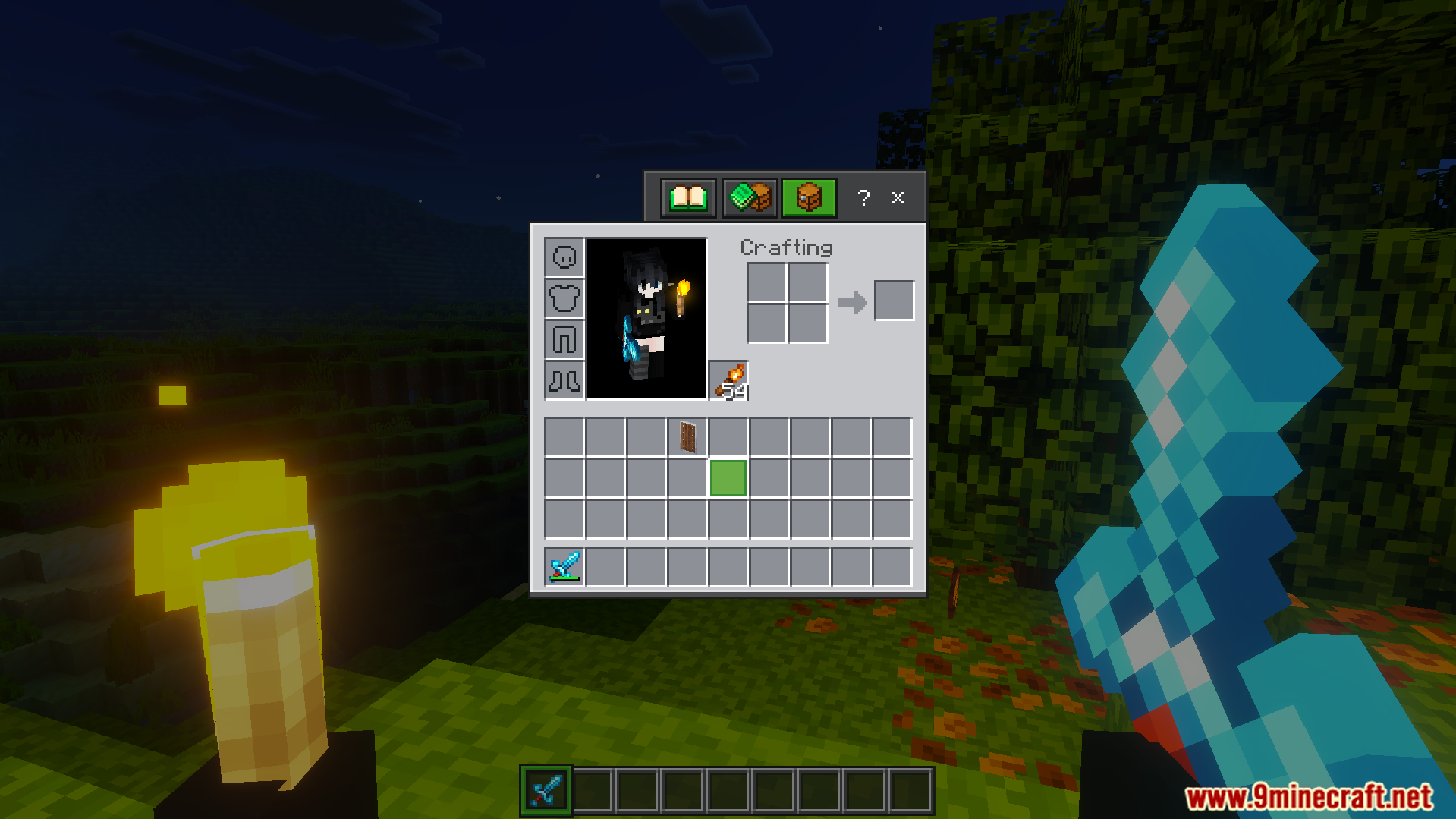
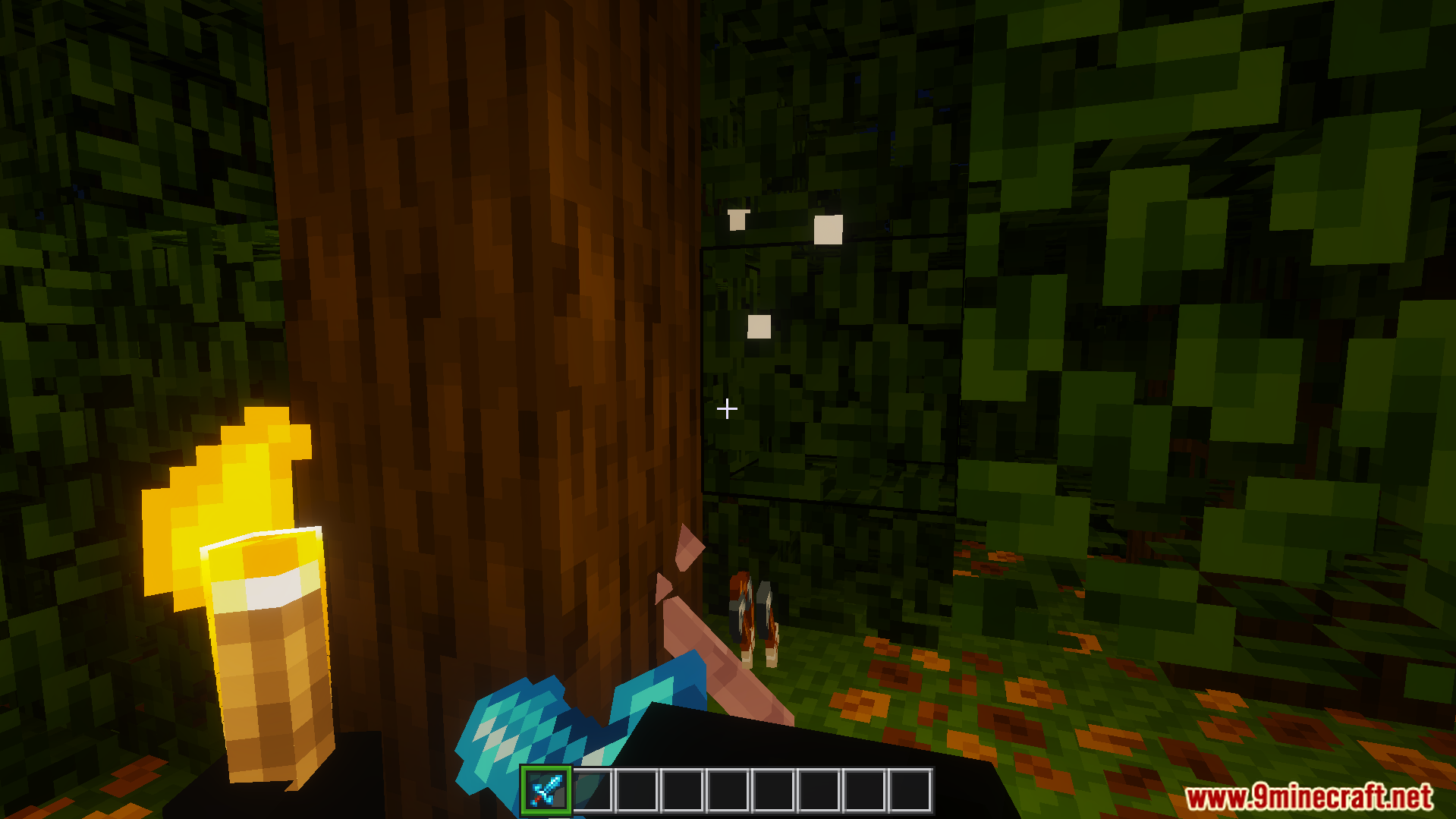
DoubleHands addon menu active in Minecraft Bedrock editionPlayer holding diamond sword and shield in Minecraft BedrockFirst person view holding shield in offhand and diamond sword in right handCharacter holding glowing torch in left hand and sword at night timeplayer holding glowing torch in left hand to light up the dark areaplayer inventory menu showing torch placed in the left hand offhand slotplayer holds torch in left hand for bright light while holding diamond sword
DoubleHands Addon Download Links
Quick facts
Edition: Minecraft Bedrock
File type: .mcpack or .mcaddon
Minecraft version listed: 1.21
How to install: Download the .mcpack or .mcaddon file. → Open it — Minecraft imports it. → In your world: Behavior Packs → Available → Activate, then the same under Resource Packs.
Where to get it: In MCModsHub, or directly above on this page.