Home›Bedrock›Addons›Utilities Vein Miner Addon (26.x, 1.21) – Mine Entire Ore Veins in One Swing
AddonsBedrock
Utilities Vein Miner Addon (26.x, 1.21) – Mine Entire Ore Veins in One Swing
Bedrock add-on listed for Minecraft 1.21 (behavior + resource pack). File opened and checked on 20 Sep 2026; installs from the MC Bedrock Mods app on Android.
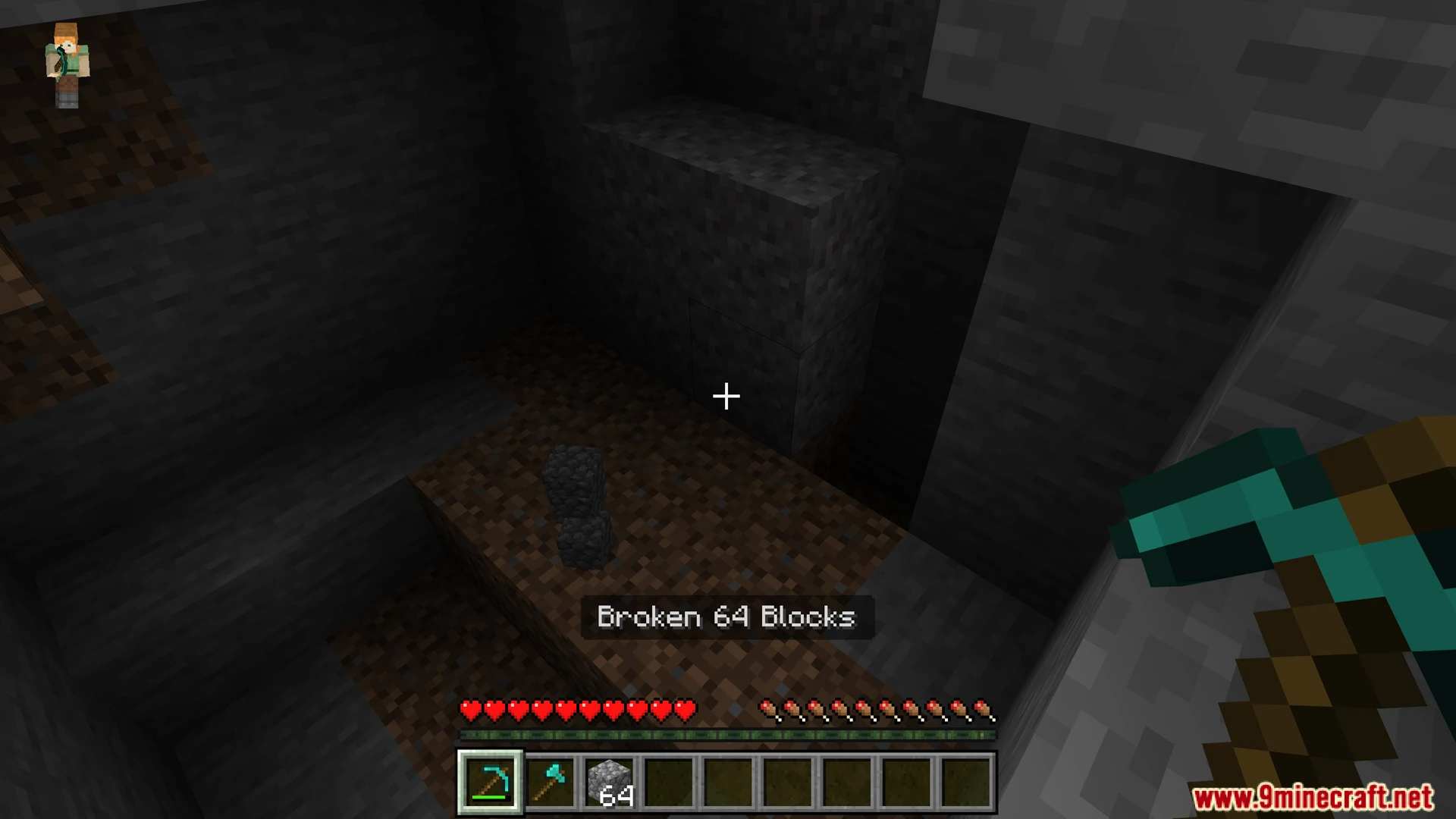
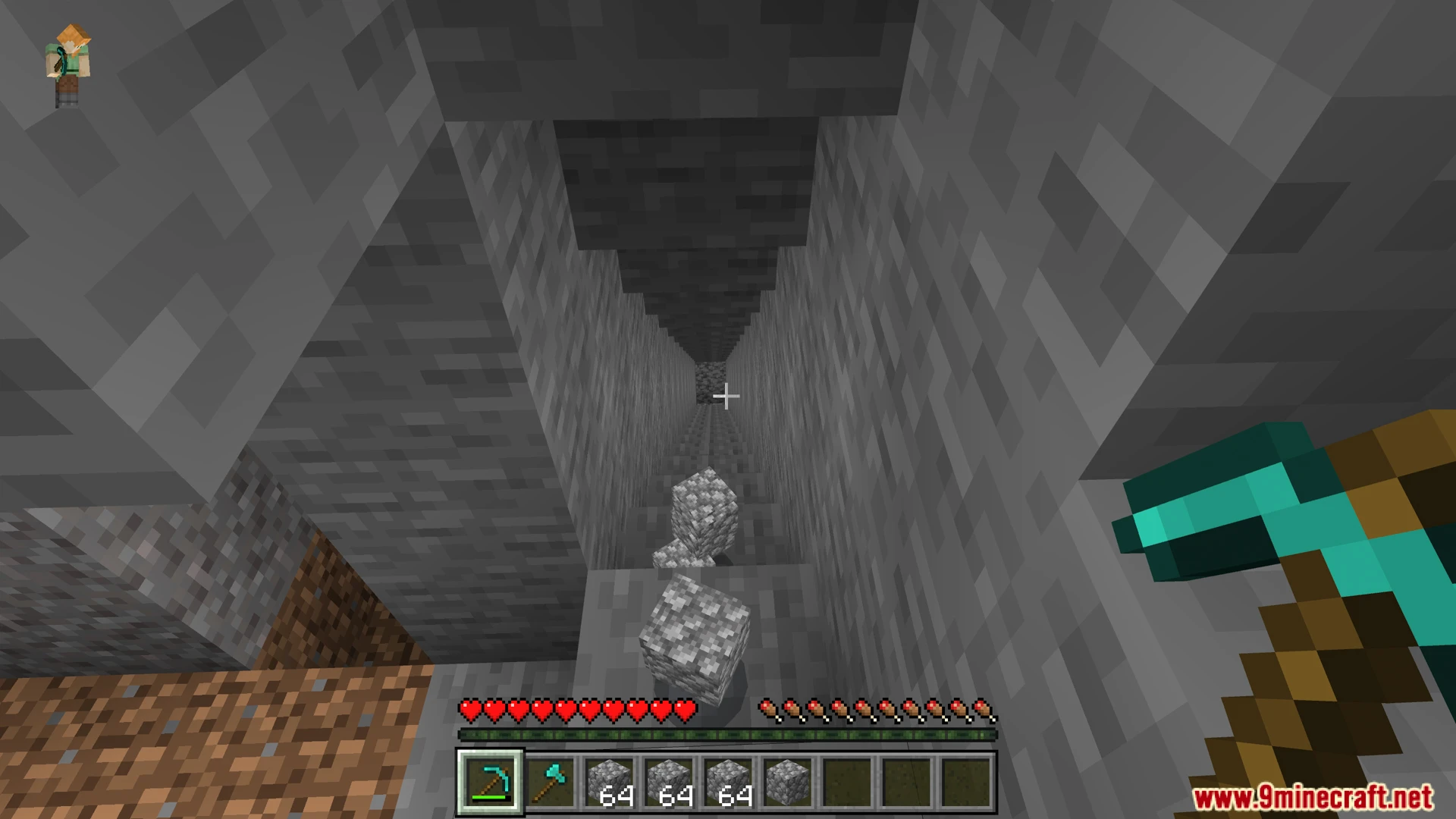
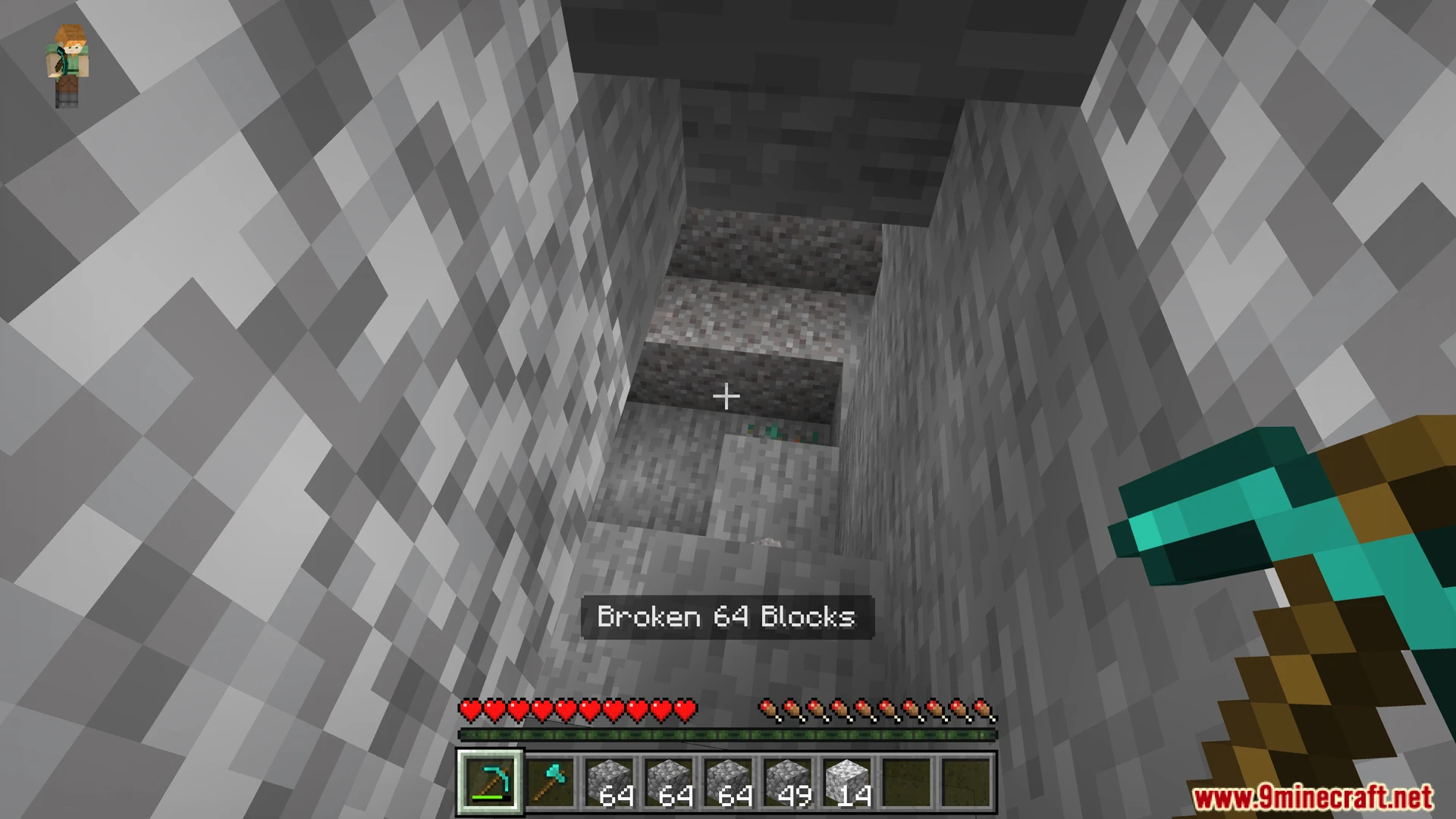
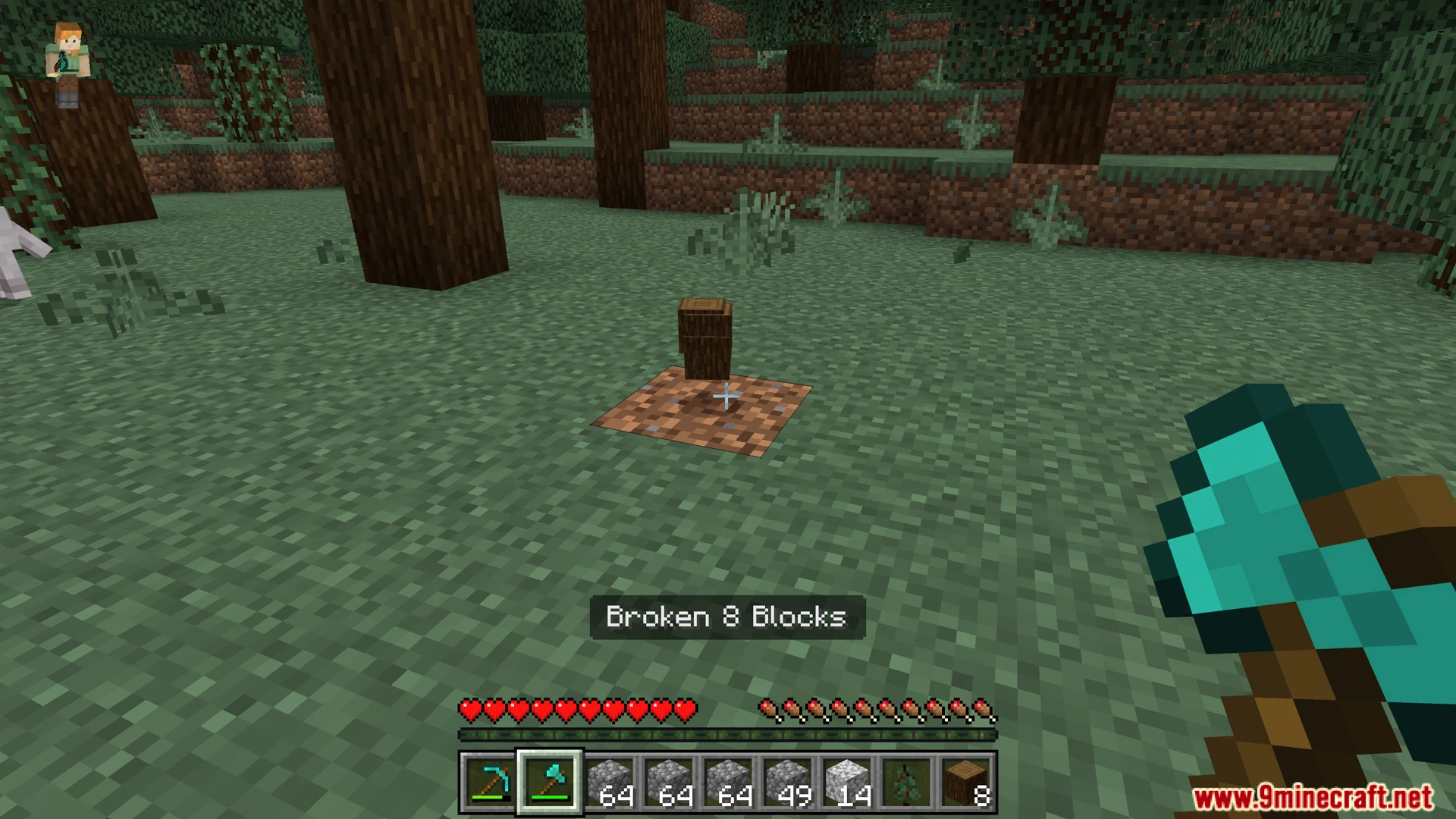
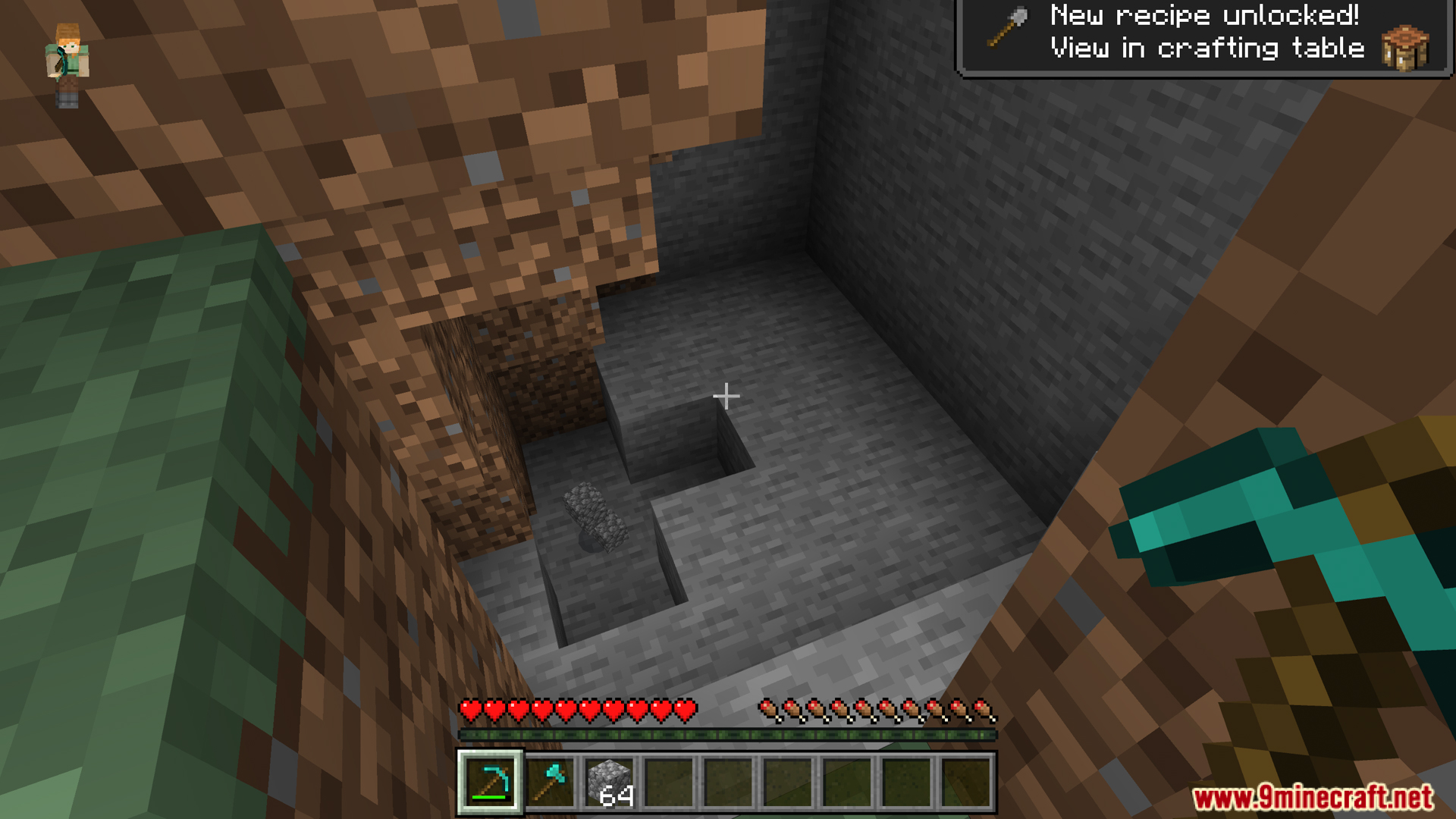
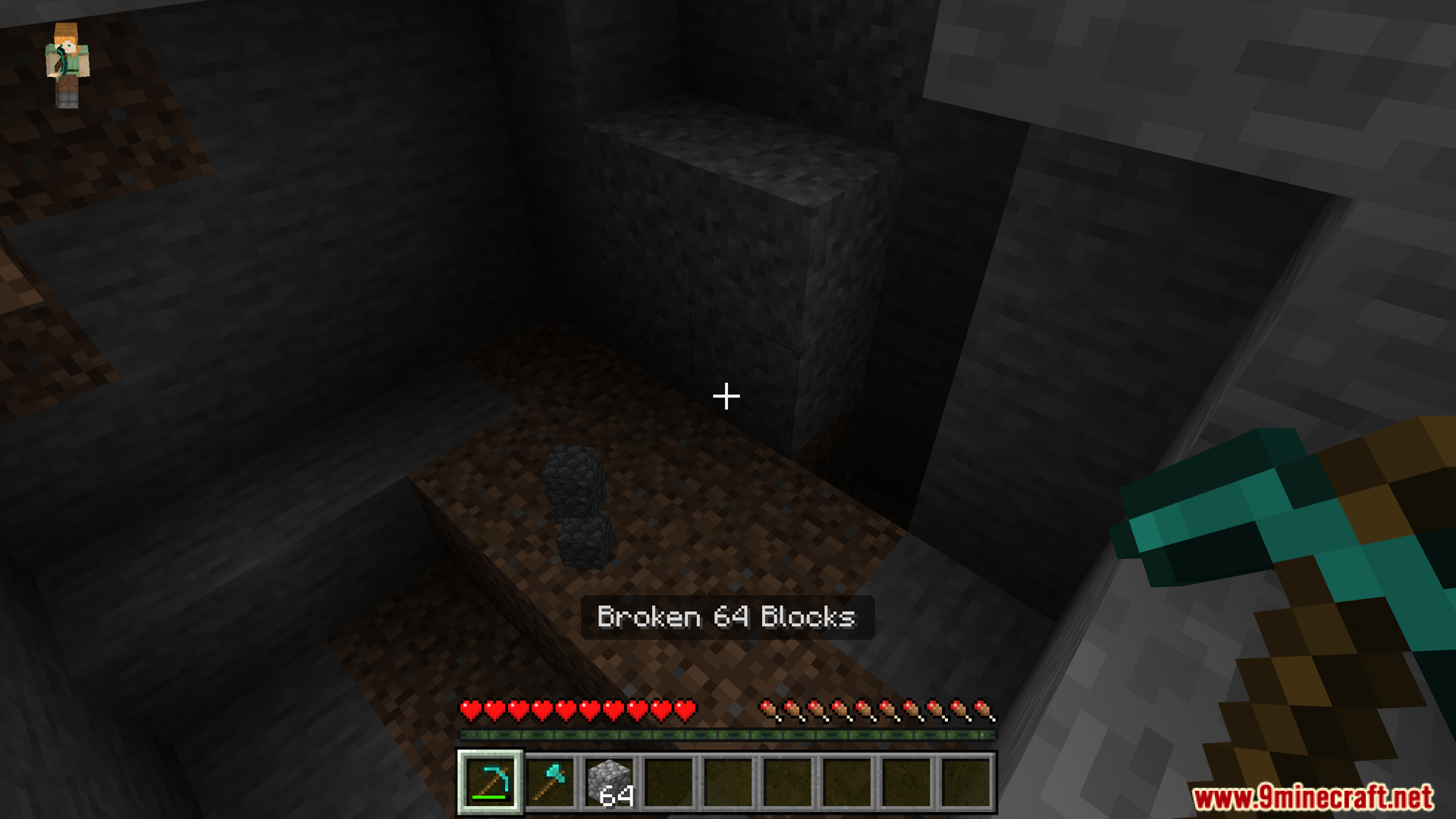
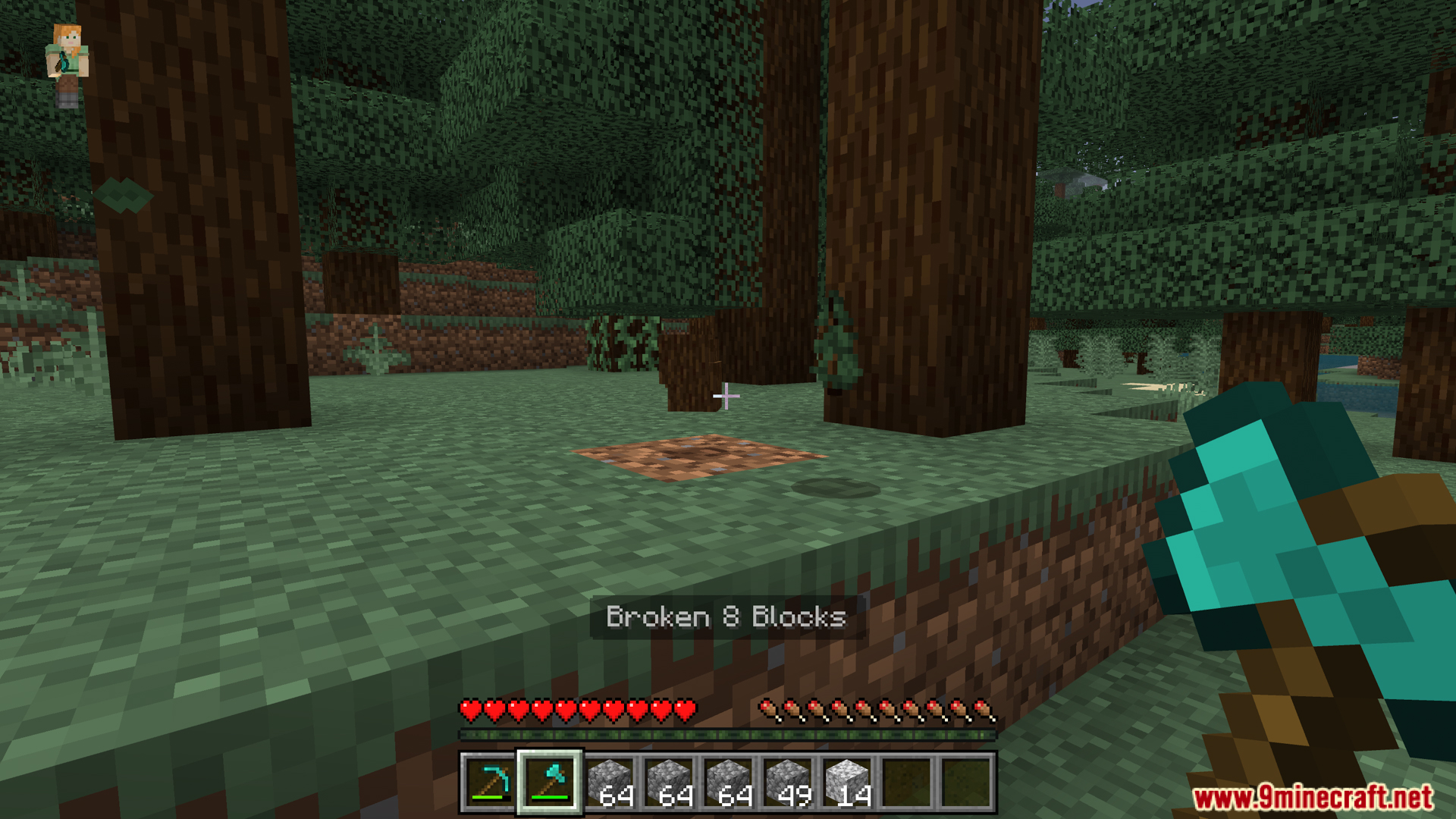
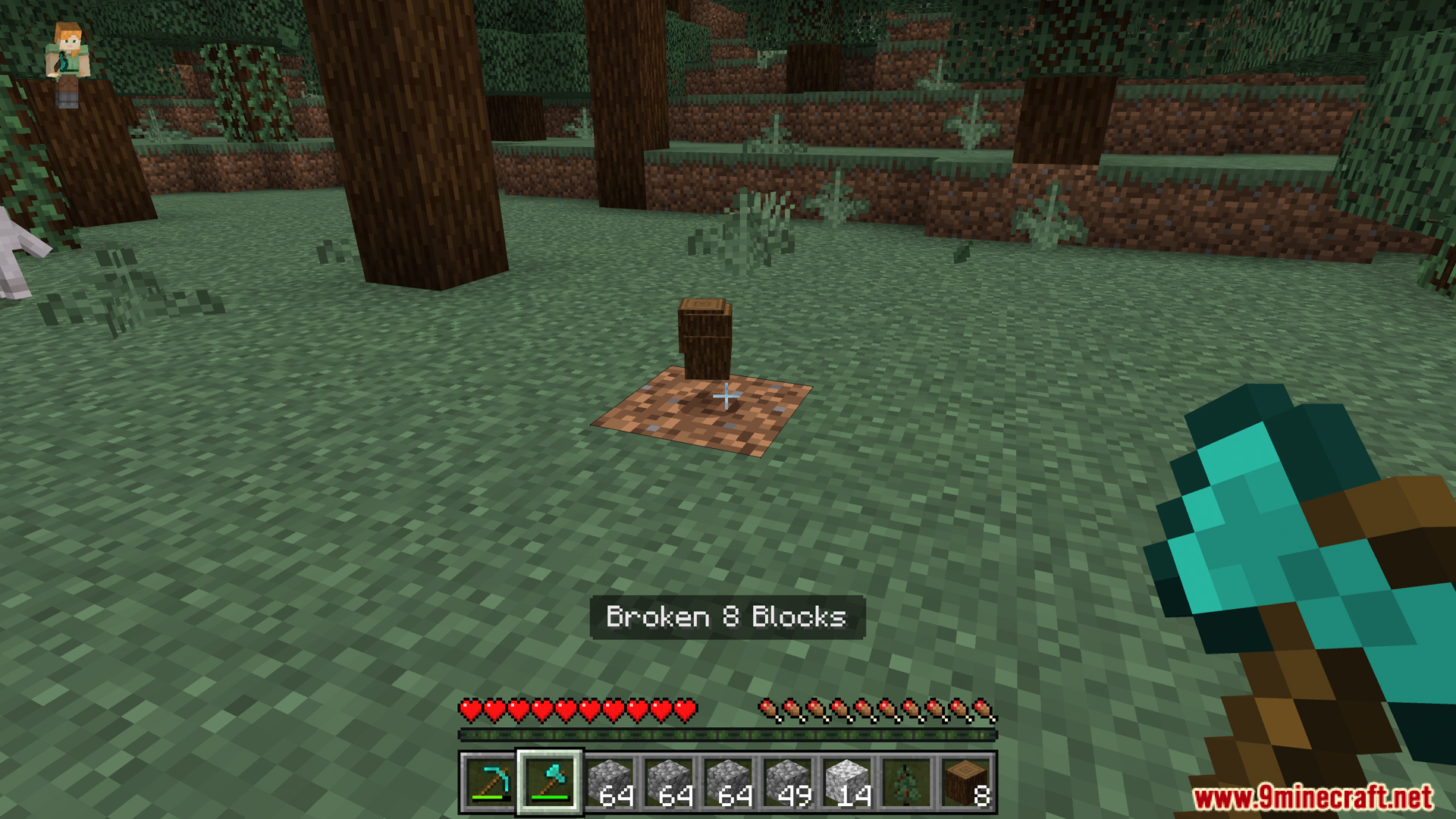
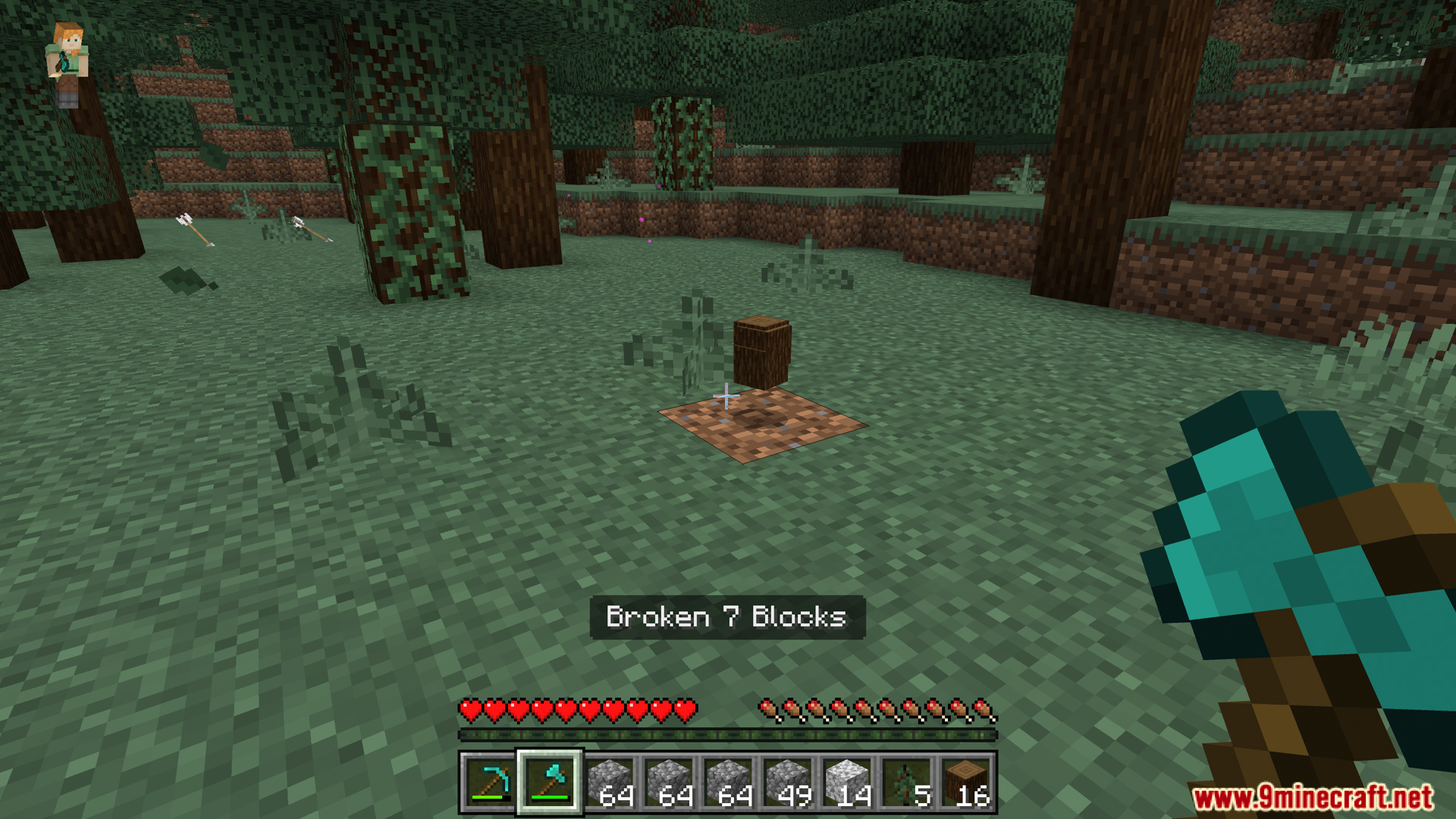
Utilities Vein Miner Addon lets you mine large groups of ores and blocks with a single swing. It adds helpful tools like a tree capitator and tunnel builders to speed up your gathering. You can easily change your mining shape using quick settings or custom commands.
Features:
Breaks entire veins of ores or gravel at once.
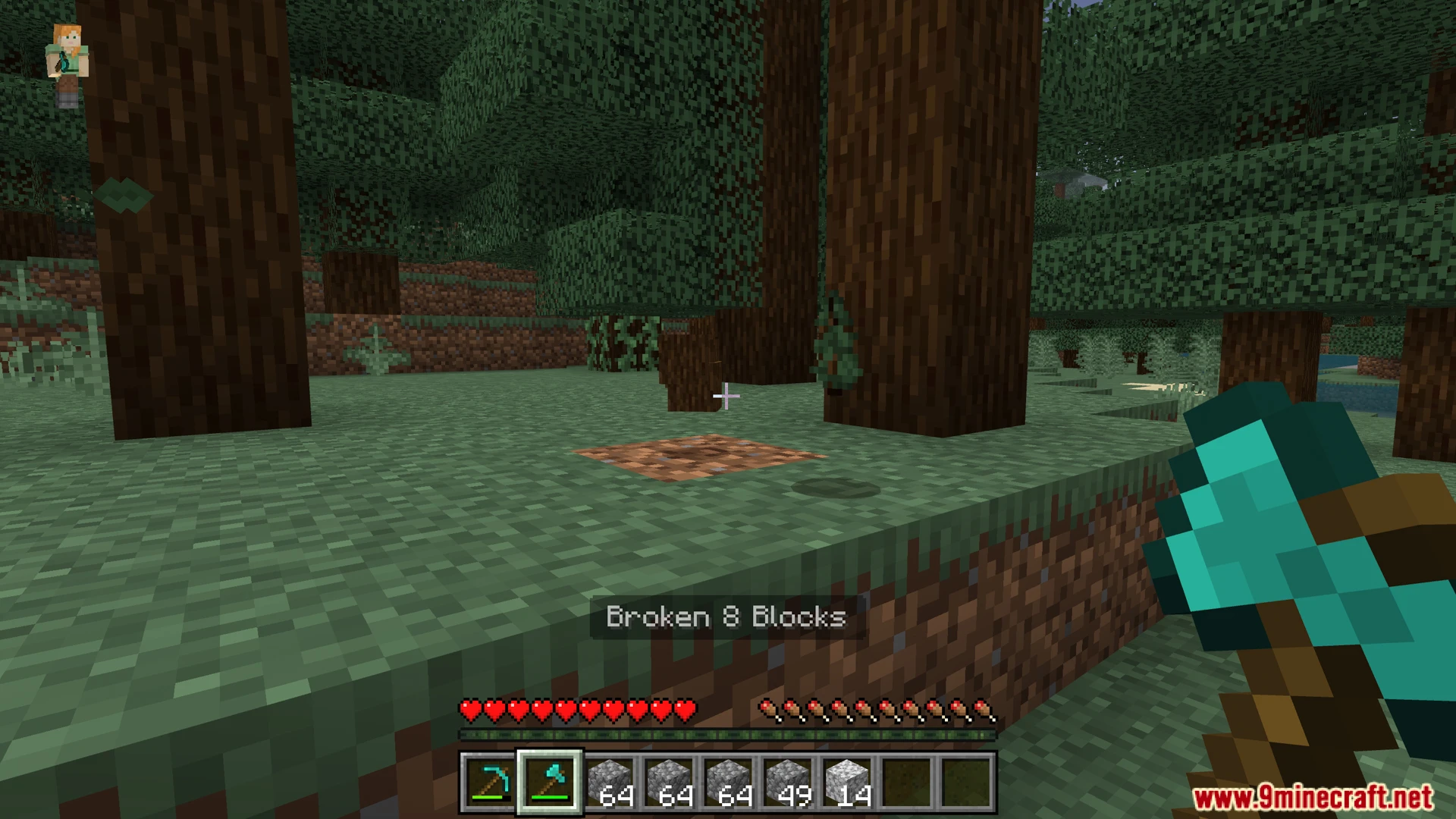
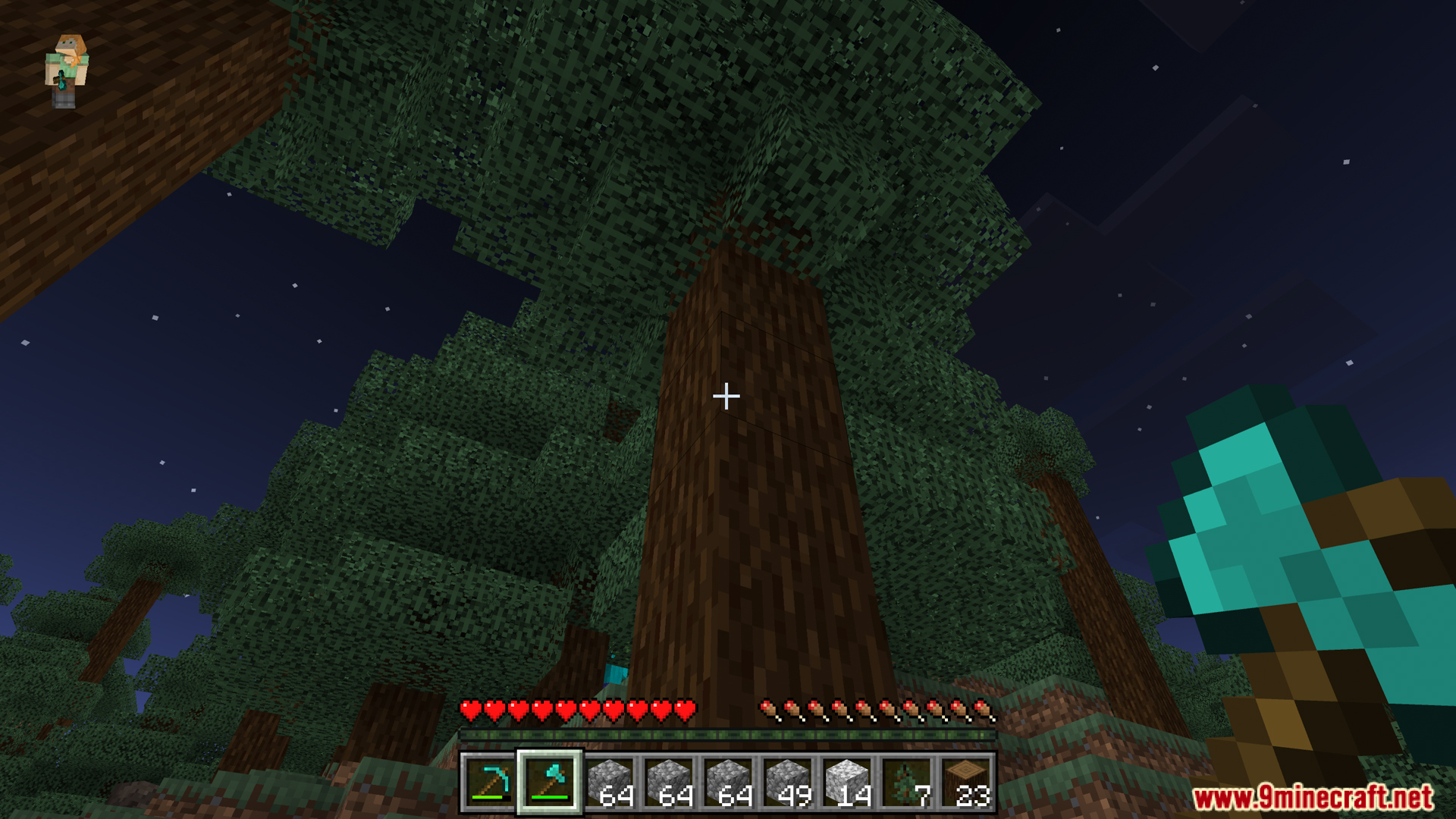
Includes a built-in tree capitator for chopping wood.
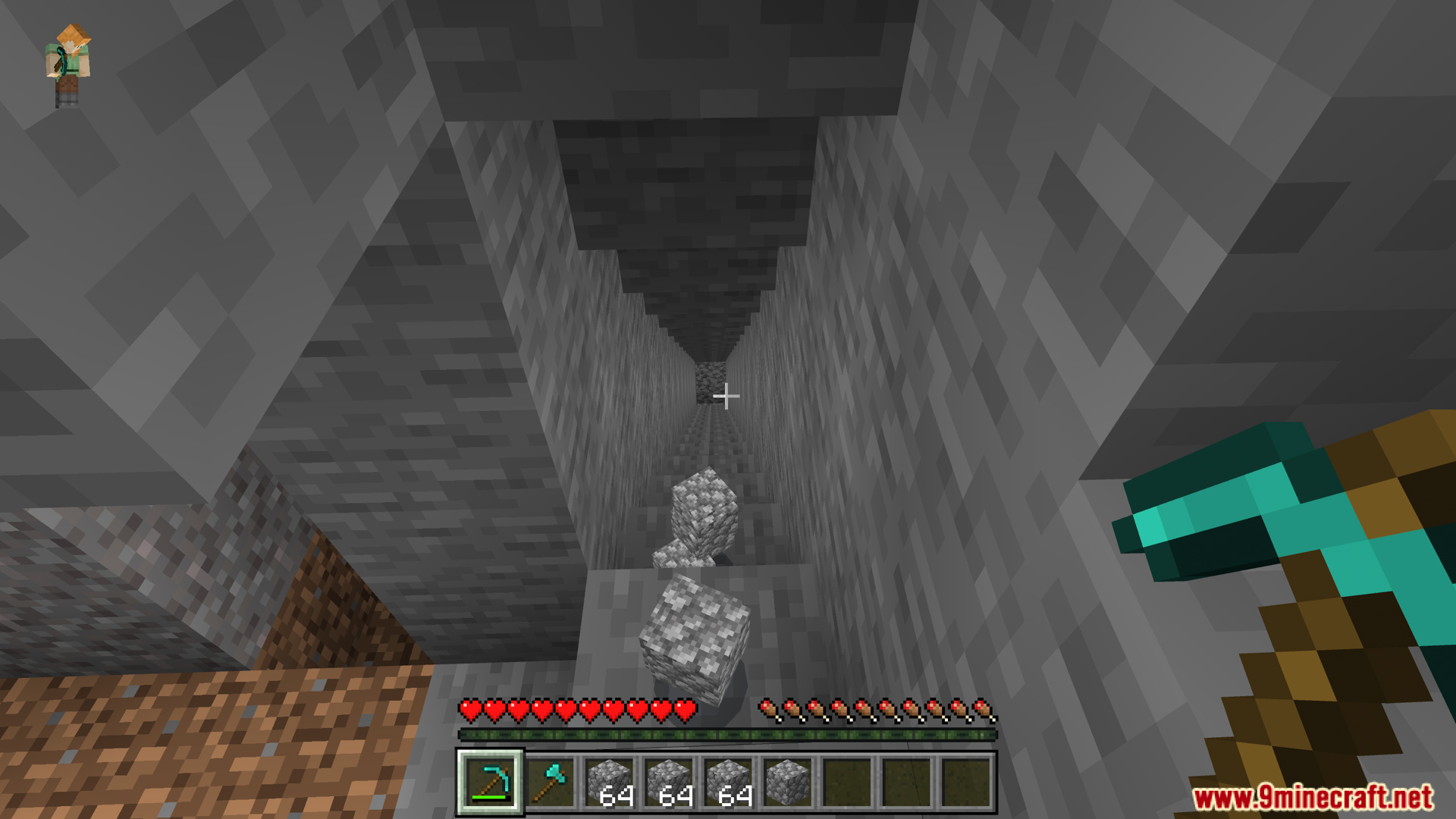
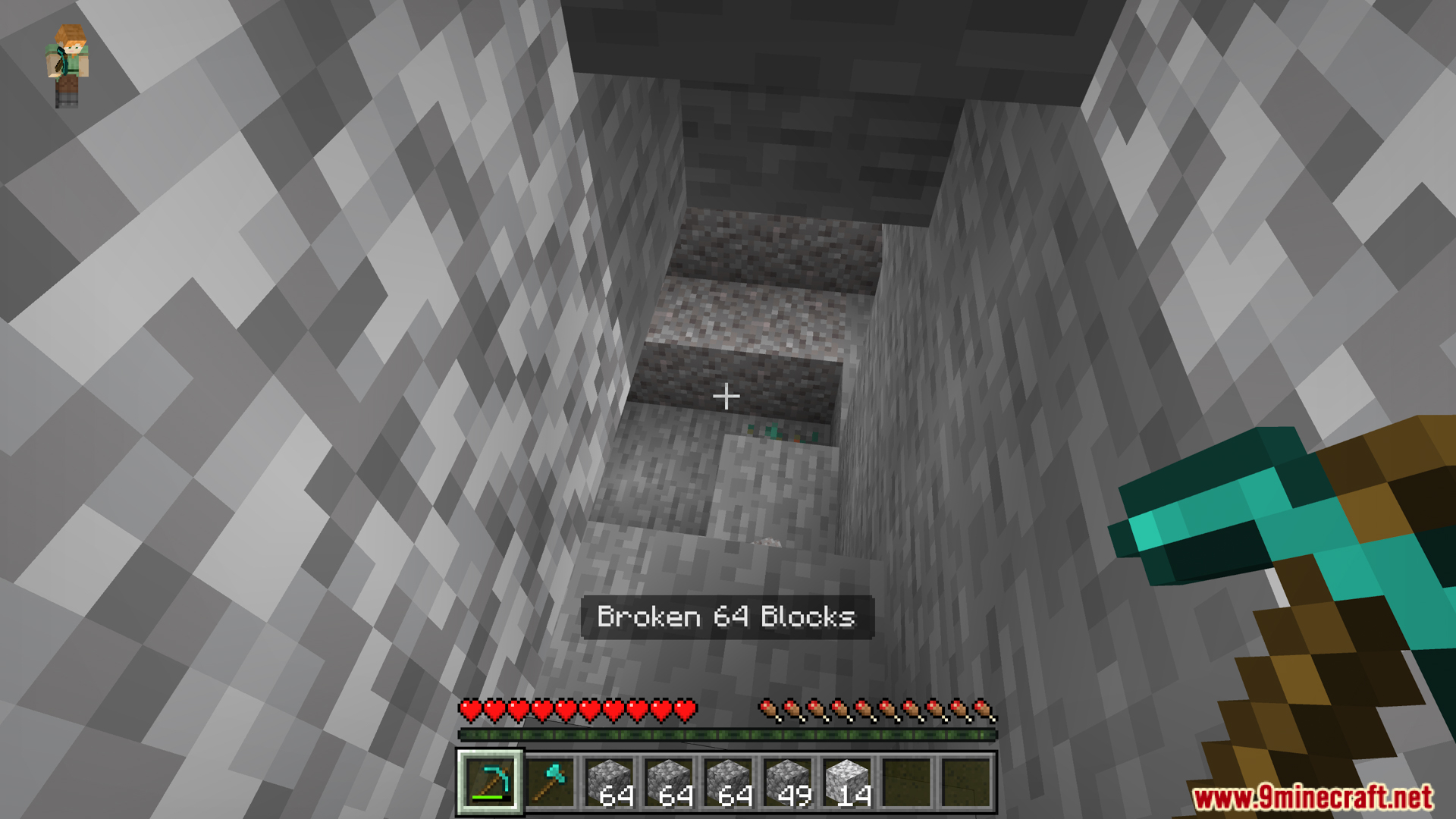
Offers multiple tunnel shapes for fast underground digging.
Works perfectly with enchantments like Fortune and Silk Touch.
Keeps your world achievements active while you play.
Commands And Config:
You can open the settings menu by holding shift and using any pickaxe.
You can also type the command /uvm:veinminer to open the control panel.
Adding a function name after the command quickly switches your mining mode.
Screenshots:
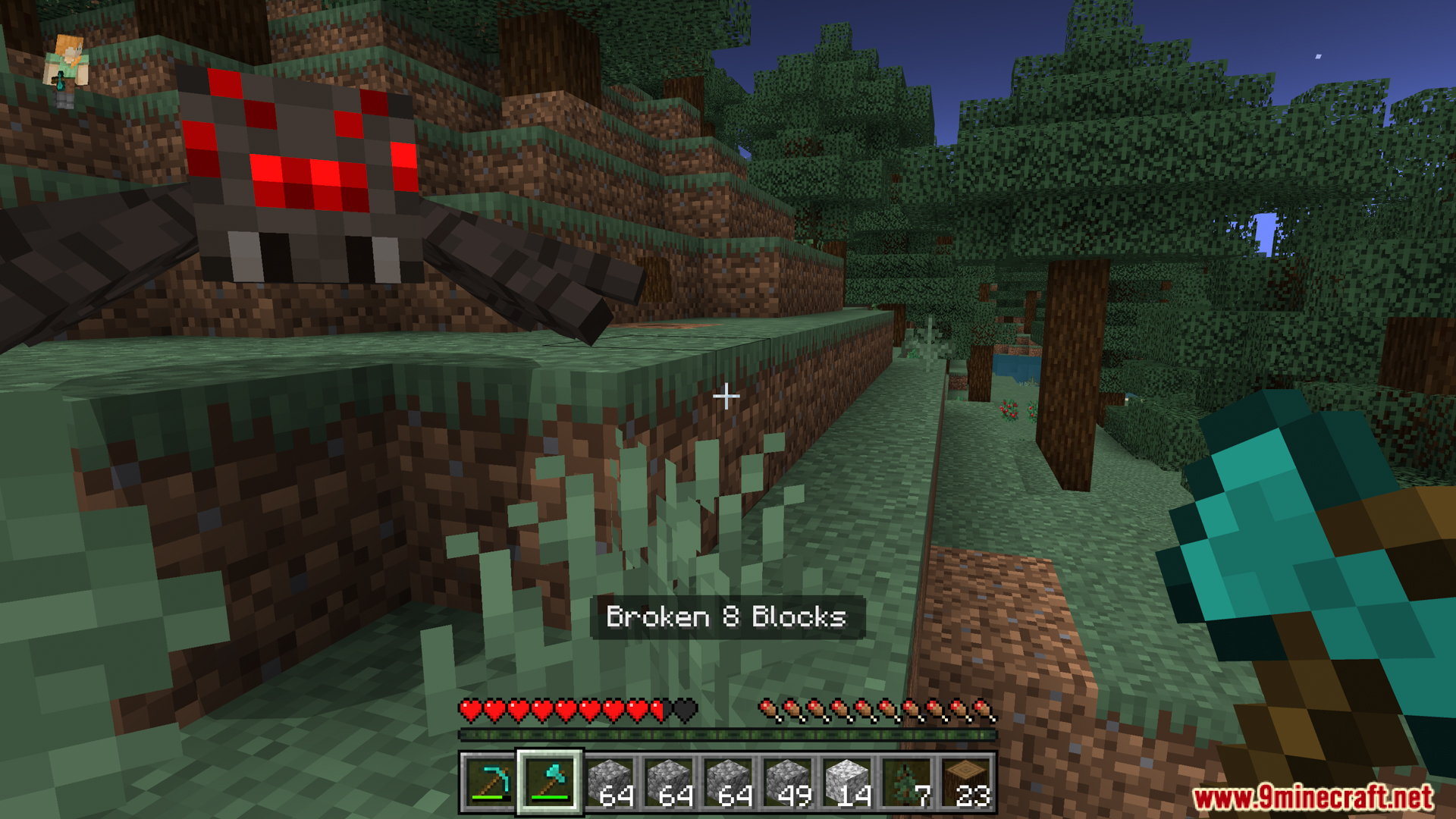
Utilities Vein Miner Addon – Utilities Vein Miner Addon lets you mine largeUtilities Vein Miner Addon – It adds helpful tools like a tree capitatorUtilities Vein Miner Addon – You can easily change your mining shape usingUtilities Vein Miner Addon – Features Breaks entire veins of ores or gravelUtilities Vein Miner Addon – Includes a builtin tree capitator for chopping woodUtilities Vein Miner Addon – Offers multiple tunnel shapes for fast underground diggingUtilities Vein Miner Addon – Works perfectly with enchantments like Fortune and SilkUtilities Vein Miner Addon – Keeps your world achievements active while you playUtilities Vein Miner Addon – Commands And Config You can open the settingsUtilities Vein Miner Addon – You can also type the command uvmveinminer toUtilities Vein Miner Addon – Adding a function name after the command quickly
Utilities Vein Miner Addon Download Links
Quick facts
Edition: Minecraft Bedrock
File type: .mcpack or .mcaddon
Minecraft version listed: 1.21
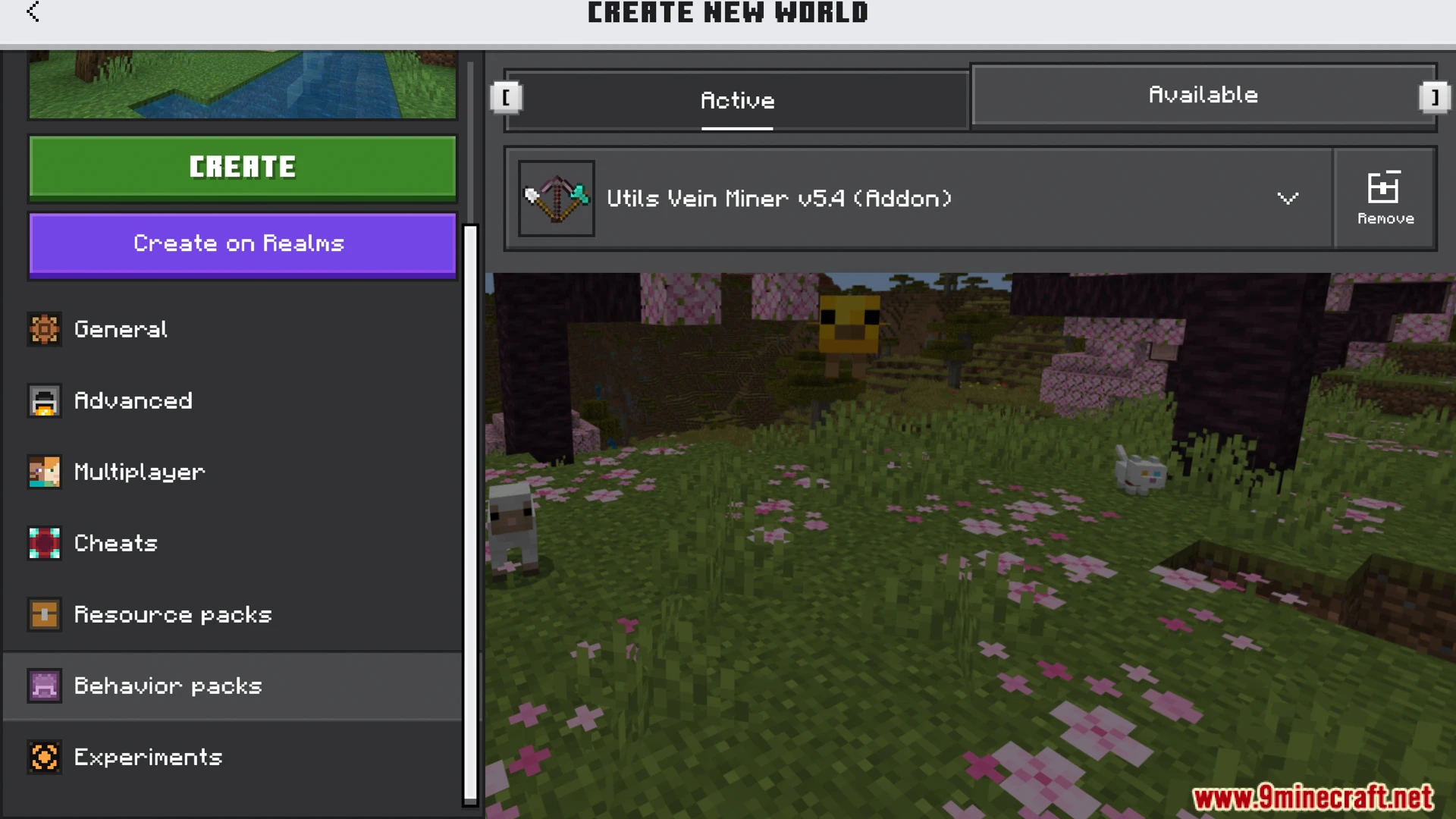
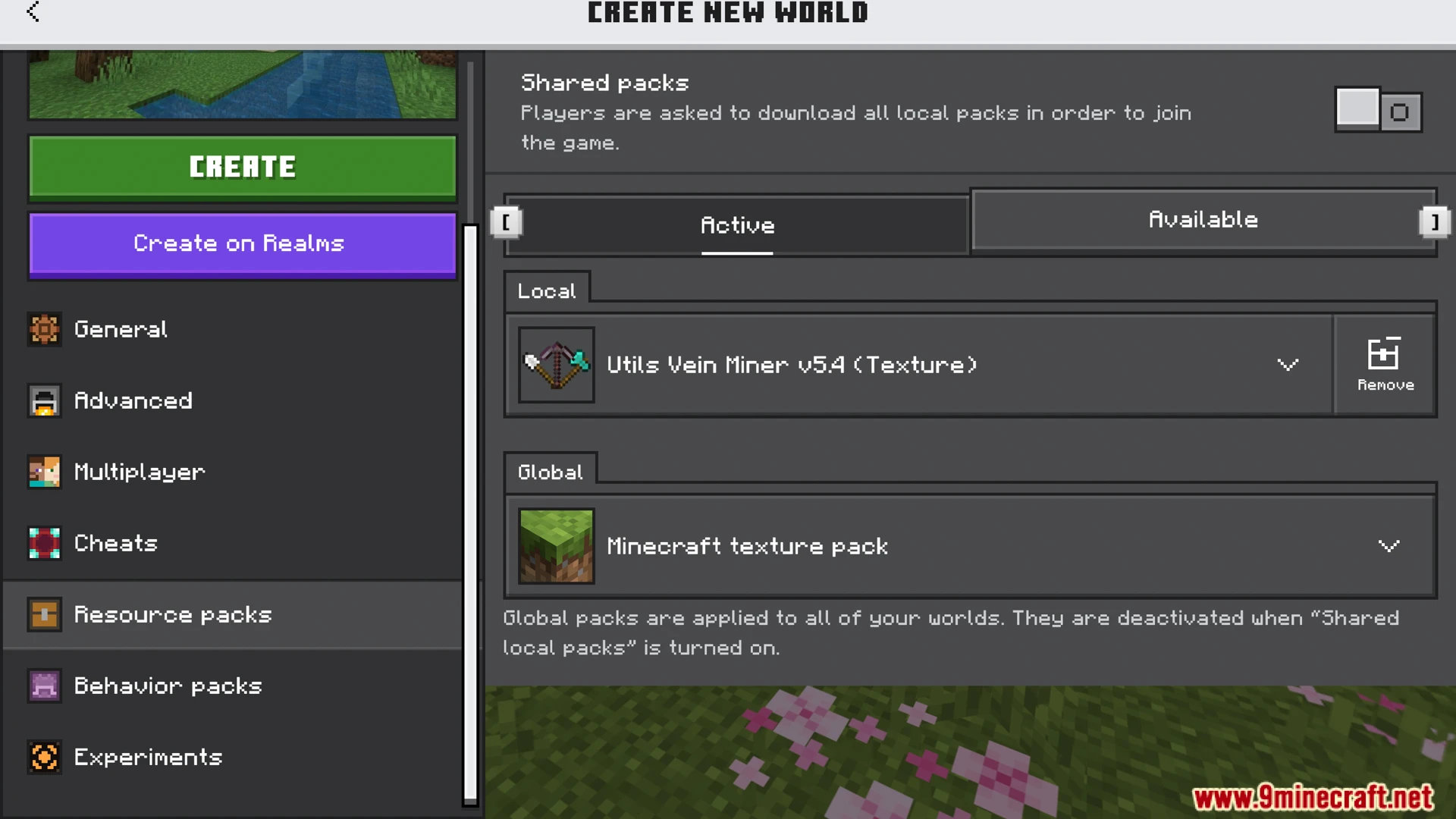
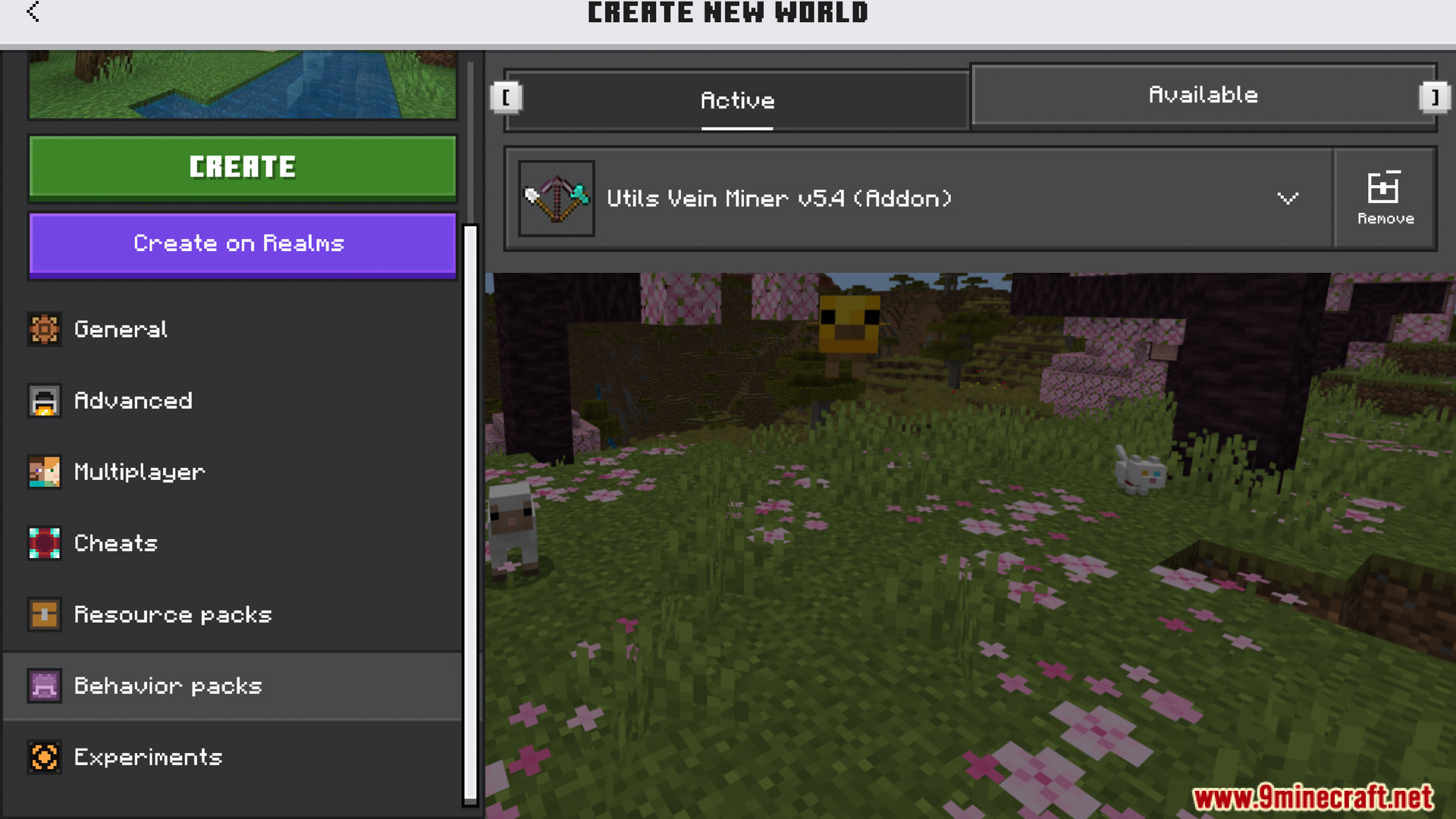
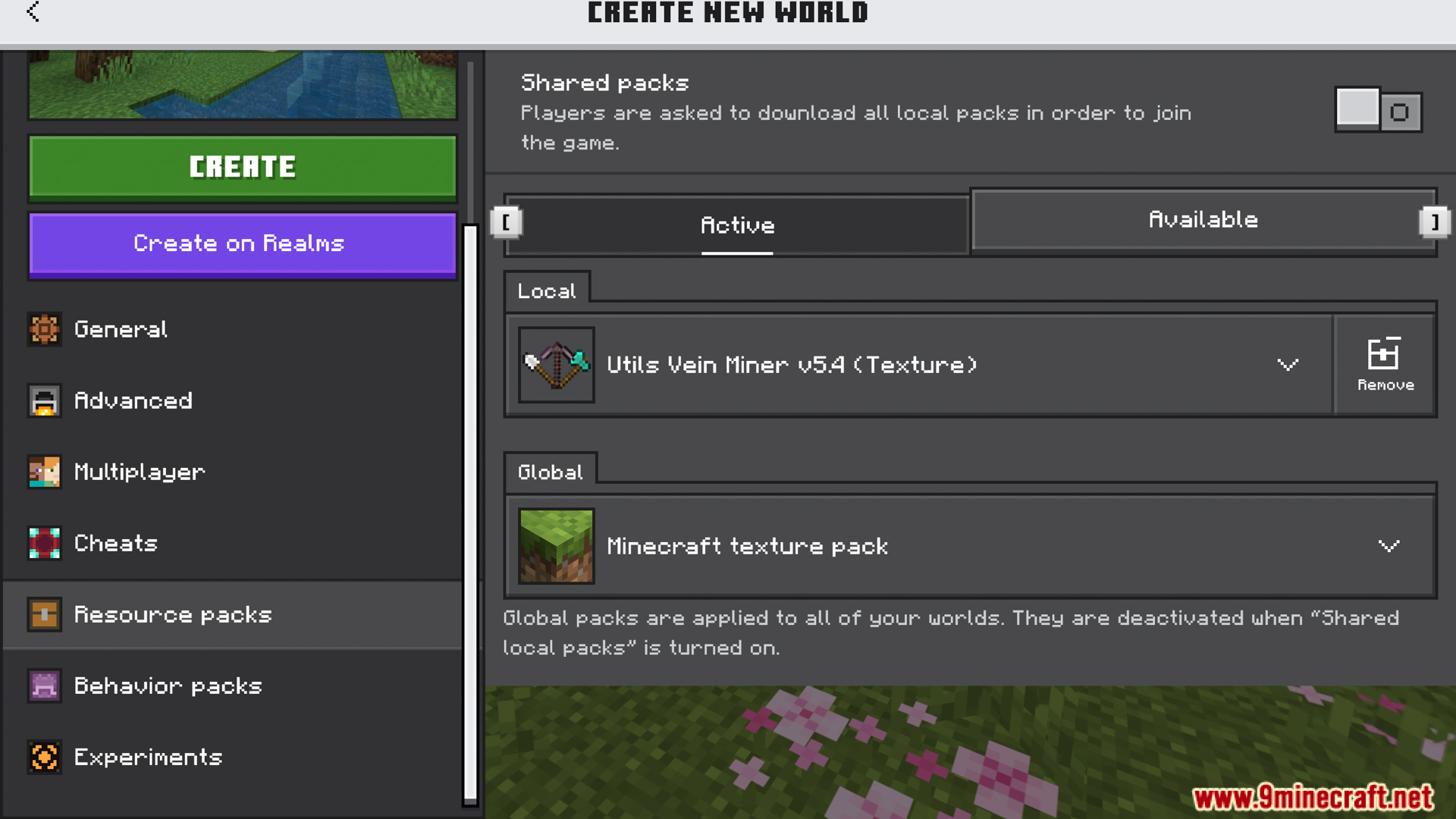
How to install: Download the .mcpack or .mcaddon file. → Open it — Minecraft imports it. → In your world: Behavior Packs → Available → Activate, then the same under Resource Packs.
Where to get it: In MCModsHub, or directly above on this page.