
Cozy Trains N' Cozy World Map (26.3, 1.20.1) – Wander Quiet Tracks and Tunnels
Java map listed for Minecraft 1.20–26.x. Download on the author's site.
Cozy Trains N' Cozy World Map invites you to explore a calm, friendly world full of trains and tracks. Along the way, you find an abandoned tunnel waiting…
⬇ Download
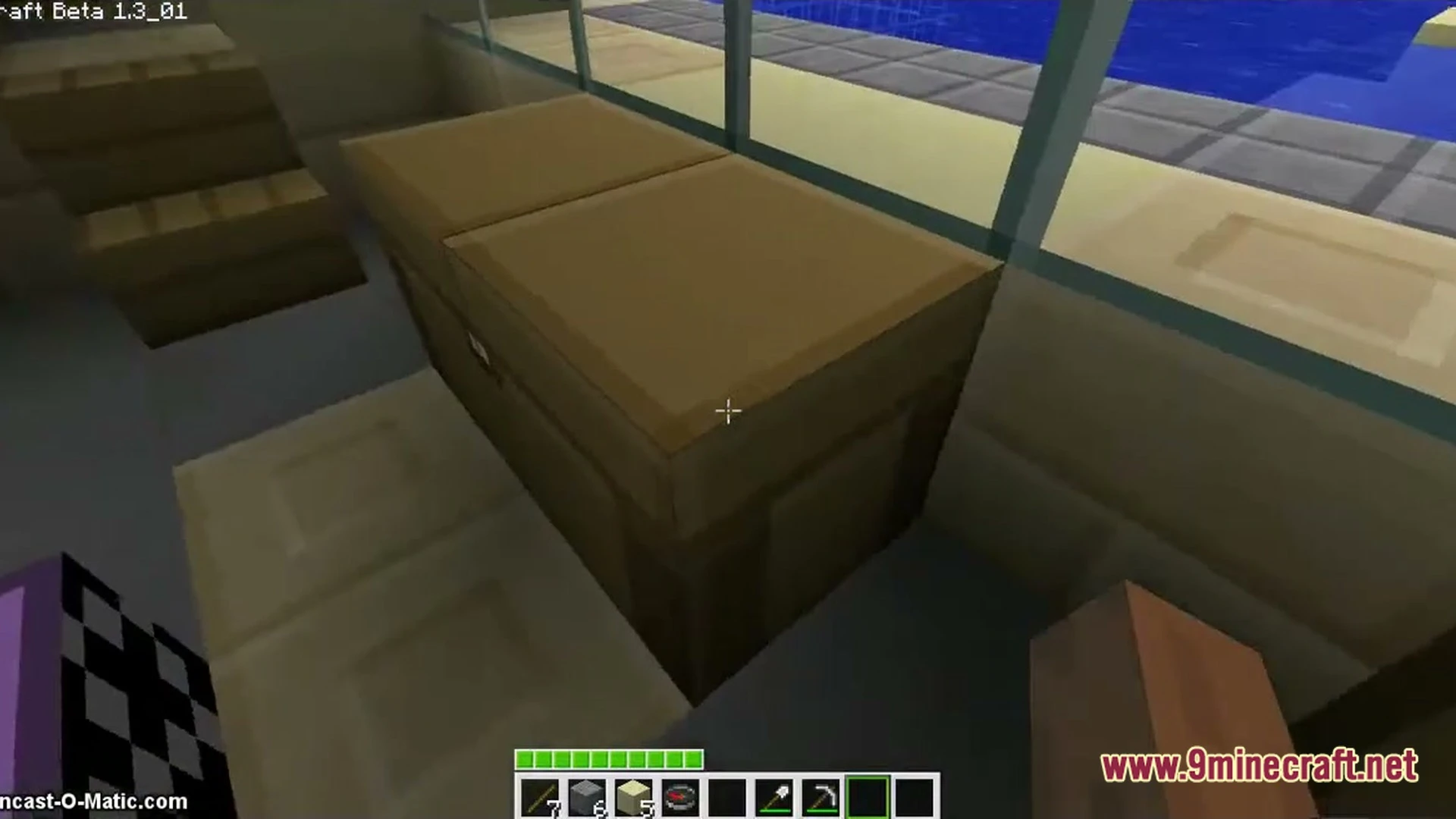
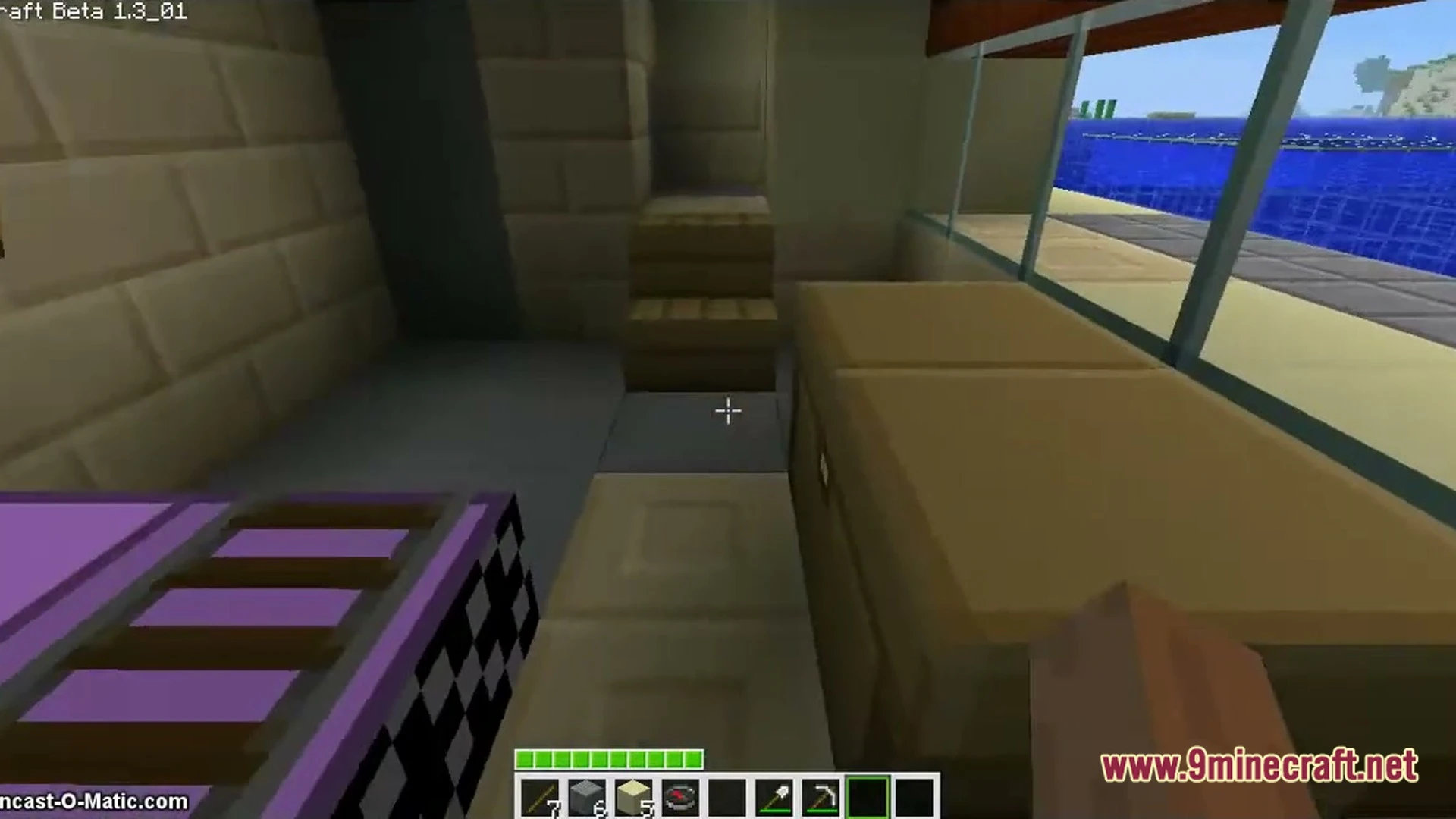


Cozy Trains N’ Cozy World Map invites you to explore a calm, friendly world full of trains and tracks. Along the way, you find an abandoned tunnel waiting to be checked out. This map is made for slow, relaxed play.
Features:
- Cozy World: Builds a warm, peaceful place that feels nice to walk around in.
- Trains and Tracks: Places trains and tracks around the world for you to look at and follow.
- Abandoned Tunnel: Hides an old, empty tunnel that adds a little mystery to the cozy mood.
How to Play:
- Load into the world and look around at the cozy scenery.
- Walk along the tracks and check out the trains.
- Find the abandoned tunnel and see what is inside.
- Take your time and enjoy the quiet mood.
Screenshots:
Cozy Trains N’ Cozy World Map Download Links
- Edition: Minecraft Java
- File type: .zip (world save)
- Minecraft versions listed: 26.3, 1.20.1
- How to install: Download the .zip world. → Unzip it. → Move the folder into .minecraft/saves.
- Where to get it: Opens on the file's original source — not every file is mirrored on our own servers.
Install steps are the general flow for this file type — How to install Minecraft Java maps & worlds walks through it step by step.
Cozy Trains N' Cozy World Map (26.3, 1.20.1) – Wander Quiet Tracks and Tunnels is a free Minecraft Java map. Compatible with Minecraft 26.3, 1.20.1. Download it and open it directly in the game.