
DatapacksJava
Survival Displays Data Pack (26.3, 1.21.11) – Move, Rotate and Resize Decor
Java data pack listed for Minecraft 1.21–26.x. Downloads from the MC Java Mods app on Android.
⬇ Download
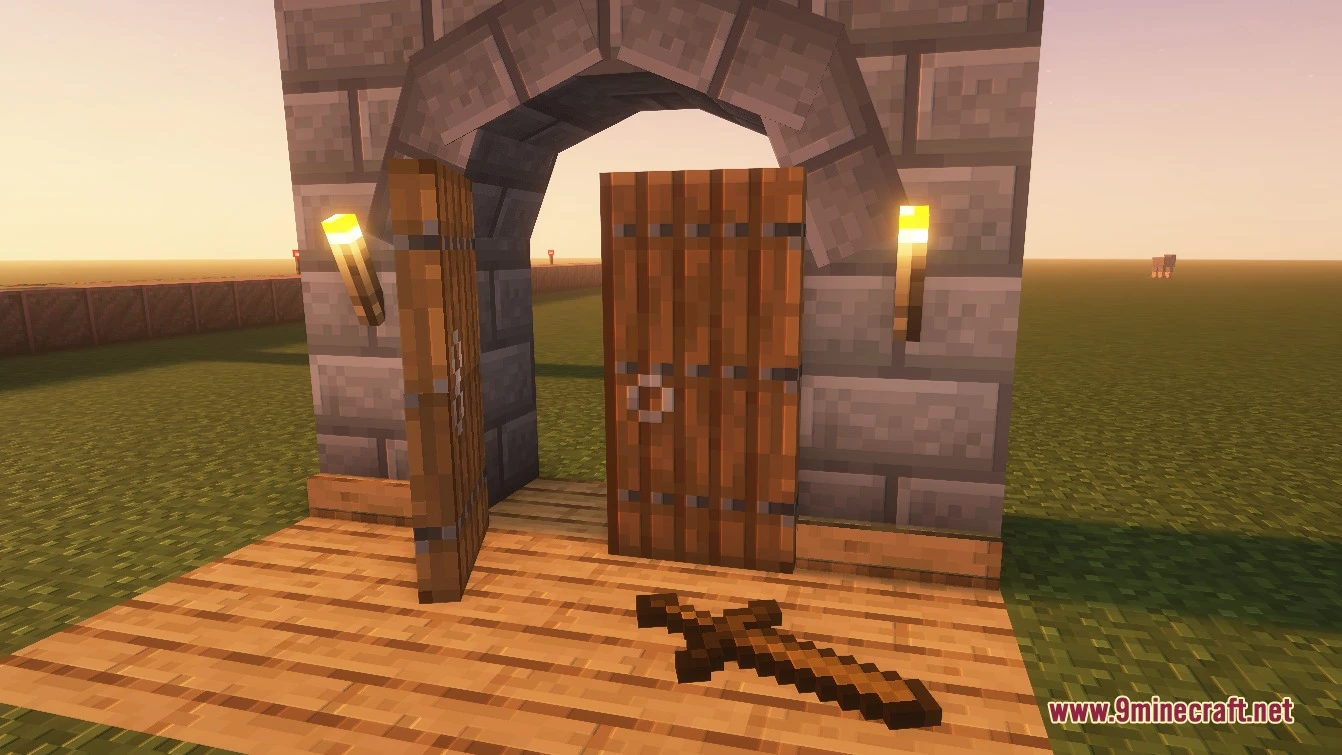
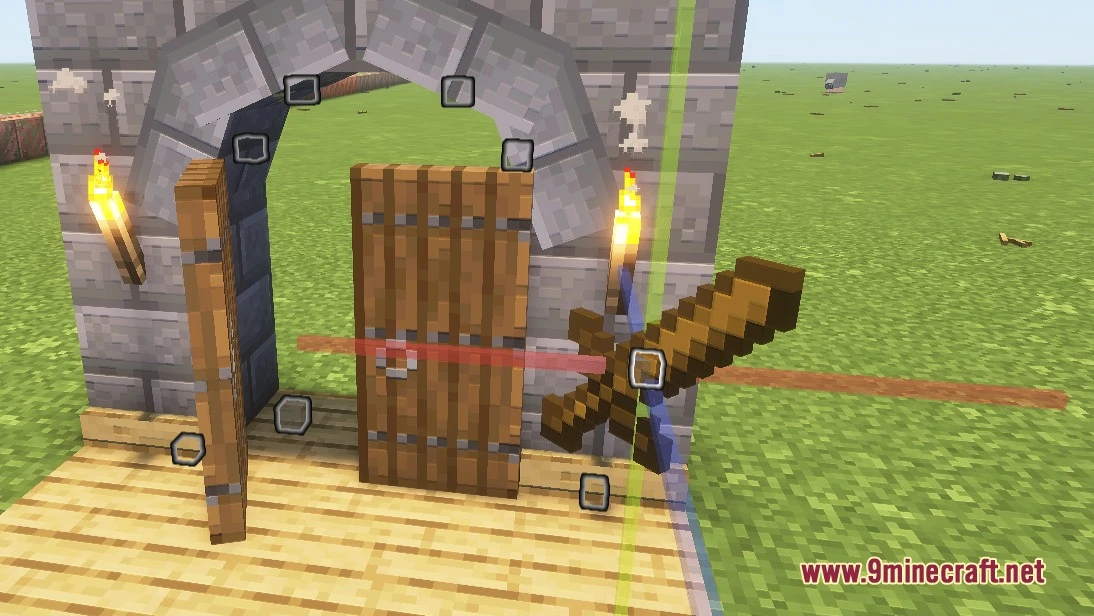
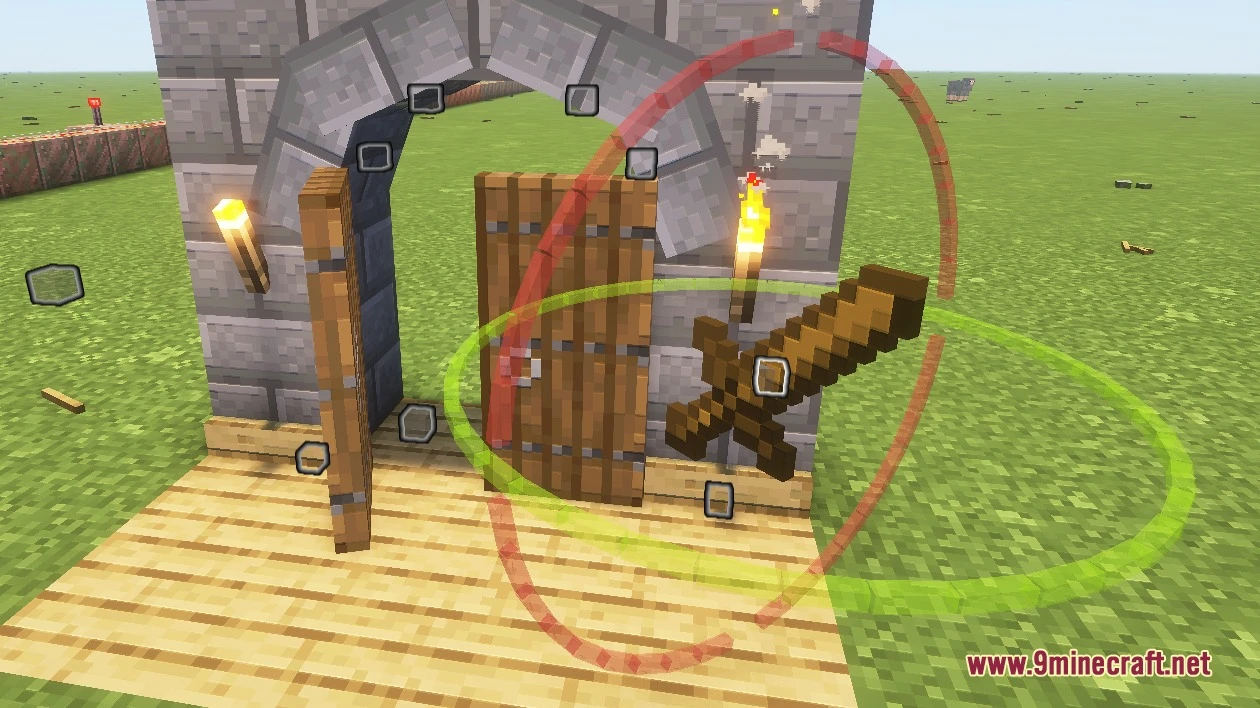
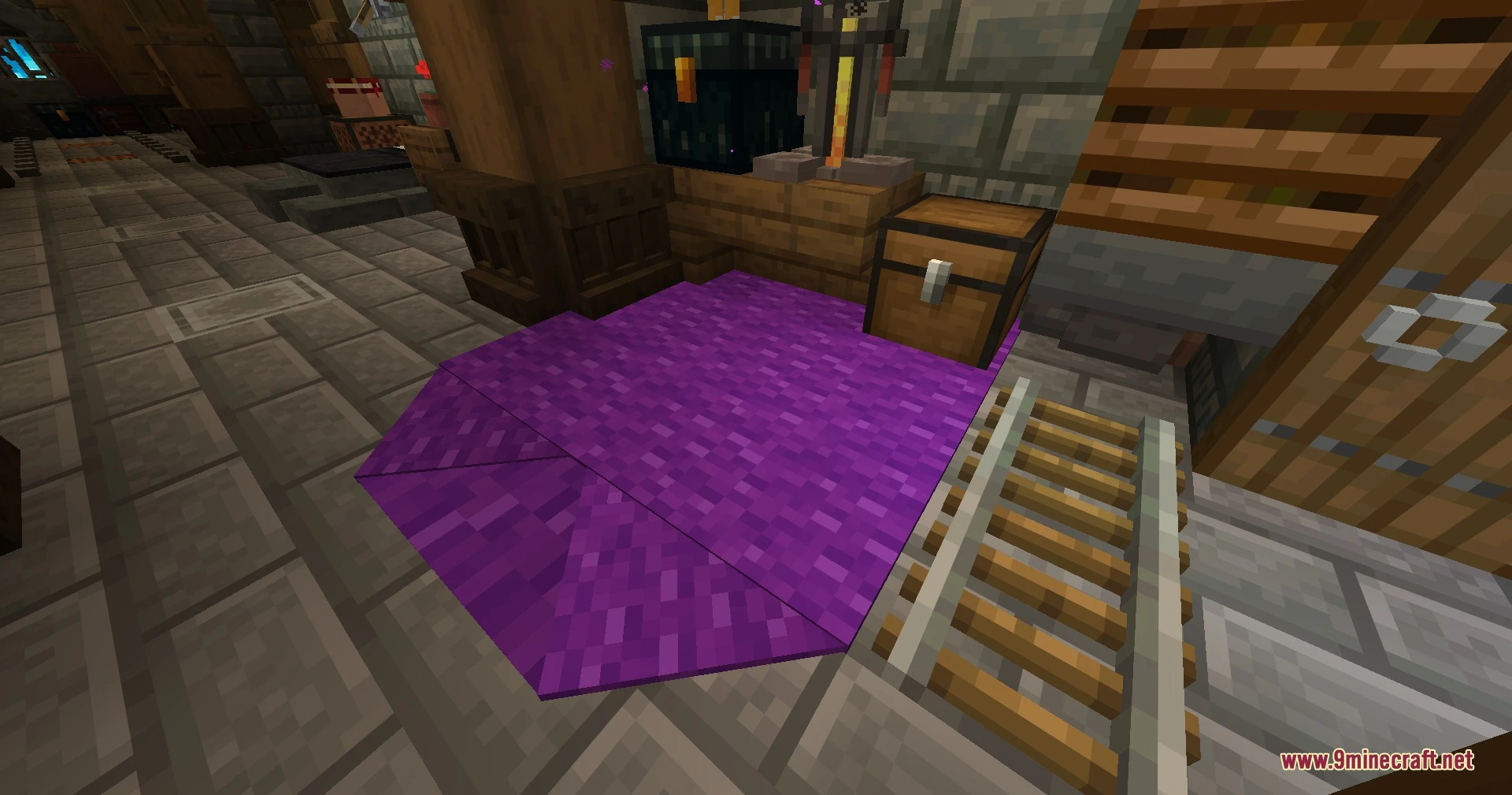
Survival Displays Data Pack lets you create and edit item, block and text displays directly in survival mode. You do not need extra programs, mods, resource packs or creative mode. The pack works in multiplayer too. Your decorations stay fully working even after you remove the data pack.
Features:
- Survival Editing: Create and edit item, block and text displays without leaving survival mode.
- Wand Tool: Turns a Breeze rod into a tool that you use to pick and change displays.
- Move, Rotate and Scale: Lets you change the position, angle and size of each display.
- Chat Menu: Shows clickable buttons in the chat, with different options for item displays and block displays.
- Works with no third-party programs, no mods and no resource packs.
- Supports multiplayer, so friends can build together.
- Keeps all your decorations working even after you delete the data pack.
- Includes 4 advancements and 114 loot tables.
How to Use:
- Hold a Breeze rod in your hand.
- Click the “Get Wand” button in the chat to turn the rod into a tool.
- Select an item, block or text display with the wand.
- Use the chat menu to move, rotate or scale it.
Screenshots:
Survival Displays Data Pack Download Links
Quick facts
- Edition: Minecraft Java
- File type: .jar
- Minecraft versions listed: 26.3, 1.21.11
- How to install: Install the matching mod loader (Forge, Fabric or NeoForge) for your Minecraft version. → Download the .jar. → Put it in the .minecraft/mods folder and launch that loader profile.
- Where to get it: In MC Java Mods, or directly above on this page.
Install steps are the general flow for this file type — see the MC Java Mods guides for the full walkthrough.
File checked by MCModsHub
- Downloads as 538355.mcpack
- Download size: 233 KB
- Download link checked 1 Nov 2026 — working
- Mirrored on our own servers — the download does not depend on the original host
These come from our own check of the pack file, not from the source page.