ModsJava
Animated Shields Mod (26.3, 1.20.1) – Carry Your Own Animated GIF
Java mod listed for Minecraft 1.20–26.x. Downloads from the MC Java Mods app on Android.
⬇ Download
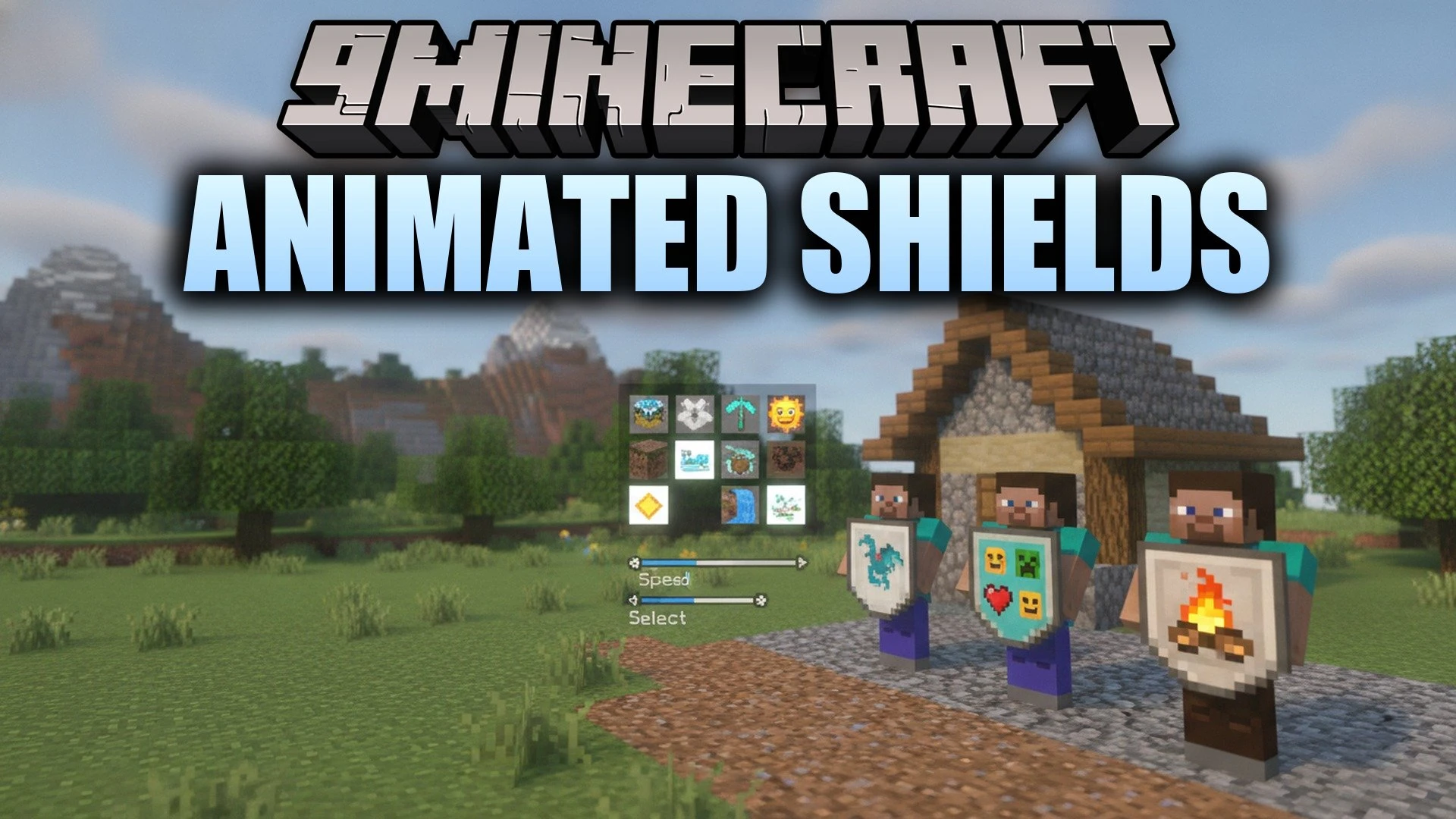
Animated Shields Mod lets you put a moving picture on your shield. Instead of a plain shield, you can show a GIF or image that plays while you hold or block. It works in singleplayer and with friends, so everyone can see your style on the battlefield.
Features:
- Animated GIF Shields: Puts a GIF or image on the red face of your shield and plays it while you hold or block.
- In-Game Gallery: Lets you browse your images, pick one, and clear your current design from a simple menu.
- Speed Control: Changes how fast the animation runs.
- Multiplayer Sharing: Shares your design with other players who have the mod, so everyone sees each shield the way its owner chose.
- Turns the effect on or off whenever you want.
- Lets you reload the gallery after you add new files.
- Opens the animatedshields folder right from the gallery, and the menu tells you where that folder is.
- Needs Fabric API and Architectury API to work.
How to Use:
- Place your GIF or picture files in the
animatedshieldsfolder inside your game folder. - Press K to open the mod menu. You can change this key in Controls under Animated Shields.
- Reload the gallery so your new files show up.
- Choose a file in the gallery. It appears on the red face of your shield.
- Change the speed or turn the effect on or off in the same menu.
- For multiplayer, install the mod on the server and on each player’s game.
Animated Shields Mod Download Links
Quick facts
- Edition: Minecraft Java
- File type: .jar
- Minecraft versions listed: 26.3, 1.20.1
- How to install: Install the matching mod loader (Forge, Fabric or NeoForge) for your Minecraft version. → Download the .jar. → Put it in the .minecraft/mods folder and launch that loader profile.
- Where to get it: In MC Java Mods, or directly above on this page.
Install steps are the general flow for this file type — How to install Minecraft Java mods & modpacks walks through it step by step.
File checked by MCModsHub
- Downloads as 538665.mcaddon
- Download size: 148 KB
- Download link checked 2 Nov 2026 — working
- Mirrored on our own servers — the download does not depend on the original host
These come from our own check of the pack file, not from the source page.