Naruto Shaders
Minecraft Java shader pack. Downloads from the MC Java Mods app on Android.
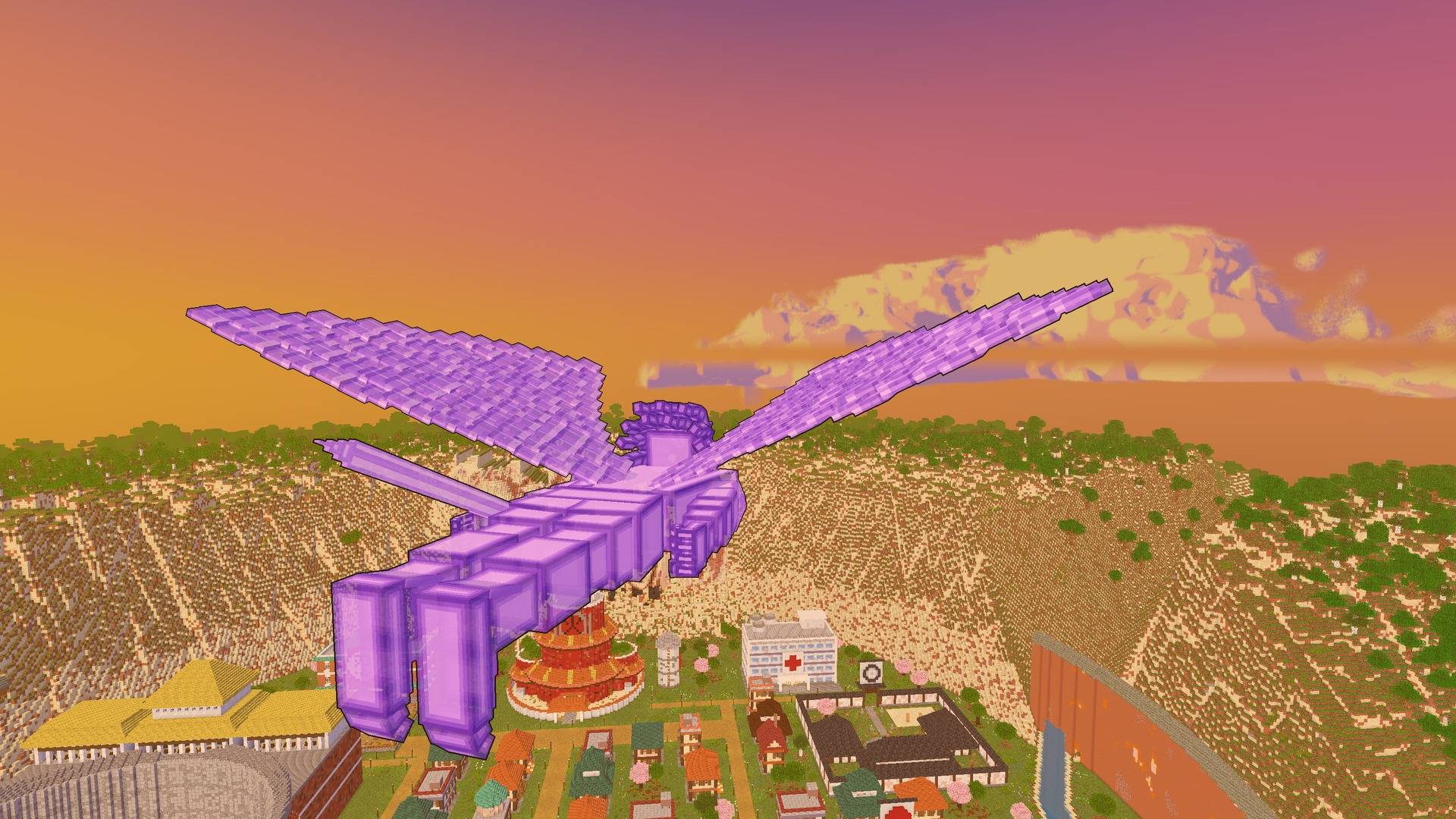
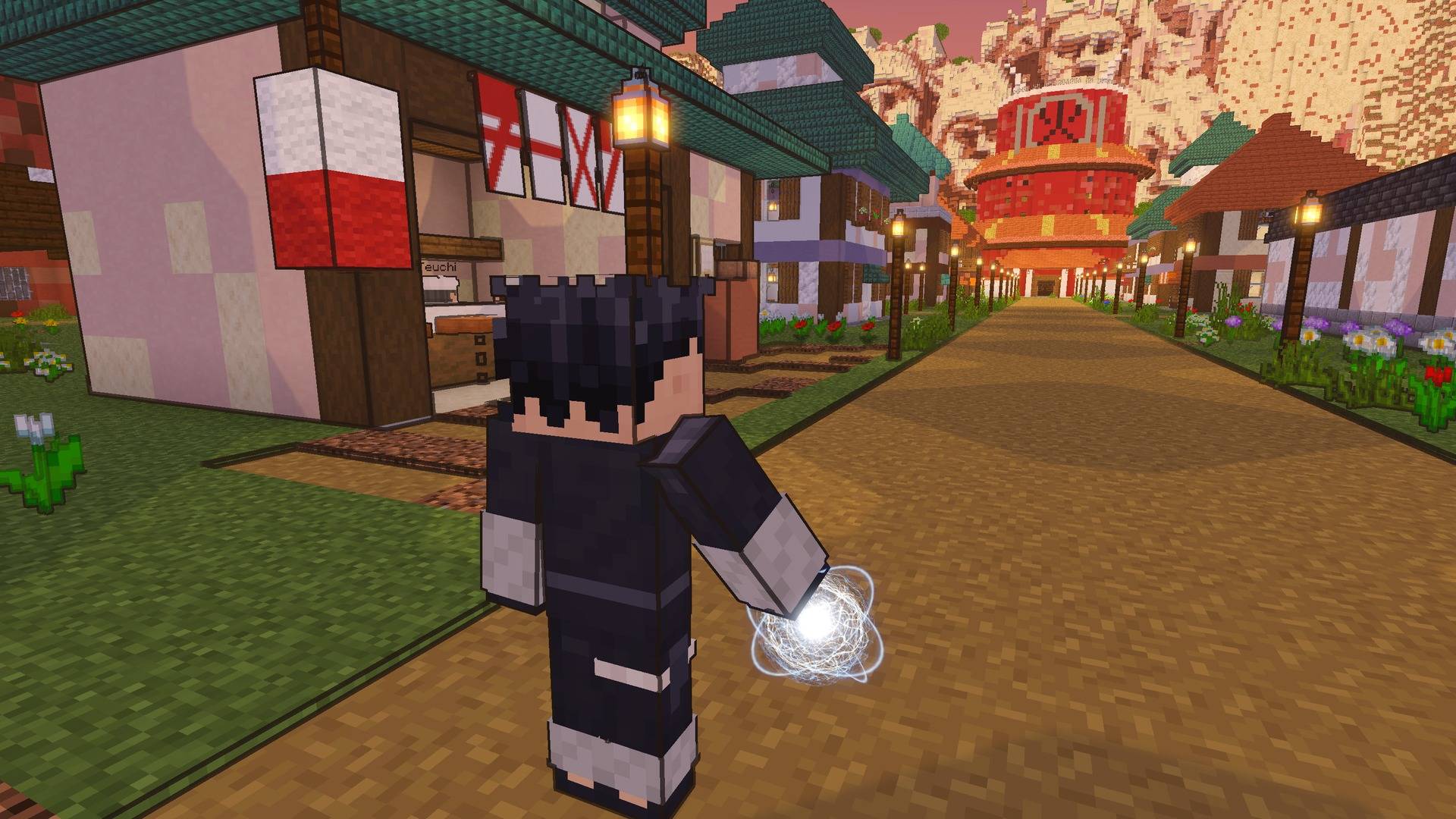
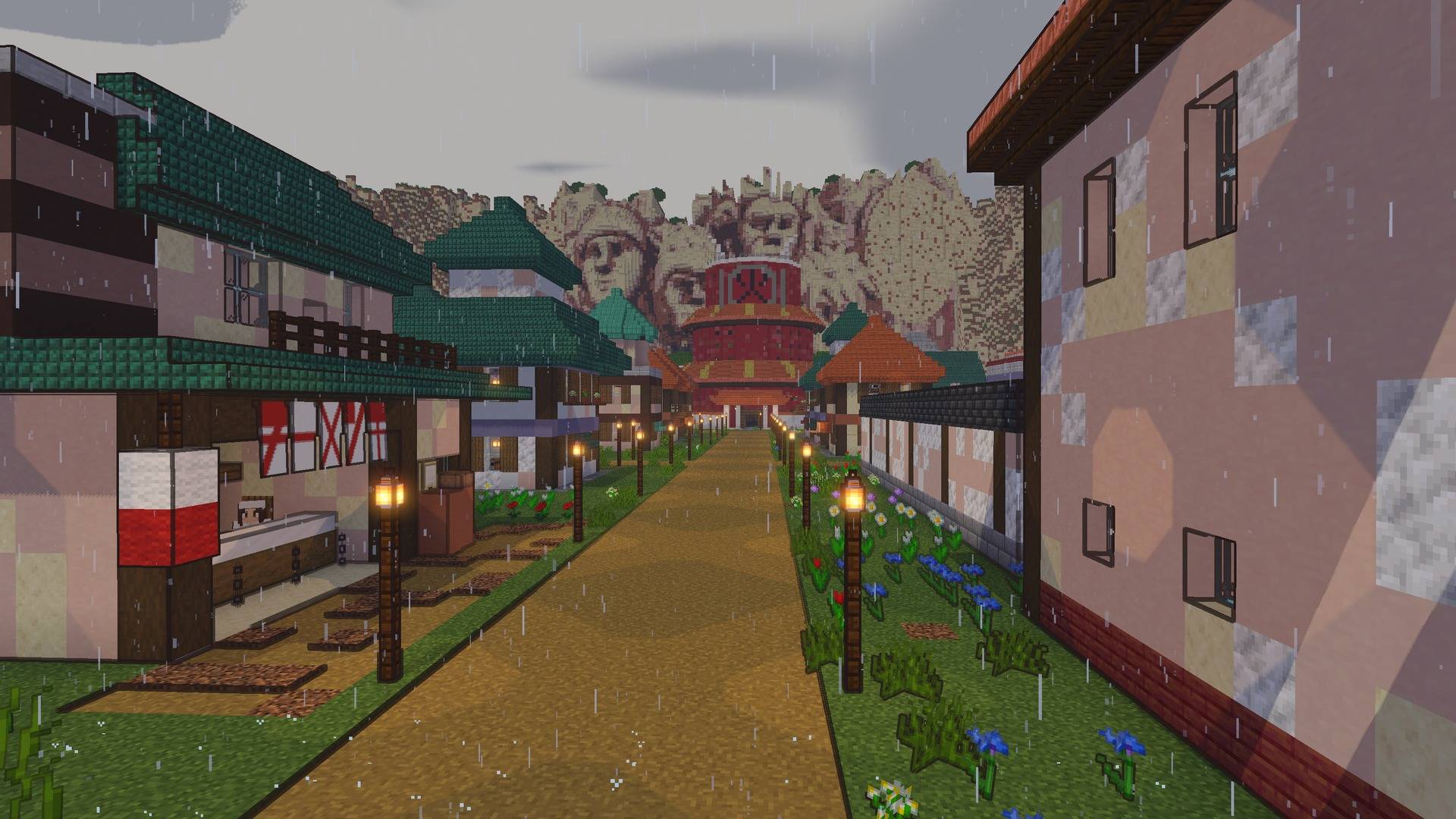
Make Minecraft look like an episode of Naruto Shippuden: cel shading, ink outlines, painted sunsets, starry nights and glowing jutsu. Made for the Naruto…
⬇ Download on CurseForge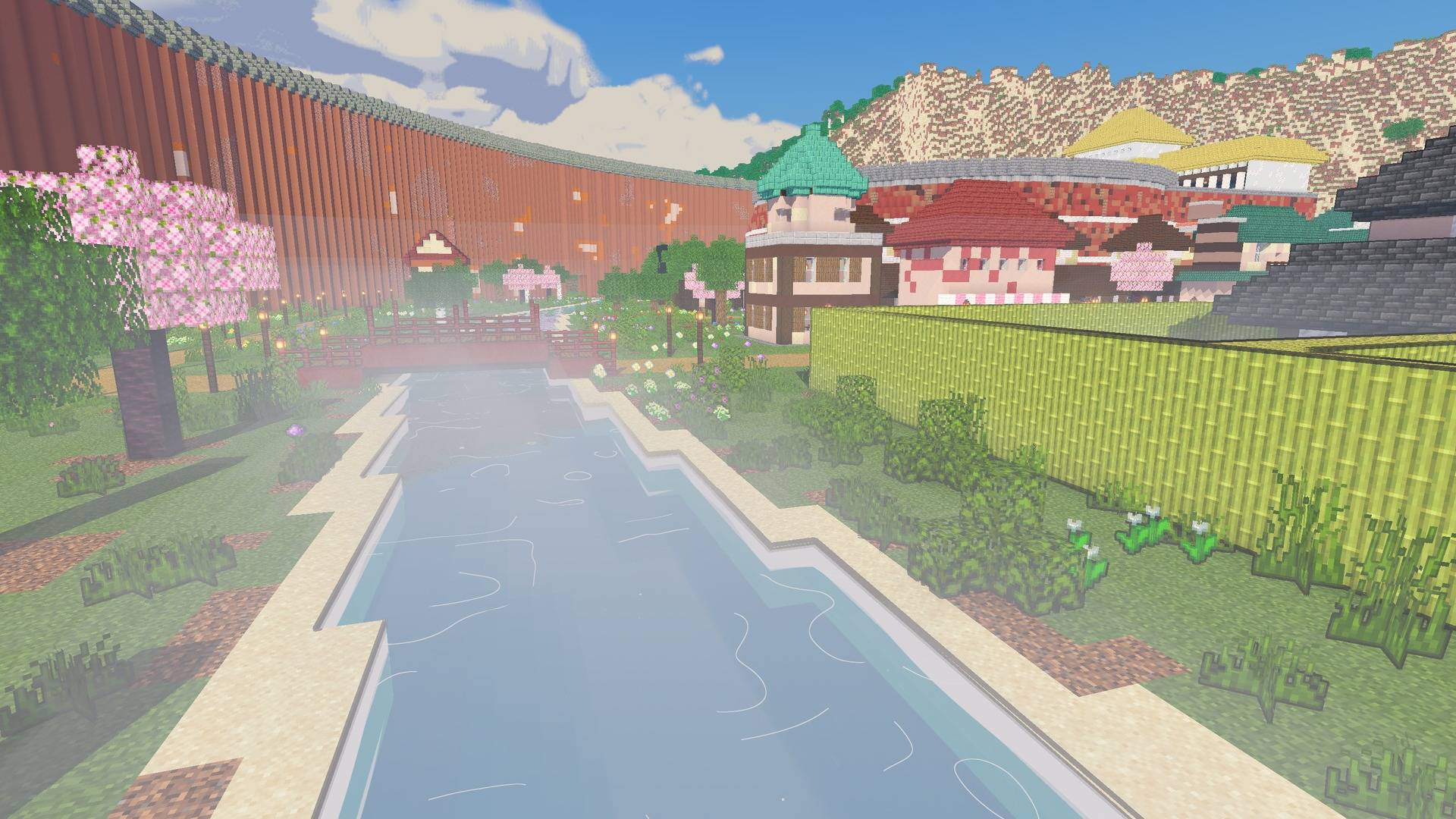
Naruto Shaders
Make Minecraft look like an episode of Naruto Shippuden.
Naruto Shaders is an anime-style shader pack, made to go with the Naruto Shippuden mod. It works with any world, with or without the mod.
Features
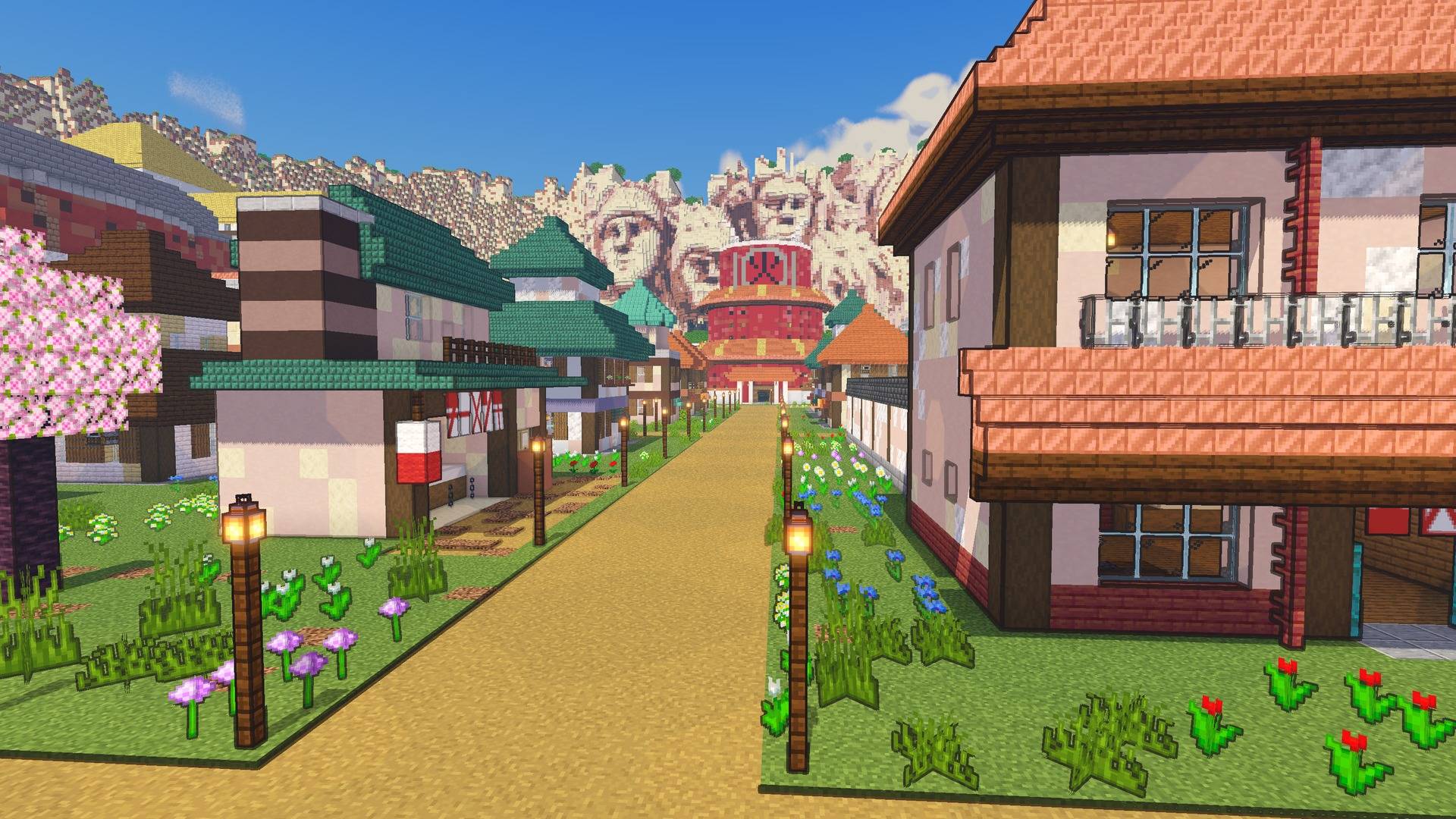
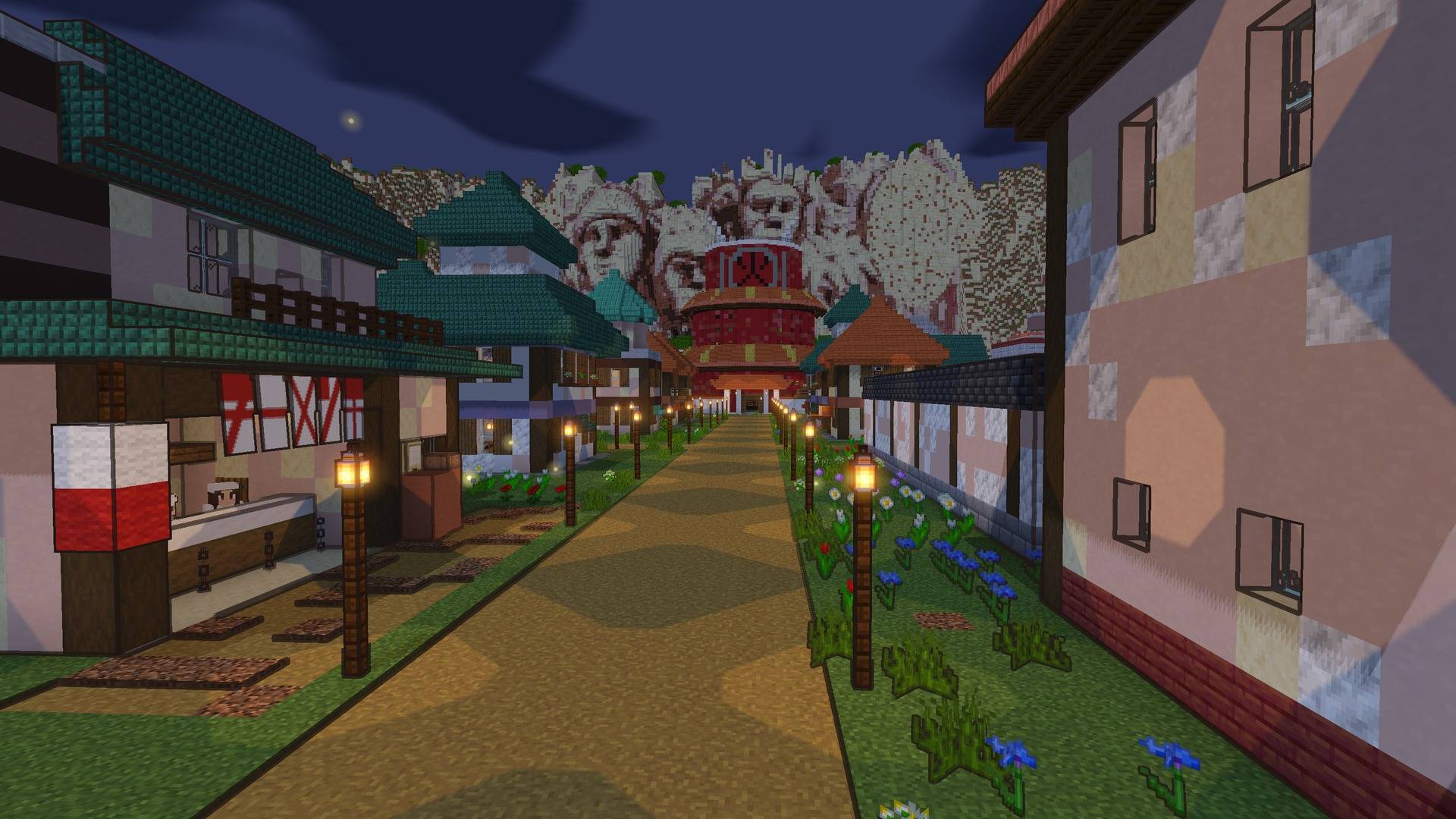
- Cel shading. Light falls in flat bands, like a drawn frame. Shade is tinted cool blue and violet, never black.
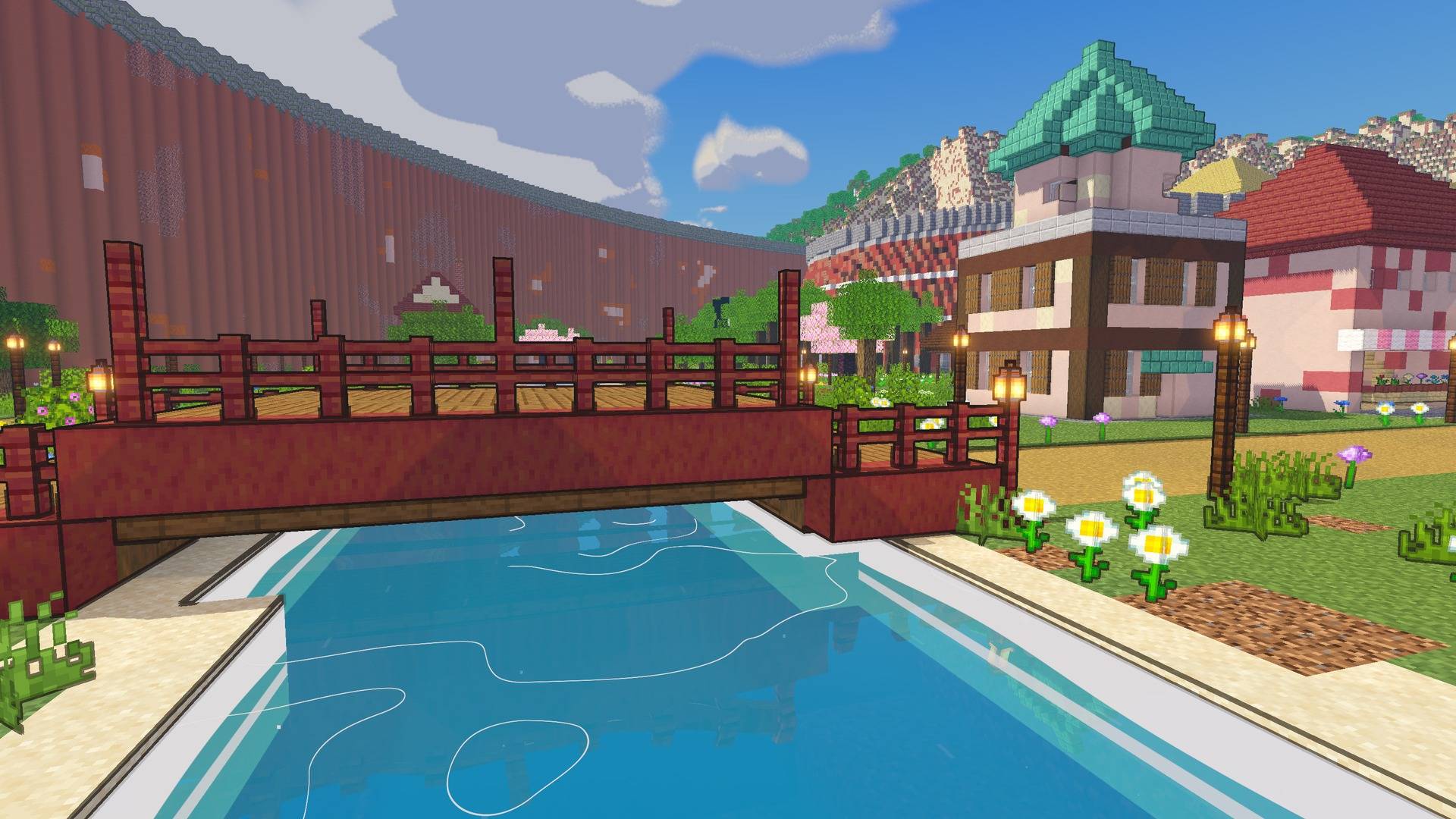
- Ink outlines. Bold manga lines (the default) or subtle ones around shapes only. You can also turn them off.
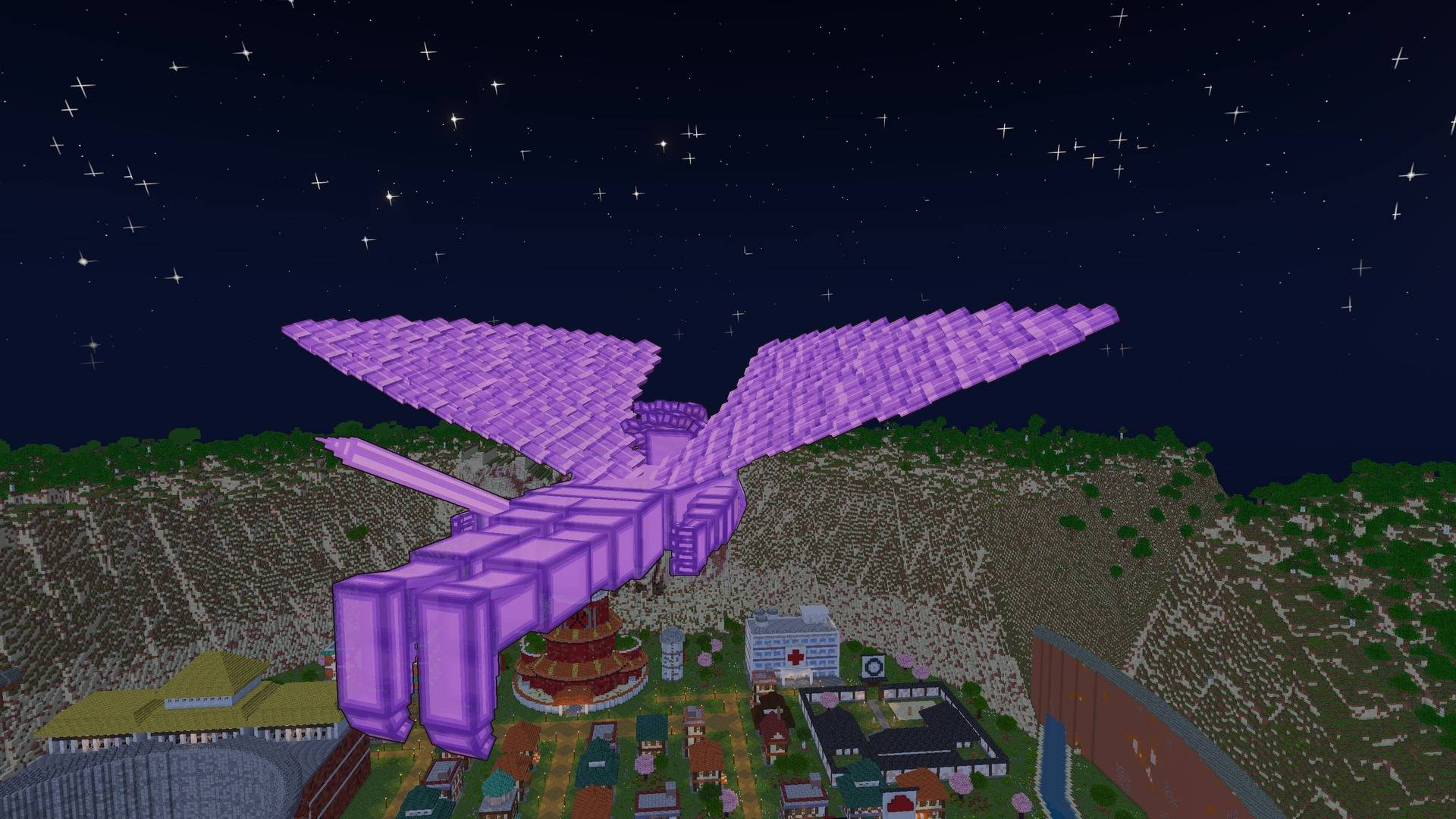
- Painted anime sky. Clean gradients, big painted clouds, strong orange and pink sunsets, and deep blue nights full of stars.
- Crisp cel shadows, plus a rim of light around characters, like an anime backlight.
- Glowing jutsu. Rasengan, Chidori and other chakra, plus fire, lanterns and lava, all glow.
- Soft distance haze. Far land fades into the sky, like a painted background.
- Anime water. Teal depth bands, drifting white wave lines, foam along the shore, and reflections of the world around it.
- Living world. Fireflies drifting low over the grass at night.
- Weather. Anime rain streaks, dark thunderstorms with lightning flashes, and soft morning mist lying low over rivers and lakes.
- Anime night sky. Twinkling stars of different sizes, a soft Milky Way, and a big glowing moon.
- Painted light shafts from the low sun through clouds and trees.
- Waving grass, flowers and leaves.
- Their own looks for the Nether and the End.
- Distant Horizons support. Far terrain gets the same style.
- Manga Mode. Black and white, with screentone.
Settings
Open Video Settings → Shader Packs → Naruto Shaders → Shader Pack Settings:
- Profile: Potato, Low, Medium, High or Ultra
- Outlines: Off, Subtle or Bold, plus Outline Width
- Light Bands: how many steps between shade and full sun
- Shadow Colour and Shadow Brightness
- Rim Light, Colour, Glow and Distance Haze
- Waving Plants and Manga Mode
- Sun Angle, Shadow Quality and Shadow Distance
Requirements
- Minecraft 26.3
- Iris (Fabric or NeoForge)
- Optional: Distant Horizons
Install
- Install Iris.
- Put the zip in
.minecraft/shaderpacks(don't unzip it). - In game, go to Video Settings → Shader Packs, pick Naruto Shaders, and click Apply.
Credits
- FishyHard, creator
Showing it in videos, streams and screenshots is welcome. Please don't re-upload it or publish edited versions without permission.
- Edition: Minecraft Java
- File type: .zip (resource pack)
- How to install: Download the .zip resource pack — do not unzip it. → Put it in .minecraft/resourcepacks. → Enable it in Options → Resource Packs.
- Where to get it: Opens on CurseForge — not every file is mirrored on our own servers.
Install steps are the general flow for this file type — see the MC Java Mods guides for the full walkthrough.
- Downloads as NarutoShaders-1.0.0.zip
- Download size: 82 KB
- Download link checked 2 Nov 2026 — working
These come from our own check of the pack file, not from the source page.