ModpacksJava
Bedrock Reloaded Modpack (26.2) – Java Meets Bedrock Perfectly
Java modpack listed for Minecraft 26.x. Download on the author's site.
⬇ Download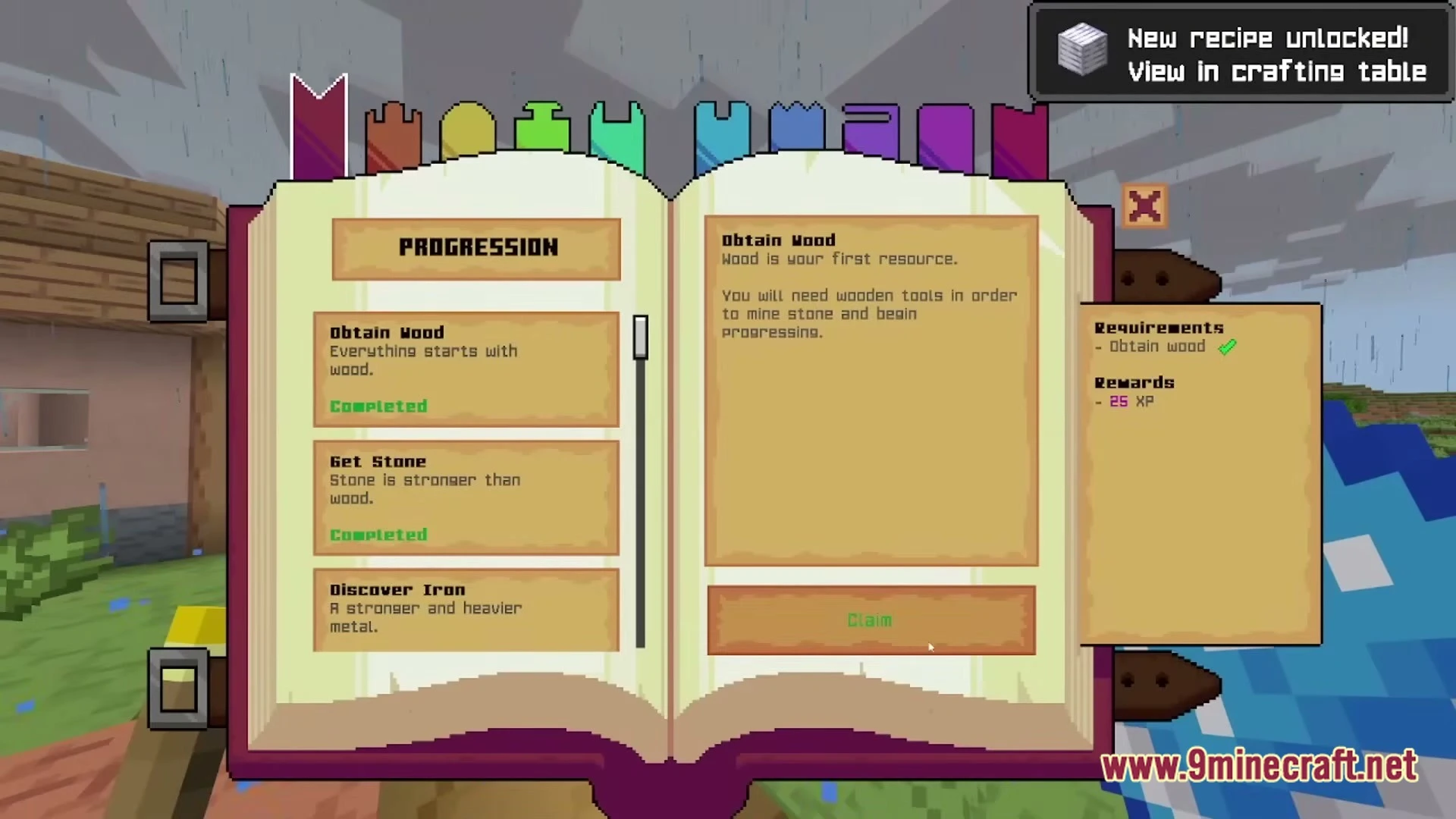
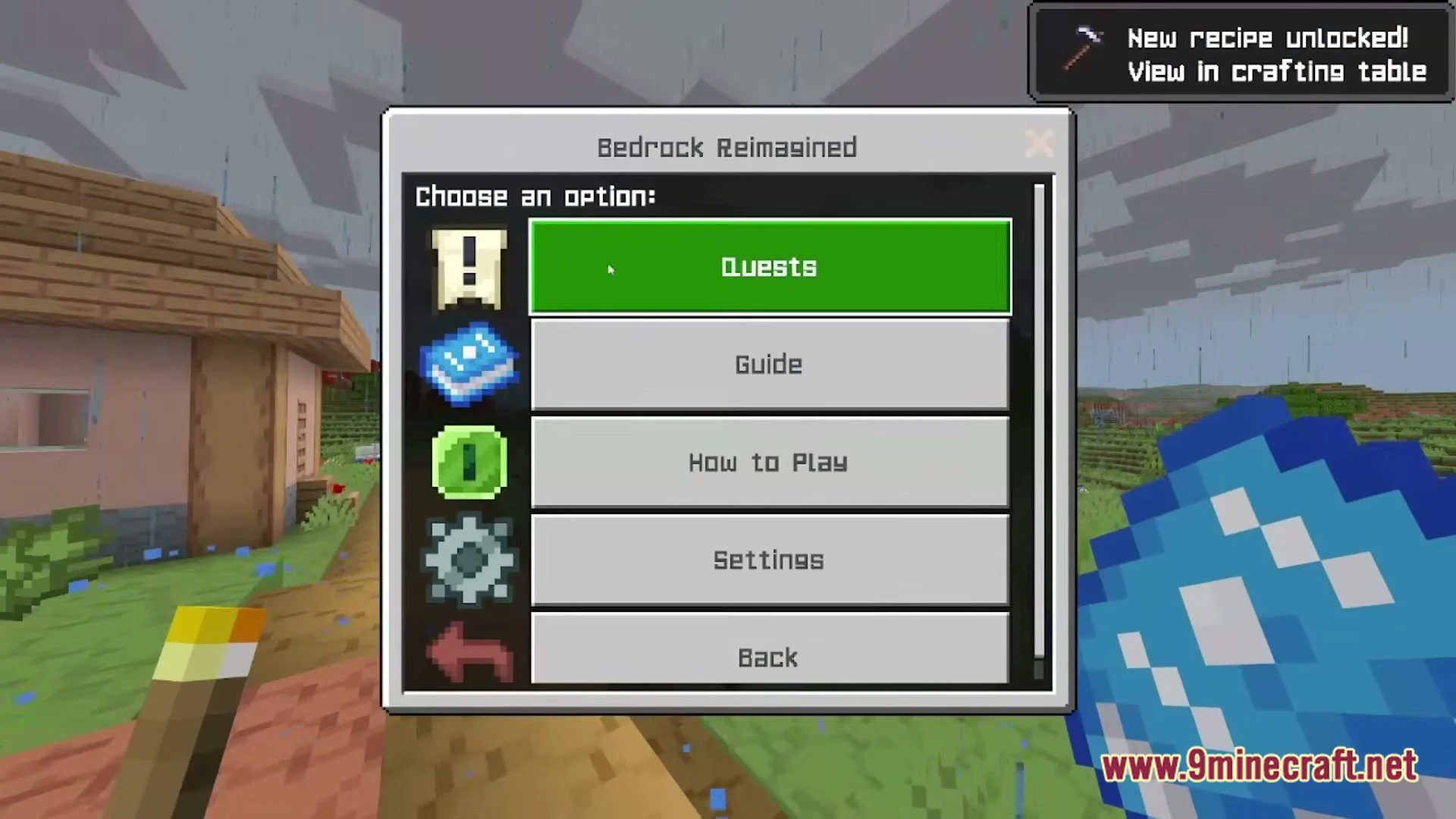

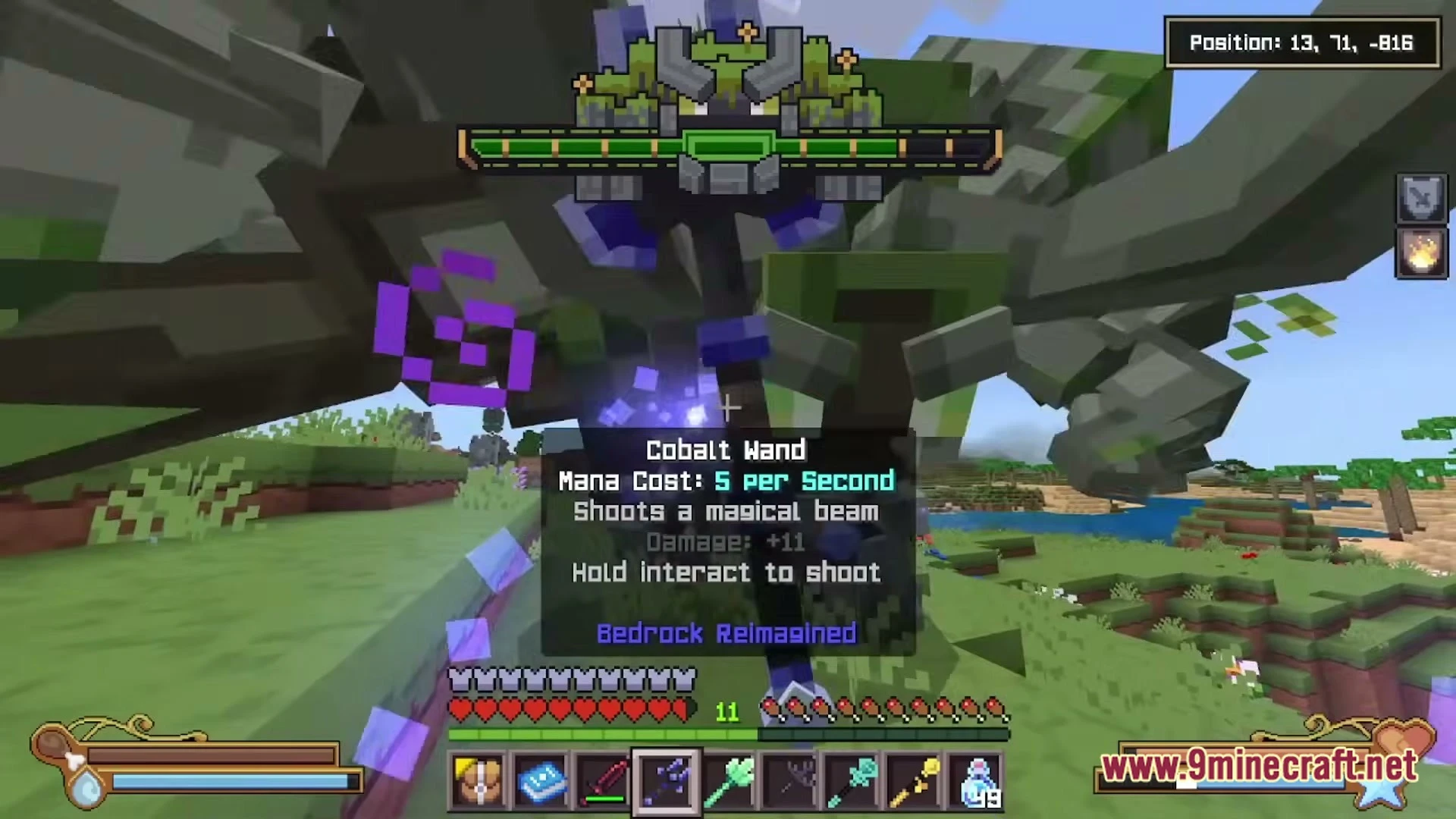
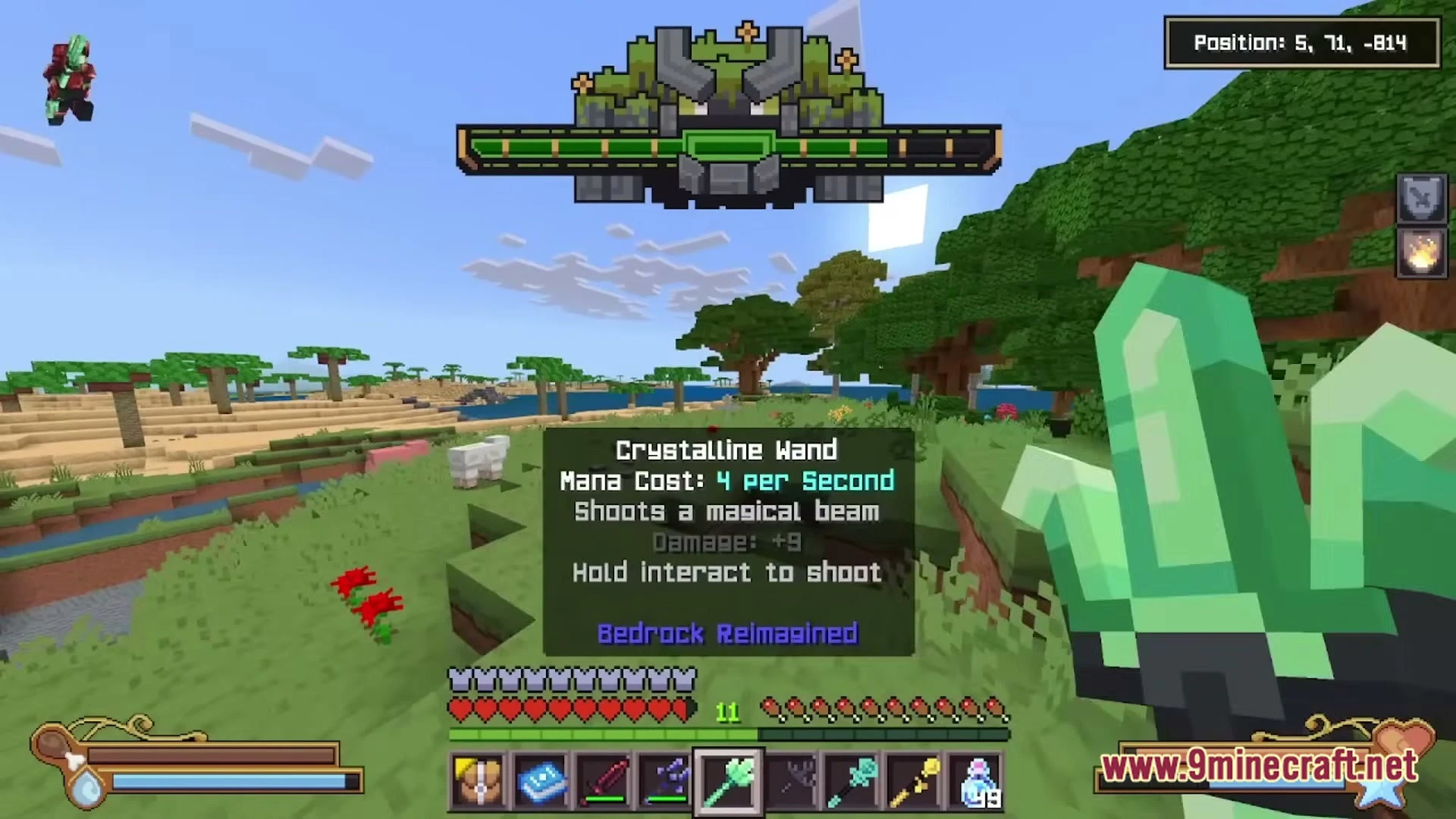
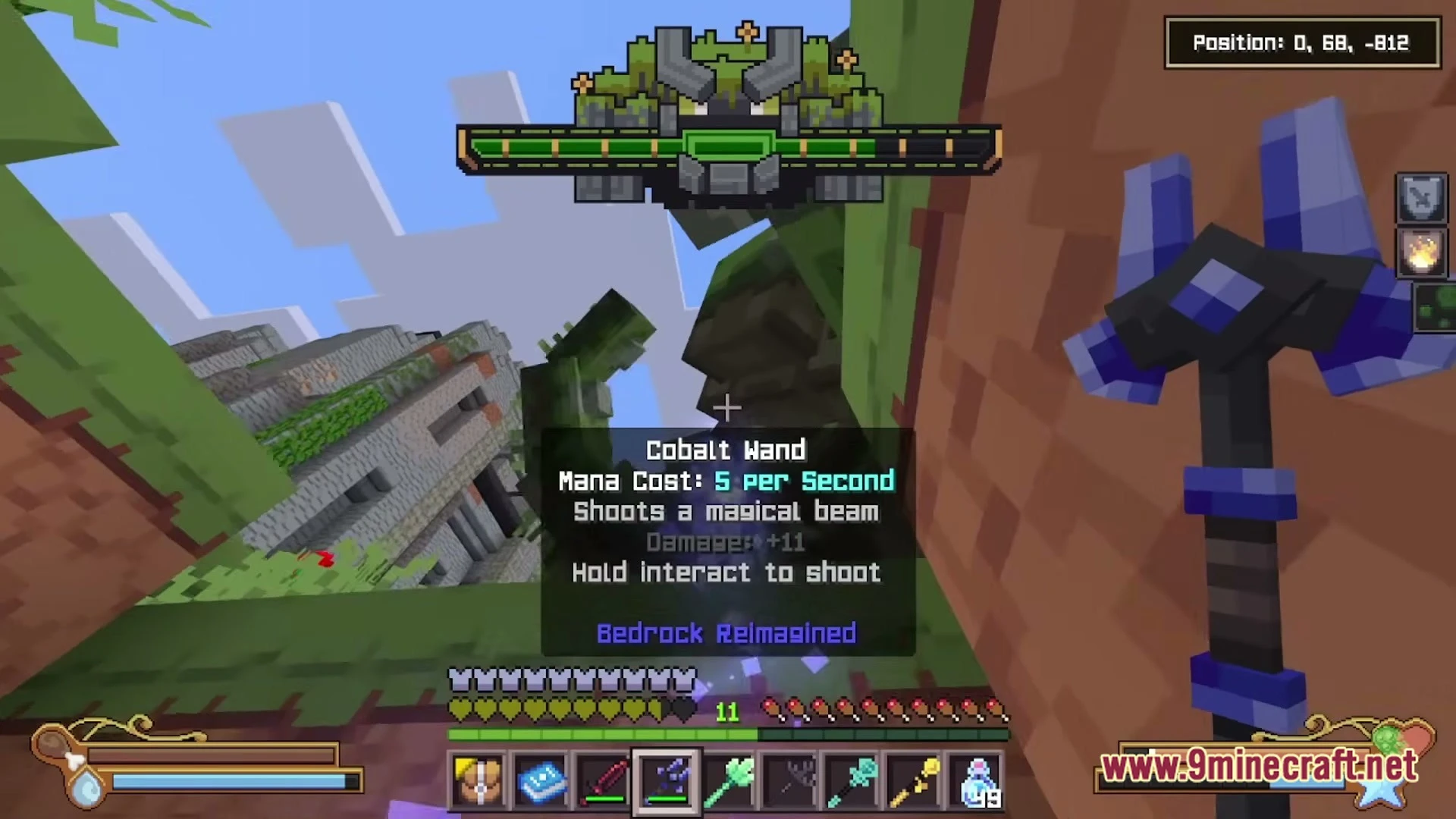

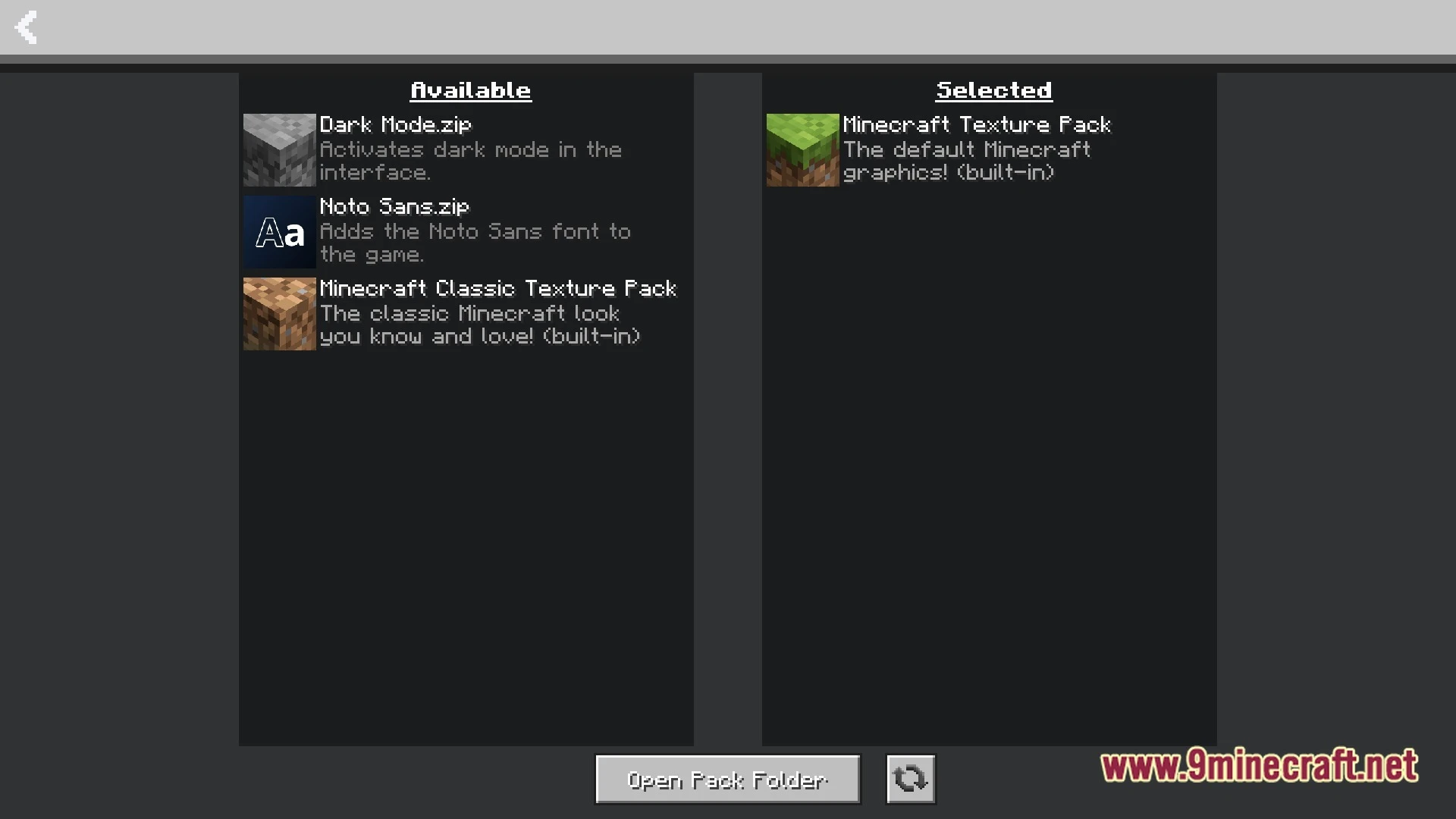
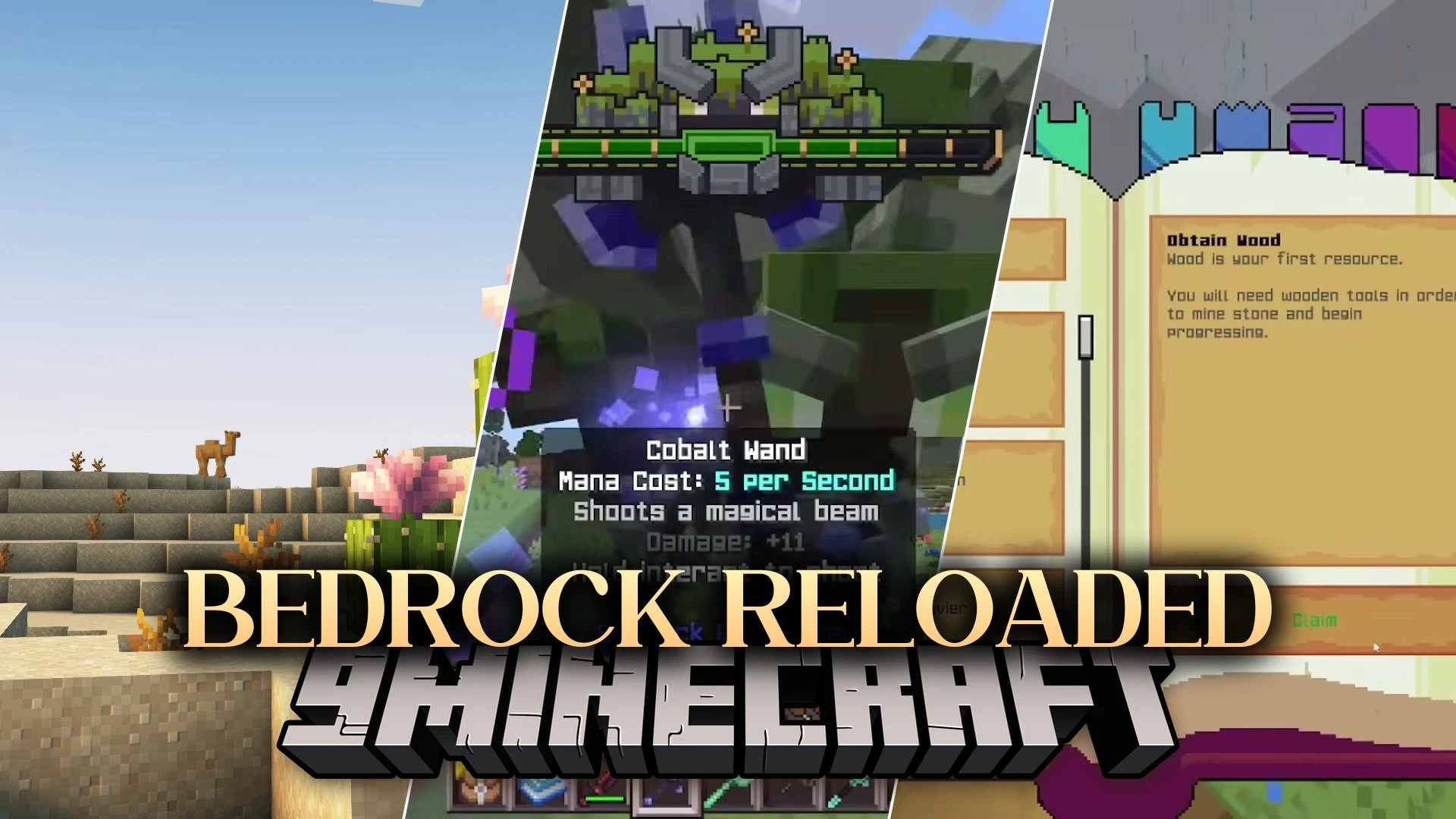
Bedrock Reloaded Modpack brings Java and Bedrock editions together so they feel and play the same way. If you love Bedrock’s smooth feel but want Java’s power to add mods and customize everything, this pack makes both worlds work as one.
Features:
- Matching Textures: All block and item looks now match what you see in Bedrock, so nothing feels out of place
- Same Behavior: Mobs, crops, and mechanics work exactly like Bedrock – no more confusing differences between versions
- Fast Performance: Runs smoothly even with 96 chunks of view distance and shaders turned on, thanks to built-in speed improvements
- Fixes bugs and crashes that normally happen in Java, making the game more stable and reliable
- New structures and biomes to explore, with better loot and more reasons to adventure far from home
- Easy to turn features on and off – customize the pack to match your playstyle in just a few clicks
- Works great for servers, so you can set up multiplayer worlds quickly without headaches
- Open-source mods mean the community keeps improving it, and you can see exactly how everything works
How to Play:
- Start a new world and explore the redesigned biomes – they’re more colorful and detailed than before.
- Hunt for new structures and villages to find rare items and trade with villagers for pearls and treasures.
- Mine for ores at any depth since the pack makes ore finding easier and more rewarding than strip mining.
- Build and craft using the familiar Bedrock recipes and mechanics you already know.
- Invite friends to your server and play together with all the same features working perfectly for everyone.
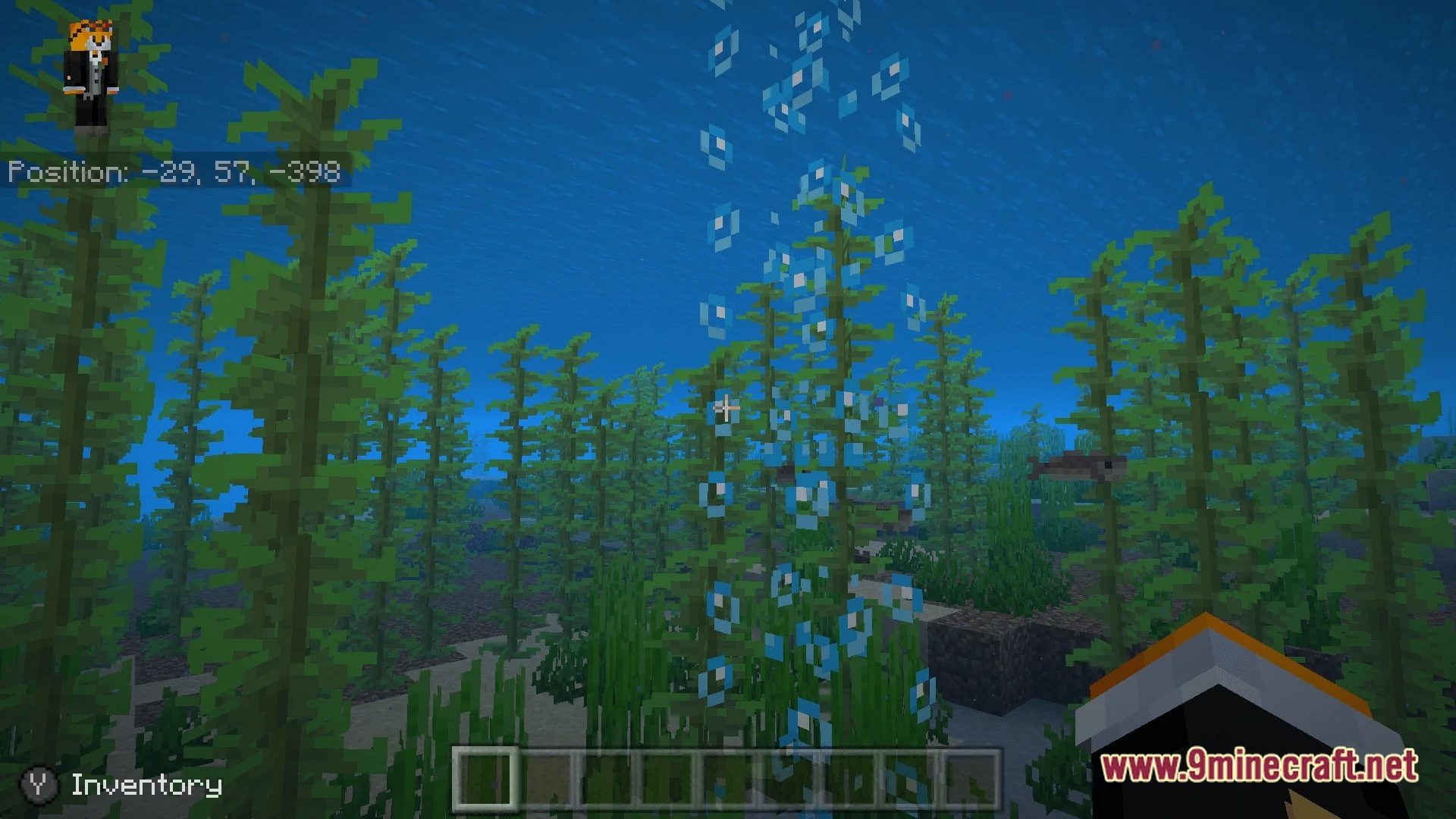
Screenshots:
Bedrock Reloaded Modpack Download Links
Quick facts
- Edition: Minecraft Java
- File type: .jar
- Minecraft version listed: 26.2
- How to install: Install the matching mod loader (Forge, Fabric or NeoForge) for your Minecraft version. → Download the .jar. → Put it in the .minecraft/mods folder and launch that loader profile.
- Where to get it: Opens on the file's original source — not every file is mirrored on our own servers.
Install steps are the general flow for this file type — How to install Minecraft Java mods & modpacks walks through it step by step.
Bedrock Reloaded Modpack (26.2) – Java Meets Bedrock Perfectly is a free Minecraft Java modpack. Compatible with Minecraft 26.2. Download it and open it directly in the game.