ModsJava
Item Render Optimizer Mod (26.3, 1.21.11) – Smooth FPS Even with Piles
Java mod listed for Minecraft 1.21–26.x. Downloads from the MC Java Mods app on Android.
⬇ Download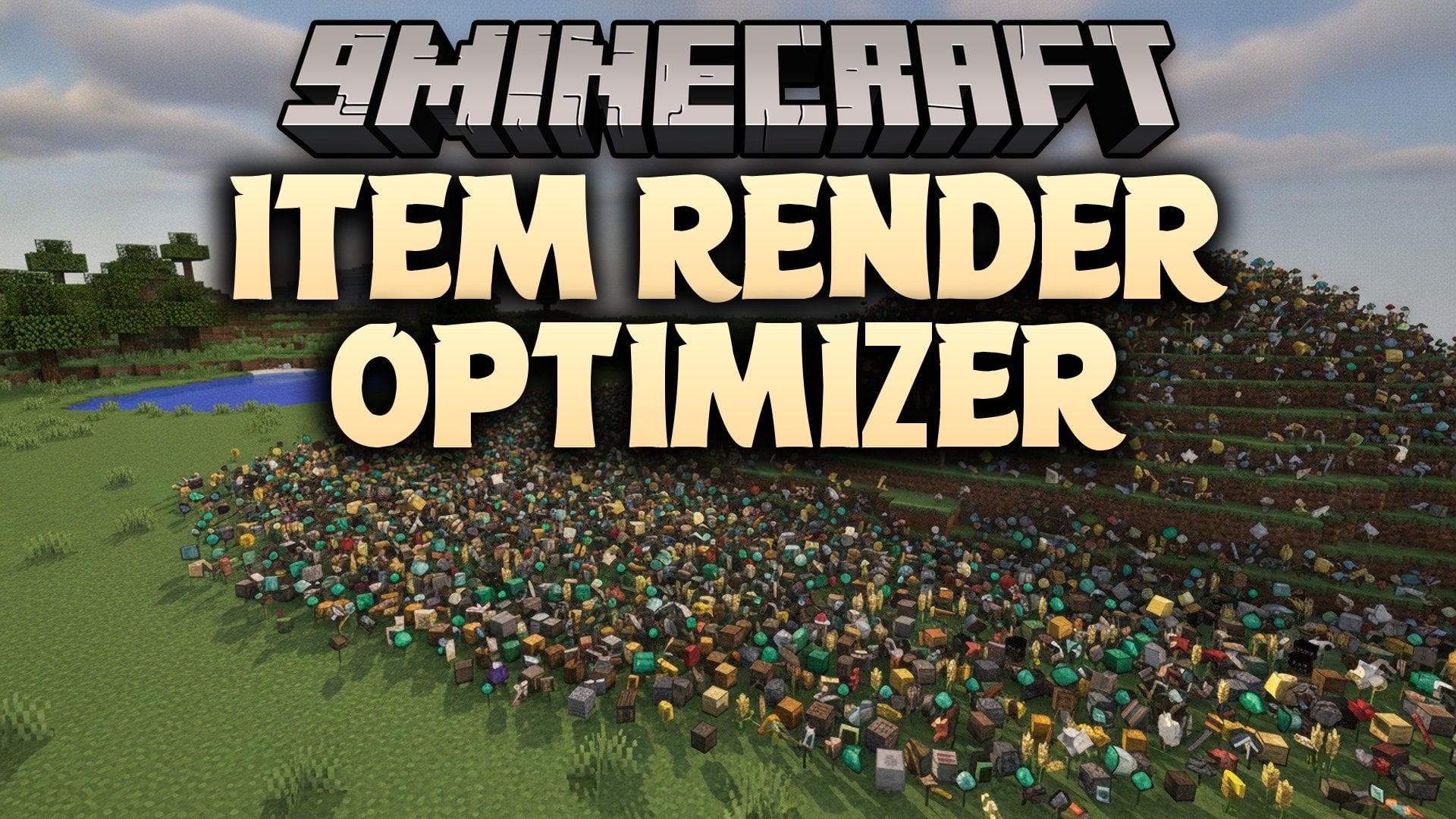
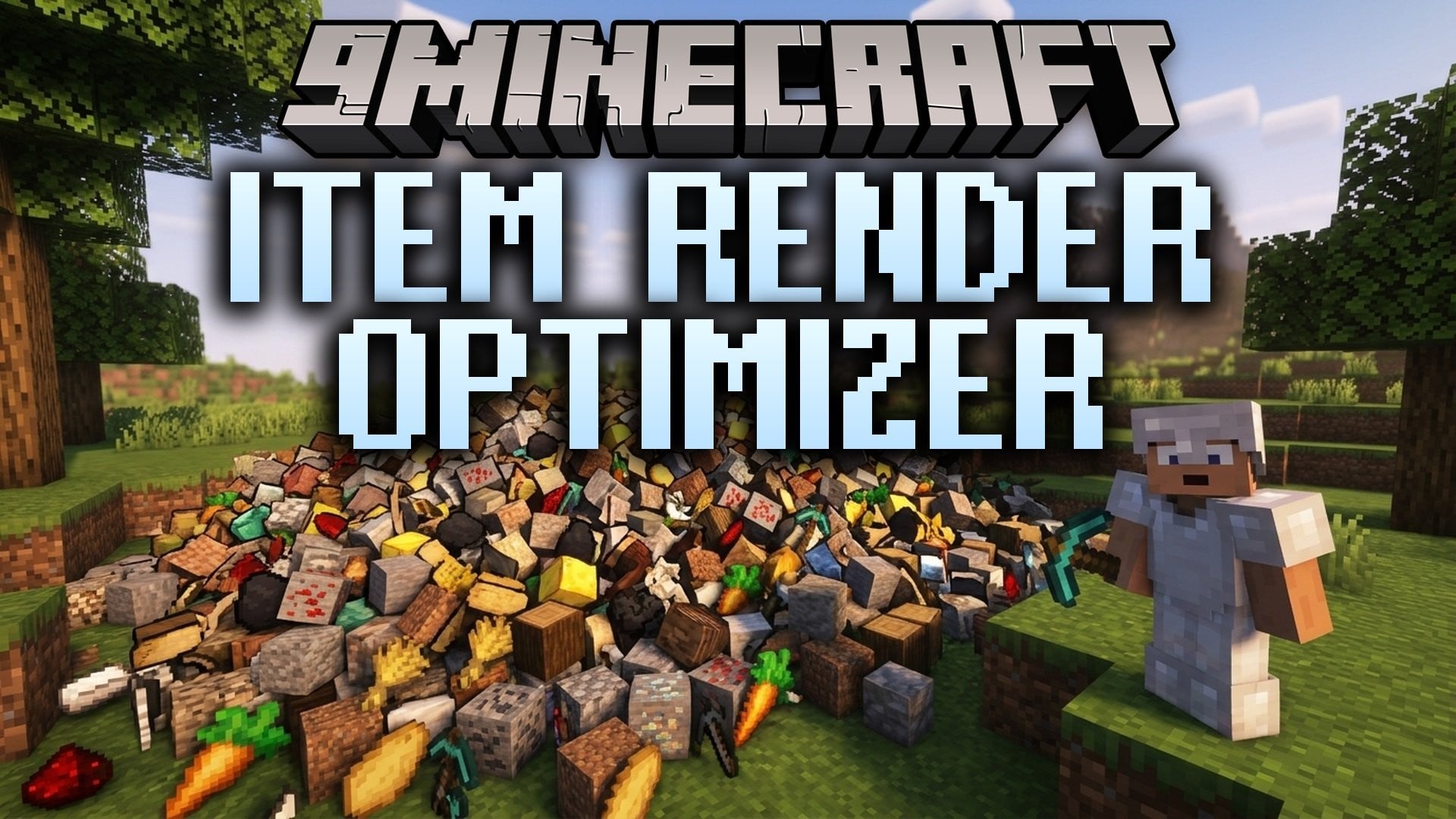
Item Render Optimizer Mod reduces the work your game does to draw dropped items. It boosts FPS when huge piles of items are on screen. This mod runs on the client side only, so it is light and simple.
Features:
- Better FPS: Gives you a big FPS boost around large item piles.
- Smart Limit: Draws fewer dropped items as more items show up on screen.
- Keeps the real items and how they work exactly the same.
- Does not change how items are picked up or how they merge.
- Works best when hundreds or thousands of dropped items are around.
- Cuts down the number of item models your game needs to draw, while the items stay in the world.
- Does not fix server lag or TPS. It only helps with drawing items on your screen.
How to Use:
- Add the mod to your Fabric game.
- Play as usual. The mod works on its own, with no setup.
- Look at a big pile of dropped items to see the FPS gain.
Item Render Optimizer Mod Download Links
Quick facts
- Edition: Minecraft Java
- File type: .jar
- Minecraft versions listed: 26.3, 1.21.11
- How to install: Install the matching mod loader (Forge, Fabric or NeoForge) for your Minecraft version. → Download the .jar. → Put it in the .minecraft/mods folder and launch that loader profile.
- Where to get it: In MC Java Mods, or directly above on this page.
Install steps are the general flow for this file type — How to install Minecraft Java mods & modpacks walks through it step by step.
File checked by MCModsHub
- Downloads as 539425.mcaddon
- Download size: 5 KB
- Download link checked 3 Nov 2026 — working
- Mirrored on our own servers — the download does not depend on the original host
These come from our own check of the pack file, not from the source page.