ModsJava
Click Interactions Mod (26.3) – Right-Click Tools to Dye, Trim, and Harvest
Java mod listed for Minecraft 26.x. Downloads from the MC Java Mods app on Android.
⬇ Download


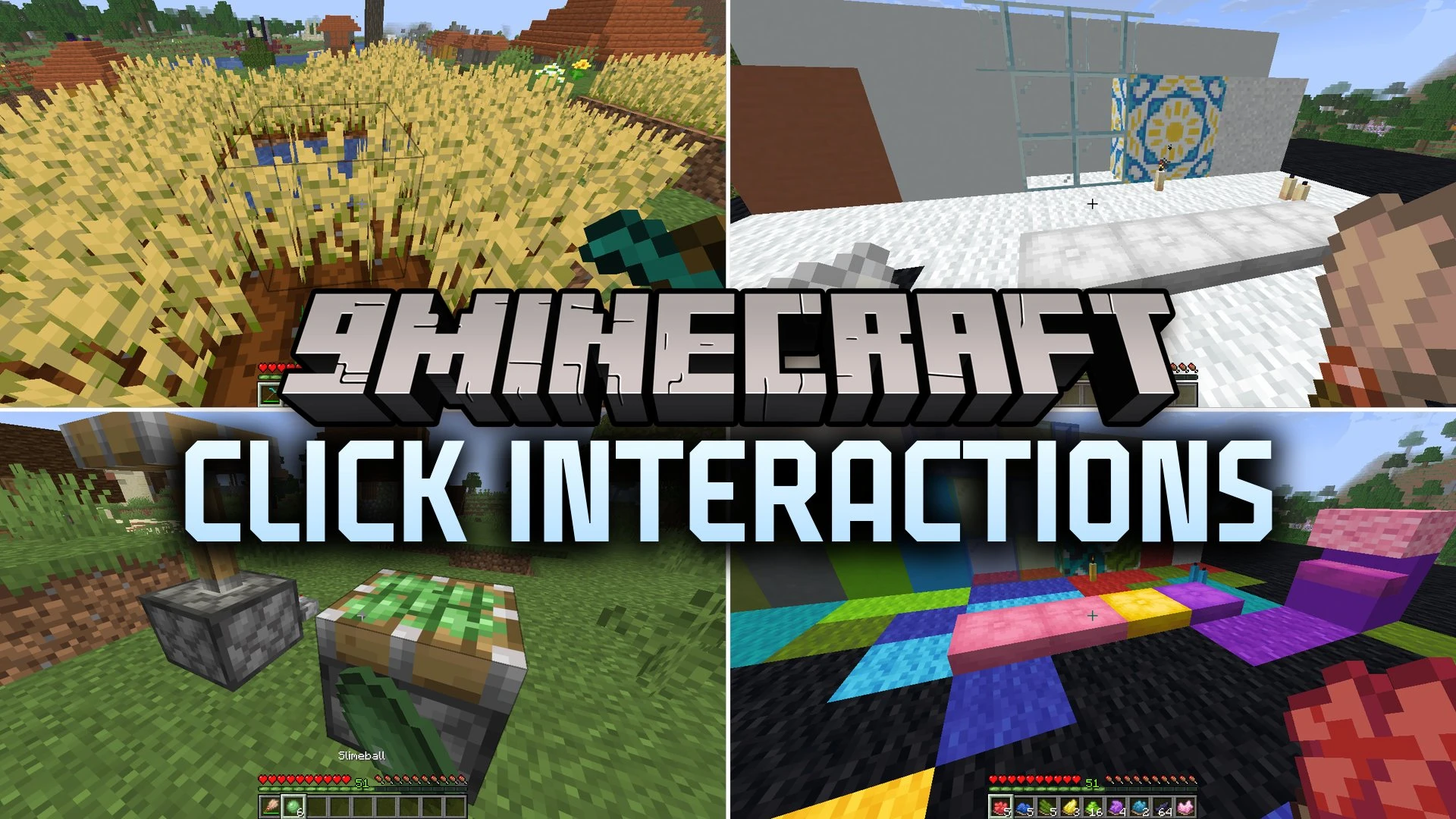
Click Interactions Mod adds many new right-click actions to tools and items. You can dye blocks, harvest crops without breaking them, trim grass, and more. Actions that use tools also work with Unbreaking, so they feel like normal tool use.
Features:
- Dyeing and Bleaching: Use dyes right on blocks to color them. Brushes or paper clear blocks back to their default color. You can also dye tulips in white, pink, red, and orange.
- Hoe Harvesting: Right-click crops to collect the goods without breaking the plants. They stay planted, and it works with Fortune.
- Trim Grass: Use shears to turn dry grass, ferns, and seagrass into shorter versions.
- Crack and Fix Blocks: Right-click blocks that have a cracked version with a pickaxe to crack them. Fix them again with any type of bricks.
- Gold Interactions: Right-click golden dandelions or gilded blackstone with a pickaxe to get a few gold ingots. Right-click normal dandelions or blackstone with a gold ingot to make the golden version. Right-click sand or gravel to turn it into suspicious sand or gravel with no loot.
- Disconnect Fences and Walls: Cut the connections on every side of a post. Use a pickaxe for walls and Nether brick fences. Use an axe for wooden fences.
- Uses bone meal on dirt blocks to turn them into grass blocks.
- Lets you bring bark back to stripped blocks with bone meal.
- Turns azaleas and their leaves into the flowering version. Shears cut the flowering ones back.
- Lets you get bone meal back from composters.
- Grows moss on stony blocks, and you can clean it off again.
- Lets shears cut rooted dirt, just like hoes already do.
- Lets you shear saplings into dead bushes to get a leaf of the matching type. Poplar saplings have a slightly higher chance to give orange leaves.
- Lets you add slime to a piston that is not extended to make it sticky. Brushes clean the slime off and give you slimeballs back.
Screenshots:
Click Interactions Mod Download Links
Quick facts
- Edition: Minecraft Java
- File type: .jar
- Minecraft version listed: 26.3
- How to install: Install the matching mod loader (Forge, Fabric or NeoForge) for your Minecraft version. → Download the .jar. → Put it in the .minecraft/mods folder and launch that loader profile.
- Where to get it: In MC Java Mods, or directly above on this page.
Install steps are the general flow for this file type — How to install Minecraft Java mods & modpacks walks through it step by step.
File checked by MCModsHub
- Downloads as 539464.mcaddon
- Download size: 383 KB
- Download link checked 3 Nov 2026 — working
- Mirrored on our own servers — the download does not depend on the original host
These come from our own check of the pack file, not from the source page.