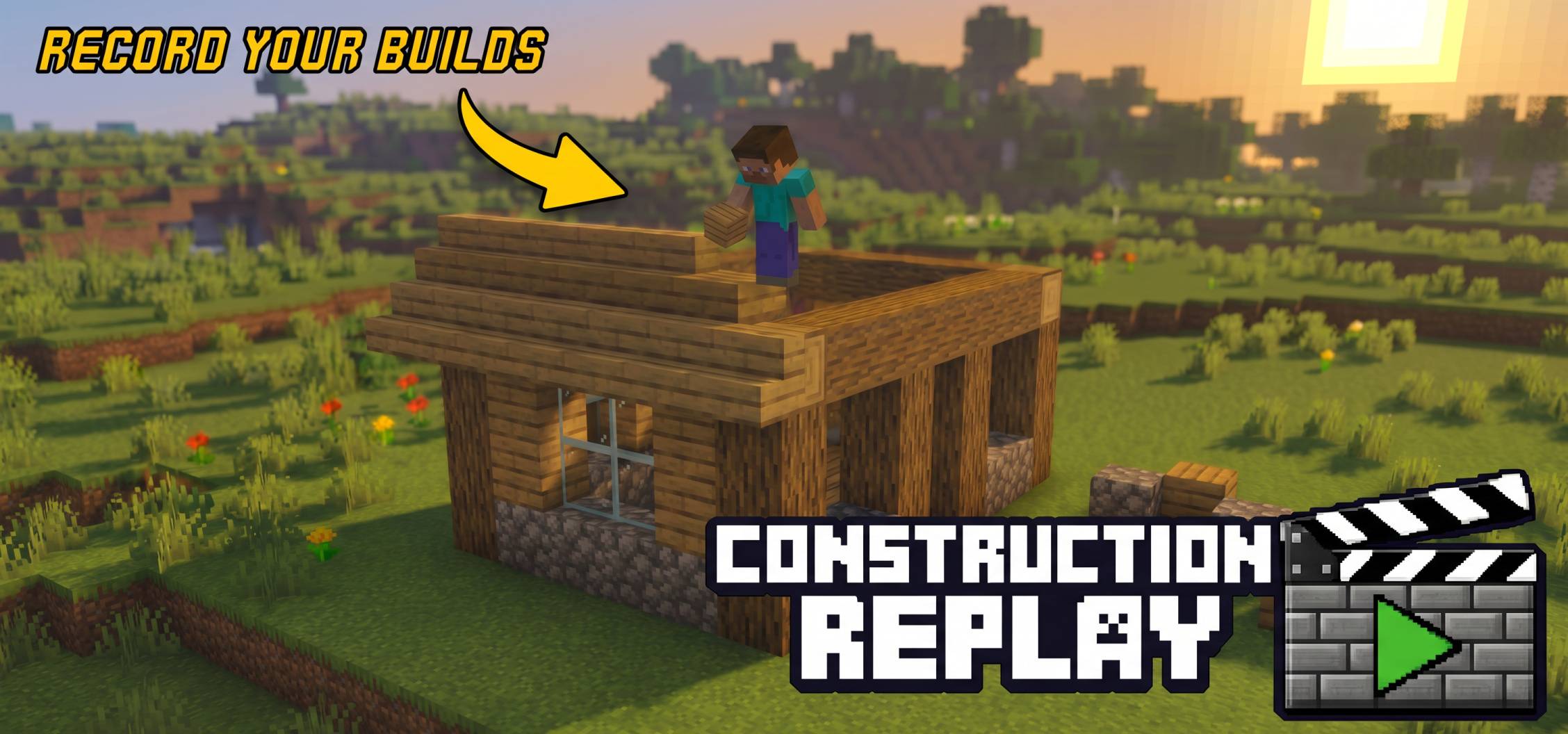
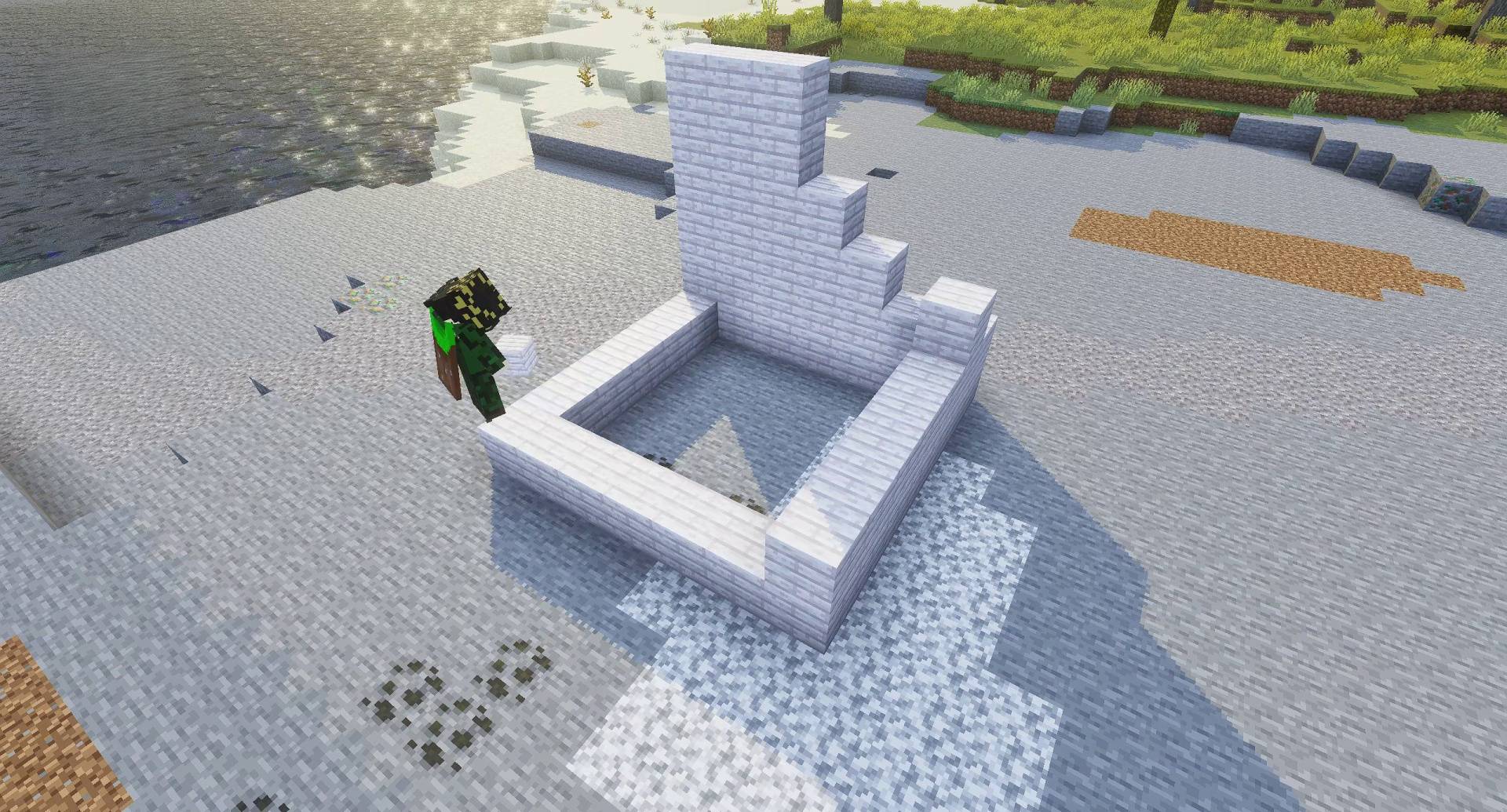
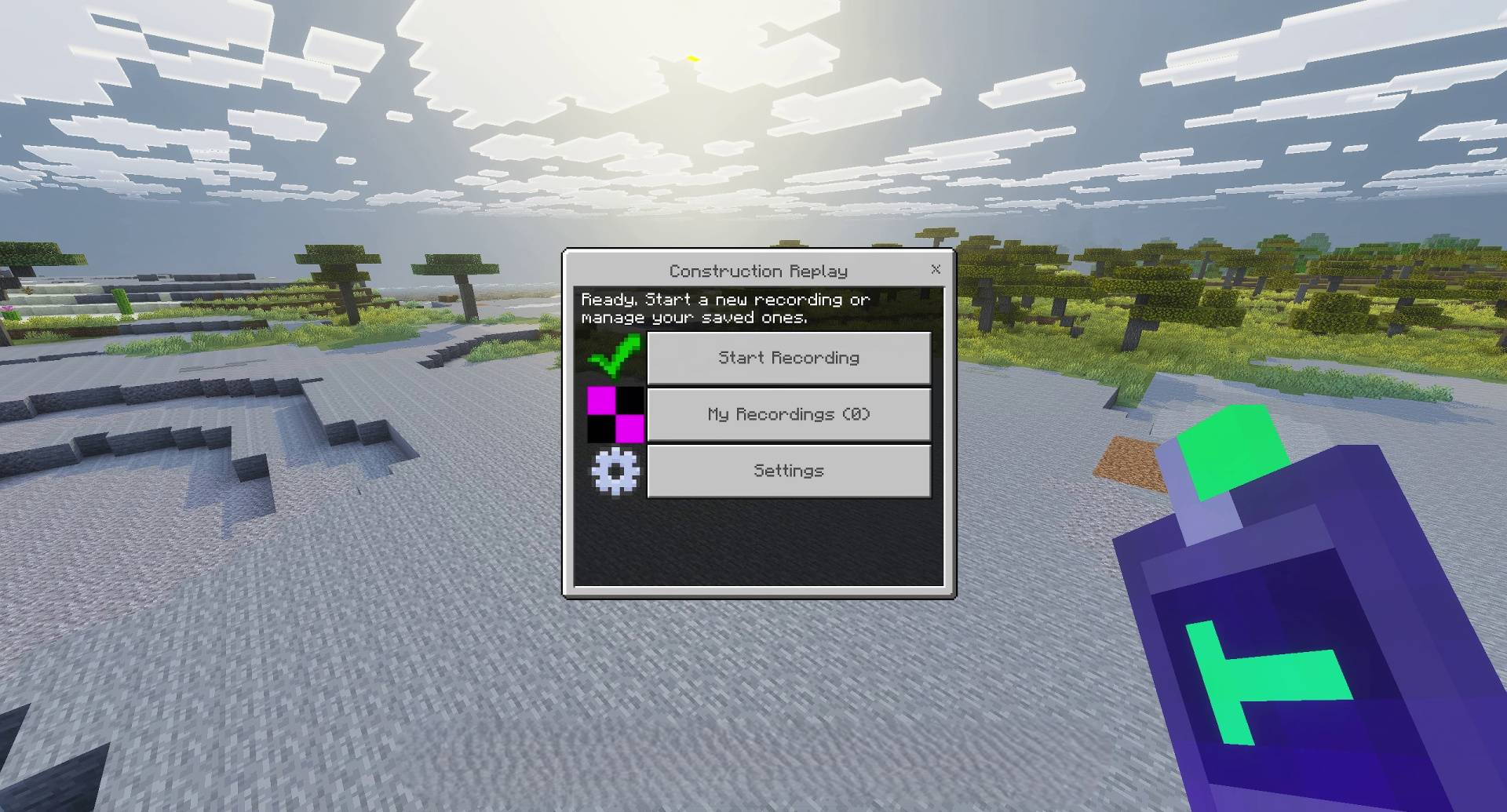
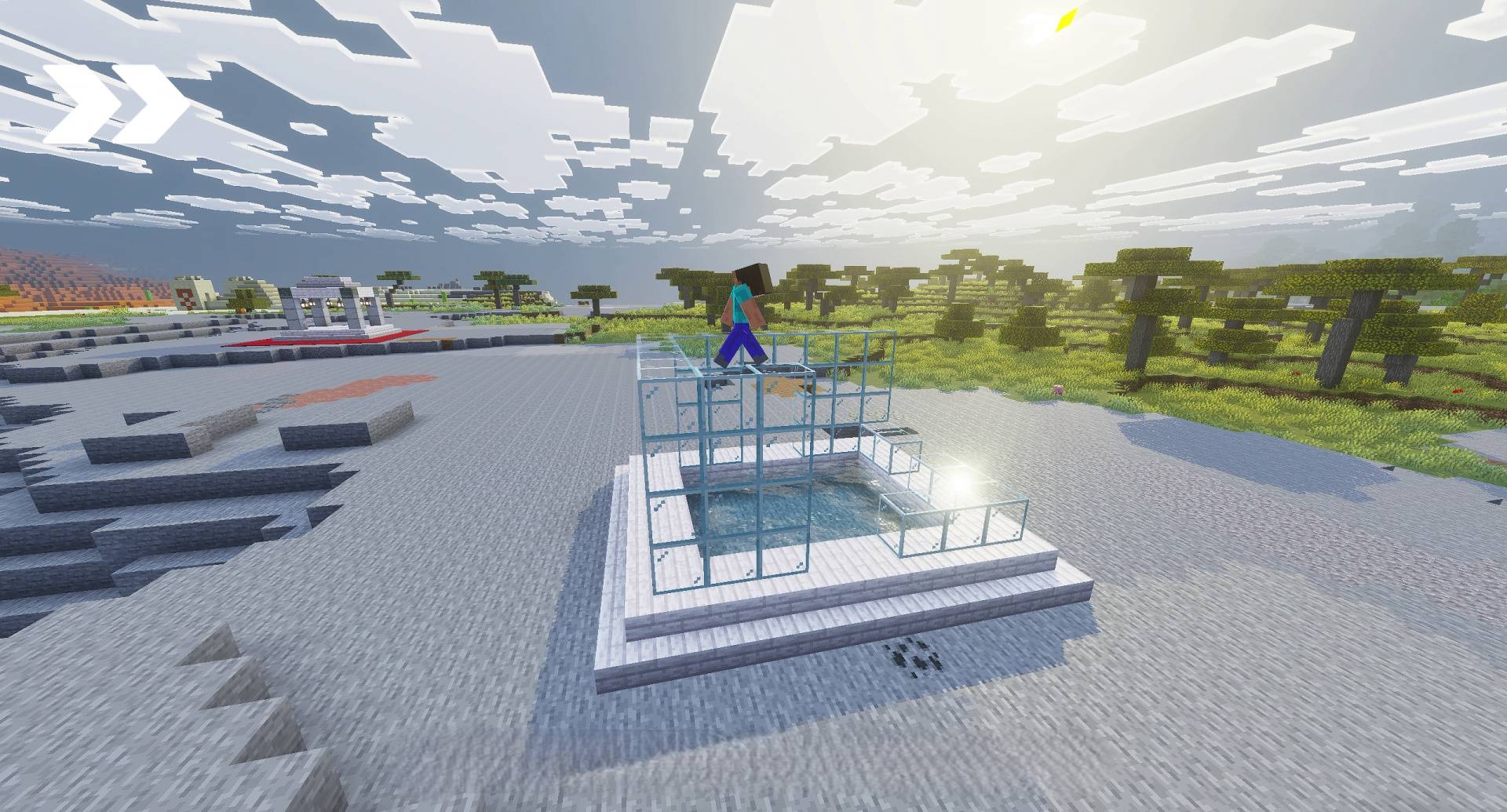
Construction Replay Addon lets you record your building process and watch it back later. This tool adds three different modes to reconstruct your structures block by block. It allows you to set up camera angles for the perfect video shot.
Features:
- Normal mode places blocks visually for better game performance.
- A special builder character walks around to reconstruct your base.
- The replay system safely moves animals away from placed blocks.
- Your recorded clips save directly into your local world files.
- The addon clears the area automatically before starting a replay.
Commands:
- Type /replay:menu to open the main user interface.
- Use /replay:record start to begin saving your block actions.
- Type /replay:speed to change the delay between placed blocks.
- Hold the Construction Remote item to open the menu quickly.
Screenshots:
Construction Replay Addon Download Links
Quick facts
- Edition: Minecraft Bedrock
- File type: .mcpack or .mcaddon
- Minecraft version listed: 1.21
- How to install: Download the .mcpack or .mcaddon file. → Open it — Minecraft imports it. → In your world: Behavior Packs → Available → Activate, then the same under Resource Packs.
- Where to get it: In MCModsHub, or directly above on this page.
Install steps are the general flow for this file type — How to install Minecraft Bedrock addons & mods walks through it step by step.
Verified by MCModsHub
- Pack type: .mcaddon — behaviour and resource pack in one file
- Manifest requires Minecraft 1.21.100 or newer
- Complete pack — everything it depends on is inside the file
- Download size: 115 KB
- Download link checked 22 Jul 2026 — working
- Mirrored on our own servers — the download does not depend on the original host
These come from our own check of the pack file, not from the source page.