ModsJava
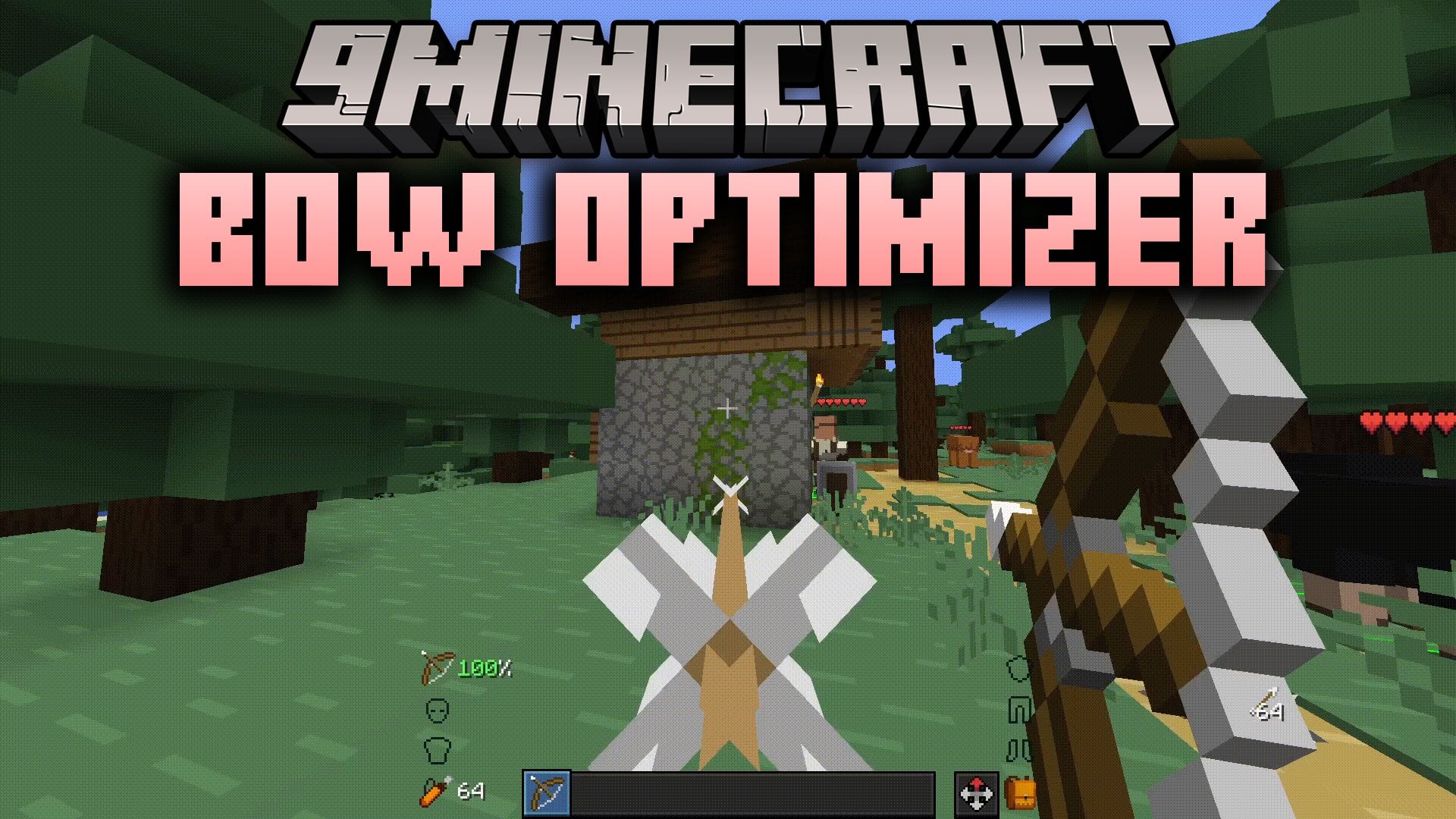
Bow Optimizer Mod (1.21.11, 1.21.1) – Hold Right-Click to Keep Firing Your Bow
Java mod listed for Minecraft 1.21. Downloads from the MC Java Mods app on Android.
⬇ Download
Bow Optimizer Mod lets you hold right-click with a bow to fire again and again. It releases and re-pulls the bow for you at the lowest usable charge. You need no macro software, mouse software, or auto-clicker. This mod works in singleplayer and on servers as a client mod.
Features:
- Hold to Fire: Hold right-click with a bow and the mod keeps shooting for you.
- Lowest Usable Charge: Releases and re-pulls the bow at the lowest charge that works, so you fire with minimal delay.
- Works without any external macro software, mouse software, or auto-clicker.
- Runs as a client mod, so it works in singleplayer and on servers.
- Automates your actions and gives you an edge over other players. Some servers may see this as cheating and could ban you or trigger anti-cheat, so check the server rules first.
How to Use:
- Hold a bow in your hand.
- Hold down the Right mouse button.
- Keep holding it and the bow fires over and over on its own.
Bow Optimizer Mod Download Links
Quick facts
- Edition: Minecraft Java
- File type: .jar
- Minecraft versions listed: 1.21.11, 1.21.1
- How to install: Install the matching mod loader (Forge, Fabric or NeoForge) for your Minecraft version. → Download the .jar. → Put it in the .minecraft/mods folder and launch that loader profile.
- Where to get it: In MC Java Mods, or directly above on this page.
Install steps are the general flow for this file type — How to install Minecraft Java mods & modpacks walks through it step by step.
File checked by MCModsHub
- Downloads as 540028.mcaddon
- Download size: 5 KB
- Download link checked 4 Nov 2026 — working
- Mirrored on our own servers — the download does not depend on the original host
These come from our own check of the pack file, not from the source page.