
ModsJava
Beautify Re Foxed Mod (26.3, 1.21.1) – Decorate Rooms with Vanilla-Style Pots
Java mod listed for Minecraft 1.21–26.x. Downloads from the MC Java Mods app on Android.
⬇ Download
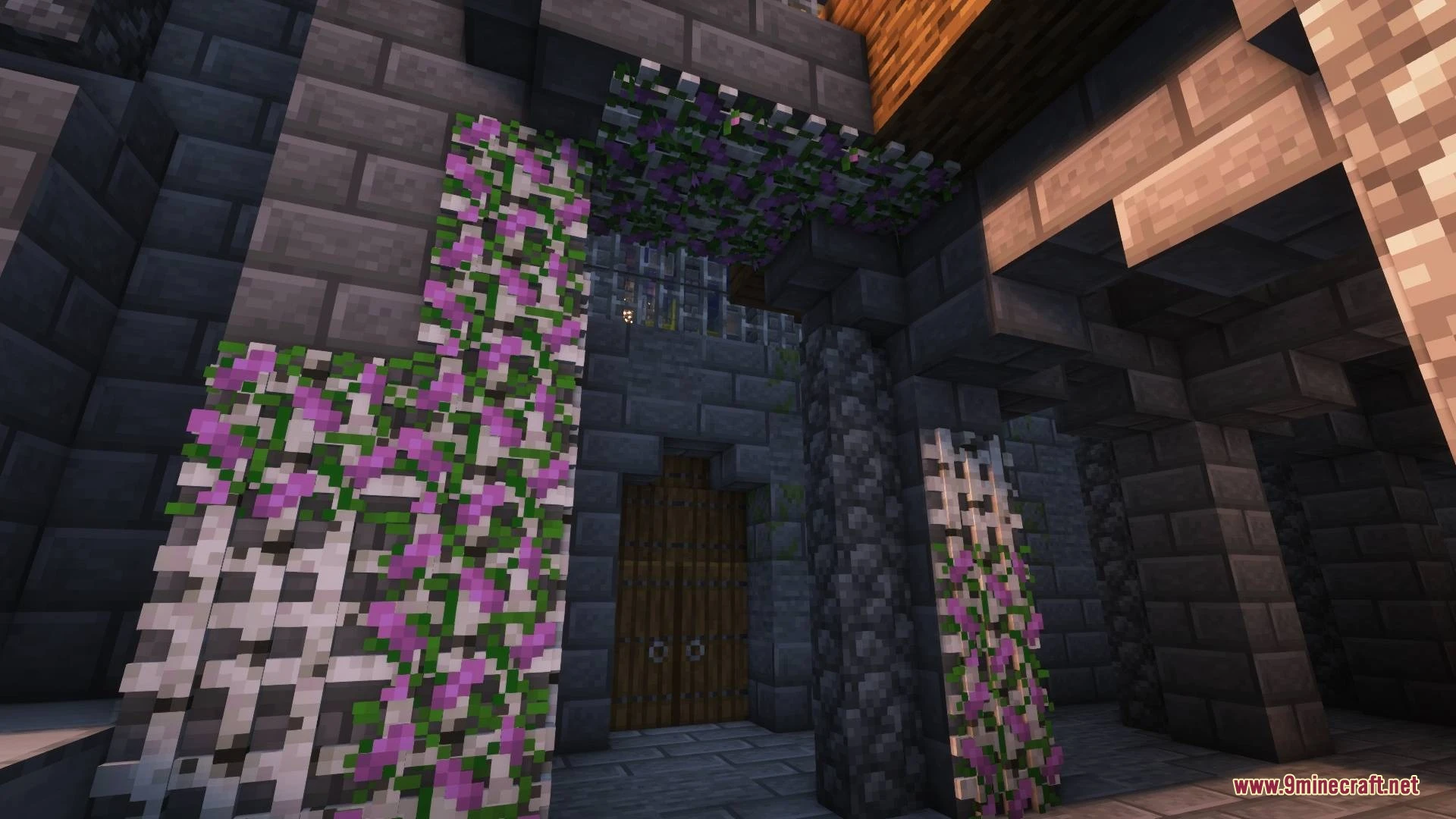
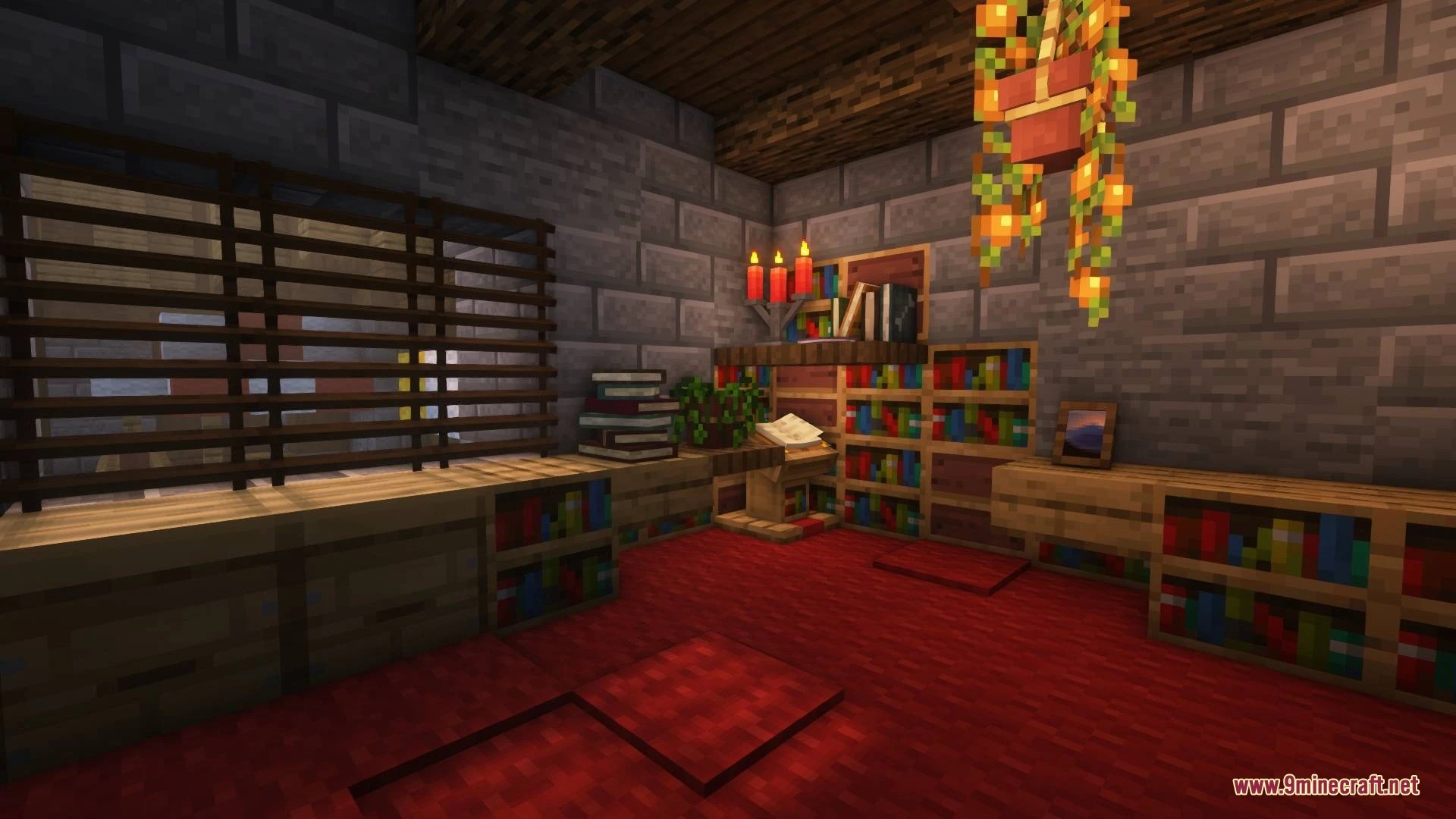
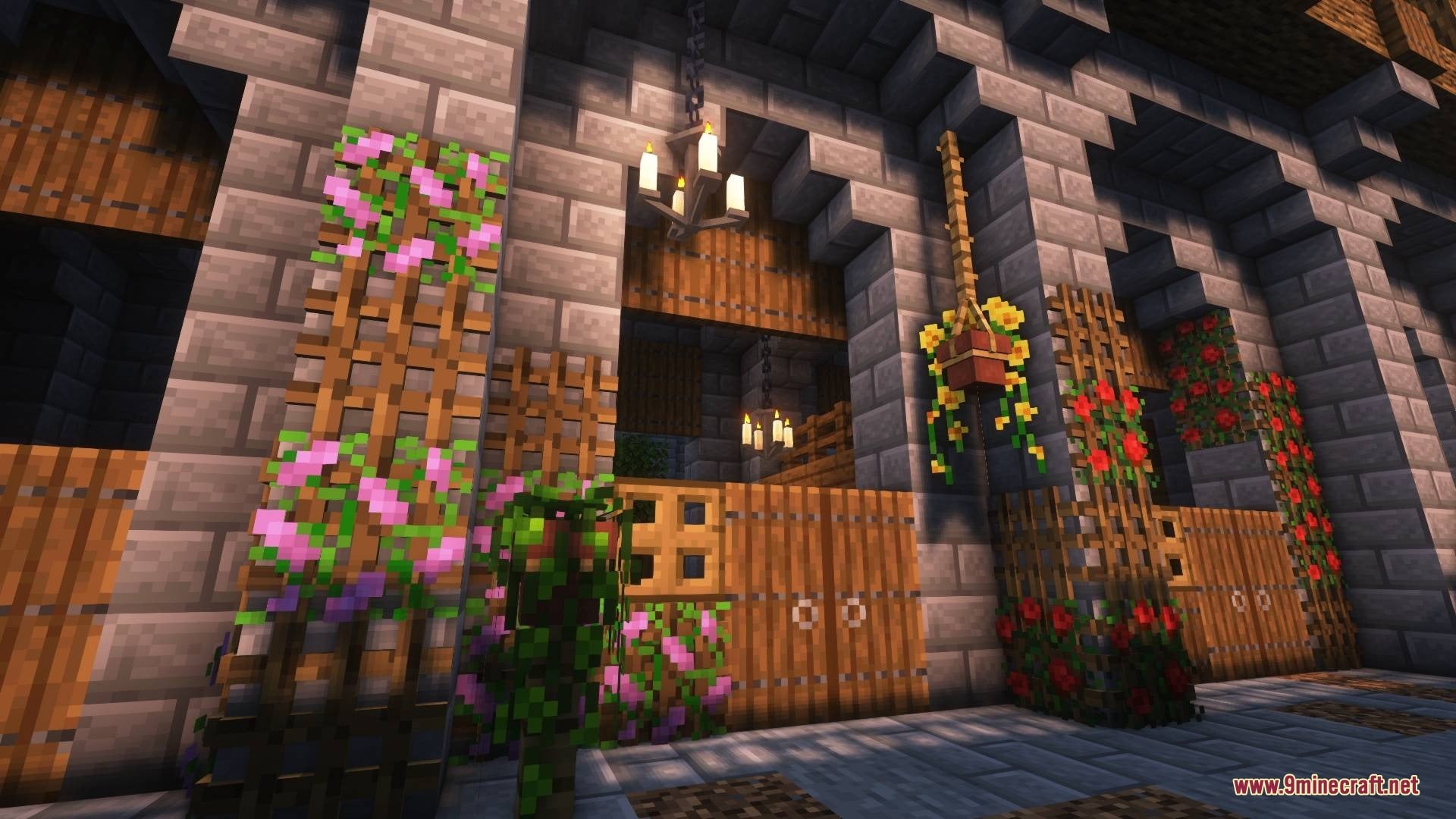

Beautify Re Foxed Mod adds lots of vanilla-styled blocks to spice up your builds. It brings hanging pots, book stacks, blinds, picture frames, ropes, and new lights with custom models. This mod adds detail to your builds and still leaves room for your own imagination. Most blocks also come with small extra features.
Features:
- Hanging Pots: Adds pots with custom flower models and many different plants. Potted plants, such as 1 tall flowers, can be duplicated with bone meal.
- Book Stacks: Adds book stacks in different models. They can power an enchantment table.
- Blinds: Adds blinds that put extra detail on your windows or make new types of entrances.
- Picture Frames: Adds frames that hold all 16×16 vanilla painting motives and more. Frames come in many wood types, like Oak, Cherry, Bamboo, and Mangrove.
- Rope: Adds a climbable block you can reach from all sides. Hanging pots and other blocks can be attached to it.
- Lattices: Lets you put plants on walls and ceilings. Plants like vines do not spread on them, and you can climb the lattices.
- Adds a Botanist villager to the world.
- Uses custom models that match the vanilla style, so your builds look more detailed without feeling out of place.
Light Sources:
- Bamboo Lantern: gives a traditional look that fits tropical or low-tech places. Toggle it with a right-click.
- Candelabras: another way to use candles in your builds. Right-click to put them out and use flint and steel to light them again.
- Glowessence Jar: fill it by right-clicking with Glowstone Dust. It has 3 stages with different particles and light levels for a mystical feel.
- Light Bulbs: give off a modern and industrial vibe. Toggle them with a right-click.
How to Use:
- Right-click a Glowessence Jar while holding Glowstone Dust to fill it.
- Right-click a Bamboo Lantern or a Light Bulb to turn it on or off.
- Right-click a Candelabra to put it out, then use flint and steel to light it again.
- Use bone meal on a potted plant to duplicate it.
Screenshots:
Beautify Re Foxed Mod Download Links
Quick facts
- Edition: Minecraft Java
- File type: .jar
- Minecraft versions listed: 26.3, 1.21.1
- How to install: Install the matching mod loader (Forge, Fabric or NeoForge) for your Minecraft version. → Download the .jar. → Put it in the .minecraft/mods folder and launch that loader profile.
- Where to get it: In MC Java Mods, or directly above on this page.
Install steps are the general flow for this file type — How to install Minecraft Java mods & modpacks walks through it step by step.
File checked by MCModsHub
- Downloads as 540106.mcaddon
- Download size: 959 KB
- Download link checked 4 Nov 2026 — working
- Mirrored on our own servers — the download does not depend on the original host
These come from our own check of the pack file, not from the source page.