
ModsJava
Custom Pumpkin Mod (26.3) – Carve Your Own Pixel Art Jack-o'-Lanterns
Java mod listed for Minecraft 26.x. Downloads from the MC Java Mods app on Android.
⬇ Download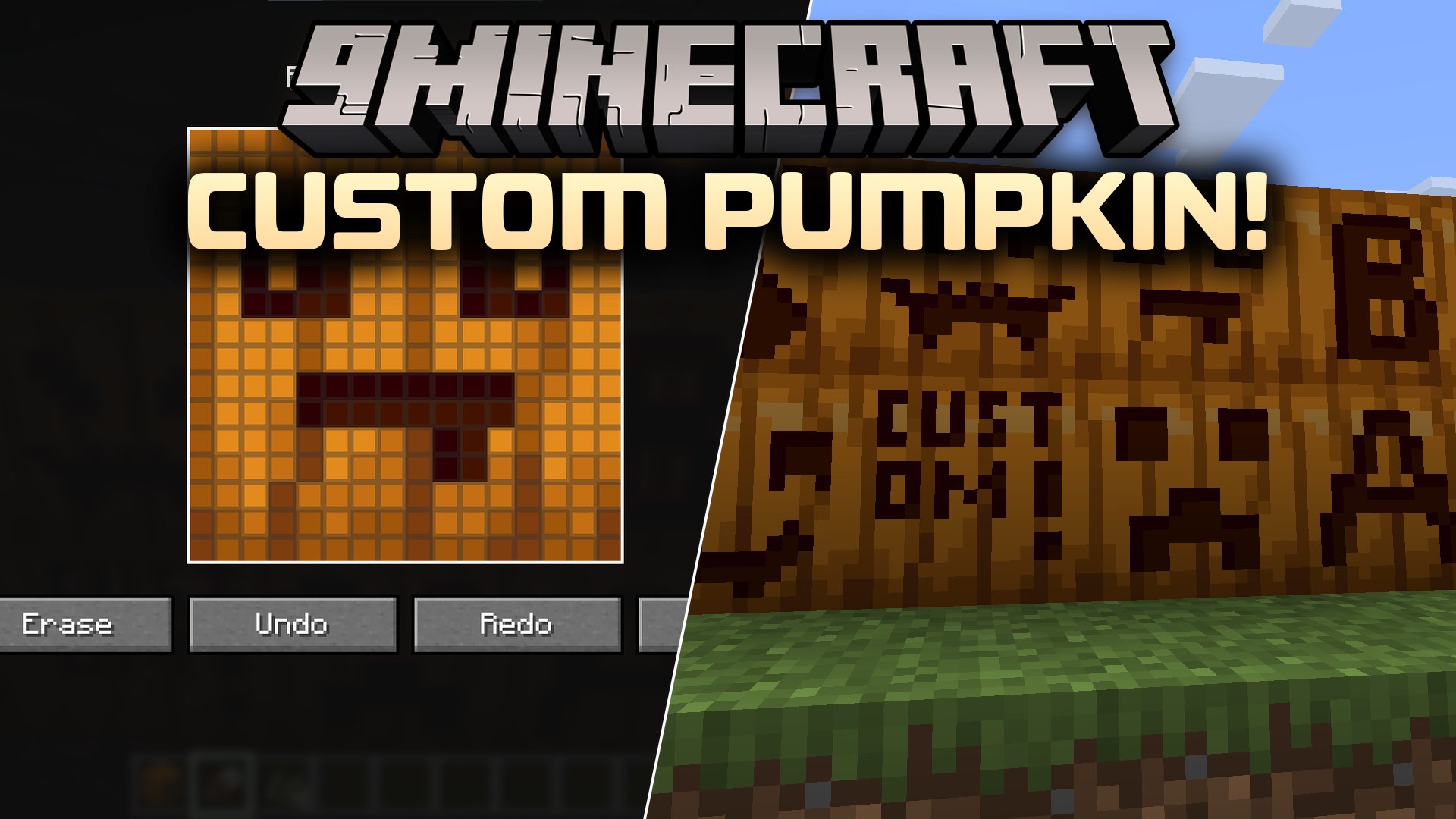


Custom Pumpkin Mod gives you the power to draw your own pixel patterns on pumpkins right in the game. You no longer have to stick with the classic vanilla pumpkin face. With this mod, shears open a 16×16 grid where you can paint unique faces, symbols, and designs. You can also save your artwork onto paper templates and craft glowing blue Soul Jack-o’-Lanterns to light up your builds.
Features:
- 16×16 Pixel Grid: Lets you draw custom faces and pixel art onto pumpkins with an in-game editor.
- Template System: Saves your finished art onto paper sheets so you can stamp the same pattern across multiple pumpkins.
- Pumpkin Template Table: Offers handy editing tools like pattern rotation and symmetry.
- Soul Jack-o’-Lanterns: Introduces blue-flame lanterns that burn with soul fire light.
- Vanilla Carving: Keeps standard game carving by clicking the top face of the block.
- Works with standard shears to start carving right away.
- Lets you copy designs from carved blocks onto blank templates with a simple click.
- Adds unique decorative lighting blocks for festive setups and dark builds.
How to Use:
- Hold Shears in your hand and right-click the side face of any pumpkin to open the 16×16 carving screen.
- Color the pixels to make your design, then press the Save button to apply it to the block.
- Right-click the top face of a pumpkin with shears if you want the classic vanilla carved face instead.
- Craft a Pumpkin Template using paper and a pumpkin, then right-click a carved pumpkin to copy its pattern.
- Right-click fresh pumpkins with a copied template to stamp the design instantly without drawing it again.
- Craft a Pumpkin Template Table out of planks and a pumpkin to flip, rotate, and manage your patterns.
Screenshots:
Custom Pumpkin Mod Download Links
Quick facts
- Edition: Minecraft Java
- File type: .jar
- Minecraft version listed: 26.3
- How to install: Install the matching mod loader (Forge, Fabric or NeoForge) for your Minecraft version. → Download the .jar. → Put it in the .minecraft/mods folder and launch that loader profile.
- Where to get it: In MC Java Mods, or directly above on this page.
Install steps are the general flow for this file type — How to install Minecraft Java mods & modpacks walks through it step by step.
File checked by MCModsHub
- Downloads as 540119.mcaddon
- Download size: 88 KB
- Download link checked 4 Nov 2026 — working
- Mirrored on our own servers — the download does not depend on the original host
These come from our own check of the pack file, not from the source page.