ModsJava
Visual Client Mod (1.21.11) – Give Every Dimension Its Own Weather and Sky
Java mod listed for Minecraft 1.21. Download on the author's site.
⬇ Download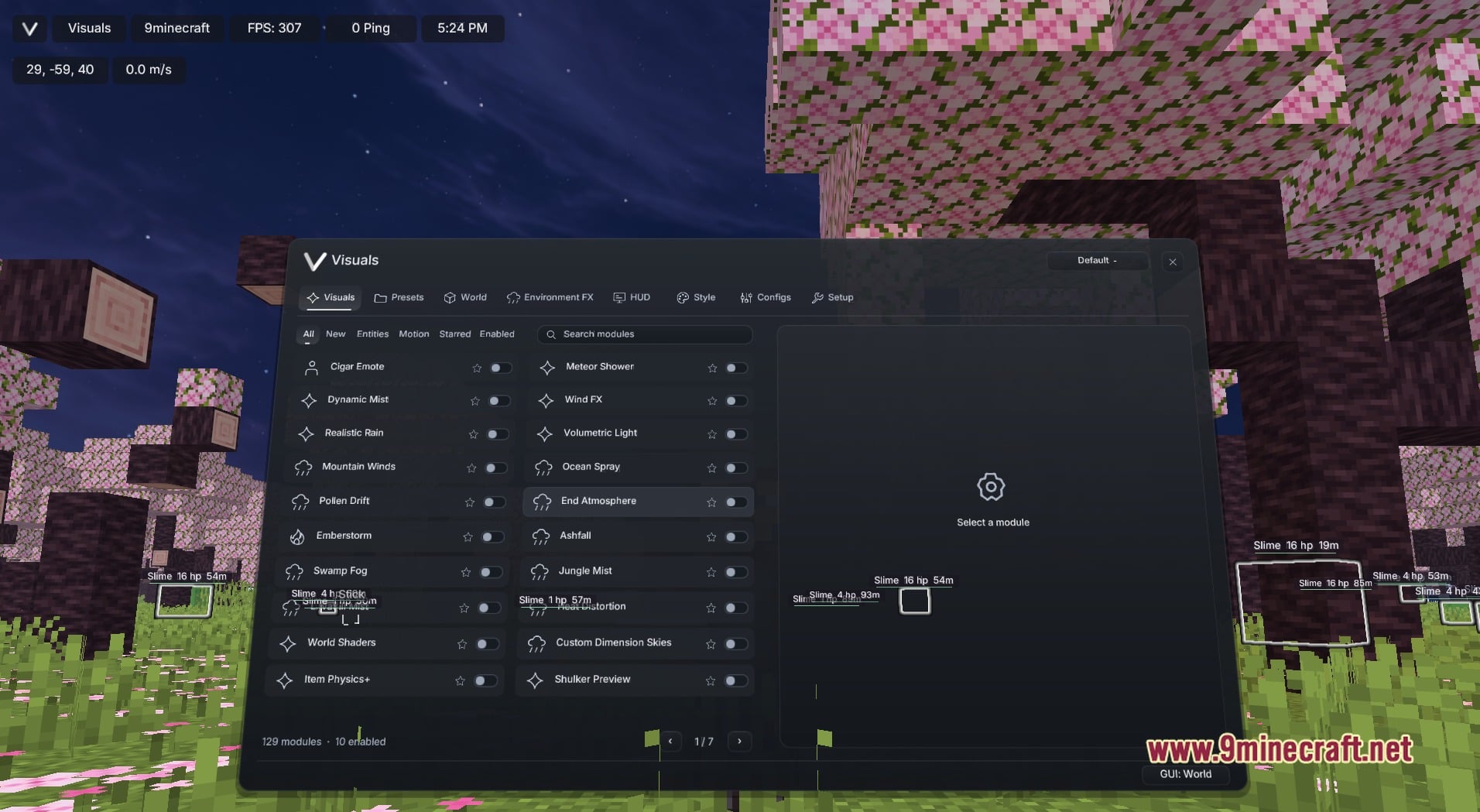
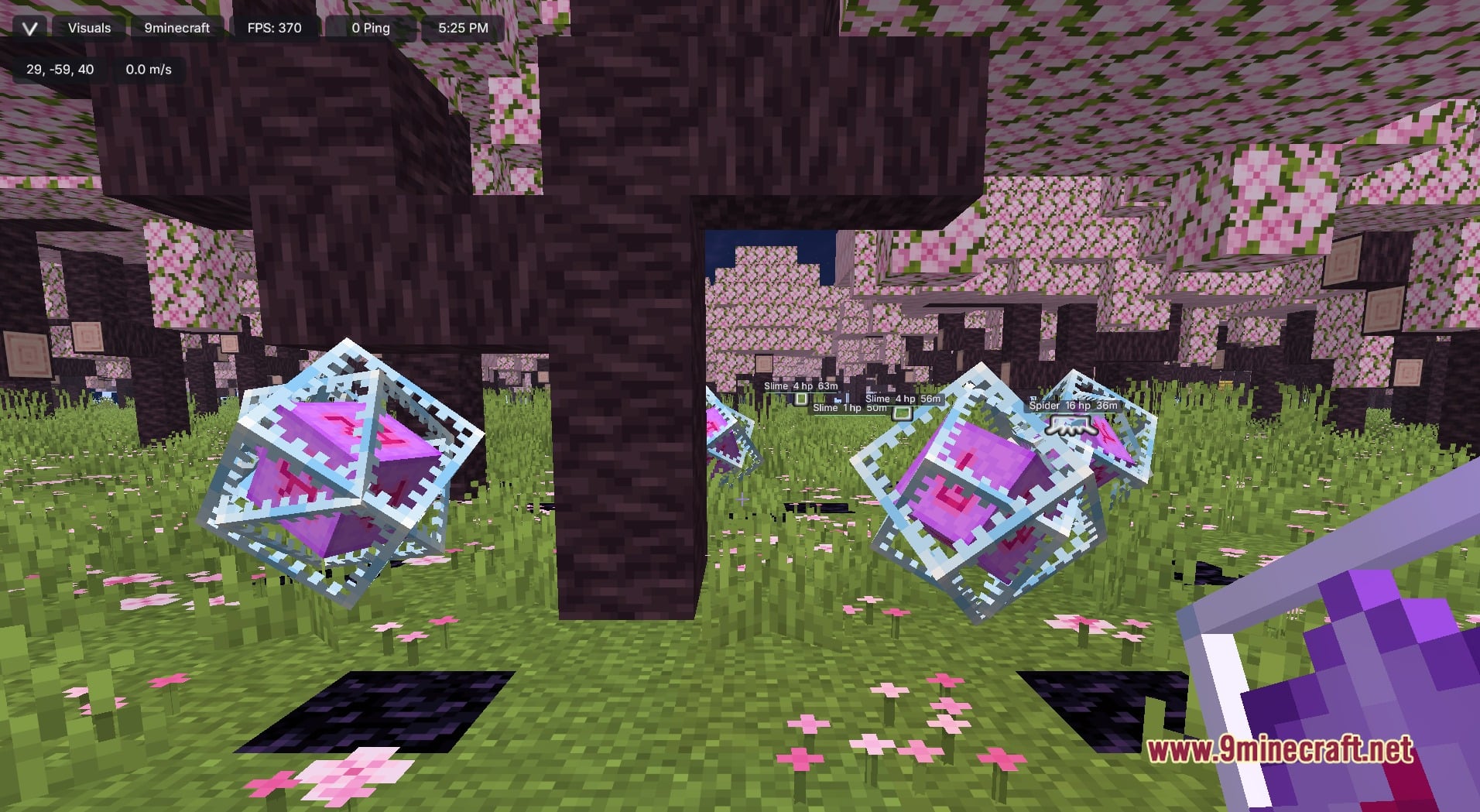
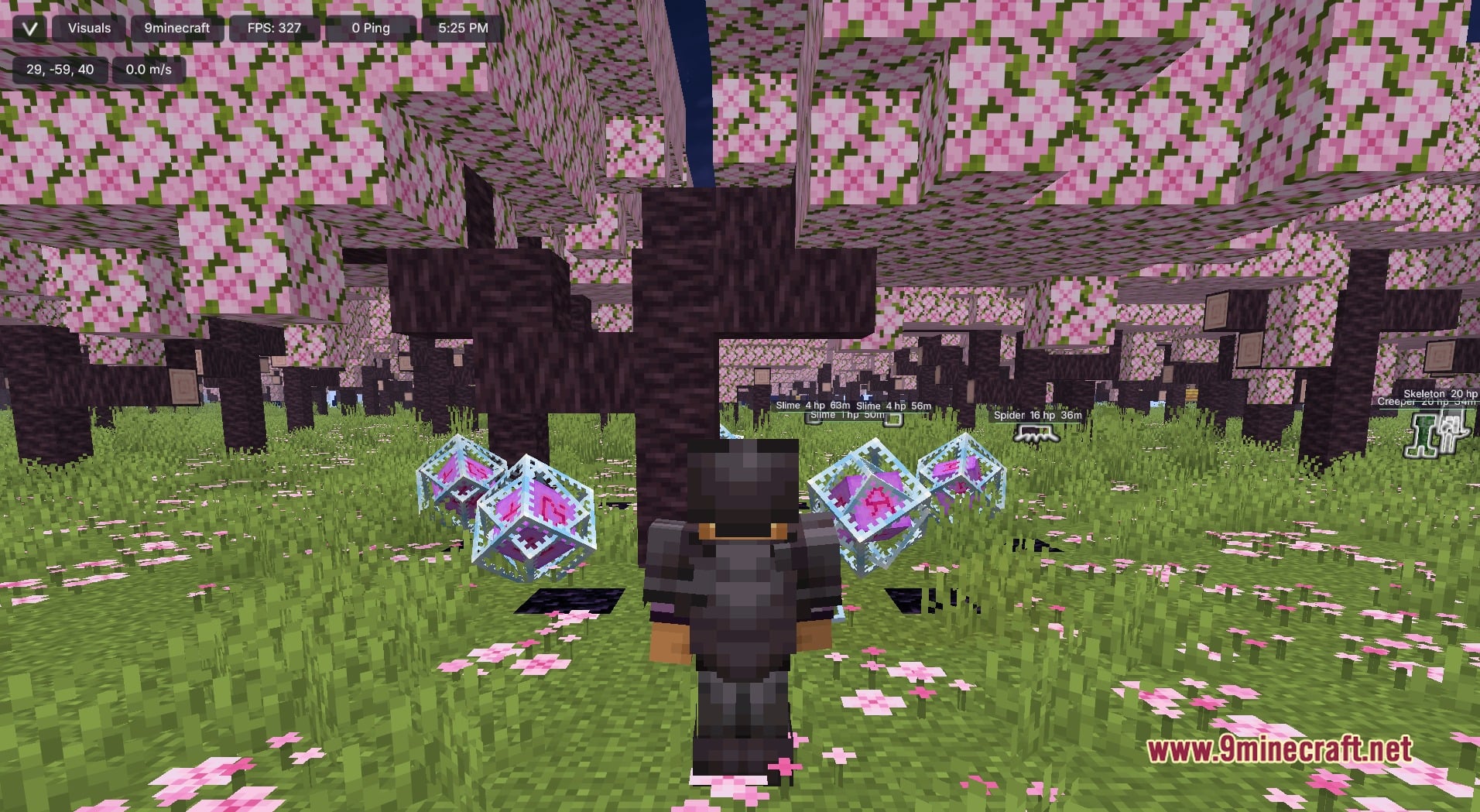
Visual Client Mod transforms how your game looks with weather, fog, sky and item effects. You turn each effect on or off from one menu that opens with Right Shift. This mod only changes the visuals, so it is all about making your worlds look better. Every effect is a module, and you pick the ones you like.
Features:
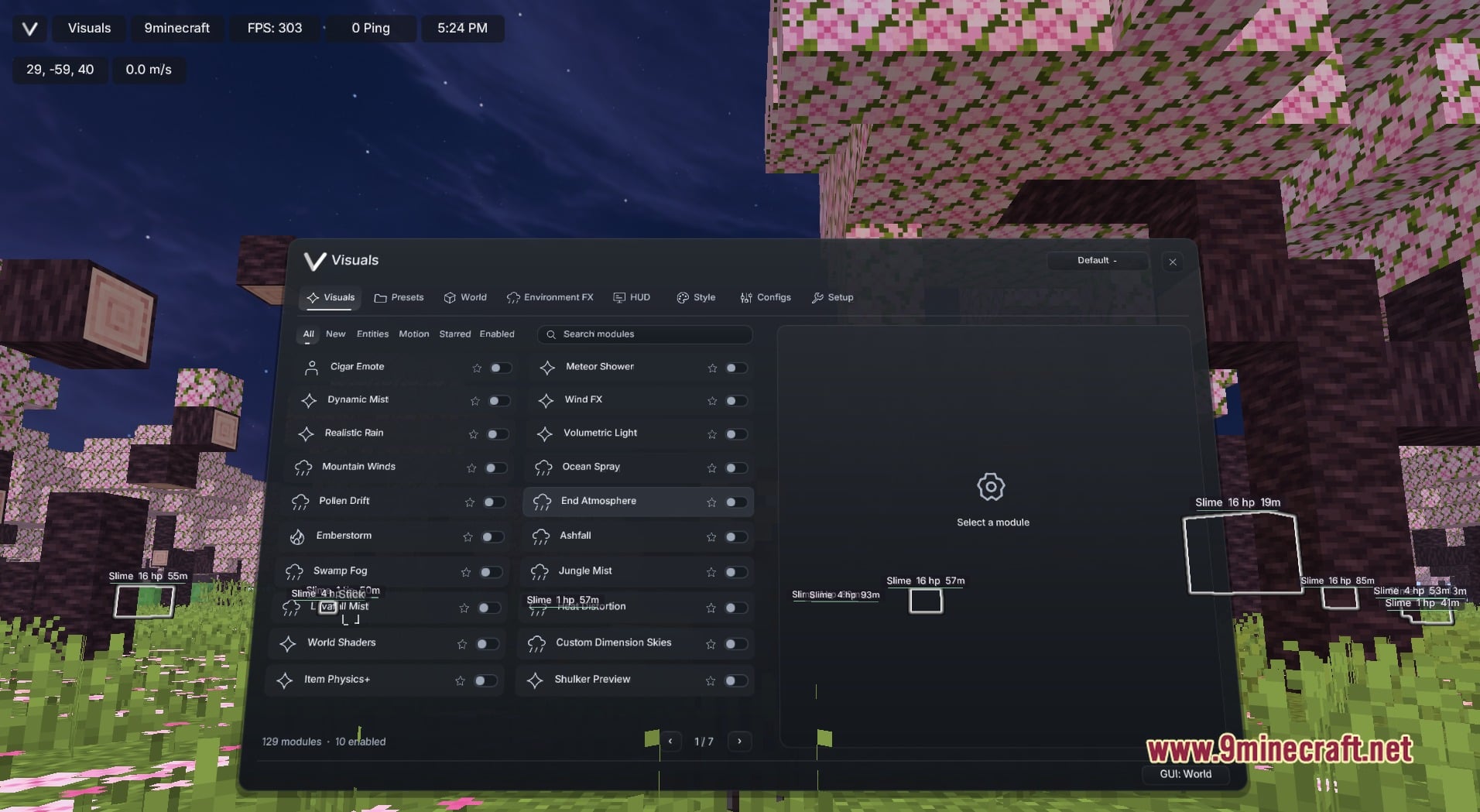
- Visuals Menu: Press Right Shift to open a dark rounded window with the tabs Visuals, Presets, World, Environment FX, HUD, Style, Configs and Setup.
- Weather and Atmosphere: Adds effects like Realistic Rain, Mountain Winds, Pollen Drift, Emberstorm, Ashfall, Swamp Fog, Jungle Mist, Ocean Spray and Wind FX.
- Sky and Dimensions: Brings Custom Dimension Skies, End Atmosphere, Meteor Shower, Volumetric Light, Heat Distortion and World Shaders to change the mood of each place.
- Gives items and mobs extra polish with Item Physics+, Shulker Preview, ArmorFX Renderer, Totem Particle Type and the Cigar Emote.
- Lets you sort the module list with filter chips for All, New, Entities, Motion, Starred and Enabled, or type a name in the Search modules field.
- Puts a star and a toggle on every module row. A footer shows how many modules there are and how many are on, and page arrows move through the long list.
- Keeps your look in the Presets, Style and Configs tabs, so you can shape it your way.
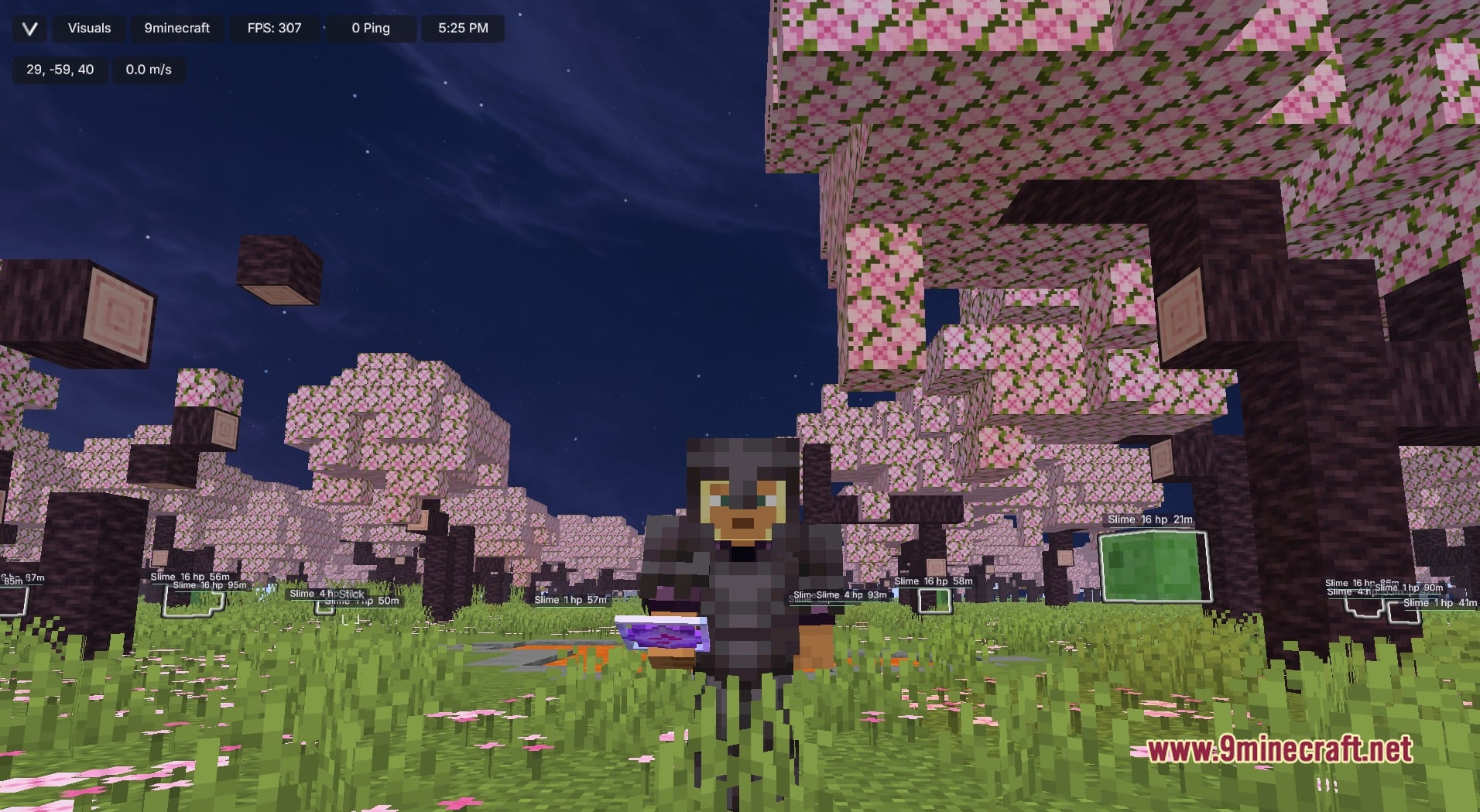
- Shows a slim top bar on the HUD with your account name, FPS, ping, the clock and your coordinates.
Best Used For:
- Making screenshots and videos look better.
- Giving each dimension its own mood.
- Building a personal look without a resource pack.
- Switching effects on or off to fit each world.
Screenshots:
Visual Client Mod Download Links
Quick facts
- Edition: Minecraft Java
- File type: .jar
- Minecraft version listed: 1.21.11
- How to install: Install the matching mod loader (Forge, Fabric or NeoForge) for your Minecraft version. → Download the .jar. → Put it in the .minecraft/mods folder and launch that loader profile.
- Where to get it: Opens on the file's original source — not every file is mirrored on our own servers.
Install steps are the general flow for this file type — How to install Minecraft Java mods & modpacks walks through it step by step.
Visual Client Mod (1.21.11) – Give Every Dimension Its Own Weather and Sky is a free Minecraft Java mod. Compatible with Minecraft 1.21.11. Download it and open it directly in the game.