ModsJava
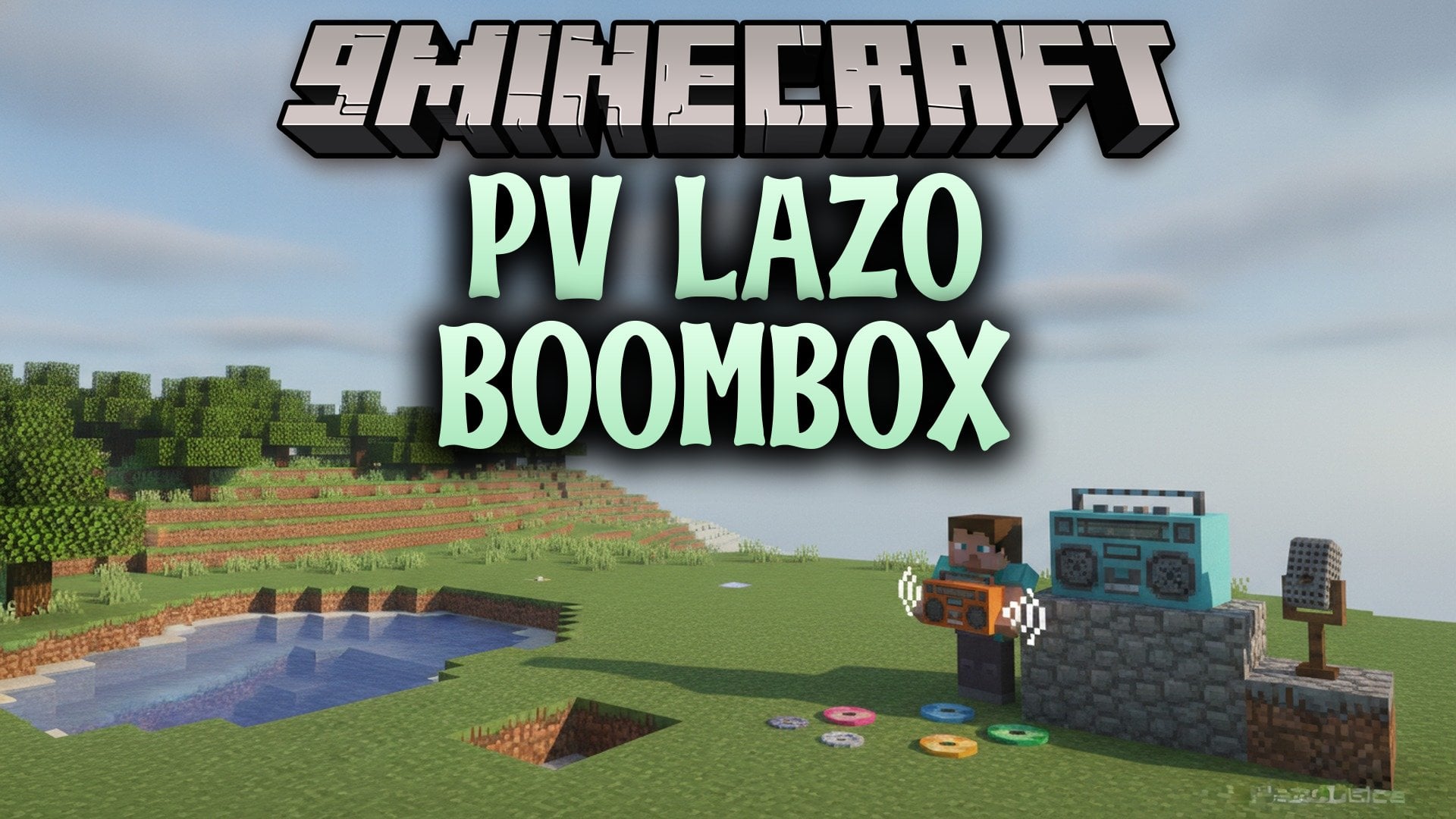
Pv Lazo Boombox Mod (26.3, 1.20.1) – Carry Your Music and Share It
Java mod listed for Minecraft 1.20–26.x. Download on the author's site.
⬇ Download
Pv Lazo Boombox Mod adds a portable boombox for LazoDiscs. You can hold it while you walk or place it in the world. Plasmo Voice makes the music come from you or from the placed boombox, so nearby players hear it too. You can also dye it in many colors.
Features:
- Play Anywhere: Plays music recorded with LazoDiscs while you hold it in either hand, or keeps playing as a placed block.
- Dye It Your Way: Use 1 to 8 dyes in a crafting grid. Colors mix like leather armor, and the old color counts when you dye it again.
- Nearby Sound: The music comes from the player or the placed boombox, so people close to you can hear it.
- Lets you insert, remove, and swap recorded music discs.
- Colors the casing, handle, and cassette panel together.
- Places the boombox in 16 directions, with 22.5 degrees between each position.
- Keeps the color and the inserted disc when you pick it up or break it.
- Copies the color when you use pick-block in Creative mode.
- Shows elapsed time and track length while you hold a playing boombox. You can move or hide this display in the client settings.
Commands:
/lazodisc burn <url> [title]: records a disc that the boombox can play. Operator permission is needed by default.
Configuration:
config/lazoboombox/config.toml: server settings for volume, hearing range, placed boomboxes, and an optional rule that only the owner can pick up a placed boombox with Shift + Right Click.config/lazoboombox/client.toml: shows or hides the playback timer and changes its screen position.
How to Use:
- Record a disc first with
/lazodisc burn <url> [title]. - Craft the boombox with Stone Buttons, a Glass Pane, Iron Ingots, a Jukebox, Gold Nuggets, and Redstone Dust.
- Hold the recorded disc in your other hand and press Shift + Right Click to insert or swap it.
- Keep the boombox in either hand to play the music. Put it away to stop.
- To take the disc out, leave your other hand empty and press Shift + Right Click.
- Press Right Click on a block to place the boombox.
- On a placed boombox, Right Click with a music disc to insert or swap it and start playing. Right Click with an empty hand removes the disc.
- Press Shift + Right Click on a placed boombox to pick it up with its color and disc.
- To dye it, put one boombox and 1 to 8 dyes in any layout in a crafting grid. The stored disc stays inside.
Pv Lazo Boombox Mod Download Links
Quick facts
- Edition: Minecraft Java
- File type: .jar
- Minecraft versions listed: 26.3, 1.20.1
- How to install: Install the matching mod loader (Forge, Fabric or NeoForge) for your Minecraft version. → Download the .jar. → Put it in the .minecraft/mods folder and launch that loader profile.
- Where to get it: Opens on the file's original source — not every file is mirrored on our own servers.
Install steps are the general flow for this file type — How to install Minecraft Java mods & modpacks walks through it step by step.
Pv Lazo Boombox Mod (26.3, 1.20.1) – Carry Your Music and Share It is a free Minecraft Java mod. Compatible with Minecraft 26.3, 1.20.1. Download it and open it directly in the game.