Farworlds Fantasy Sky Mod (26.3, 1.20.1) – Gaze at Alien Planets Above Every
Java mod listed for Minecraft 1.20–26.x. Downloads from the MC Java Mods app on Android.
⬇ Download


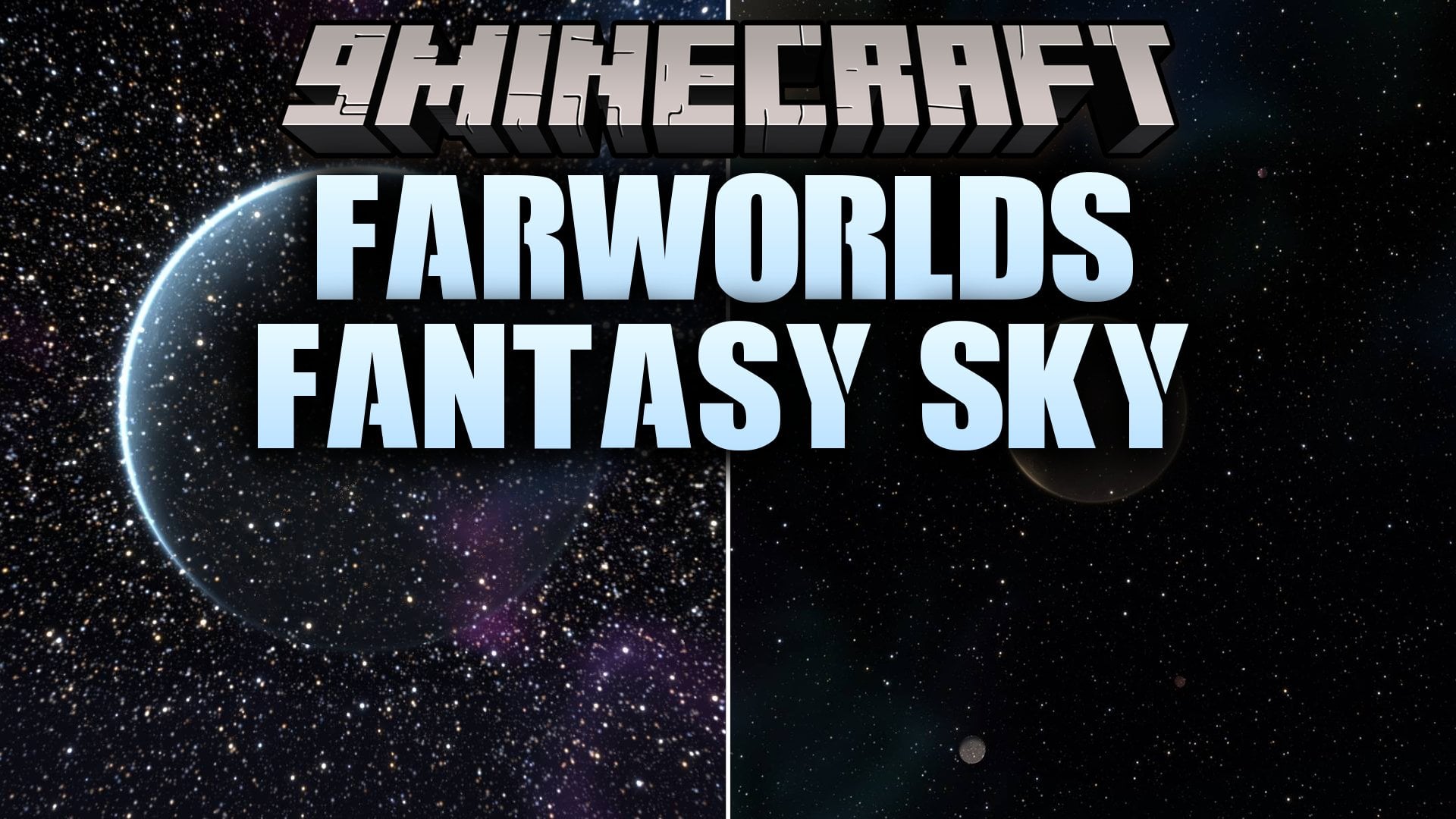
Farworlds Fantasy Sky Mod replaces the vanilla Overworld and End skies with hand-built ones. It draws everything with shaders and uses no textures, so the sky stays sharp at any size, even when you zoom in with a spyglass. You see a glowing nebula, a huge city world, a shattered moon, and over a hundred far-away planets. The mod runs on the client only, so it works on any server.
Features:
- Glowing Nebula: Drifts across a dense starfield with dark dust lanes and stars of different colors and brightness.
- City World: Shows a colossal world named Erebon over the horizon, with thousands of amber city lights on its night side.
- Shattered Moon: Replaces the moon with a broken one that has a glowing crack and a trail of floating debris.
- Sun-World: Replaces the vanilla sun with a molten world that has boiling granules, flares, and eruptions.
- 140 Small Planets: Scatters cratered worlds, gas giants, ice worlds, lava worlds, ringed worlds, and city worlds across the sky.
- Shattered End Sky: Turns the End into a purple void with torn nebula clouds and a broken world above the islands.
- Draws all sky objects with shaders, so they stay sharp at any resolution.
- Lets you zoom in on planets with a spyglass.
- Works on any server because nothing is needed on the server side.
- Replaces the vanilla stars, sun, moon, and End sky. The Nether stays the same.
Night Sky:
- Erebon has a thin blue crescent of atmosphere around its dark side.
- Oruun is a banded violet gas giant.
- Caldris is a dusty cratered world.
- Vaskar is a ringed giant.
- Nyssa is a tiny ice world.
- The shattered moon sits opposite the sun, so it is up all night and still low in the east at sunrise.
Day Sky:
- Erebon stays visible as a pale giant in the blue sky.
- The other named worlds show up faintly during the day.
End Sky:
- A deep purple void with shredded magenta and violet nebula and sparse, cold stars.
- A shattered world hangs over the islands, with crust plates drifting apart around a glowing violet core.
- A second, smaller world has a chunk missing, with sharp shards and a belt of wreckage floating nearby.
Configuration:
Settings are saved in config/farworlds.json. You can also edit this file by hand.
enabled: turns the whole sky on or off.stars: turns the starfield on or off.nebula: turns the nebula on or off.planets: turns the planets on or off.daytimePlanets: sets whether planets show during the day.shatteredMoon: turns the broken moon on or off.sunPlanet: turns the sun-world on or off.endSky: turns the new End sky on or off. Off brings back the vanilla End sky.brightness: sets the overall brightness from 0 to 200. The default is 100.quality: sets the sky detail to Low, Medium, High (default), or Ultra. In the JSON file it is 0 to 3, and 2 is High. Lower it on weak GPUs.
How to Use:
- Open the settings in game. On Fabric, use Mod Menu. On Forge and NeoForge, click the Config button in the Mods list.
- Change any setting, such as brightness or quality.
- Lower the quality setting if your GPU is weak.
- Look up at night and use a spyglass to zoom in on the planets.
- Do not use another mod that replaces the sky, such as Starlit. Both draw over the same sky.
Screenshots:
Farworlds Fantasy Sky Mod Download Links
- Edition: Minecraft Java
- File type: .jar
- Minecraft versions listed: 26.3, 1.20.1
- How to install: Install the matching mod loader (Forge, Fabric or NeoForge) for your Minecraft version. → Download the .jar. → Put it in the .minecraft/mods folder and launch that loader profile.
- Where to get it: In MC Java Mods, or directly above on this page.
Install steps are the general flow for this file type — How to install Minecraft Java mods & modpacks walks through it step by step.
- Downloads as 540606.mcaddon
- Download size: 965 KB
- Download link checked 5 Nov 2026 — working
- Mirrored on our own servers — the download does not depend on the original host
These come from our own check of the pack file, not from the source page.