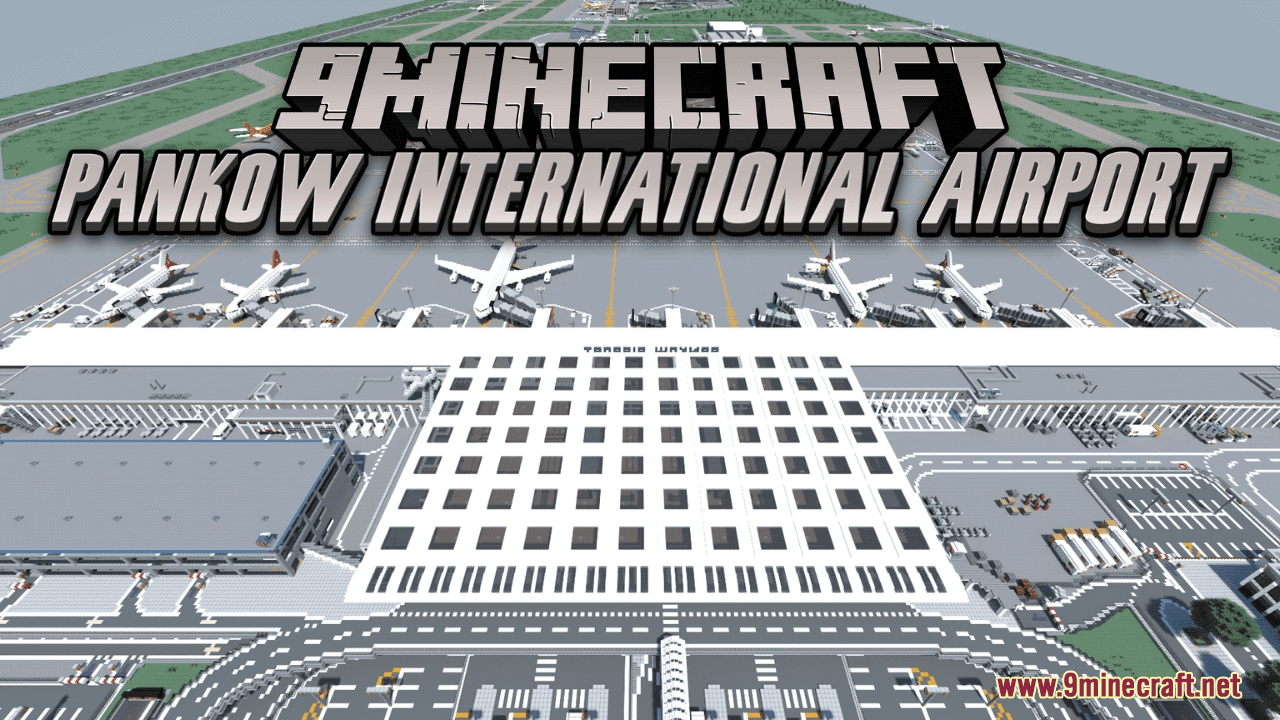
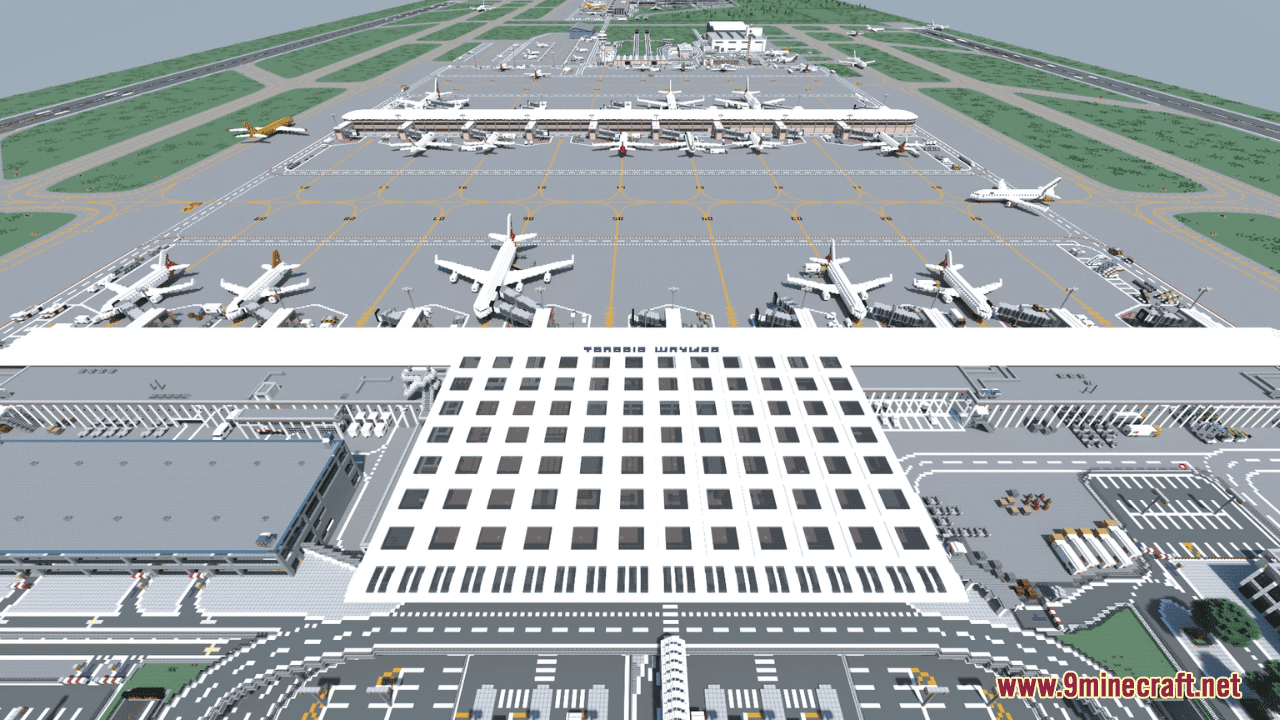
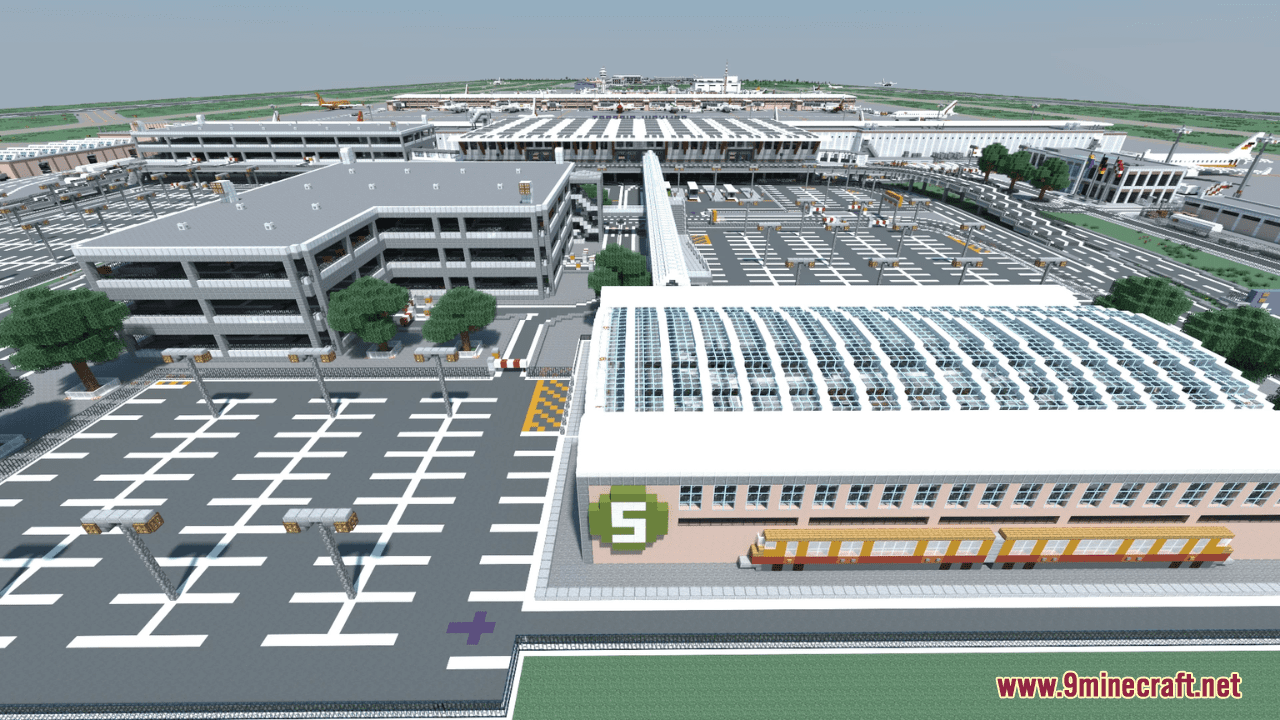
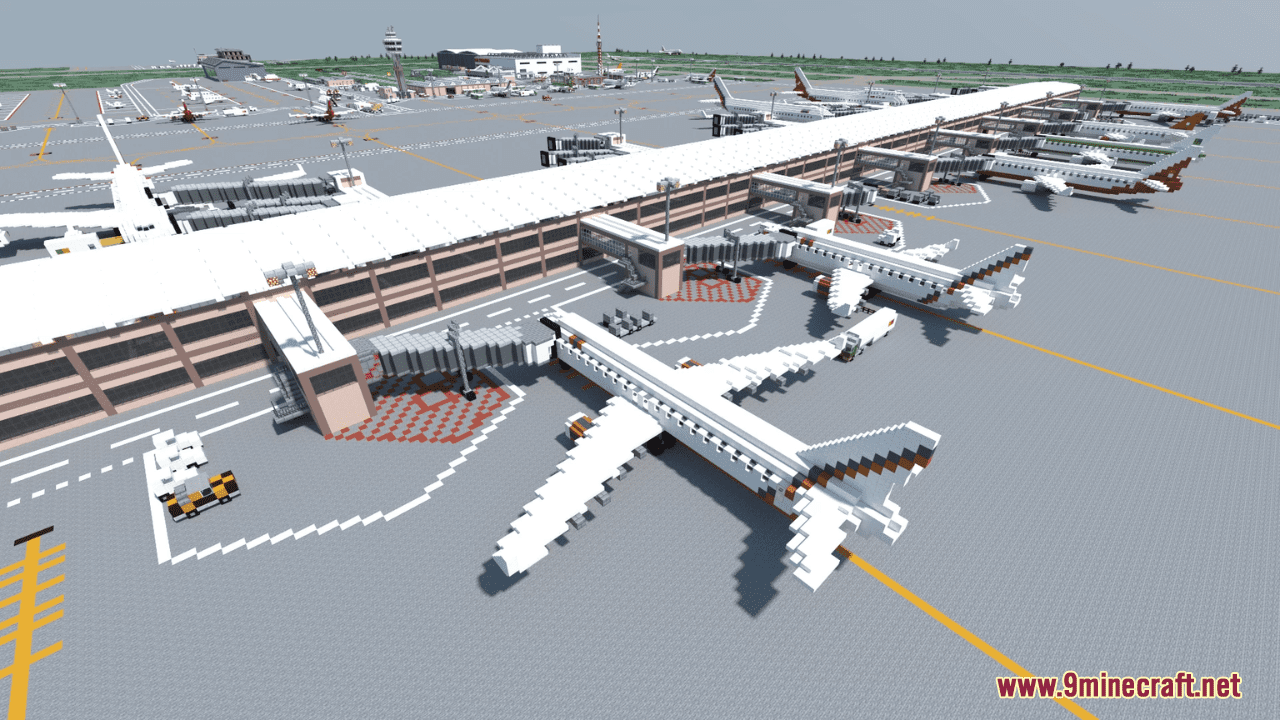

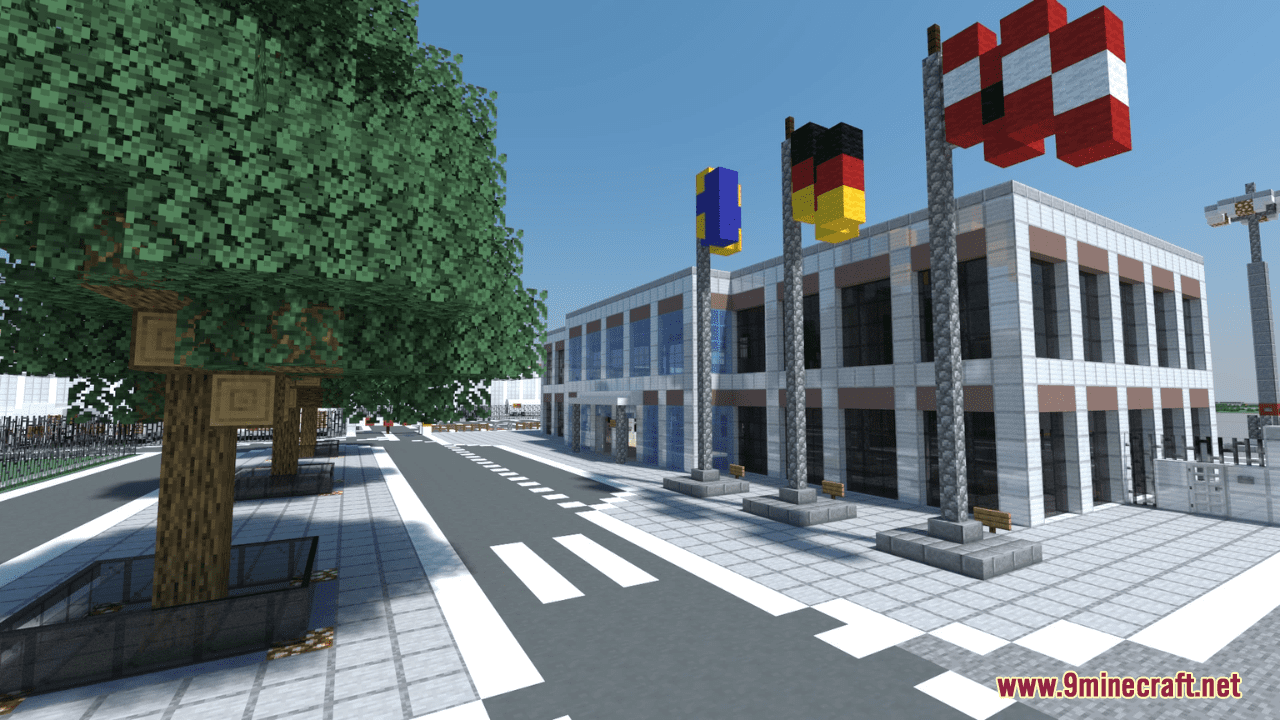
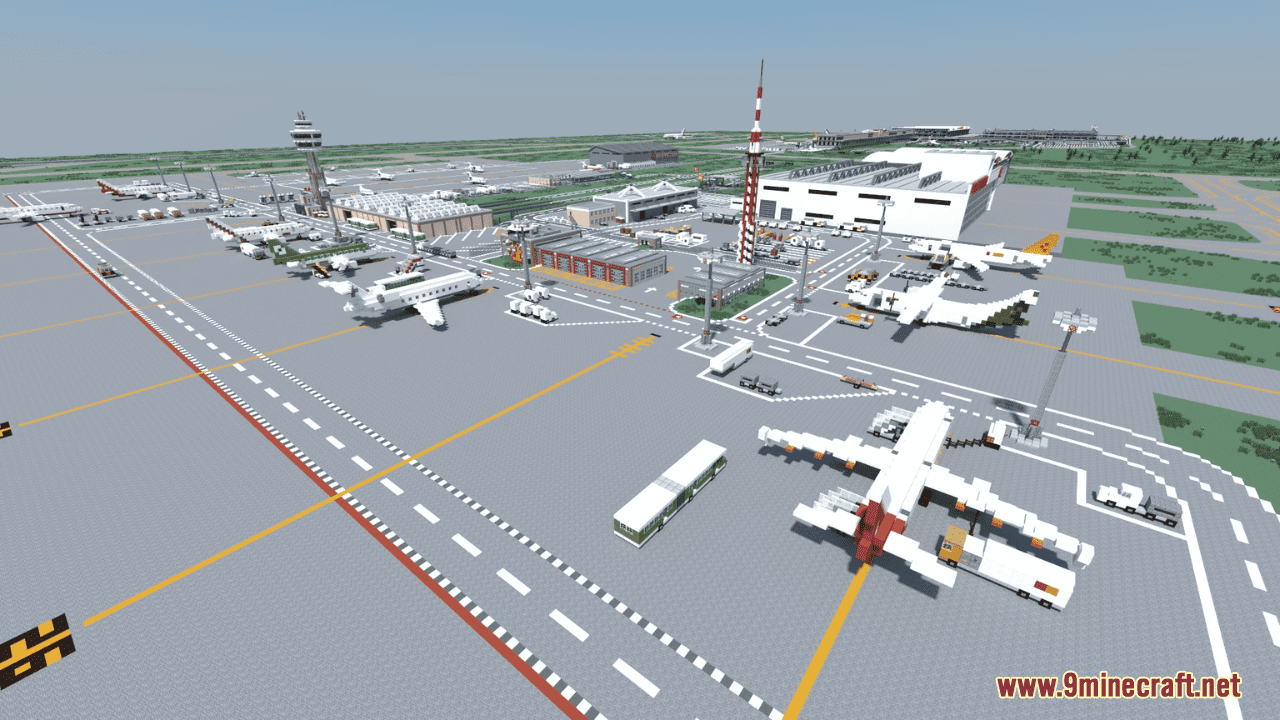

Pankow International Airport Map is a creation map designed by crafthase. Inspired by the grandeur of real-world airports like the Berlin Brandenburg Airport and Munich Airport, this airport brings a touch of realism to the Minecraft universe. The map offers a sprawling layout reminiscent of its real-life counterparts, complete with detailed terminals, runways, and aviation infrastructure. Therefore, Pankow International Airport provides an immersive experience that captures the essence of modern air travel. Get ready for your journey through the skies and explore this remarkable feat of virtual engineering today!
Screenshots:
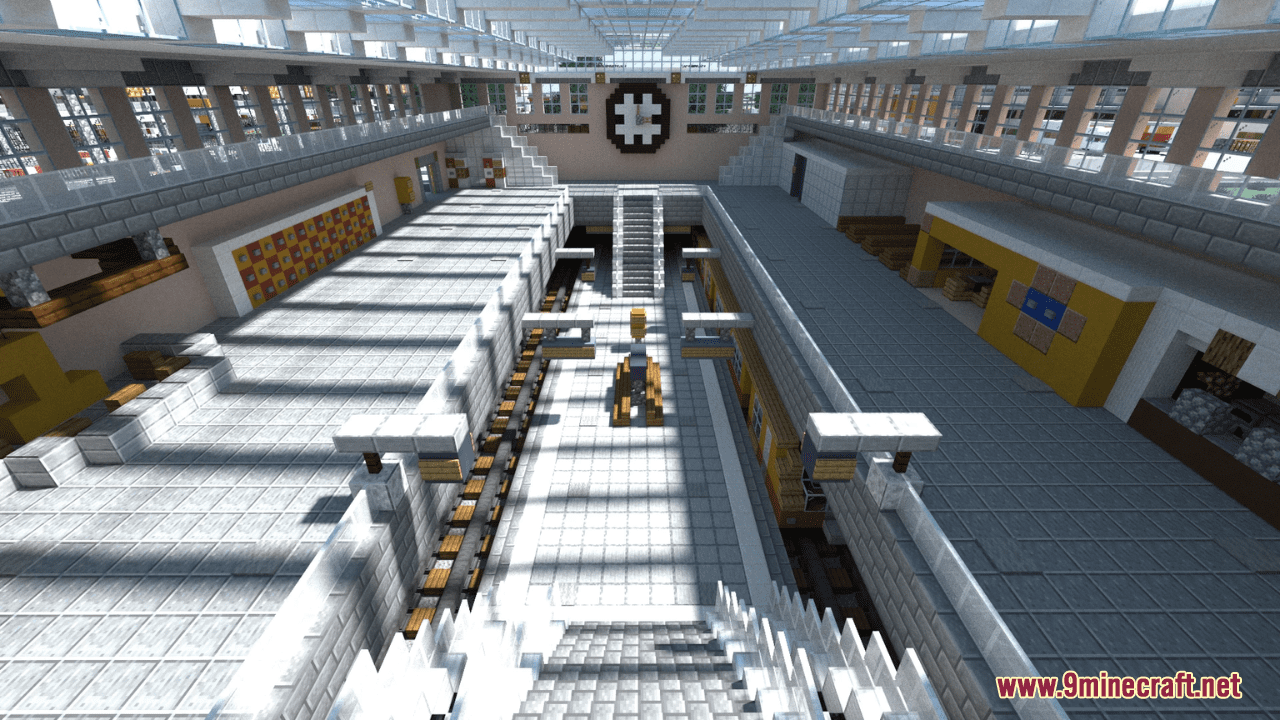
Features:
- Large amount of airport vehicles
- 2 passenger terminals and 1 concourse
- 2 cargo terminals
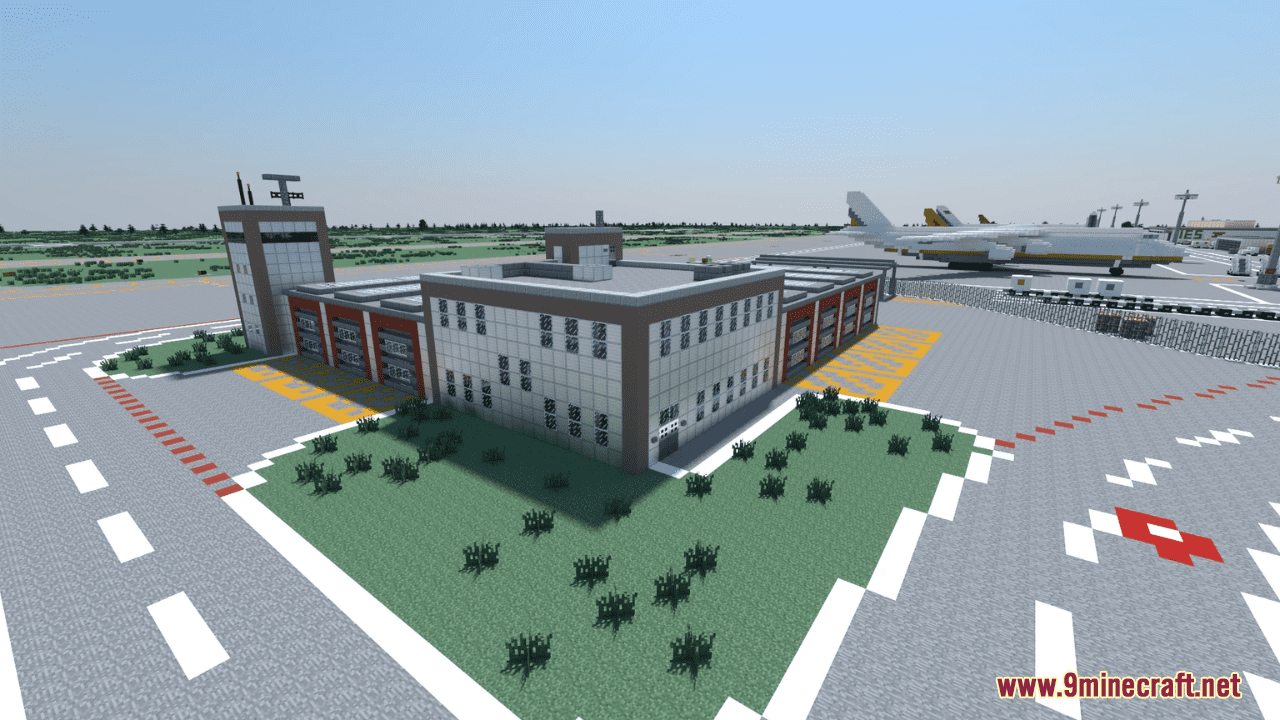
- 2 fire stations
- 5 hangars
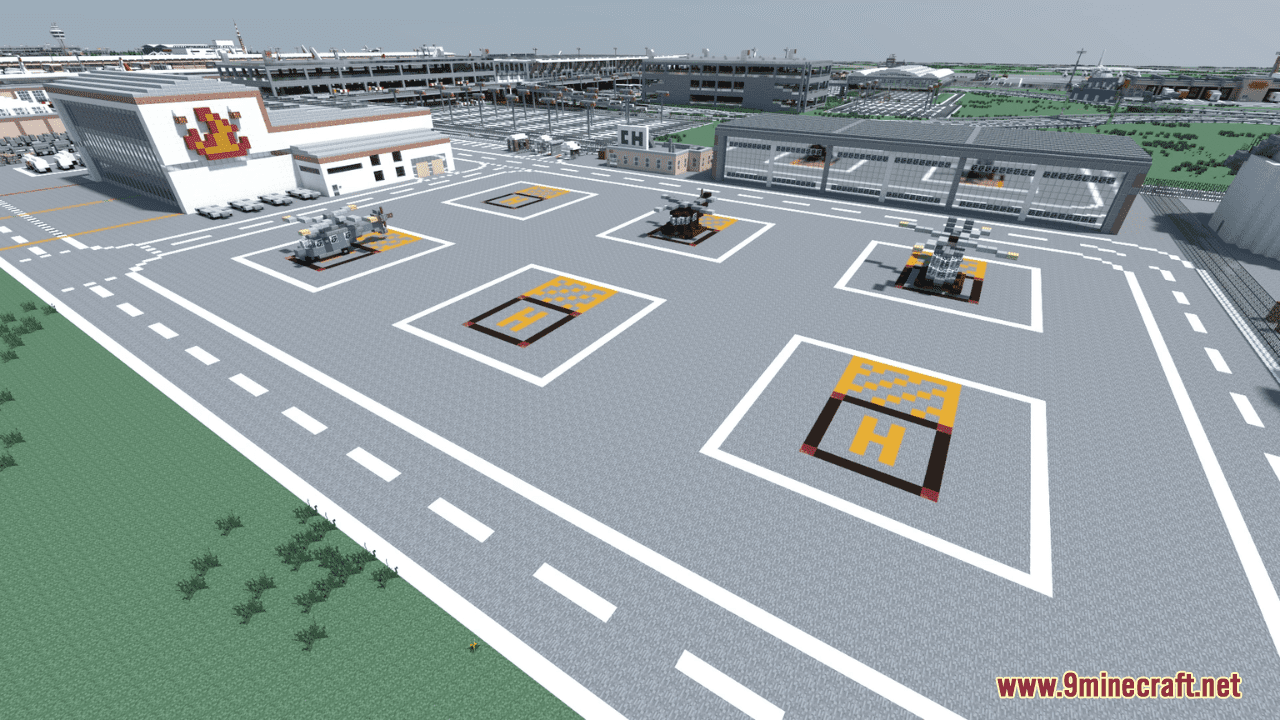
- Several helipads (civil and police helicopters)
- Runway and taxiway lighting
- Taxiway surface markings and signs
- Extensive interior
- Several parking garages and parking spaces
- 2 train stations and 2 bus stations
- Realistic highway and street system
- German WWII era military aircraft museum (9 historical airplanes and 1 helicopter)
- Many written signs with attention to detail
Pankow International Airport Map Download Links
- Edition: Minecraft Java
- File type: .zip (world save)
- Minecraft version listed: 1.20.1
- How to install: Download the .zip world. → Unzip it. → Move the folder into .minecraft/saves.
- Where to get it: Opens on the file's original source — not every file is mirrored on our own servers.
Install steps are the general flow for this file type — How to install Minecraft Java maps & worlds walks through it step by step.
Pankow International Airport Map (26.2, 1.20.1) – Realistic Airport is a free Minecraft Java map. Compatible with Minecraft 1.20.1. Download it and open it directly in the game.