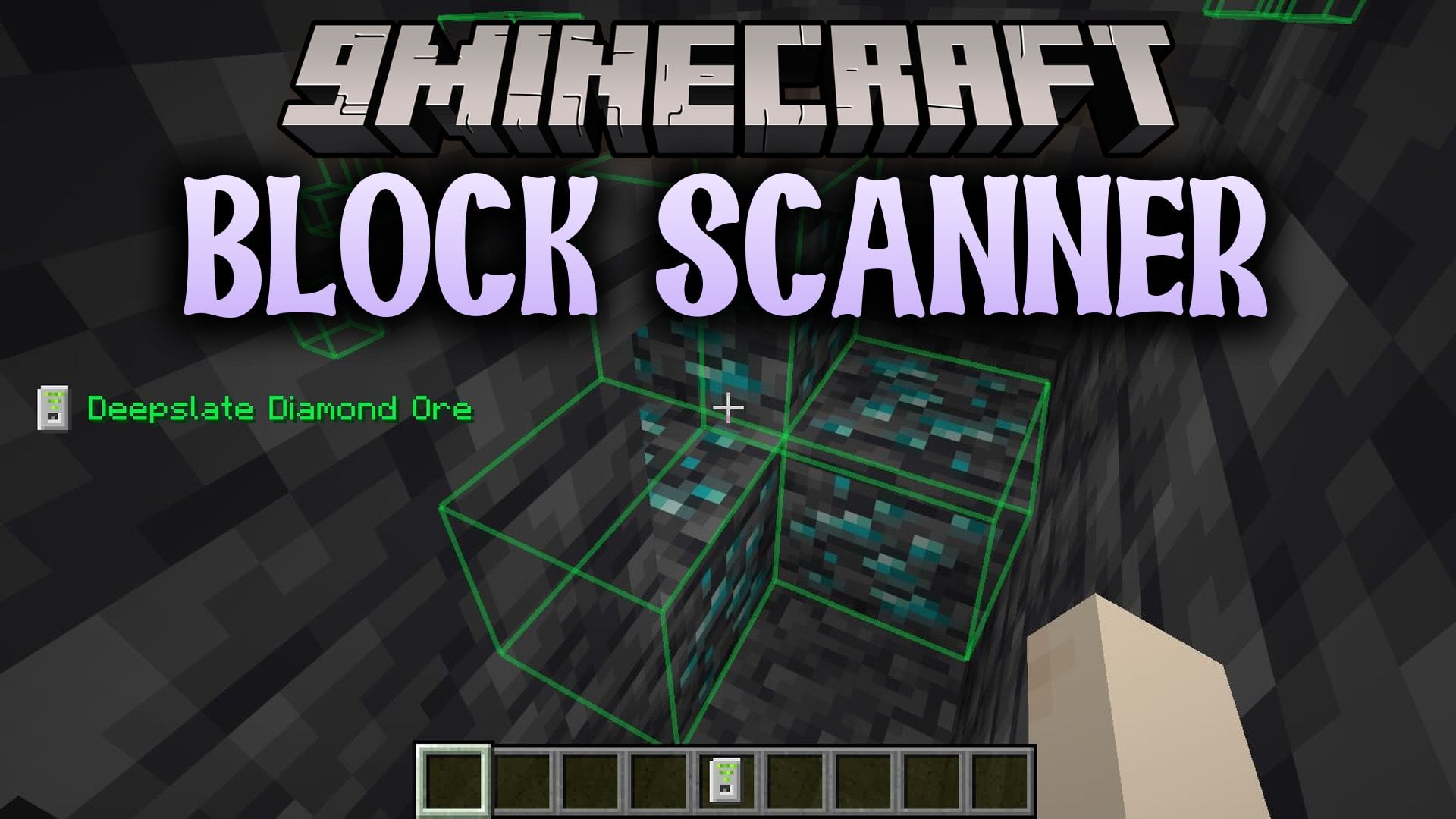
Block Scanner Mod (26.3) – Find Rare Ores Without Blind Strip Mining
Java mod listed for Minecraft 26.x. Download on the author's site.
⬇ Download
Block Scanner Mod adds a handheld radar tool that tracks down valuable minerals buried around you. It helps you locate hard-to-find resources like diamonds and ancient debris without blind strip mining. The device searches in a wide box around your position while you explore caves or tunnels. Because all tracking runs on the server side, fair play stays intact on multiplayer worlds.
Features:
- Targeted Ore Search: Detects specific ore blocks once you place a sample block inside the tool.
- Wide Detection Area: Scans a cube measuring forty-one blocks across centered directly on your character.
- Server Protection: Runs tracking logic on the server so players cannot use it as an unapproved cheat.
- Works on rare resources including ancient debris and deepslate diamond ores.
- Toggles on or off whenever you press the assigned activation key.
How to Use:
- Craft the scanner on a crafting table using three emeralds, one diamond, and five iron ingots.
- Open the scanner menu and place one sample of the ore block you want to find inside it.
- Press **K** to toggle the scanner active while walking through caves or mineshafts.
- Follow the highlighted blocks on your screen to dig directly toward the hidden ore.
Block Scanner Mod Download Links
- Edition: Minecraft Java
- File type: .jar
- Minecraft version listed: 26.3
- How to install: Install the matching mod loader (Forge, Fabric or NeoForge) for your Minecraft version. → Download the .jar. → Put it in the .minecraft/mods folder and launch that loader profile.
- Where to get it: Opens on the file's original source — not every file is mirrored on our own servers.
Install steps are the general flow for this file type — How to install Minecraft Java mods & modpacks walks through it step by step.
Block Scanner Mod (26.3) – Find Rare Ores Without Blind Strip Mining is a free Minecraft Java mod. Compatible with Minecraft 26.3. Download it and open it directly in the game.