ModsJava
Quadra Gen Mod (26.3, 1.20.1) – Build Flat and Natural Terrain Side By Side
Java mod listed for Minecraft 1.20–26.x. Download on the author's site.
⬇ Download
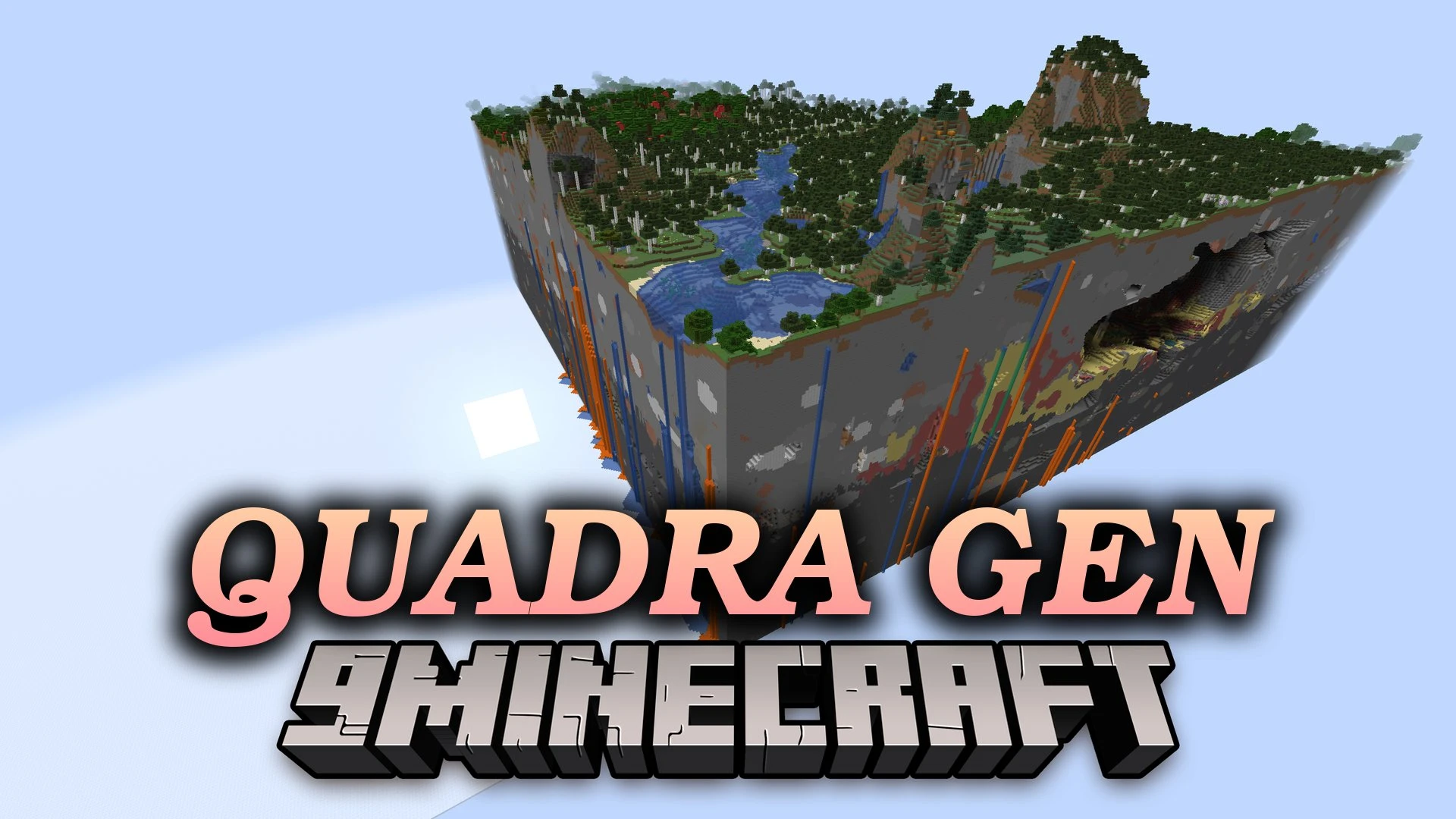
Quadra Gen Mod gives each of the four quadrants in one dimension its own terrain rules. It lets natural terrain and flat terrain sit side by side in the same world. The mod is made for creative servers. It also offers a mode that keeps biome and structure ranges but makes no blocks or mobs.
Features:
- Four Quadrants: Splits one dimension into four parts, and each part has its own terrain generation.
- Three Modes: Each quadrant can use Noise (natural terrain), Flat, or Noise clear (empty land that keeps biomes, theoretical terrain, and structure data).
- Separate Settings: The Overworld and the Nether each have their own settings. The End and custom dimensions are not affected.
- Server Side: The server must have the mod. Players can join without it, but installing it on the client improves small details like horizon height.
- Works on Fabric and needs the fanetlib library.
- Works on an existing world too. Only new chunks follow the quadrant settings, and finished chunks are never rebuilt, cleared, or converted.
- Removing the mod keeps all old chunks readable, and new chunks use vanilla generation again.
- Changing the config later only affects chunks that are not generated yet.
- Saves stay fully vanilla-compatible, but a backup before any change is a good idea.
- All four quadrants share one dimension state, so time, weather, game rules, and the mob cap stay the same everywhere.
- The axes only split terrain generation. Mobs, fluids, redstone, and other mechanics cross them freely.
- The border is not perfectly strict. Vanilla structures and decoration can reach a short way across an axis.
- Flat quadrants do not generate structures or lakes.
- Vanilla Flat saves are not supported. Change the world type to the vanilla Noise type by hand first if you need to.
Default Quadrant Layout:
| Quadrant | Default mode | Default result |
|---|---|---|
+X, +Z |
Flat | Empty minecraft:the_void flat terrain |
+X, -Z |
Flat | One layer of white stained glass, with minecraft:plains in the Overworld and minecraft:nether_wastes in the Nether |
-X, +Z |
Noise clear | Empty terrain that keeps vanilla biomes, theoretical terrain, and structure data |
-X, -Z |
Noise | Vanilla natural terrain of the current dimension |
How to Use:
- Put the mod in the server’s
modsfolder. - To change the layout, edit
config/quadragen/config.jsonbefore you create the world. - If the config file is missing, the mod copies its default config into place and turns it on.
- Start the server and create the world to get different terrain in each quadrant.
Quadra Gen Mod Download Links
Quick facts
- Edition: Minecraft Java
- File type: .jar
- Minecraft versions listed: 26.3, 1.20.1
- How to install: Install the matching mod loader (Forge, Fabric or NeoForge) for your Minecraft version. → Download the .jar. → Put it in the .minecraft/mods folder and launch that loader profile.
- Where to get it: Opens on the file's original source — not every file is mirrored on our own servers.
Install steps are the general flow for this file type — How to install Minecraft Java mods & modpacks walks through it step by step.
Quadra Gen Mod (26.3, 1.20.1) – Build Flat and Natural Terrain Side By Side is a free Minecraft Java mod. Compatible with Minecraft 26.3, 1.20.1. Download it and open it directly in the game.