Hold to Enchant Script (26.x) – Instant Max Enchants
Bedrock add-on listed for Minecraft 1.21 (behavior pack only). File opened and checked on 19 Sep 2026; installs from the MC Bedrock Mods app on Android.
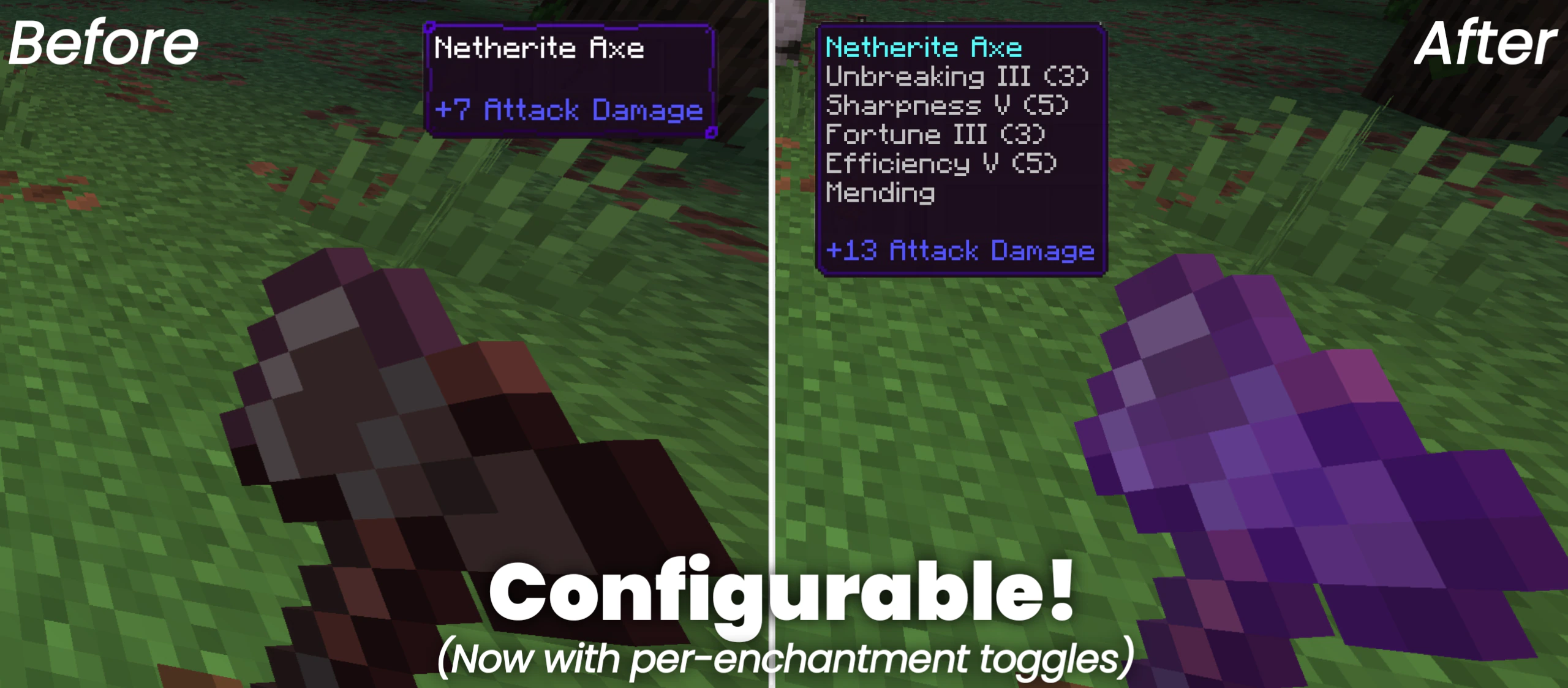
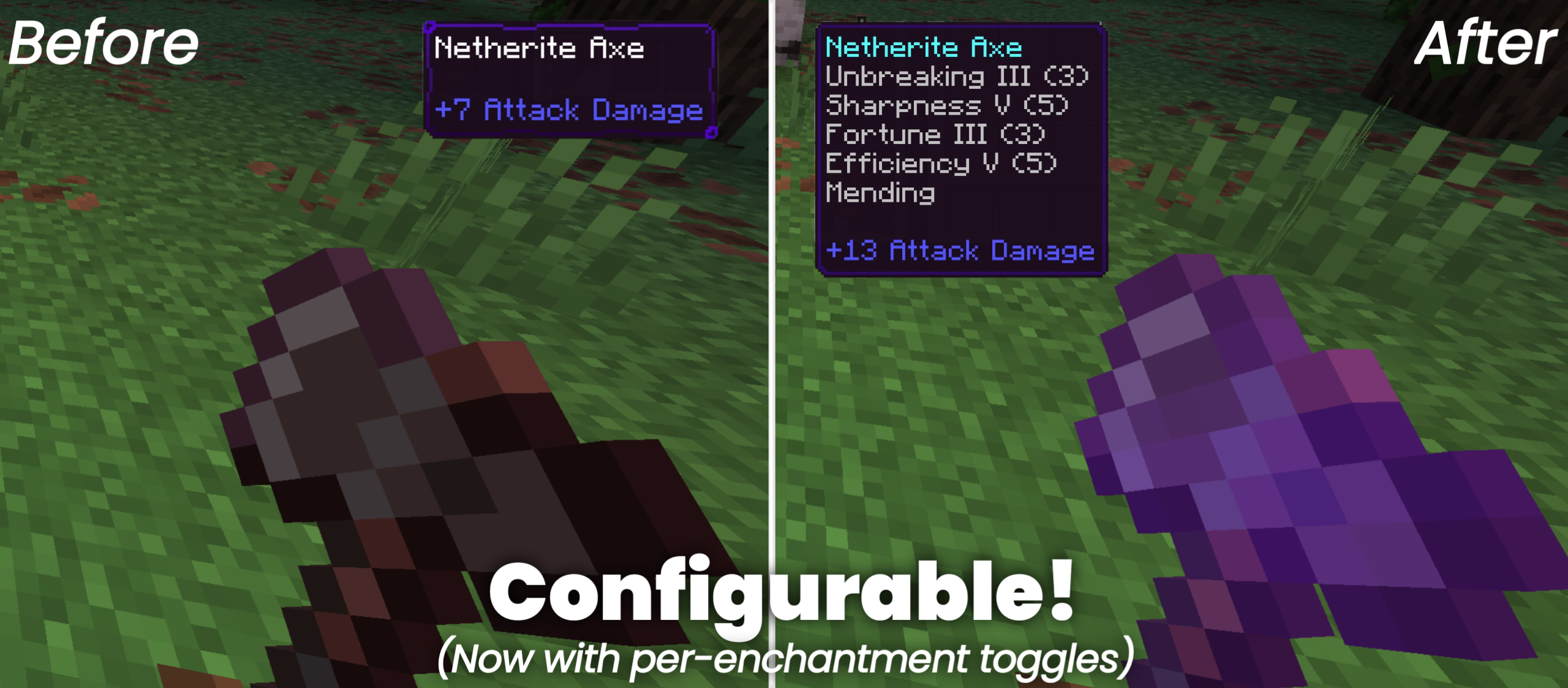
⬇ DownloadHold to Enchant Script lets you automatically upgrade your tools and weapons to their maximum level just by holding them. This add-on applies the best vanilla enchantments to your gear instantly without disabling your world achievements. It works perfectly with both standard items and custom gear from other packs.
Features:
- Instantly applies max level enchantments to held items.
- Keeps your world achievements active while you play.
- Works with custom weapons and tools from other packs.
- Runs smoothly without causing lag on your game.
- Supports only vanilla enchantments for your gear.
Commands and Configuration:
Type /ae:menu in the game chat to open your personal settings panel. This menu allows you to choose between conflicting enchantments like Fortune and Silk Touch. You can also turn off auto-enchanting for specific items or block enchantments you do not want completely.
Hold to Enchant Script Download Links
- Edition: Minecraft Bedrock
- File type: .mcpack or .mcaddon
- How to install: Download the .mcpack or .mcaddon file. → Open it — Minecraft imports it. → In your world: Behavior Packs → Available → Activate, then the same under Resource Packs.
- Where to get it: In MCModsHub, or directly above on this page.
Install steps are the general flow for this file type — How to install Minecraft Bedrock addons & mods walks through it step by step.
- Pack type: .mcaddon — behaviour and resource pack in one file
- Manifest requires Minecraft 1.21.20 or newer
- Complete pack — everything it depends on is inside the file
- Download size: 35 KB
- Download link checked 22 Jul 2026 — working
- Mirrored on our own servers — the download does not depend on the original host
These come from our own check of the pack file, not from the source page.