ModsJava
Easy Panorama Mod (26.3, 1.20.1) – Turn Your Favorite Build Into a Main Menu
Java mod listed for Minecraft 1.20–26.x. Downloads from the MC Java Mods app on Android.
⬇ Download
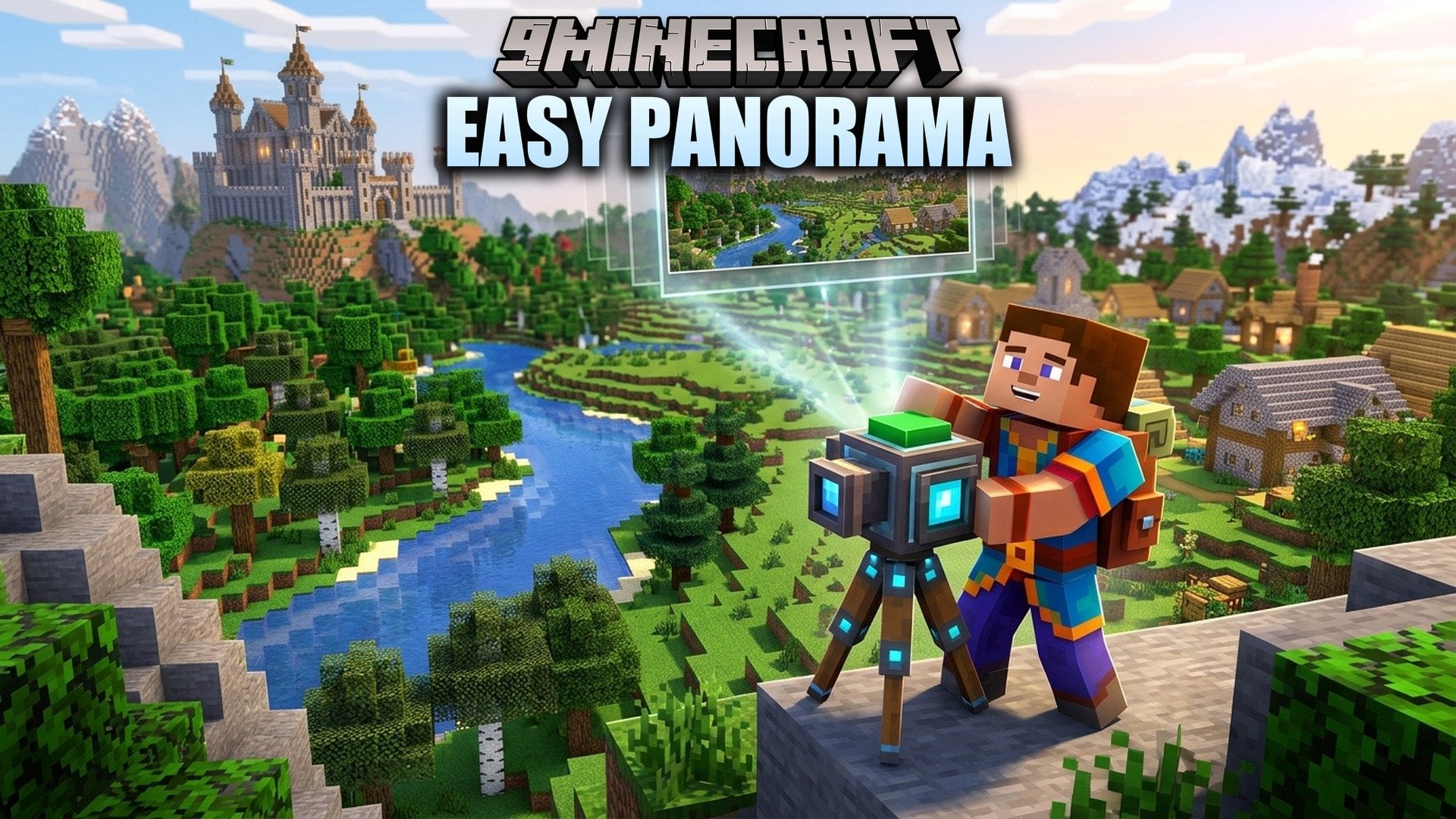
Easy Panorama Mod lets you turn any view in your world into a main-menu panorama with one capture button. It takes pictures in all six directions around you and joins them into one panorama. Use your best build, a quiet landscape, or the view from your next modpack spawn. This mod works on the client side and needs Fabric API.
Features:
- One Capture Button: Stand somewhere safe, let the chunks load, and press F8 to start.
- Shader Support: Capture with an active shader to keep your shader look. Moving clouds and some effects can leave seams, so check the result.
- FancyMenu Export: With FancyMenu installed, save the panorama straight to its panorama folder. Then pick it as your Cubic Panorama and keep your current title and buttons.
- Resource Pack Export: Without FancyMenu, save the panorama as a resource-pack ZIP instead.
- Captures all six directions around you for a full cubic panorama.
- Lets you choose a resolution before you capture.
- Hides the HUD and your hands, so the picture shows only the world.
- Cleans up duplicate exports when the main menu opens, even if the capture controls are hidden. It removes only verified duplicates.
- Keeps edited files and active backgrounds that cannot be safely switched.
- Players who get your panorama do not need the original shader.
How to Use:
- Stand in a safe spot and wait for the chunks to load.
- Press F8 to open the capture options.
- Choose the resolution you want.
- Capture the panorama. The HUD and your hands stay hidden.
- Save it to the FancyMenu panorama folder, or save it as a resource-pack ZIP.
- With FancyMenu, select the panorama as your Cubic Panorama. Without it, enable the exported resource pack.
Easy Panorama Mod Download Links
Quick facts
- Edition: Minecraft Java
- File type: .jar
- Minecraft versions listed: 26.3, 1.20.1
- How to install: Install the matching mod loader (Forge, Fabric or NeoForge) for your Minecraft version. → Download the .jar. → Put it in the .minecraft/mods folder and launch that loader profile.
- Where to get it: In MC Java Mods, or directly above on this page.
Install steps are the general flow for this file type — How to install Minecraft Java mods & modpacks walks through it step by step.
File checked by MCModsHub
- Downloads as 541890.mcaddon
- Download size: 253 KB
- Mirrored on our own servers — the download does not depend on the original host
These come from our own check of the pack file, not from the source page.