
Fast Image Frame Mod (26.3, 1.21.11) – Build Giant Map Art Walls
Java mod listed for Minecraft 1.21–26.x. Download on the author's site.
⬇ Download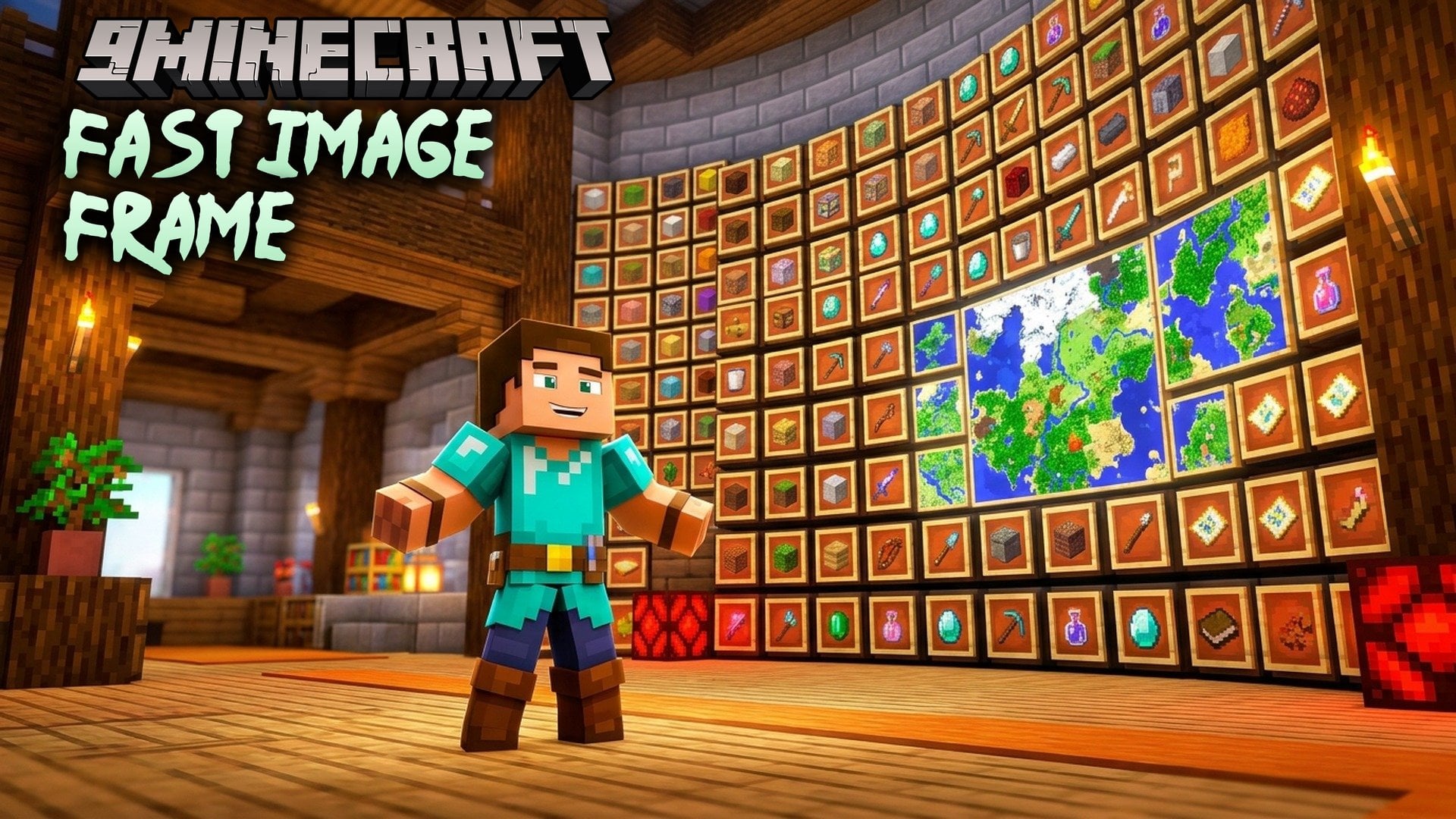
Fast Image Frame Mod speeds up item frames and map walls, and works as a companion for ImageFrame Client. Big map art walls and shops full of item frames stop dragging your FPS down. Everything looks the same as vanilla. This mod runs on the client only, so the server needs nothing. It also fixes the clash between ImageFrame Client and ImmediatelyFast.
Features:
- Map atlas: Packs map textures into a few large textures, so a whole wall of maps draws in a handful of draw calls instead of one per map.
- Baked map walls: Draws frames that don’t change once and replays them like terrain. Frames are checked several times per second and rebuilt when something changes.
- Animated GIFs: ImageFrame GIFs stay baked while they play. Only the texture coordinates are swapped.
- HD image detail levels: With ImageFrame Client installed, each image draws at the size its spot on screen needs. Far images use no video memory of their own, and near ones get sharper.
- Image cache: Keeps HD images in RAM and on disk, with one folder per server. Images show up right away when you join again.
- Compatibility fix: Fixes the clash between ImageFrame Client and ImmediatelyFast.
- Bakes item frames that hold blocks, tools, enchanted items, banners, shields, compasses, clocks and more (Minecraft 1.21.4 to 1.21.11).
- Skips the edges between two frames and the back of each frame when you can’t see them. Resource packs that change the frame, like invisible frames, still work.
- Skips frames hidden behind blocks, using the game’s (or Sodium’s) visibility check plus a block by block test.
- Treats normal and glow item frames the same way. A change of light, like torches or dynamic lights, does not rebuild anything.
- Stops the game from rebuilding a whole map texture when a packet only moves markers.
- Requests HD images in the order they appear, a few at a time, and retries refused ones.
- Works with Sodium, Lithium, Iris (even with shaders), ImmediatelyFast, Entity Culling, FerriteCore, ETF and EMF.
Measured Gains:
Test setup: 854×480 window, RTX 4060 laptop, Minecraft 1.21.8.
| Scene | Vanilla | With this mod |
|---|---|---|
| Wall of 1600 maps (40×40) | 13 FPS | 725 FPS |
| Wall of 1600 HD maps with ImageFrame Client | 18 FPS | 656 FPS |
| Animated wall, 400 maps, one image per tick | 60 FPS | 687 FPS |
| 400 item frames holding 12 kinds of items | 94 FPS | 512 FPS |
On a real Paper server with a wall of 2160 HD images, you get about 30 FPS with ImageFrame Client alone. With this mod, you get about 800 FPS.
How to Use:
- Open Mod Menu in game.
- Pick Fast Image Frame Mod from the list to see its settings pages.
- Turn each option on or off. Every option has a tooltip that explains it.
- Turn off any custom item frames render from other mods, except ImmediatelyFast. If you leave it on, this mod may not work right.
Fast Image Frame Mod Download Links
- Edition: Minecraft Java
- File type: .jar
- Minecraft versions listed: 26.3, 1.21.11
- How to install: Install the matching mod loader (Forge, Fabric or NeoForge) for your Minecraft version. → Download the .jar. → Put it in the .minecraft/mods folder and launch that loader profile.
- Where to get it: Opens on the file's original source — not every file is mirrored on our own servers.
Install steps are the general flow for this file type — How to install Minecraft Java mods & modpacks walks through it step by step.
Fast Image Frame Mod (26.3, 1.21.11) – Build Giant Map Art Walls is a free Minecraft Java mod. Compatible with Minecraft 26.3, 1.21.11. Download it and open it directly in the game.