Atlas Map Extended Mod (26.3, 1.21.1) – Mark Every Base and Cave
Java mod listed for Minecraft 1.21–26.x. Download on the author's site.
⬇ Download


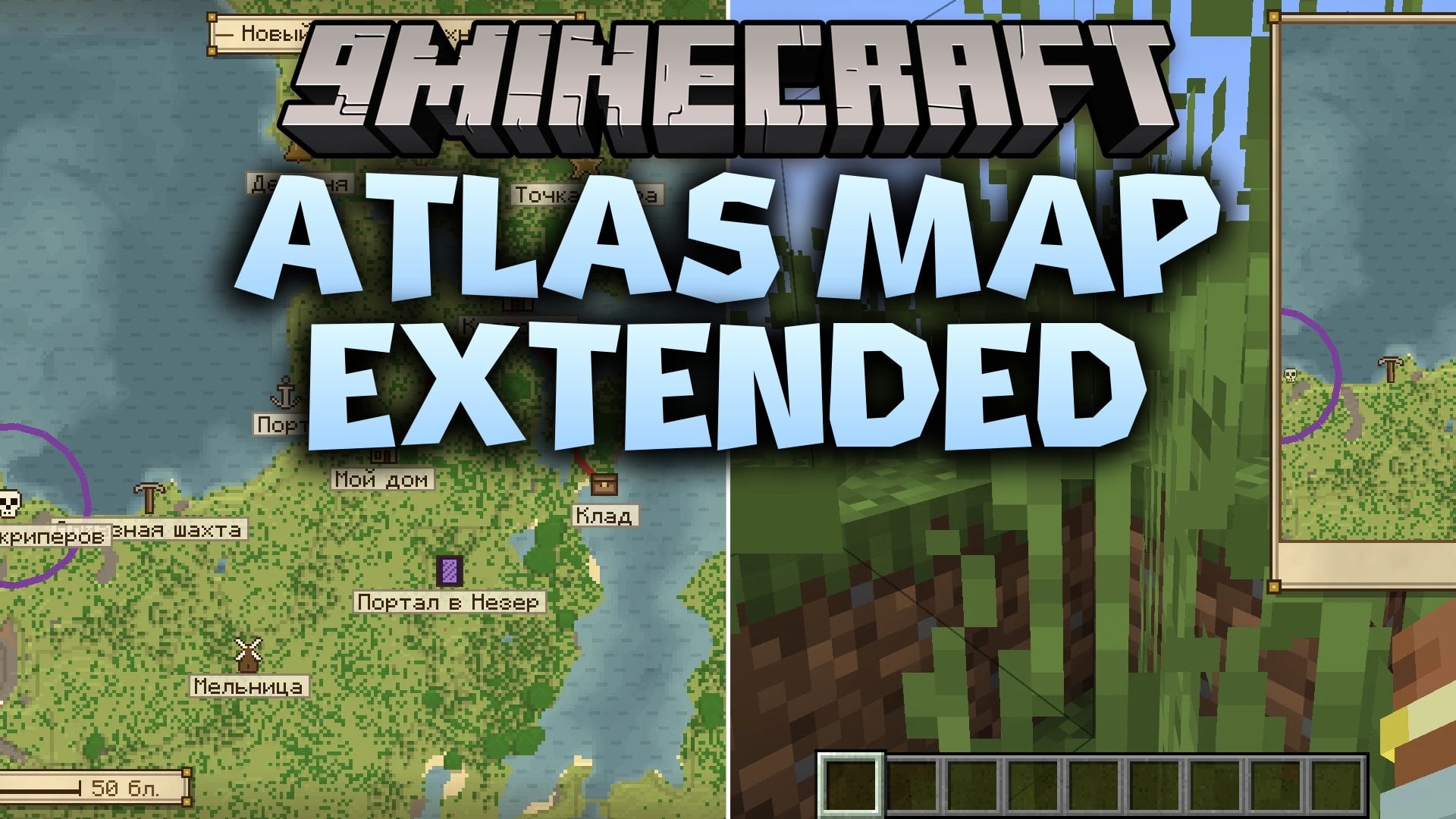
Atlas Map Extended Mod adds a full-screen world map and a minimap with a hand-drawn papyrus look. The map draws itself as you explore. It saves data separately for every server and singleplayer world. You can mark places with icons, colors, notes and screenshots. The mod runs on the client only, so it works on any server.
Features:
- Self-drawing map: Builds the map from the chunks you load, so land, water, ice, caves and dimensions stay saved.
- Minimap: Shows a small map in any corner of the screen, with four sizes and six zoom levels.
- 183 marker icons: Includes items, blocks, mobs, biomes, arrows and symbols, with a fast search that works with Russian and English layouts.
- Screenshots on markers: Lets you attach screenshots to a marker, view them in game and draw on top of them.
- Drawing tools: Gives you a pen, line, rectangle, circle and eraser with 60 colors, adjustable width and undo.
- Ruler: Measures the distance between two points and shows the straight-line distance and point count.
- Lets you pan the map by dragging, zoom with the mouse wheel and switch dimensions right on the map.
- Adds a collapsible marker list with search, distance sorting and visibility toggles.
- Shows a world list in the main menu for every server and singleplayer save, even ones you are not playing on right now.
- Lets you pick any tint for a marker icon, including a greyscale icon for clean recoloring.
- Stores a name, description, exact coordinates, dimension, icon, color and visibility for every marker.
- Shows marker names directly on the world map and lets you toggle coordinates and marker icons on the minimap.
- Adds an optional Teleport button on every marker. It needs cheats in singleplayer or operator permissions on a server.
- Lets you hide drawings at any time without deleting them.
- Needs no extra libraries to run.
Eight UI Designs:
- Papyrus is the classic hand-drawn parchment style.
- Stone uses carved grey stone.
- Deepslate is a dark, cool-toned look.
- Modern Light and Modern Dark are clean, flat interfaces.
- Oak uses warm wooden panels.
- Nether uses crimson and dark red.
- End uses purple and pale yellow.
The chosen design applies to the map, minimap frame, marker list, settings and every dialog.
Configuration:
Settings are saved in config/atlasmapextended.json. You can also change them in game with the gear button on the map or in the main menu.
minimapEnabled: turns the minimap on or off.minimapSizeIndex: picks the minimap size.minimapZoomIndex: picks the minimap zoom level.minimapCorner: picks which screen corner holds the minimap.minimapCoords: shows or hides coordinates on the minimap.minimapMarkers: shows or hides marker icons on the minimap.drawingsVisible: shows or hides your drawings.markersVisible: shows or hides your markers.markerSort: sets how the marker list is sorted.theme: sets the UI design, for examplepapyrus.teleport: turns the Teleport button on markers on or off.markerLabels: shows or hides marker names on the map.
How to Use:
- Press M to open the world map.
- Hold the left mouse button and drag to pan. Use the mouse wheel to zoom.
- Right-click on the map to add a marker, or press B to add one at your position.
- Left-click a marker to open it. Press J to see the marker list.
- Press N to show or hide the minimap. Use = and – to zoom it in and out.
- Press R to use the ruler and G to open the drawing editor.
- Press H to show or hide your drawings.
- Change any key in Options, then Controls, then Key Binds.
Screenshots:
Atlas Map Extended Mod Download Links
- Edition: Minecraft Java
- File type: .jar
- Minecraft versions listed: 26.3, 1.21.1
- How to install: Install the matching mod loader (Forge, Fabric or NeoForge) for your Minecraft version. → Download the .jar. → Put it in the .minecraft/mods folder and launch that loader profile.
- Where to get it: Opens on the file's original source — not every file is mirrored on our own servers.
Install steps are the general flow for this file type — How to install Minecraft Java mods & modpacks walks through it step by step.
Atlas Map Extended Mod (26.3, 1.21.1) – Mark Every Base and Cave is a free Minecraft Java mod. Compatible with Minecraft 26.3, 1.21.1. Download it and open it directly in the game.