ModsJava
Snappy Blocks Mod (26.3, 1.20.1) – Watch Every Block Pop, Bounce and Fly
Java mod listed for Minecraft 1.20–26.x. Downloads from the MC Java Mods app on Android.
⬇ Download
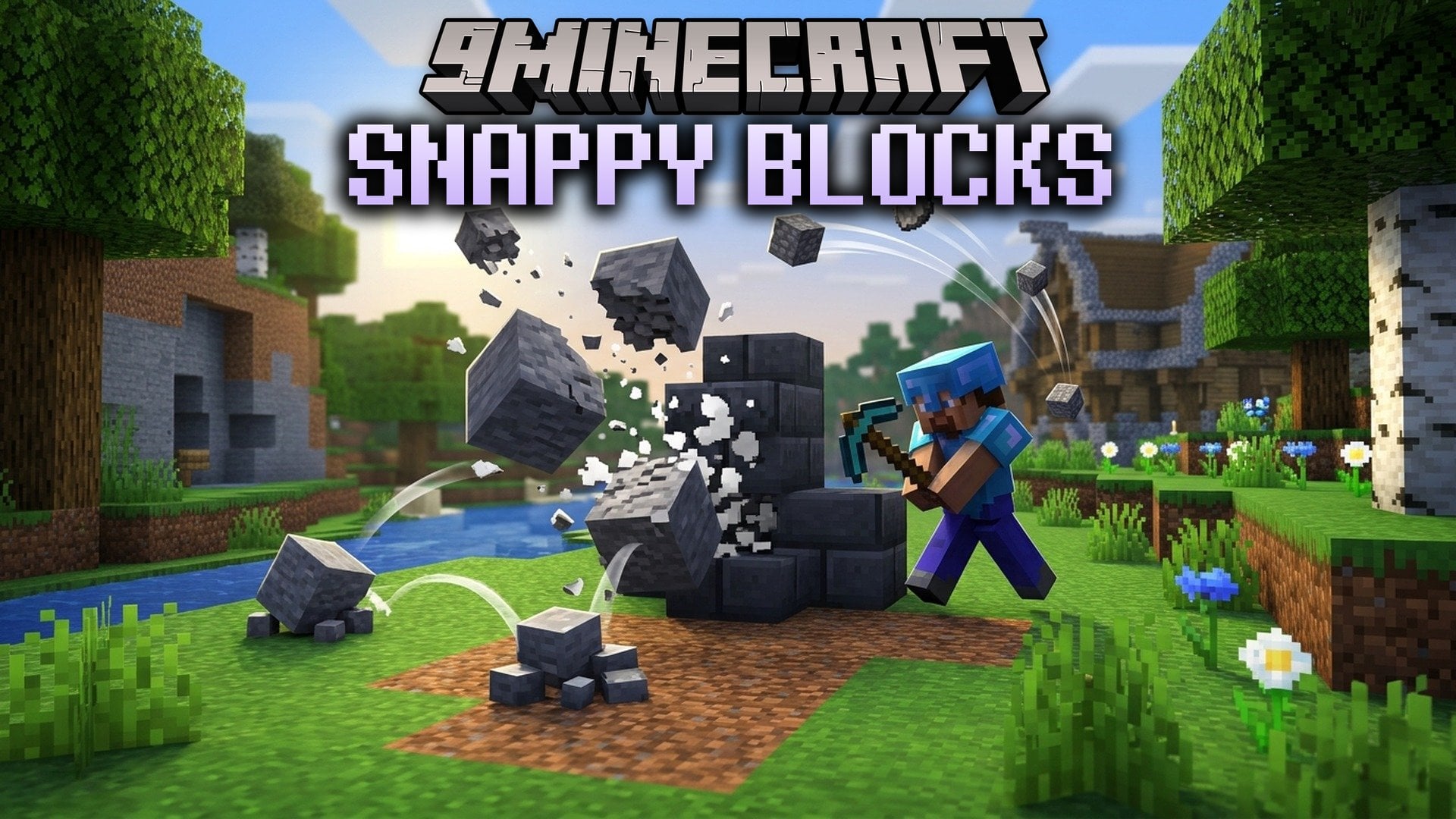
Snappy Blocks Mod adds smooth motion to placing, mining and breaking blocks. Blocks pop into place and burst into their drops. The drops bounce, settle and fly to your hotbar. This mod runs on the client side, so it works on any server. Nothing blinks in or out anymore.
Features:
- Placing: A block pops into place with a small overshoot.
- Mining: The block pulses on every hit and the crack grows with it.
- Breaking: The block takes a punch, shrinks away and throws chips. The drop springs out of its centre.
- Drops: They squash and hop when they land, with a soft step sound. Stacks slide together when they merge and shrink out when they despawn.
- Pickups: Items arc into your chest, or fly into the hotbar slot they land in.
- Makes thrown items start at your hand and grow out of it when you press Q.
- Makes a placement or break that the server refuses regrow or shrink back instead of snapping.
- Works on any server, including vanilla servers and Realms.
- Plays along with Sodium, Iris shaders, Continuity, Flashback re-shoots and Build Buddy.
- Steps aside when another mod already animates the same thing (A Good Place, ItemPhysic Lite, Tiny Pickup Animation, Block Motion), so nothing is doubled.
Configuration:
config/snappy_blocks.json: the settings file in your game folder.- Each effect has its own switch, so you can turn off the ones you do not like.
- Intensity goes from 50 to 150, so you can make the motion softer or stronger.
- Calm mode is for reduced motion. It means smaller movement, no hit-stop and no hop.
- Every timing is a number in the same file. Changes apply while the game is running.
How to Use:
- Join any world or server.
- Place, mine and break blocks as you normally do. The effects play on their own, with nothing to press.
- Open
config/snappy_blocks.jsonif you want to switch effects off, change the intensity or turn on Calm.
Snappy Blocks Mod Download Links
Quick facts
- Edition: Minecraft Java
- File type: .jar
- Minecraft versions listed: 26.3, 1.20.1
- How to install: Install the matching mod loader (Forge, Fabric or NeoForge) for your Minecraft version. → Download the .jar. → Put it in the .minecraft/mods folder and launch that loader profile.
- Where to get it: In MC Java Mods, or directly above on this page.
Install steps are the general flow for this file type — How to install Minecraft Java mods & modpacks walks through it step by step.
File checked by MCModsHub
- Downloads as 541904.mcaddon
- Download size: 198 KB
- Download link checked 7 Nov 2026 — working
- Mirrored on our own servers — the download does not depend on the original host
These come from our own check of the pack file, not from the source page.