ModsJava
Kartoneks Paperdoll Mod (26.3, 1.21.1) – See Your Armor and Held Items
Java mod listed for Minecraft 1.21–26.x. Download on the author's site.
⬇ Download
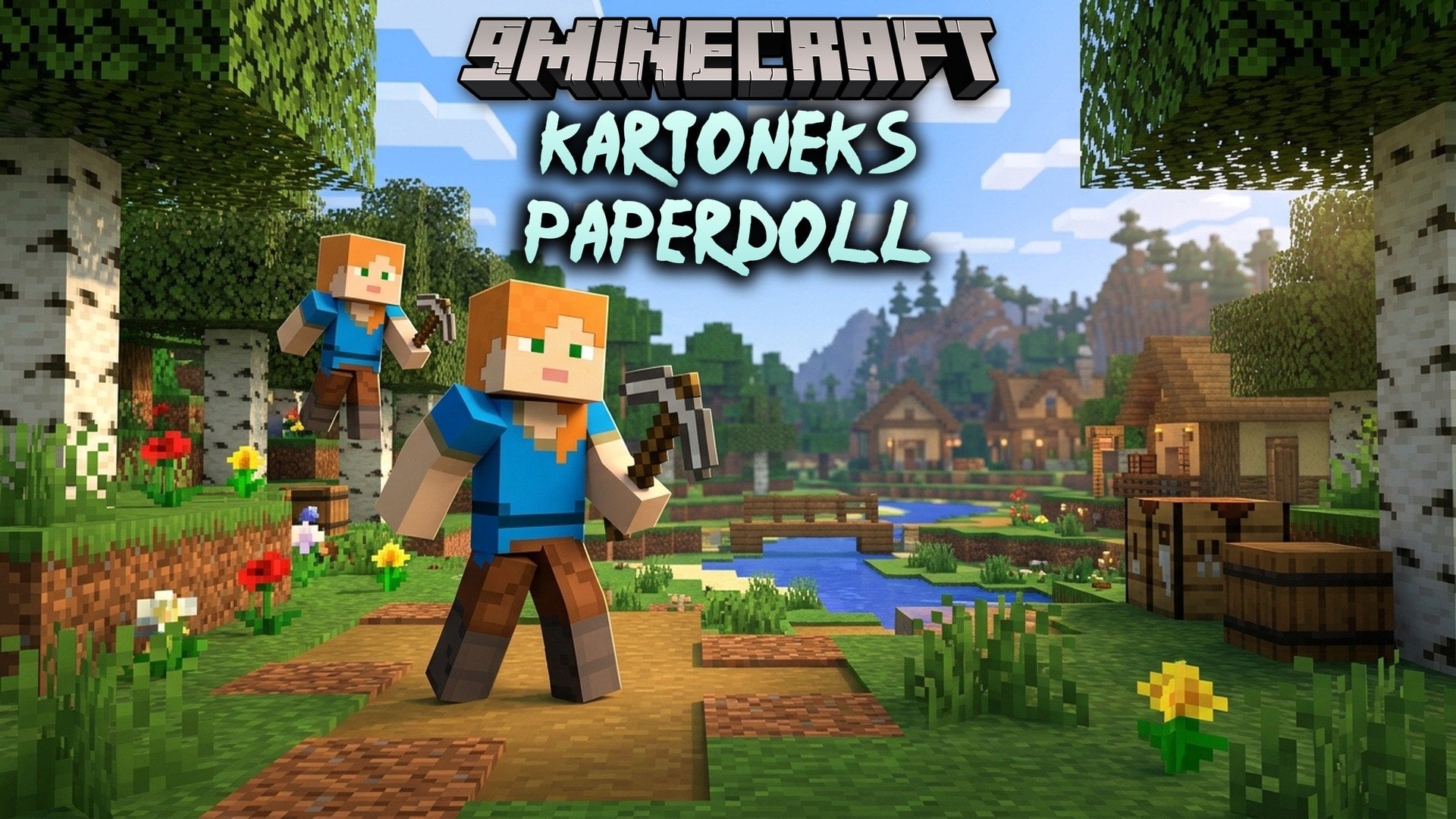
Kartoneks Paperdoll Mod draws a live model of your player in a corner of the screen. You see your skin, your armor, and the items in your hand. The model copies every move you make, so you always know how your character looks and what it is doing.
Features:
- Live Player Model: Shows a small copy of your player on screen that moves when you move.
- Skin, Armor and Items: The model wears your skin and armor and holds the item you have in hand.
- Quick Toggle: Press F8 to show or hide the paper doll at any time.
- Client-Side Only: Works on your own game, so you can join any server.
- Lets you change the paper doll settings to fit your screen and your taste.
- Shows many different poses, so the doll matches what your player is doing.
- Works as a fork of Ayame PaperDoll with fixes for issues found in the original.
How to Use:
- Join any world or server. The paper doll shows up in a corner of the screen.
- Press F8 to show or hide the paper doll.
- On Fabric or Quilt, open the settings with Mod Menu (optional). Fabric API is needed (QFAPI on Quilt).
- On NeoForge or Forge, go to Mods, pick the mod, then press Config to open the settings.
- To open the settings with a key, set one in Options, then Controls.
Kartoneks Paperdoll Mod Download Links
Quick facts
- Edition: Minecraft Java
- File type: .jar
- Minecraft versions listed: 26.3, 1.21.1
- How to install: Install the matching mod loader (Forge, Fabric or NeoForge) for your Minecraft version. → Download the .jar. → Put it in the .minecraft/mods folder and launch that loader profile.
- Where to get it: Opens on the file's original source — not every file is mirrored on our own servers.
Install steps are the general flow for this file type — How to install Minecraft Java mods & modpacks walks through it step by step.
Kartoneks Paperdoll Mod (26.3, 1.21.1) – See Your Armor and Held Items is a free Minecraft Java mod. Compatible with Minecraft 26.3, 1.21.1. Download it and open it directly in the game.