MapsJava
Sulfur Golf Map (26.3, 1.20.1) – Sink Sulfur Cube Shots Across 12 Courses
Java map listed for Minecraft 1.20–26.x. Download on the author's site.
⬇ Download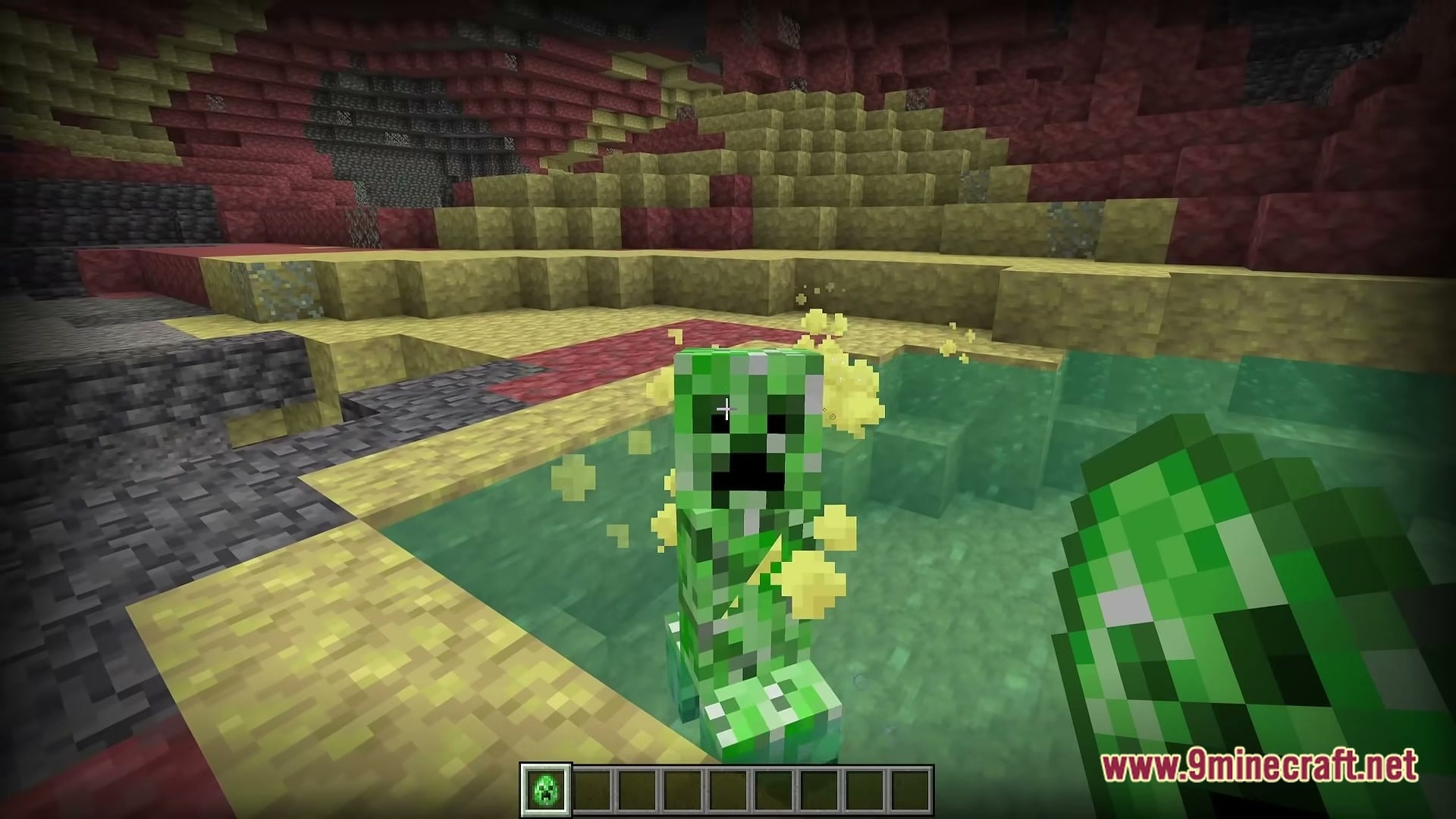
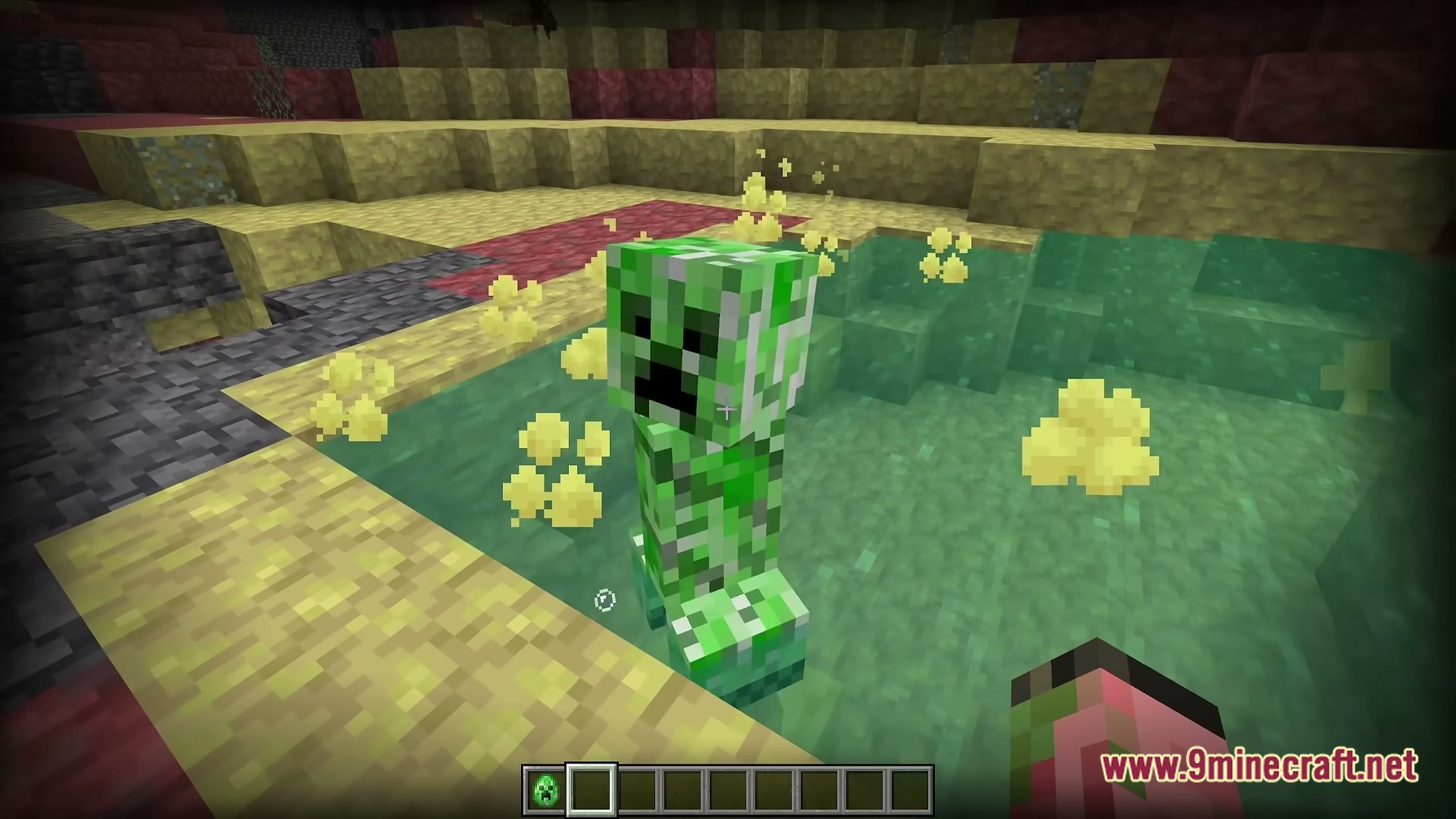
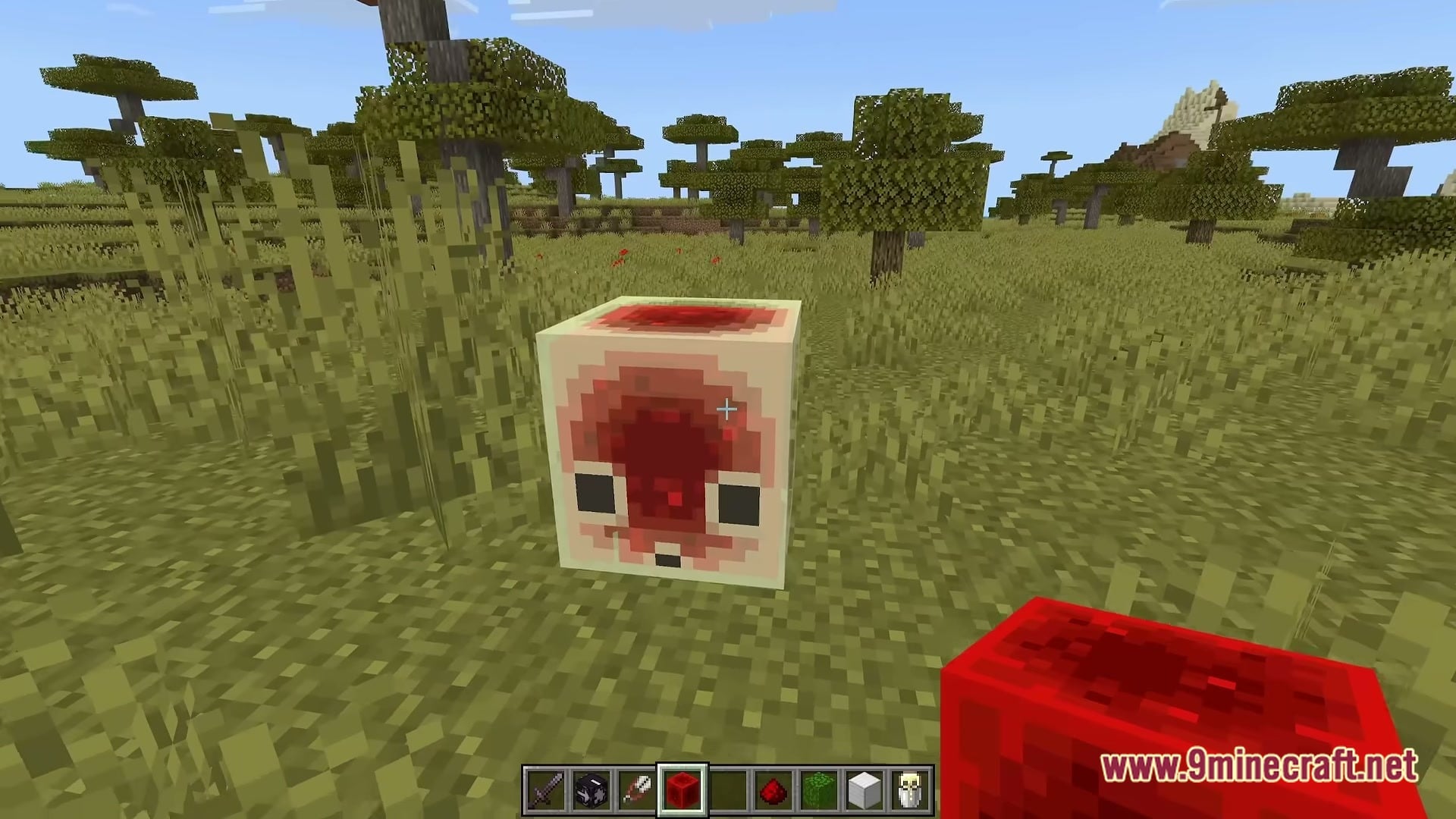
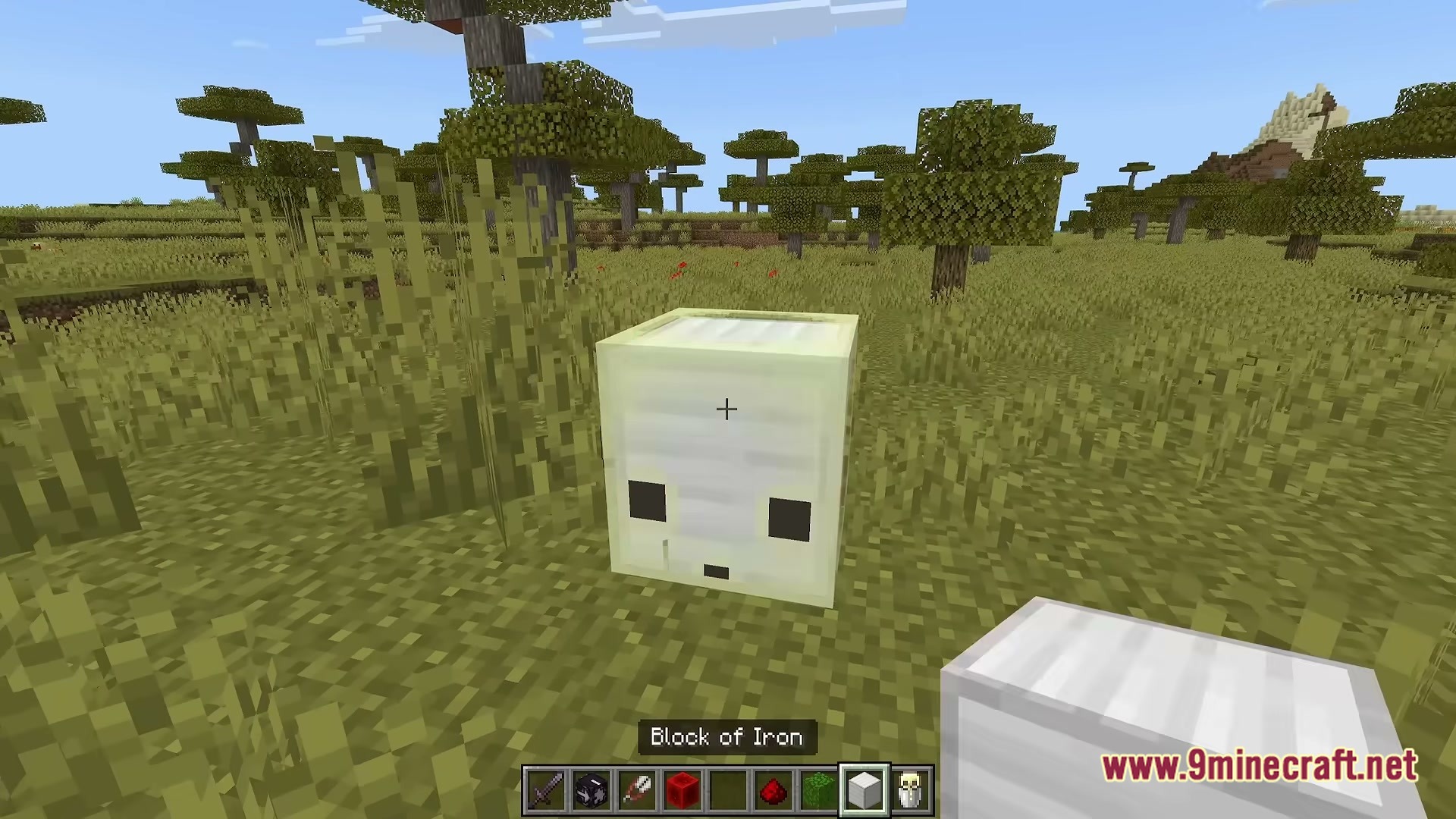
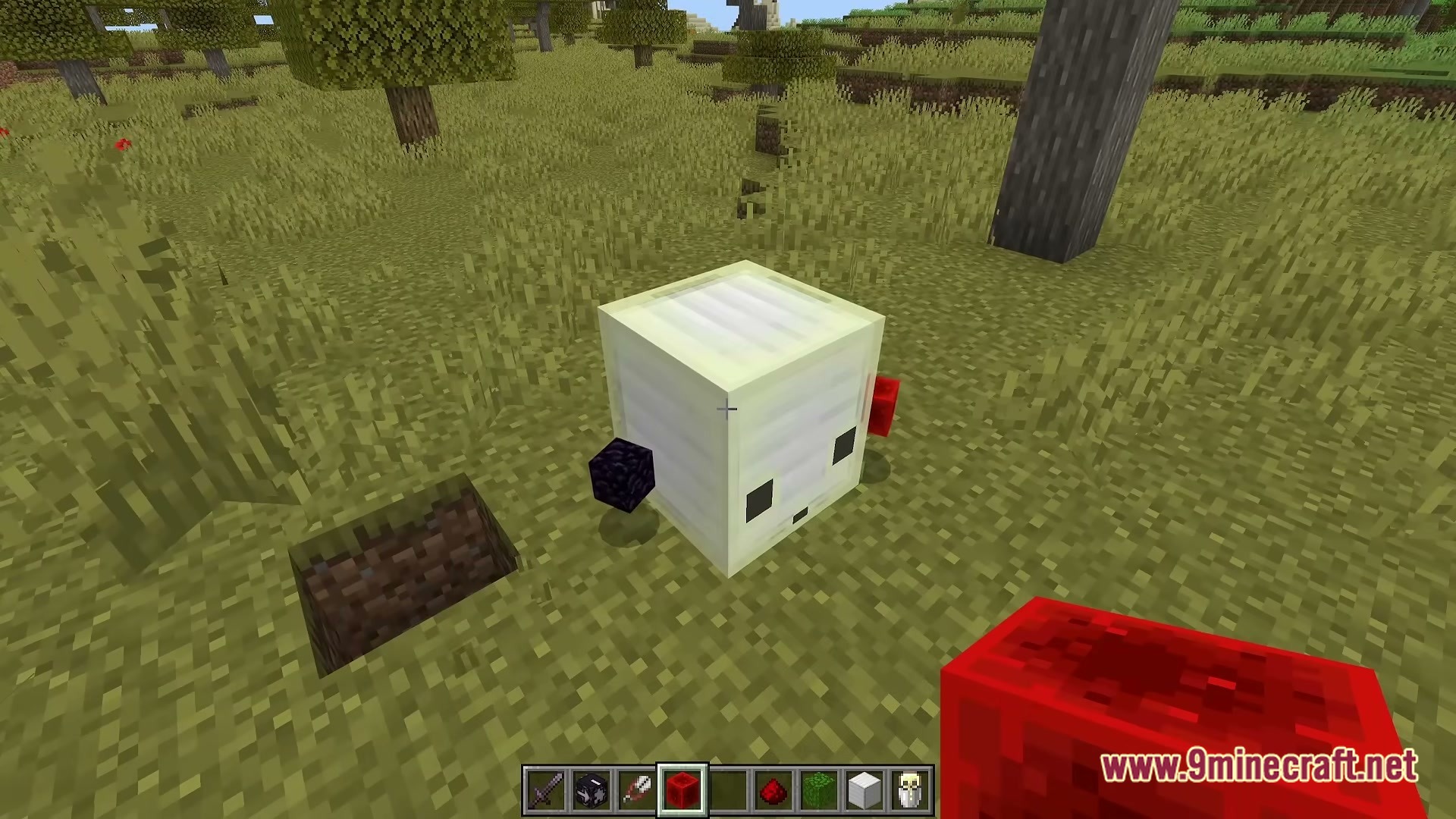
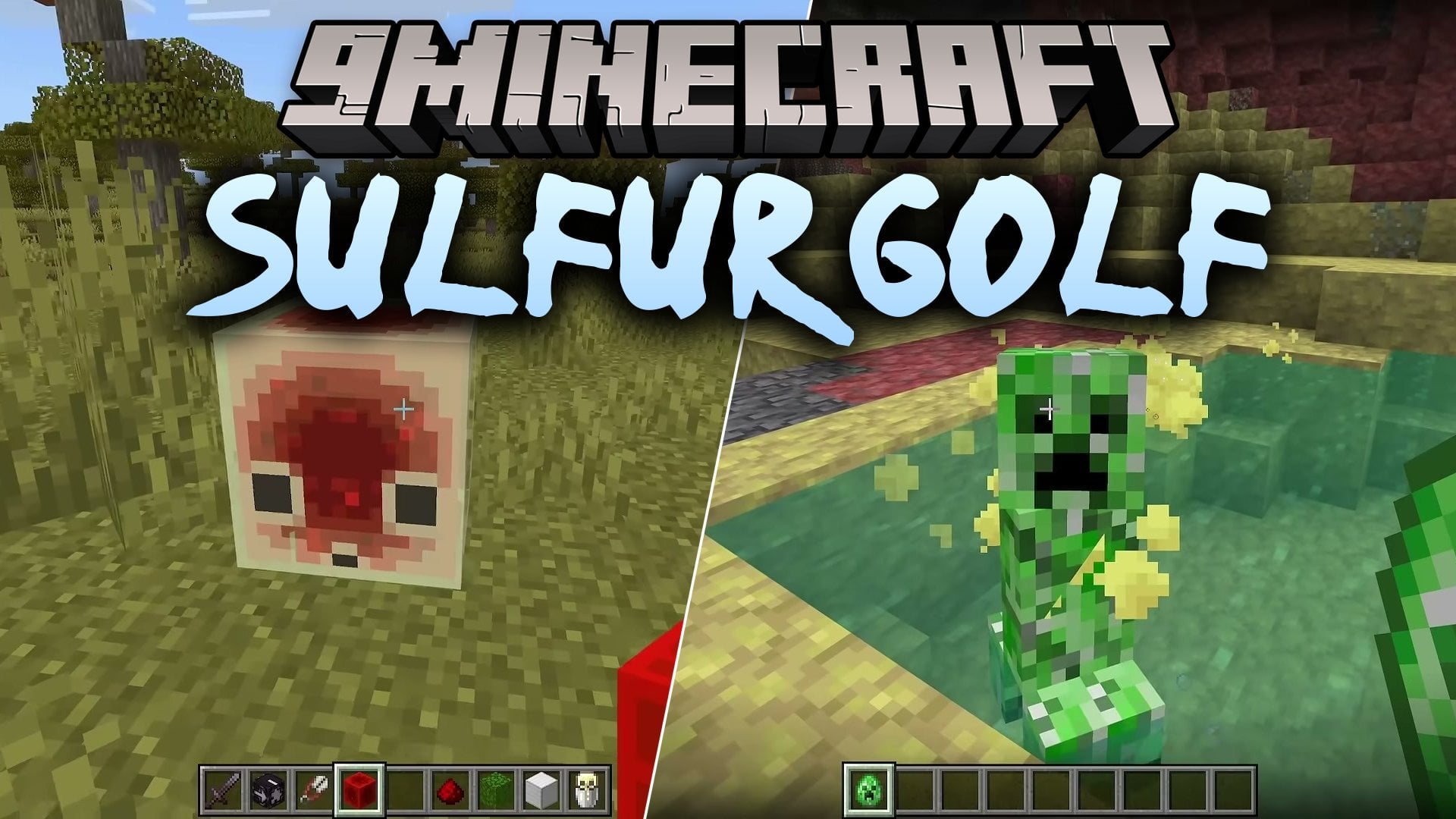
Sulfur Golf Map challenges you to play 12 golf courses with the sulfur cube. This map brings the game of golf into Minecraft in a fun, simple way. You move from course to course and try to finish them all.
Features:
- 12 Golf Courses: Gives you twelve different courses to play, one after another.
- Sulfur Cube: Puts the sulfur cube at the center of the golf play.
- Brings golf into Minecraft as an adventure map.
- Gives you a clear goal on every course, so it is easy to follow.
How to Play:
- Load the world and find the first golf course.
- Use the sulfur cube to play through the course.
- Move on to the next course when you finish one.
- Keep going until you complete all 12 courses.
Screenshots:
Sulfur Golf Map Download Links
Quick facts
- Edition: Minecraft Java
- File type: .zip (world save)
- Minecraft versions listed: 26.3, 1.20.1
- How to install: Download the .zip world. → Unzip it. → Move the folder into .minecraft/saves.
- Where to get it: Opens on the file's original source — not every file is mirrored on our own servers.
Install steps are the general flow for this file type — How to install Minecraft Java maps & worlds walks through it step by step.
Sulfur Golf Map (26.3, 1.20.1) – Sink Sulfur Cube Shots Across 12 Courses is a free Minecraft Java map. Compatible with Minecraft 26.3, 1.20.1. Download it and open it directly in the game.