
UltraBoss
Java mod listed for Minecraft 26.x. Downloads from the MC Java Mods app on Android.
Create your own mini-bosses with phases, abilities, minions and loot, and turn them into a server event with a warning and coordinates in chat. Full…
⬇ Download on Modrinth


UltraBoss
Build your own mini-bosses and turn them into an event the whole server can see coming.
No more bosses quietly replacing random mobs where nobody ever finds them. UltraBoss runs a clock: it warns the server, a boss appears far enough away that you have to go find it, and everyone gets the coordinates.
BOSS » A boss appears in 15m.
BOSS » Ejemplo appeared at 312 68 -1204 (world).
UltraBoss ships with one fully commented example boss — its gear, skills, phases, loot, dialogue, weapon and trophy — so you can see every option in action and build your own from it.
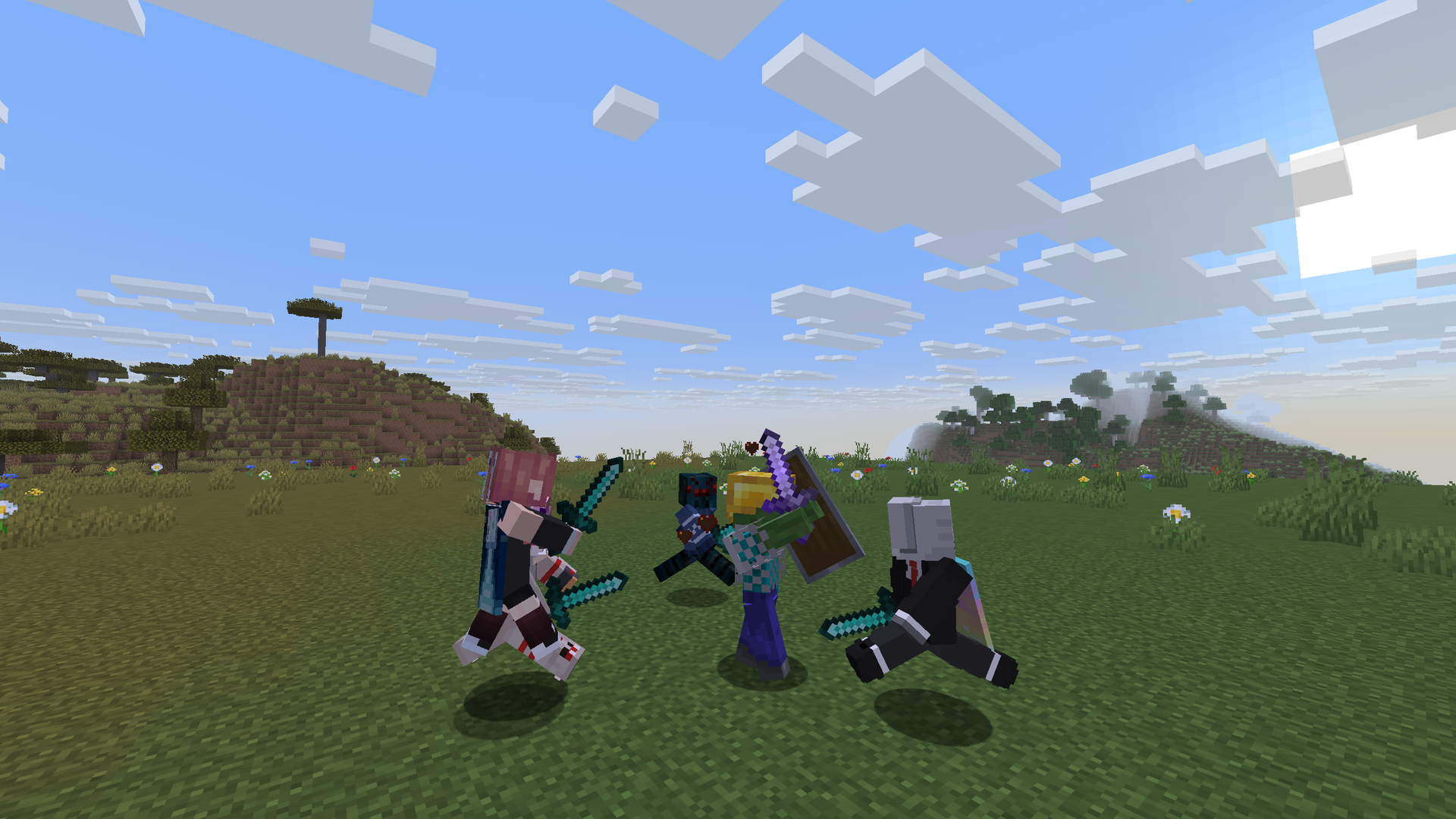
🎬 Watch it in action
The event
- Warns the server ahead of time (15, 5 and 1 minutes by default — your list, your timings).
- Announces the boss and its exact coordinates when it spawns.
- Spawns 1000–1100 blocks from a random player, and never within 1000 blocks of anyone else — a destination, not something you trip over.
- Each boss has its own biomes: a desert boss in deserts, a cave boss underground.
- The search only looks at chunks that already exist. It never generates new terrain and never force-loads one beyond a temporary ticket while it checks the ground.
The spot comes first and the boss second: the event checks a point near a random player and picks a boss whose biome matches, so it always lands somewhere reachable. If no nearby spot fits any boss, it brings one from the same dimension instead: never a Nether boss in the Overworld.
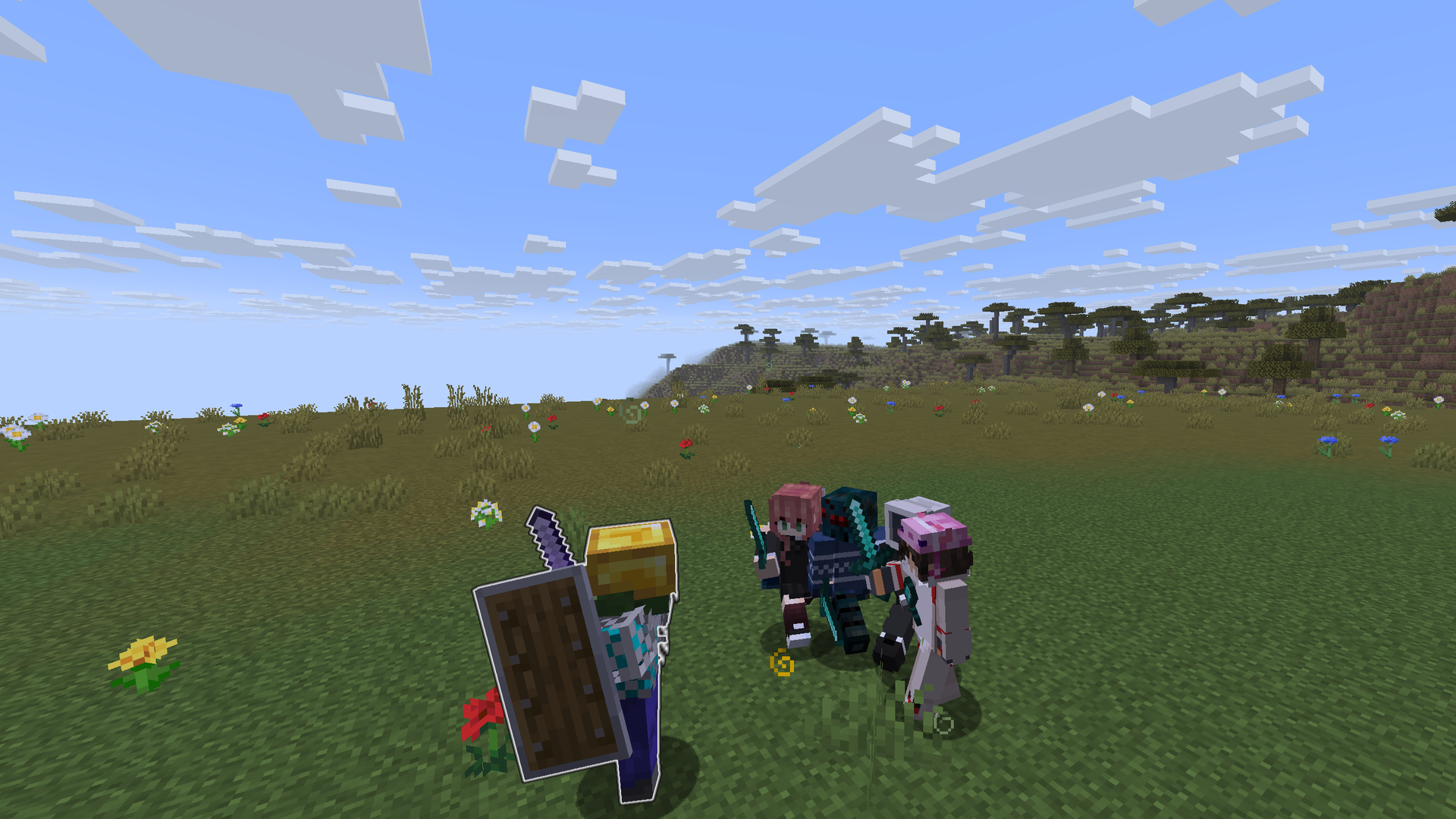
Bosses per world, your call
max-per-world sets how many bosses can be alive in the same world at once:
1 to 5 per dimension — Overworld, Nether and End — 3 each by default. It covers event bosses, natural spawns and the ones staff summon by hand, and a
boss that splits on death still counts as one fight. The /ub menu shows how many are alive in each
world, and how many of your 32 bosses you've used.
max-per-world:
  overworld: 3
  nether: 3
  end: 3
Prefer strictly one at a time? Set despawn-previous: true and the event retires the old boss —
only once the new one is confirmed alive.
A real encounter, not a mob that never sleeps
Bosses run through three states: resting (no attacks, no summons, AI off), alert (someone's close but hasn't engaged) and in combat (a real participant is engaged, abilities and summons run inside their limits). Walking away doesn't reset anything for free — health and phase are kept, pending attacks are cancelled, and coming back has a short grace period instead of a burst of everything that "would have happened".
Summons are owned and capped: every boss tracks its own live minions against a per-boss, per-world and per-area ceiling, and a minion riding its own mount counts double. Minions never drop loot or XP.
An arena leash: pull a boss too far from where it spawned and it clears what it was doing, warns you, and teleports back to its origin — only if that spot is still safe — without healing.
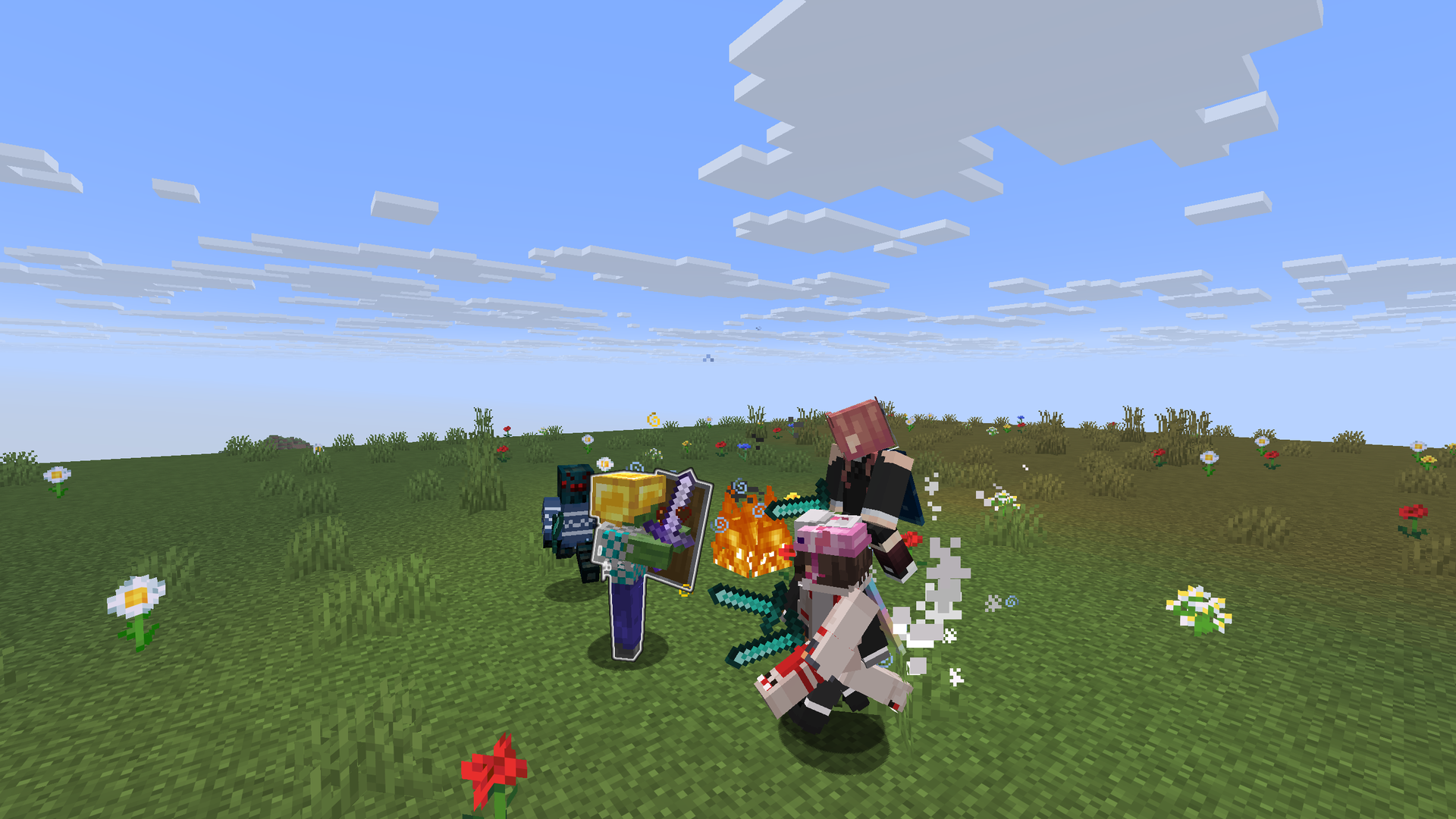
Build your bosses in game or in YAML
Every boss is a YAML entry: base mob, health, damage, armour, gear, boss bar, phases, abilities, dialogue, loot and where it spawns. Up to 32 bosses (minions don't count) keep the plugin light; items have no limit.
ejemplo:
  type: ZOMBIE
  display: '&6&lEjemplo'
  health: 800
  damage: 12
  phases: [0.66, 0.33]          # phase 2 at 66 % health, phase 3 at 33 %
  skills:
    lentitud: { type: potion_aoe, trigger: timer, period: 160, radius: 8, effect: SLOWNESS }
    rayos:    { type: lightning, trigger: timer, period: 140, min-phase: 3, range: 24 }
  drops:
    - { item: EjemploTrofeo, chance: 1.0 }
    - { vanilla: DIAMOND, chance: 0.2 }
    - { xp: 150 }
  spawn:
    natural: true
    biomes: [PLAINS, FOREST, MEADOW]
- Phases are fractions of health. Abilities with
min-phaseonly wake up once the boss gets there, so a fight escalates instead of being one long trade. - Triggers: on spawn, on a timer, on a phase change, on attack, on damage, on death. The heaviest hits telegraph first — a bell and a ring of particles mark where they're about to land.
- A library of 40+ abilities: poison and frost novas, pulls, knockbacks, summons, lightning, self-heals, arrow volleys, evoker fangs, mud and TNT traps, webs, fire.
- Contextual spawning: natural, trial spawners, monster spawners, sculk shriekers or raids.
- Boss dialogue on spawn, on phase change and on death.
Prefer not to open a file? /ub opens a full in-game editor for all of it, and /ub create
and /ub delete make and remove bosses on the fly.
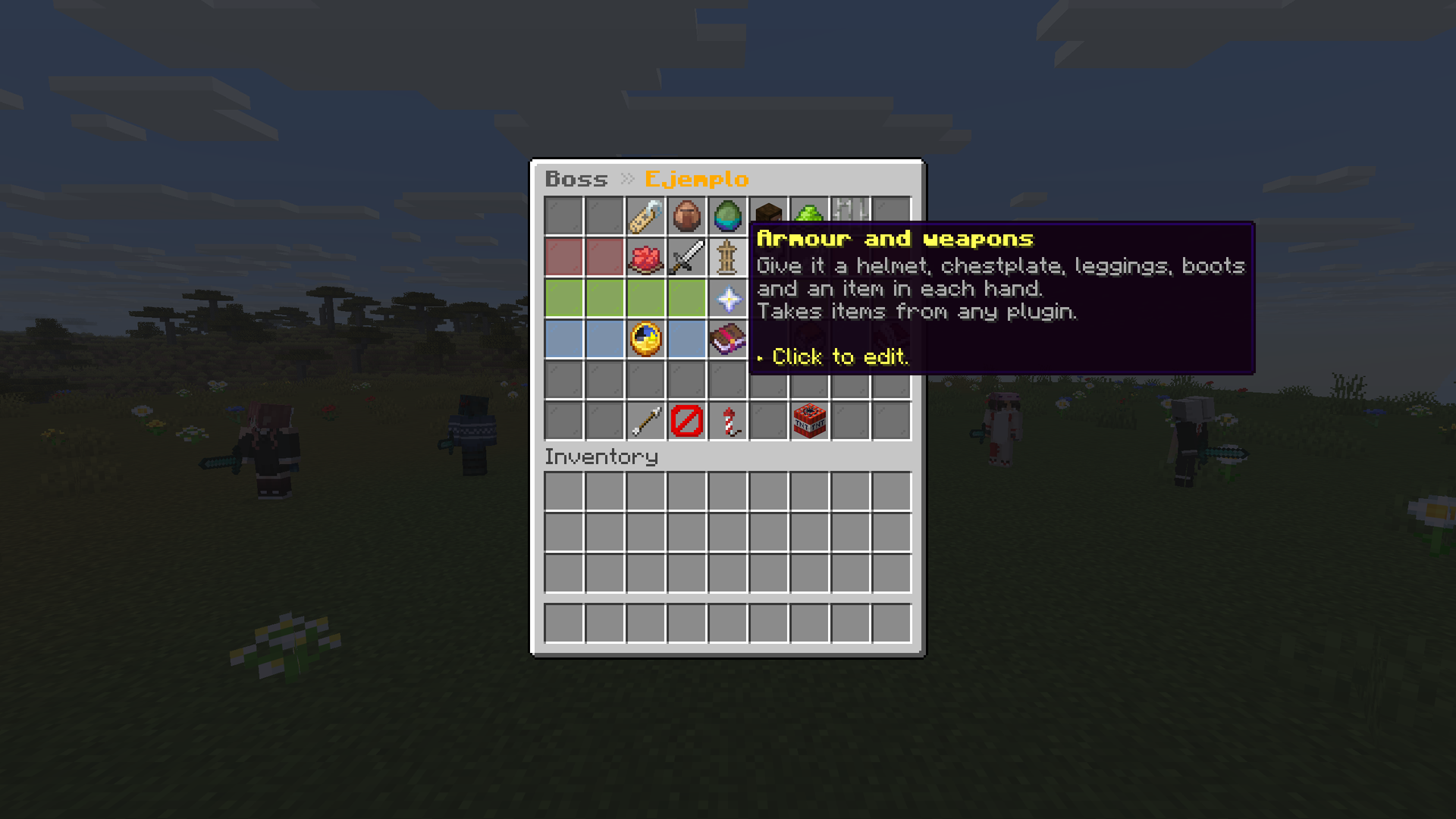
Gear from any plugin
Zombies, skeletons, piglins, pillagers, vindicators, evokers and vexes can wear armour and carry
weapons. Open /ub → your boss → Armour and weapons, pick up an item from your inventory and
click the slot — or shift-click it. Any item works, including items made by other plugins: it's
stored complete, with its name, model, enchantments and hidden data, so no integration is needed.
Your own item isn't used up, and the boss never drops its gear.
Loot from any plugin
In /ub → your boss → Loot, shift-click any item in your inventory and it becomes a drop exactly
as it is — name, model, enchantments and other plugins' hidden data. Your stack size is the amount
and the chance starts at 100 %; click the drop to tune it. Your item isn't used up.
Boss weapons and trophies
- Weapons with abilities: a boss item can carry a sneak + right click and a sneak + left click ability, each on its own cooldown — the normal use of bows, crossbows, tridents and shields stays untouched.
- Trophies: mark an item with
trophy: trueand it becomes a collectible that can't be eaten, smelted, brewed, crafted away, traded to a piglin or fed to an animal. No resource pack needed. - Got an item from another plugin you want to drop or give? Hold it and run
/ub item import <id>.
Give a boss a player's face
/ub skin ejemplo Notch
The skin is fetched from Mojang once and stored in skins.yml. From then on the boss doesn't
depend on that account at all. The lookup runs off the main thread. Needs LibsDisguises to render a
player skin on a mob; without it the boss keeps its base mob look.
Works with EcoItems
drops:
  - { ecoitem: legendary_sword, chance: 0.15 }
Resolved by reflection, so UltraBoss runs fine without EcoItems — an unknown id just skips that one drop instead of breaking the rest of the loot.
Commands
/ub                                     open the boss menu
/ub reload                              reload config, language, bosses, items and dialogue
/ub validate                            list warnings found loading bosses/items/dialogues
/ub encounters                          loaded encounters and registered unloaded UUIDs
/ub info|locate <uuid|boss-id>          one-line status of an encounter
/ub remove <uuid|boss-id|near|all>      retire live encounters, no rewards
/ub freeze|unfreeze <uuid|boss-id>      pause/resume an encounter in place
/ub event [now|skip]                    time until the next boss · search now · skip the wait
/ub skin <boss> <username>              give it a player's face
/ub create <id>                         make a new boss
/ub delete <id>                         delete a boss definition
/ub m spawn <id> [x y z]                summon a boss (alias: mob, mobs)
/ub i give <id> <player> [n]            hand out a boss item (alias: item, items)
/ub i import <id>                       save the item in your hand as a boss item
Alias: ub. Everything needs ultraboss.admin (op by default).
Languages
English and Spanish for messages and menus. Ships in English; set language: es to switch.
Setup
Drop the jar in plugins/ and start the server. A new install gets the example boss and the event
turned on. Data lives in plugins/UltraBoss/ — updating from a build that kept it under
plugins/UltraView/UltraBoss/ moves it over automatically, once. Servers that already have their
own bosses don't get the example added.
Prefer bosses replacing natural mobs by chance? Turn natural-spawns on — max-per-world and
max-alive still cap how many can be out at once.
Compatibility
One jar for Paper, Purpur and Folia, on 26.1, 26.2 and 26.3, with Java 25 (needs the Adventure API — Spigot won't work). On Folia each boss runs on the thread of its own region. LibsDisguises and EcoItems are optional.
Paper caps mob health at 1024 by default. For bosses above that, set
settings.attribute.maxHealth.max: 8192 in spigot.yml and restart — UltraBoss warns about it in
the console and in /ub validate.
Network use
UltraBoss only goes online when staff runs /ub skin: it asks Mojang (api.mojang.com and
sessionserver.mojang.com) for that skin once, off the main thread, and stores it. No resource
pack, no open ports, no analytics, no telemetry.
Full documentation: gupe.dev/wiki/ultraboss
Open source (MIT) — Social Studio, in collaboration with cantv@us
- Edition: Minecraft Java
- File type: .jar
- Minecraft versions listed: 26.1, 26.1.1, 26.1.2
- How to install: Install the matching mod loader (Forge, Fabric or NeoForge) for your Minecraft version. → Download the .jar. → Put it in the .minecraft/mods folder and launch that loader profile.
- Where to get it: Opens on Modrinth — not every file is mirrored on our own servers.
Install steps are the general flow for this file type — How to install Minecraft Java mods & modpacks walks through it step by step.
UltraBoss is a free Minecraft Java mod. Compatible with Minecraft 26.1, 26.1.1, 26.1.2, 26.2 and newer. Downloaded 2 times (via Modrinth). Download it and open it directly in the game.