ResourcepacksJava
Gleam 16x Resource Pack (1.8.9) – Bright Clean Look for PvP Bedwars
Minecraft Java resource pack. Download on the author's site.
⬇ Download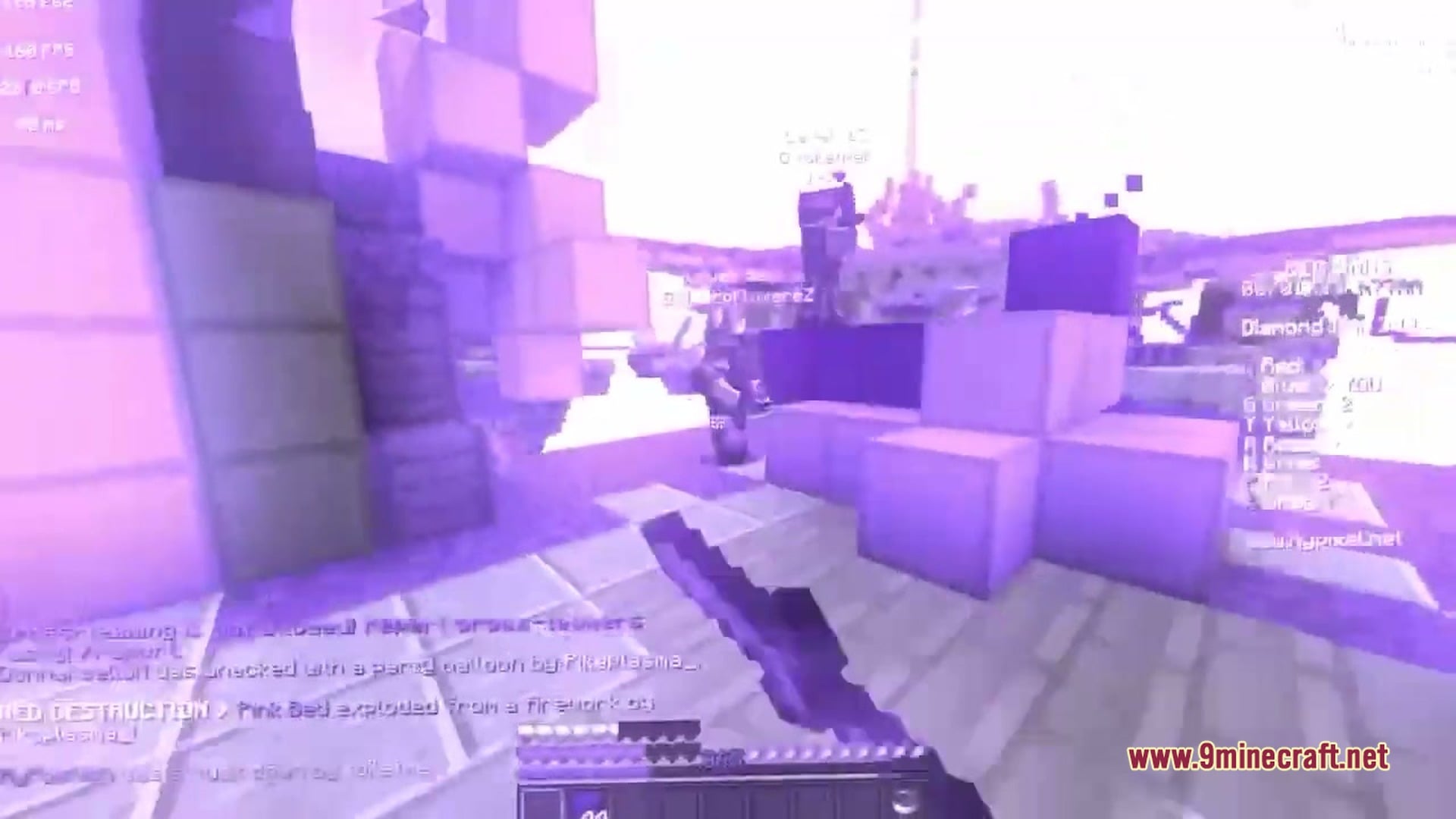
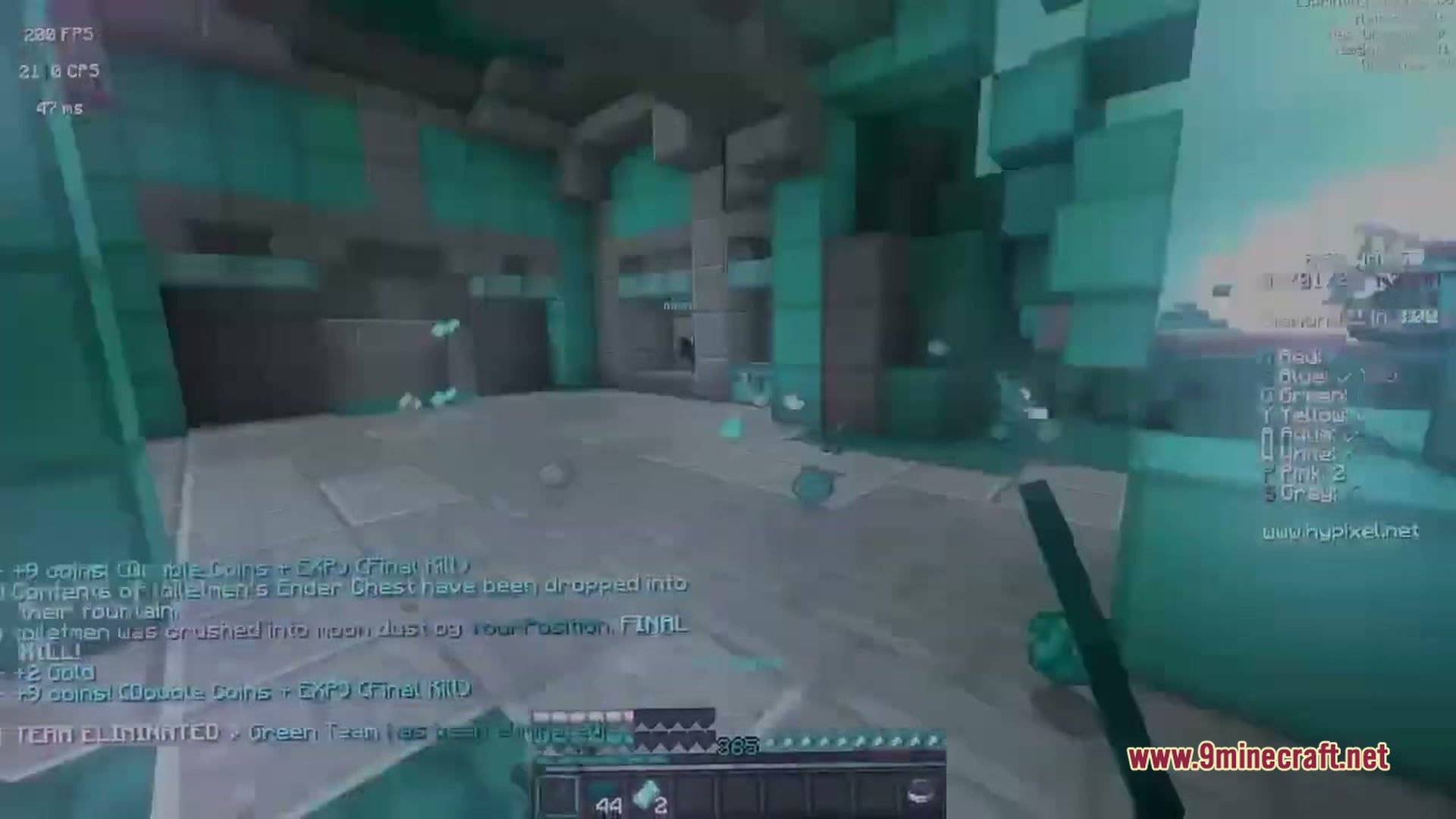
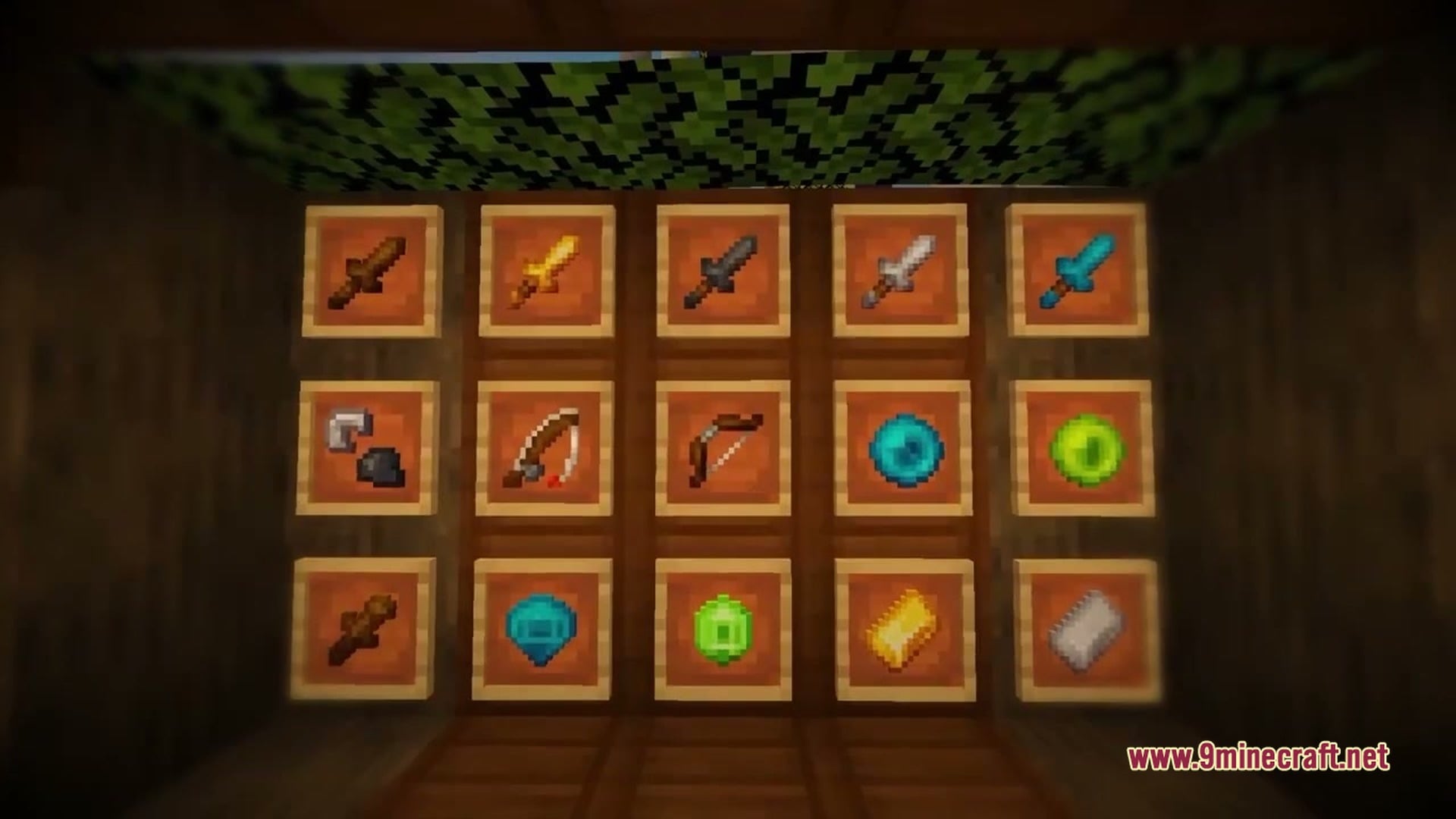
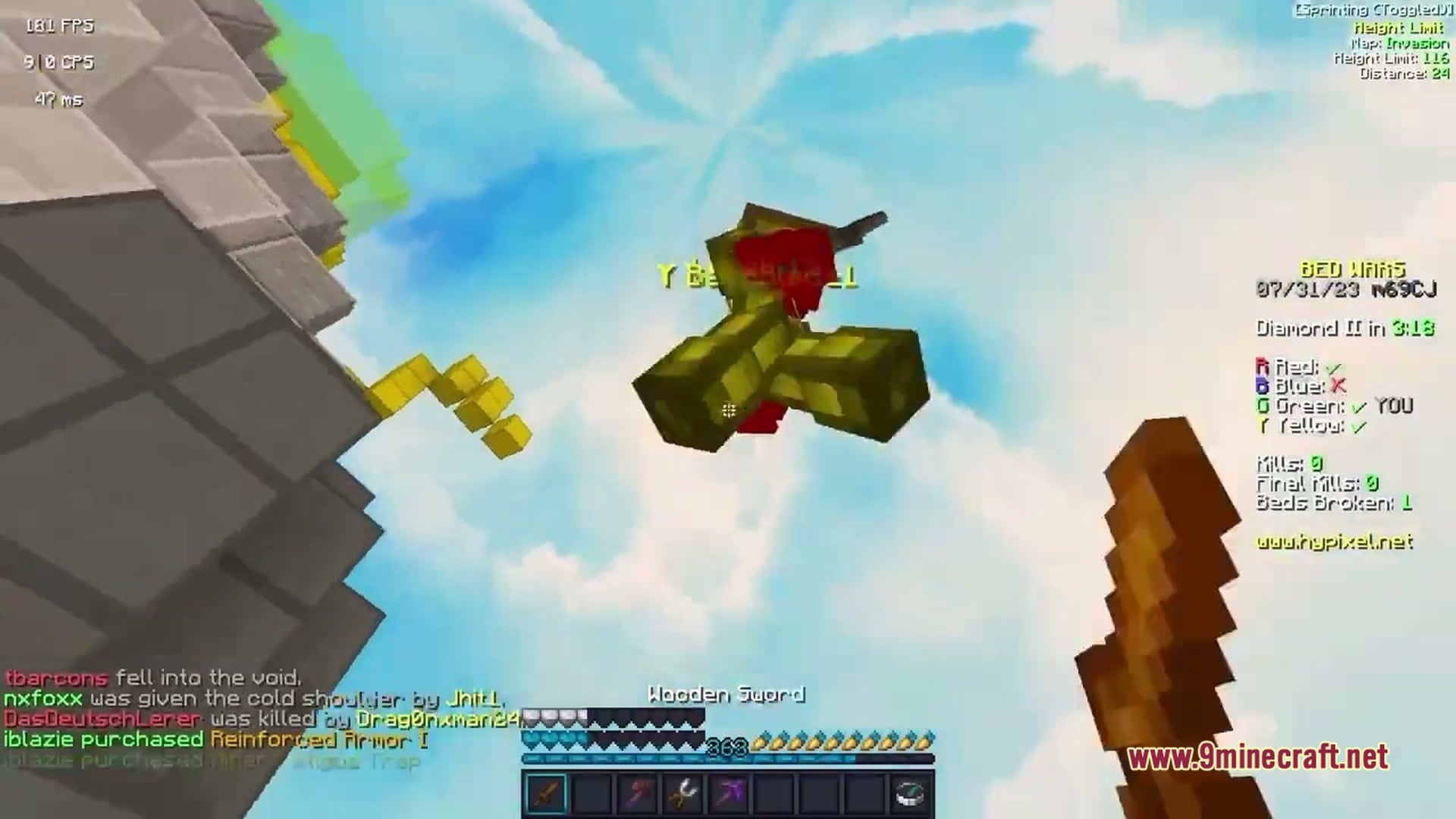
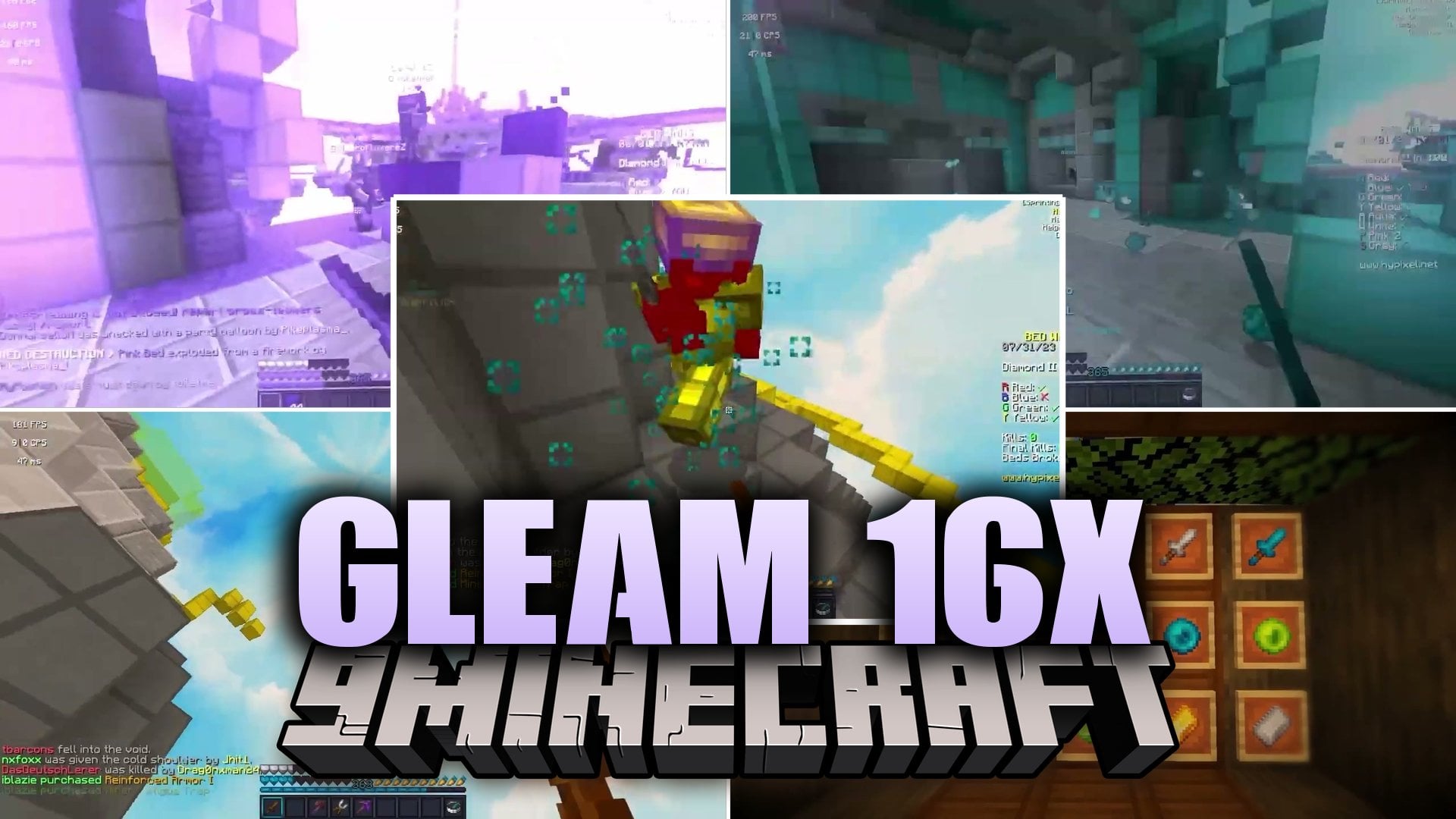
Gleam 16x Resource Pack repaints your Minecraft world with a clean, bright look made for PvP and Bedwars. This pack uses a 16×16 texture size, so it stays light and easy to run. It covers 1040 textures across blocks, items, mobs, menus, and more. The style fits YouTubers and players who want a sharp, clear view in fights.
Features:
- PvP and Bedwars Style: The textures are made with fast fights and Bedwars matches in mind.
- 16×16 Resolution: Keeps the classic blocky feel and stays easy to run on most computers.
- 1040 Textures: Gives you a full set of new looks so the whole game matches.
- Changes blocks so the terrain and build pieces look polished.
- Restyles items, which helps tools, weapons, and other gear stand out in your hands and inventory.
- Redraws mob and entity textures to match the rest of the pack.
- Updates the font, menus, and GUI so the screens fit the same style.
- Touches environment and misc textures, plus models, for a more complete look.
Texture Folders:
- Blocks: new looks for the blocks you build and mine with.
- Items: new designs for tools, weapons, and other things you carry.
- Entity: updated textures for mobs and other entities.
- Font and GUI: changed text and menu screens.
- Models, environment, and misc: extra files that finish the pack’s style.
Screenshots
Quick facts
- Edition: Minecraft Java
- File type: .zip (resource pack)
- How to install: Download the .zip resource pack — do not unzip it. → Put it in .minecraft/resourcepacks. → Enable it in Options → Resource Packs.
- Where to get it: Opens on the file's original source — not every file is mirrored on our own servers.
Install steps are the general flow for this file type — How to install Minecraft Java resource packs walks through it step by step.
Gleam 16x Resource Pack (1.8.9) – Bright Clean Look for PvP Bedwars is a free Minecraft Java resourcepack. Download it and open it directly in the game.