Ultra Realistic Terrain Map (26.2, 1.20.1) – Survival Adventure
Java map listed for Minecraft 1.20. Download on the author's site.
⬇ Download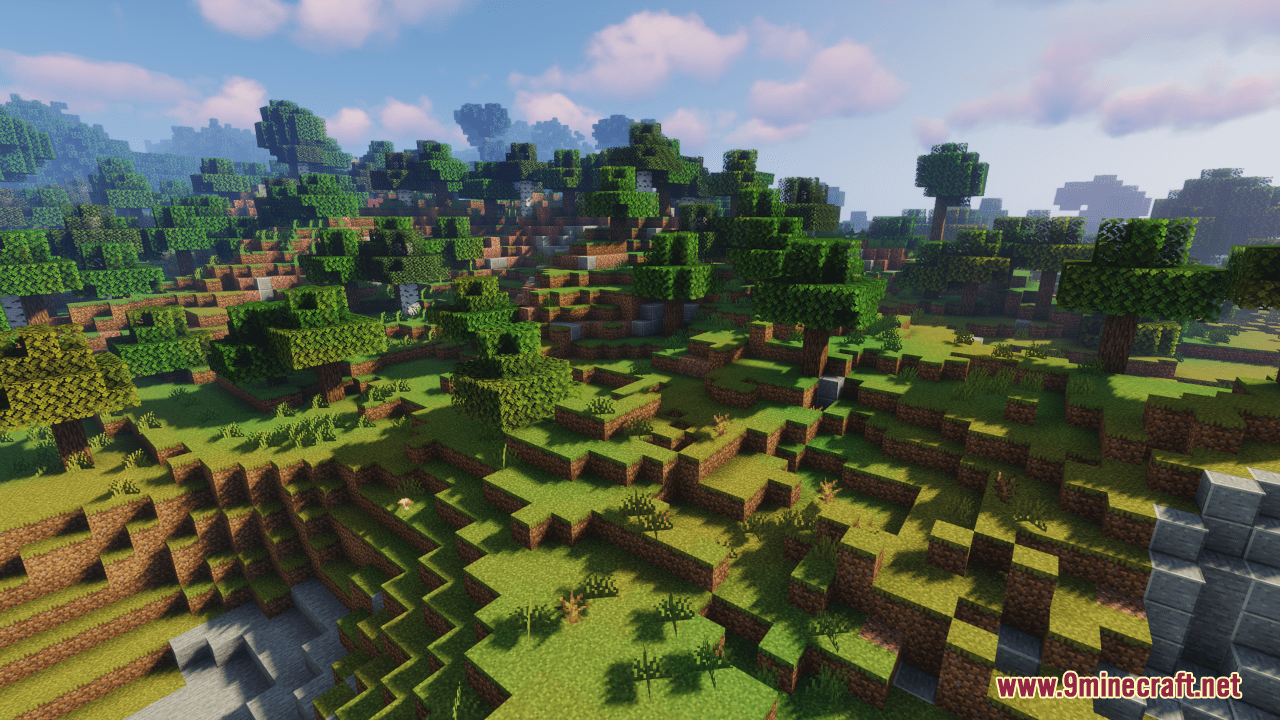
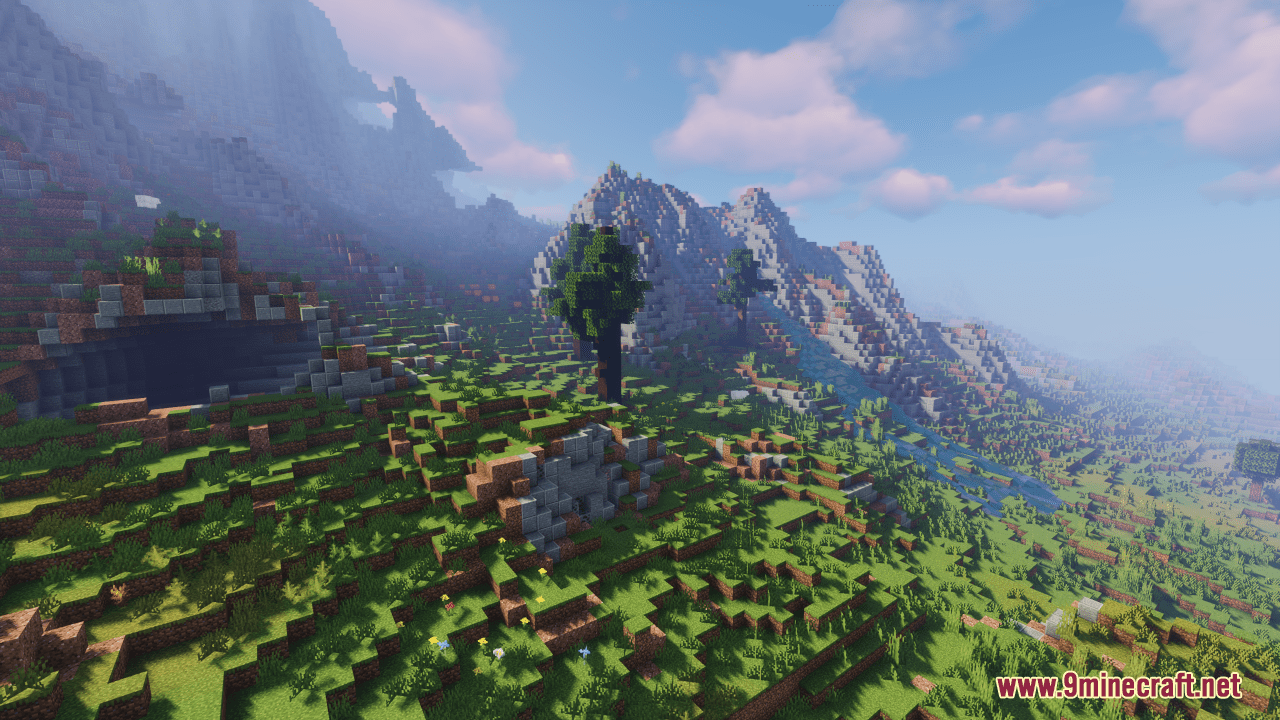
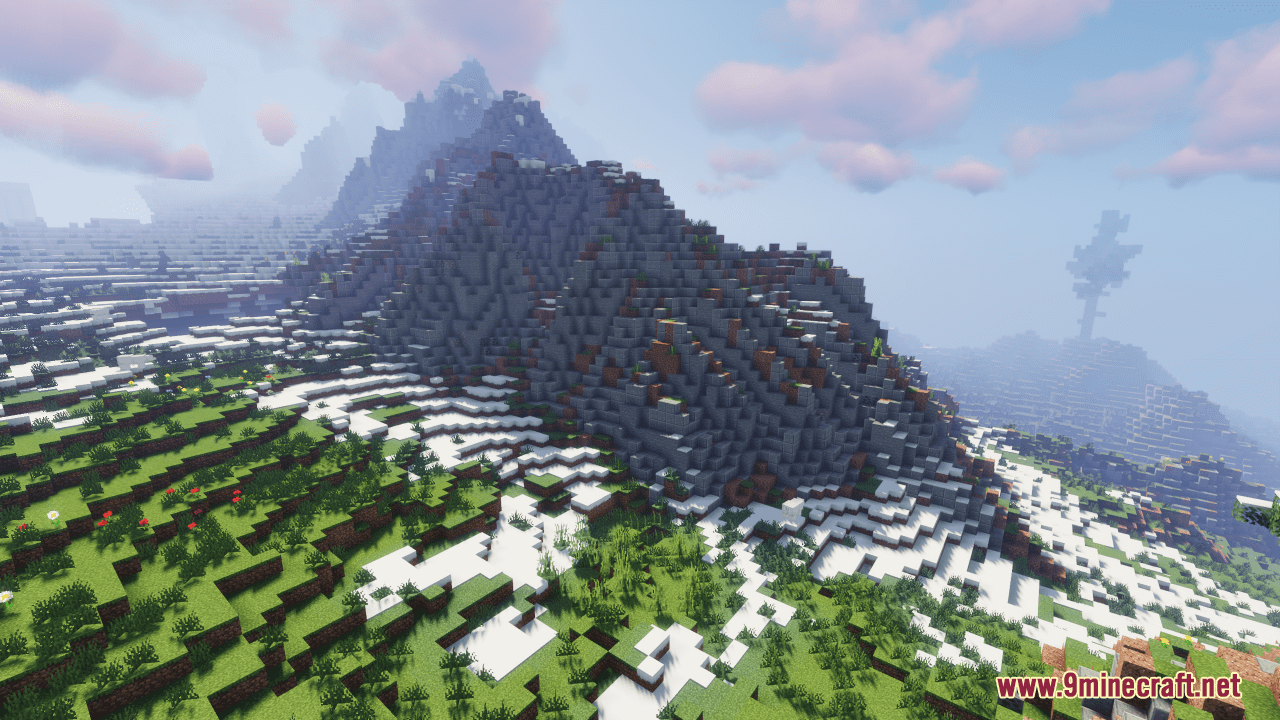
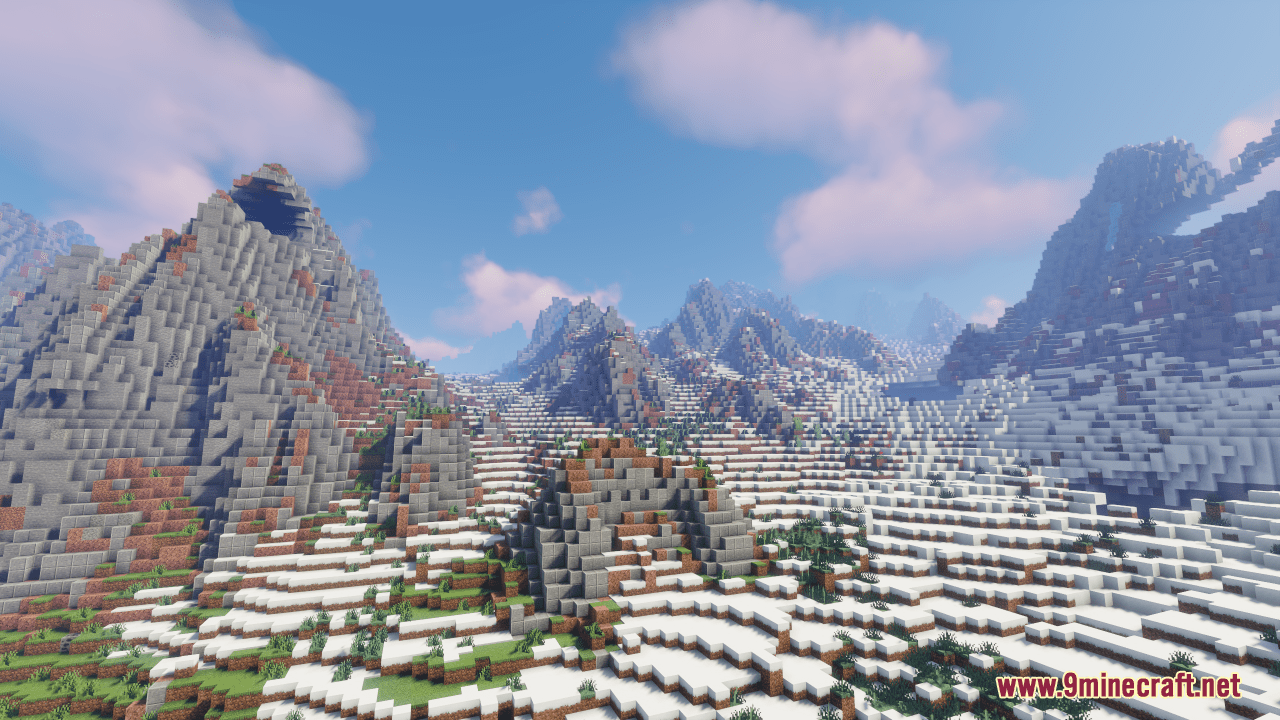
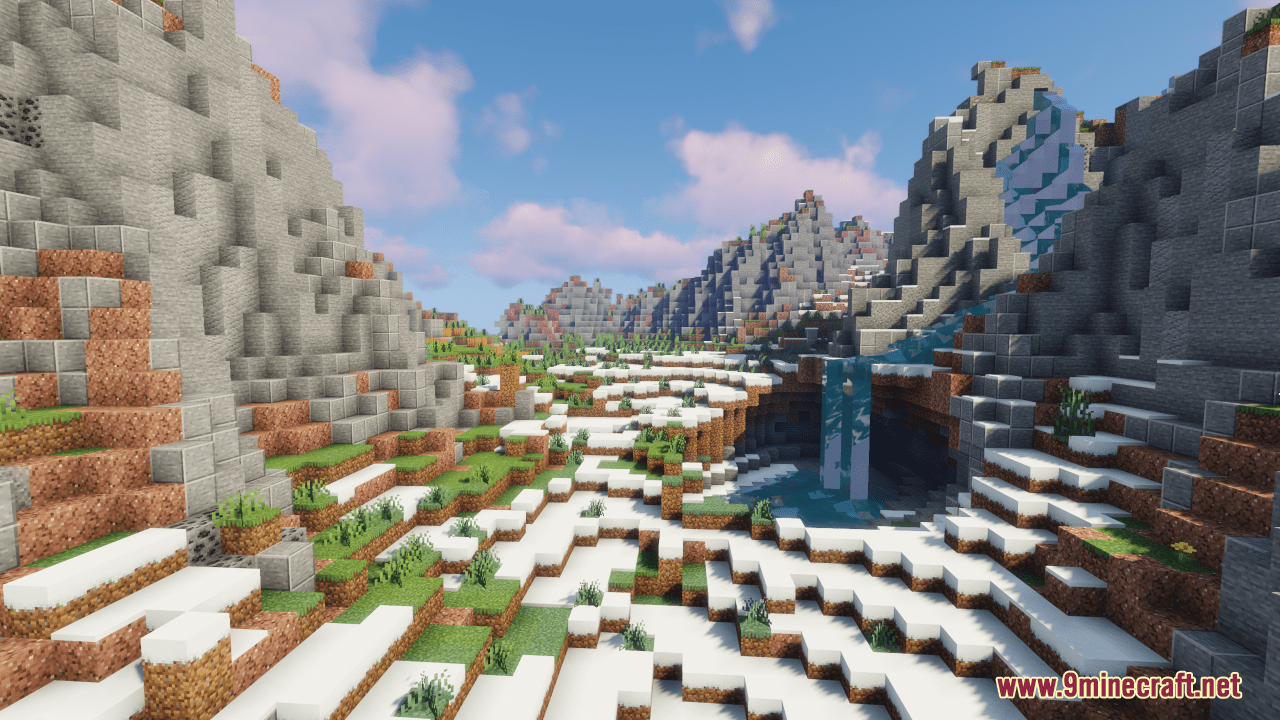
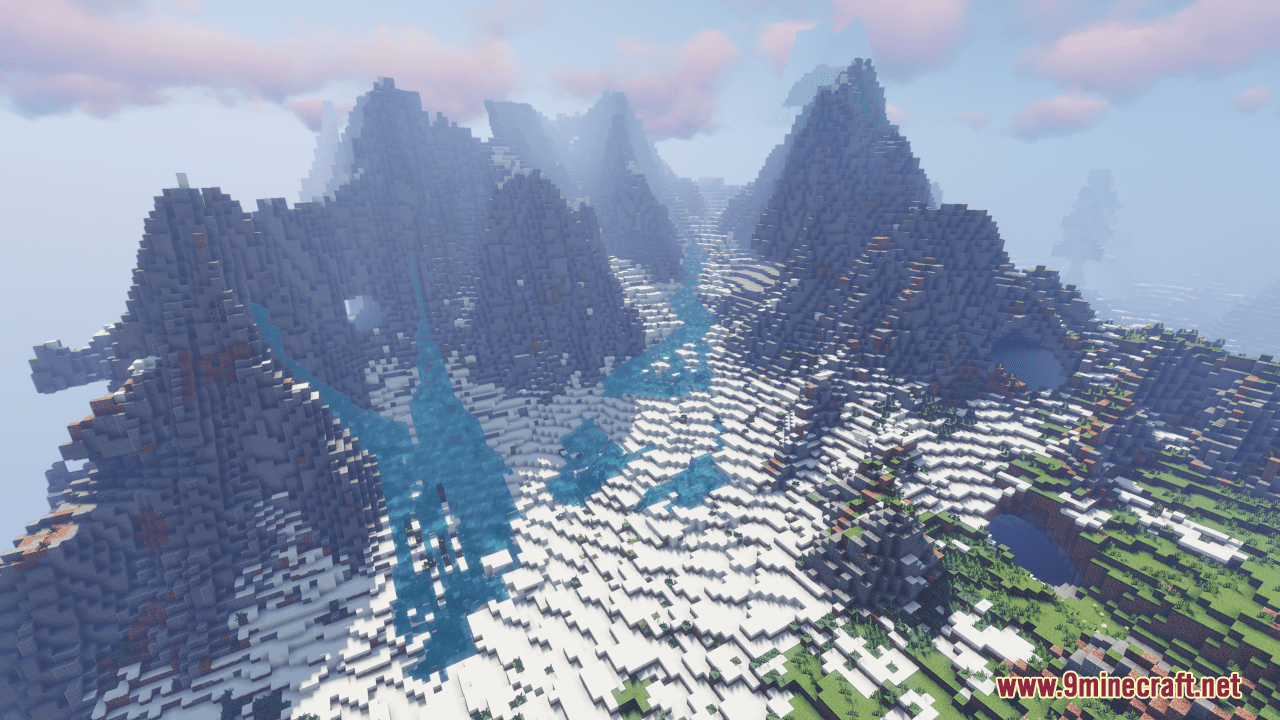
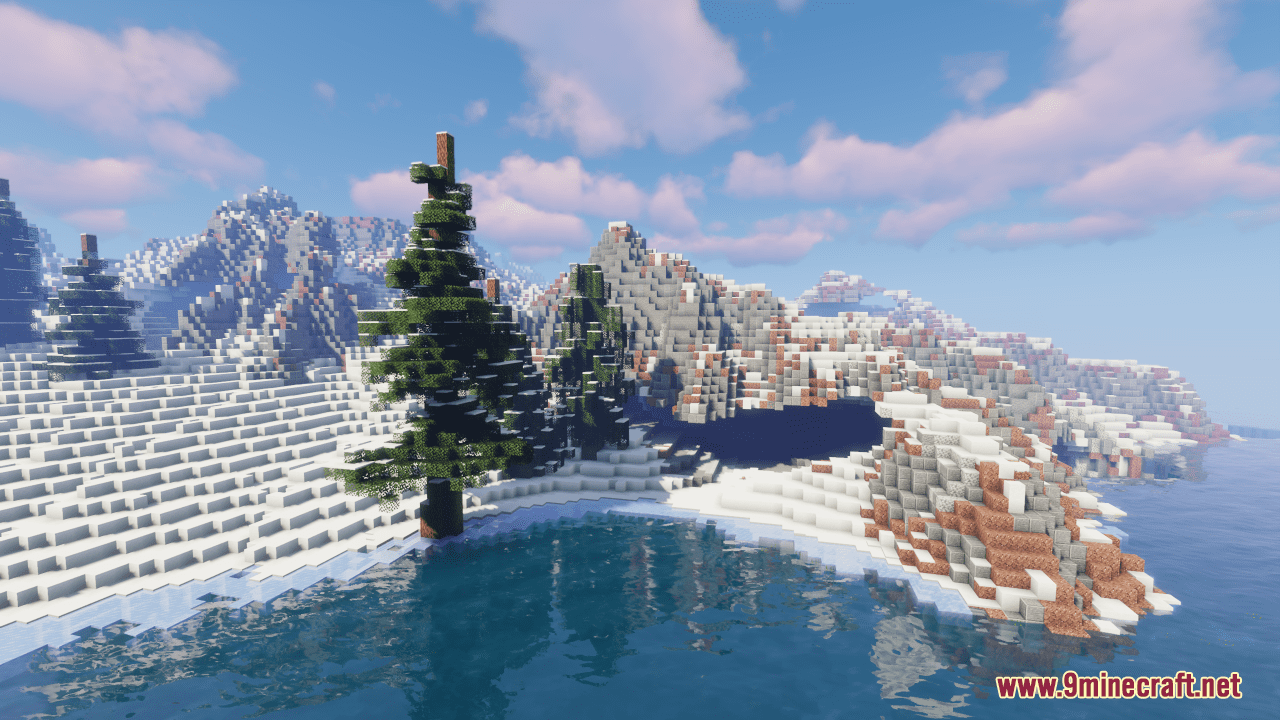
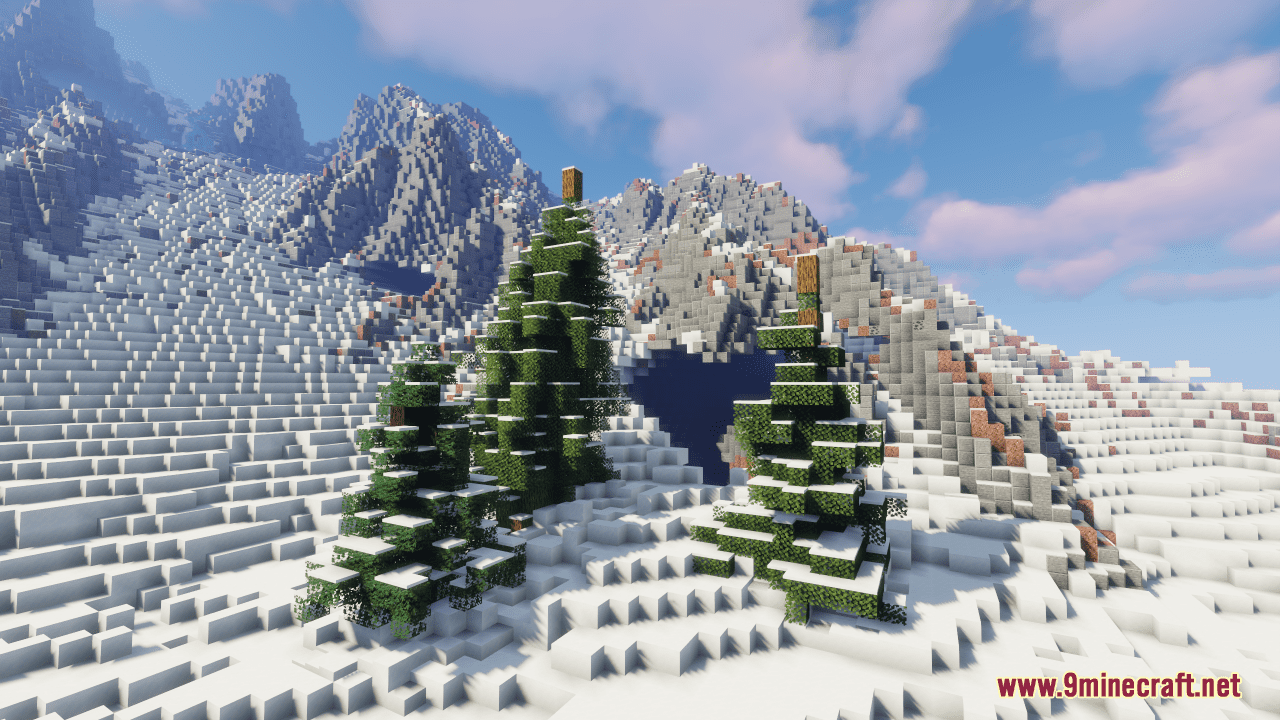
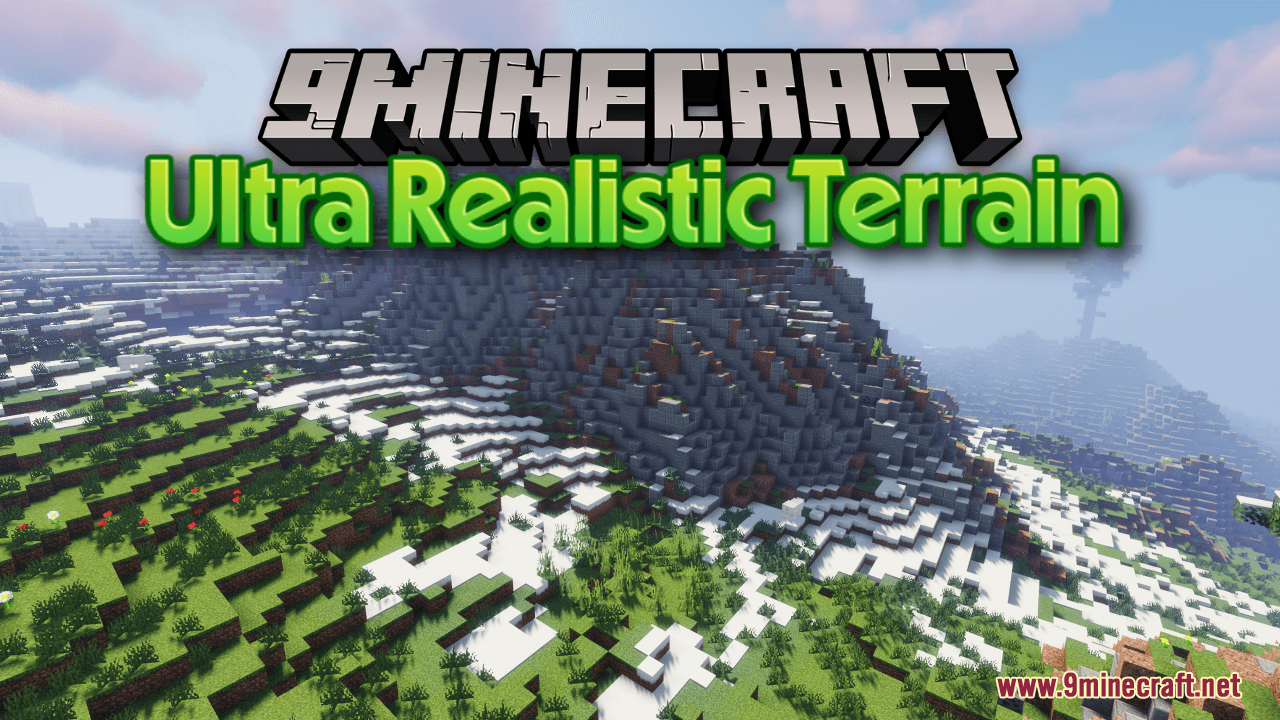
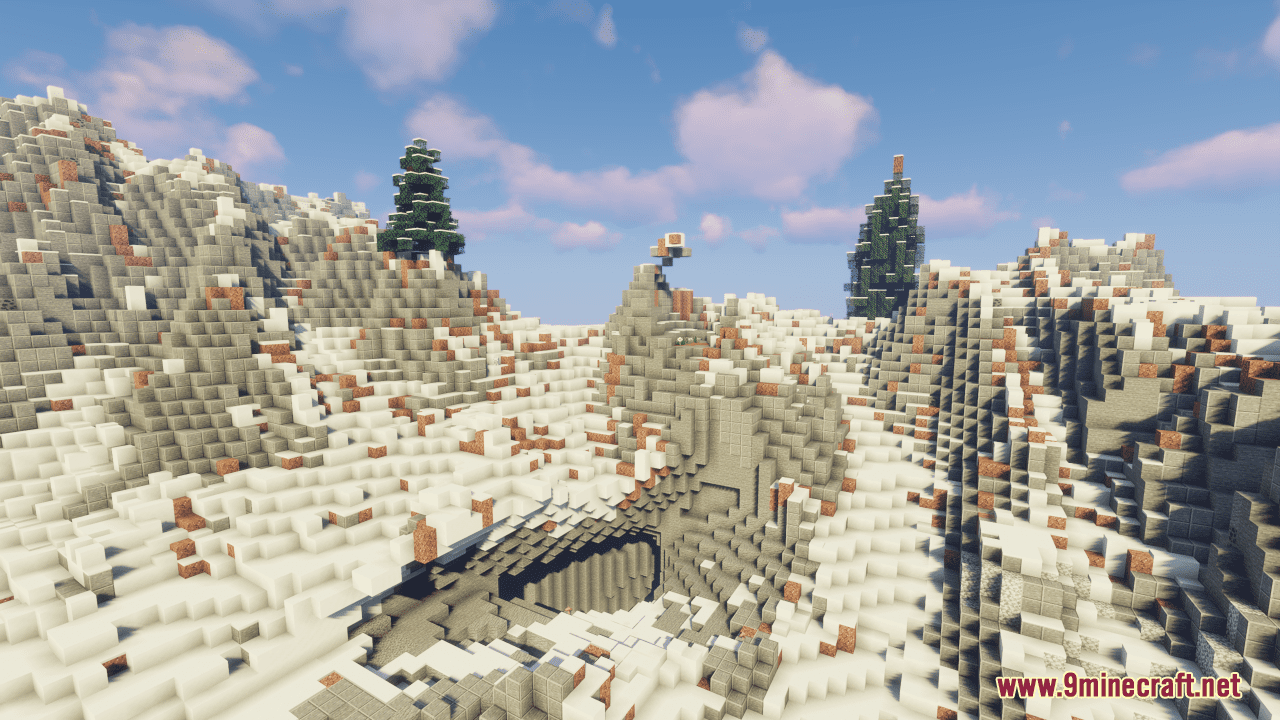
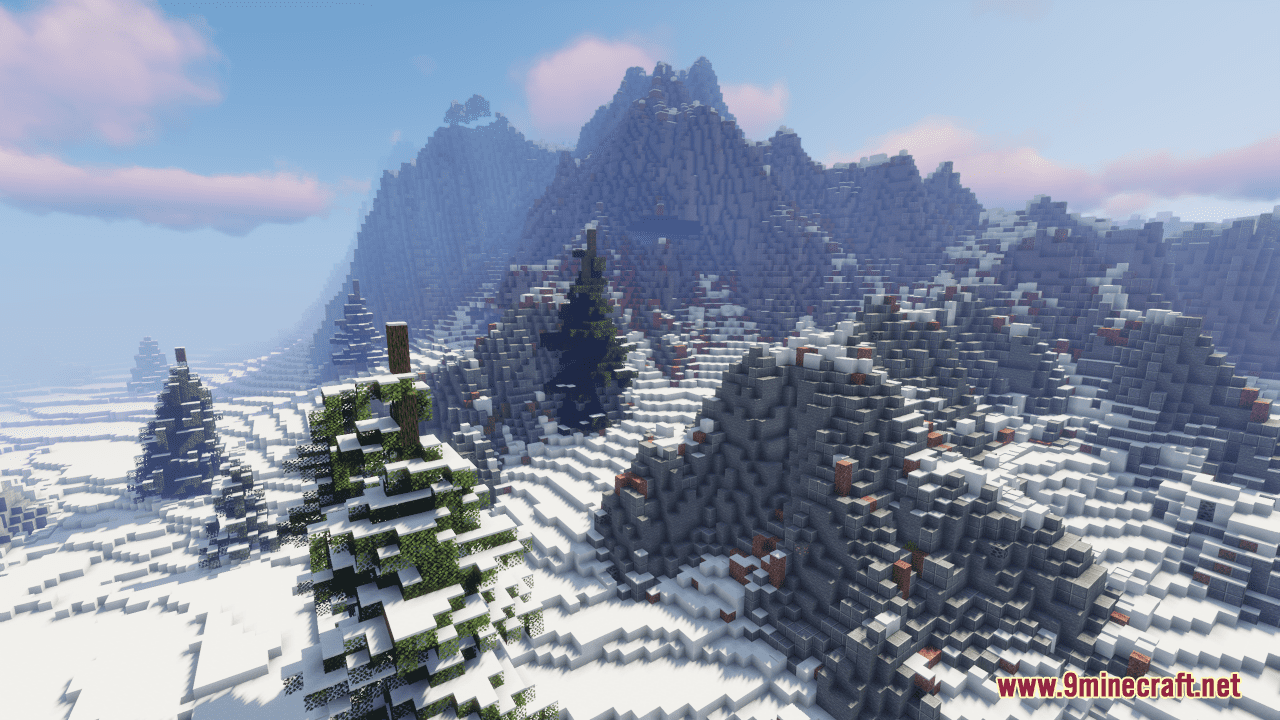
Ultra Realistic Terrain Map is an adventure map created by emon-Fox. Immerse yourself in the breathtaking beauty of Ultra Realistic Terrain, a landscape that transports you to serene forests and majestic snowy vistas. This meticulously designed terrain offers an unparalleled level of realism, inviting you to embark on a journey of exploration and discovery. Traverse through dense forests teeming with life, where every leaf and tree trunk feels alive with detail. Then, venture into the tranquil expanse of snowy landscapes, where the soft crunch of snow underfoot creates a sense of wonder and adventure. With its stunning visuals and immersive environments, Ultra Realistic Terrain promises an unforgettable Minecraft experience for adventurers and nature enthusiasts alike.
Screenshots:
Ultra Realistic Terrain Map Download Links
- Edition: Minecraft Java
- File type: .zip (world save)
- Minecraft version listed: 1.20.1
- How to install: Download the .zip world. → Unzip it. → Move the folder into .minecraft/saves.
- Where to get it: Opens on the file's original source — not every file is mirrored on our own servers.
Install steps are the general flow for this file type — How to install Minecraft Java maps & worlds walks through it step by step.
Ultra Realistic Terrain Map (26.2, 1.20.1) – Survival Adventure is a free Minecraft Java map. Compatible with Minecraft 1.20.1. Download it and open it directly in the game.