
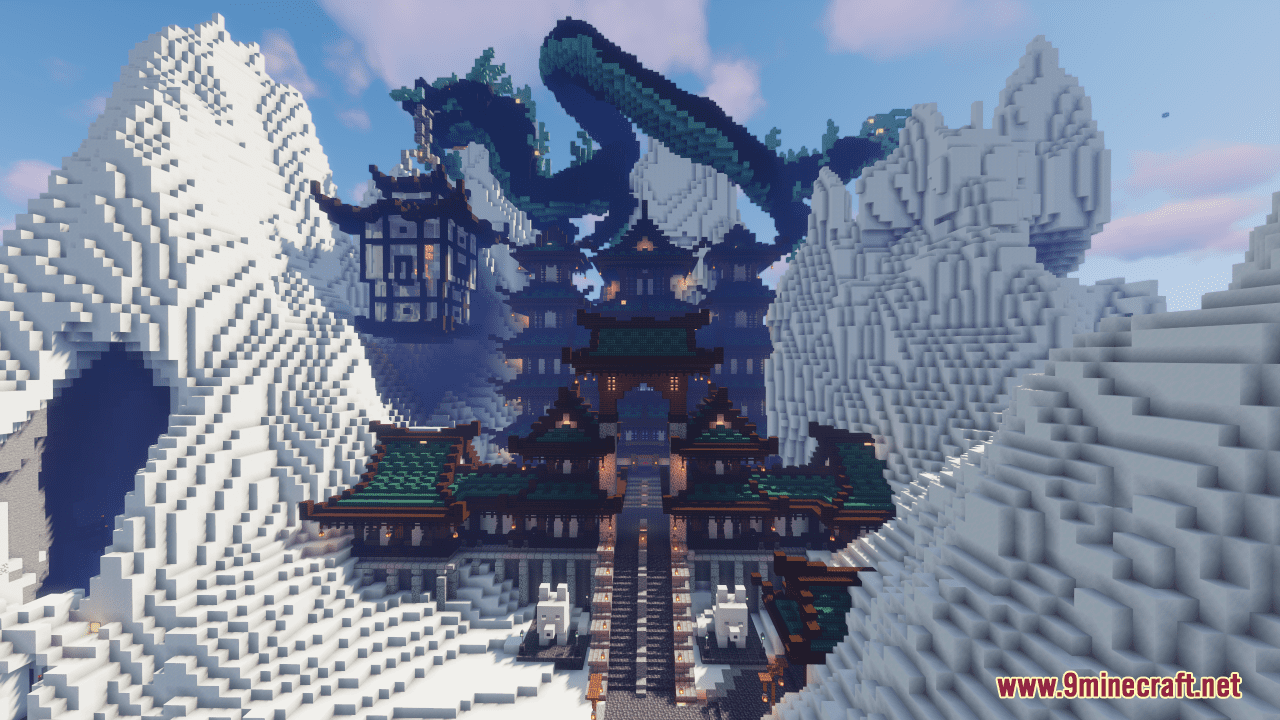
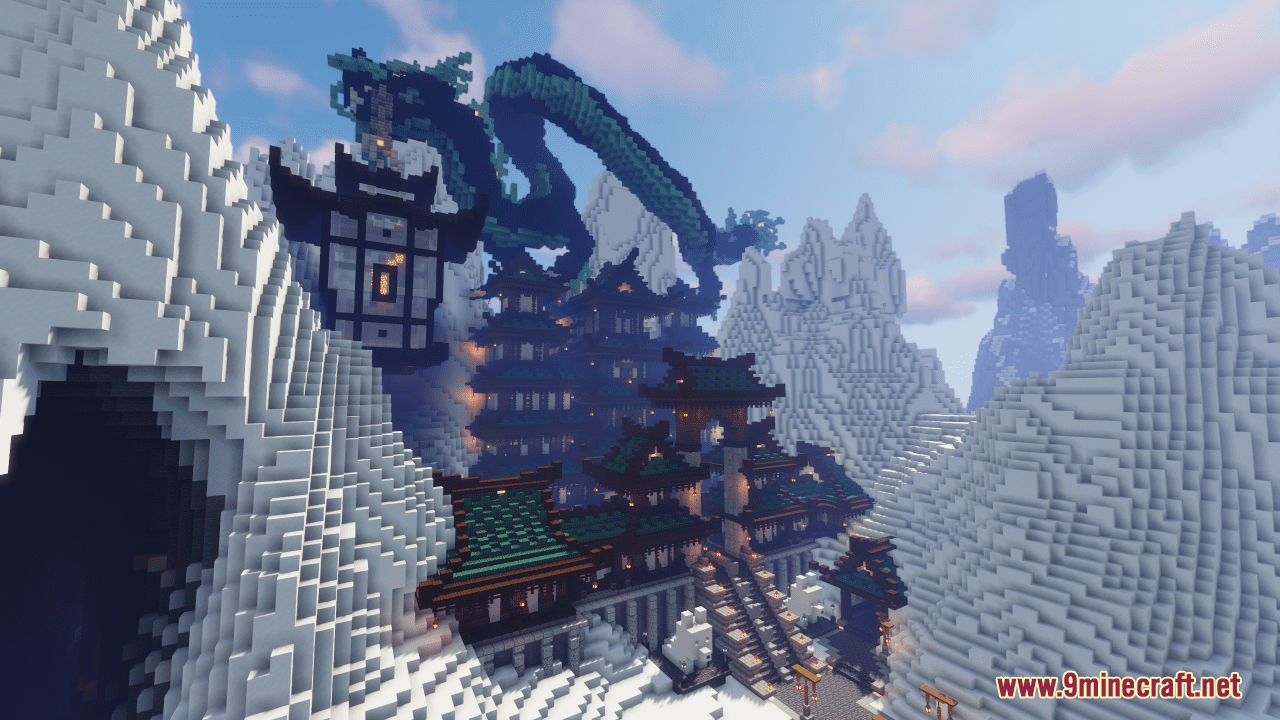
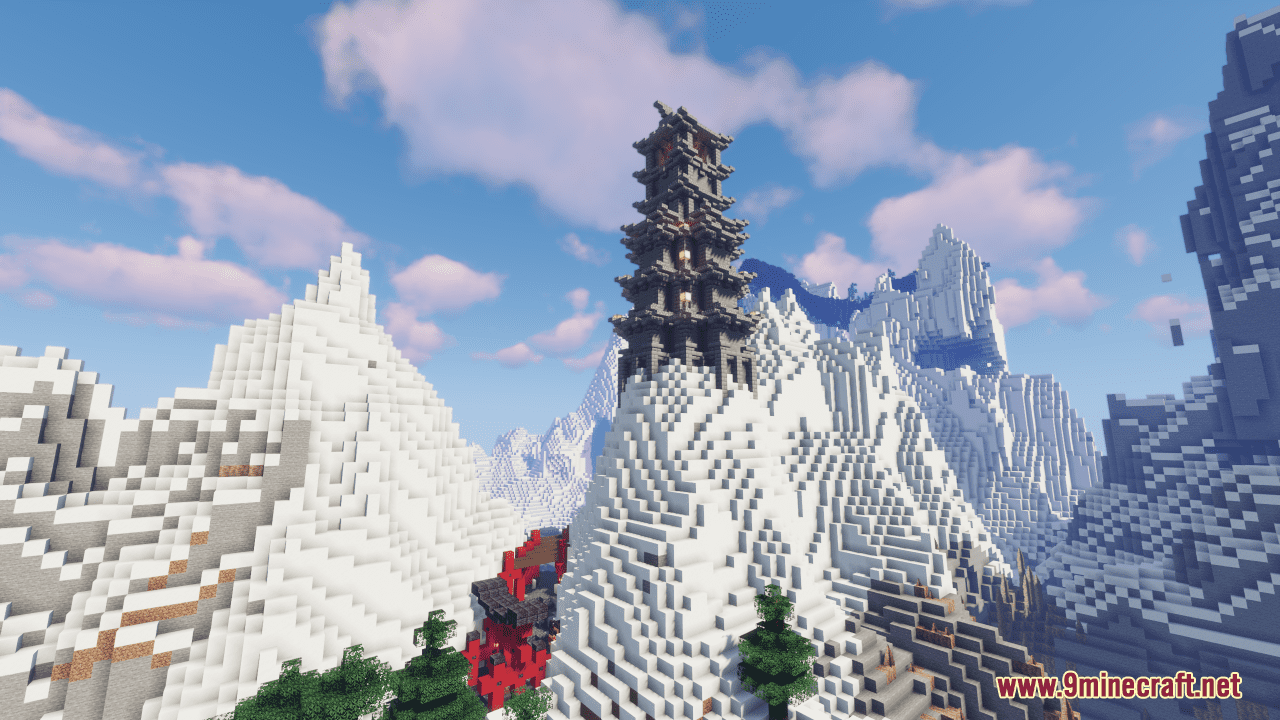
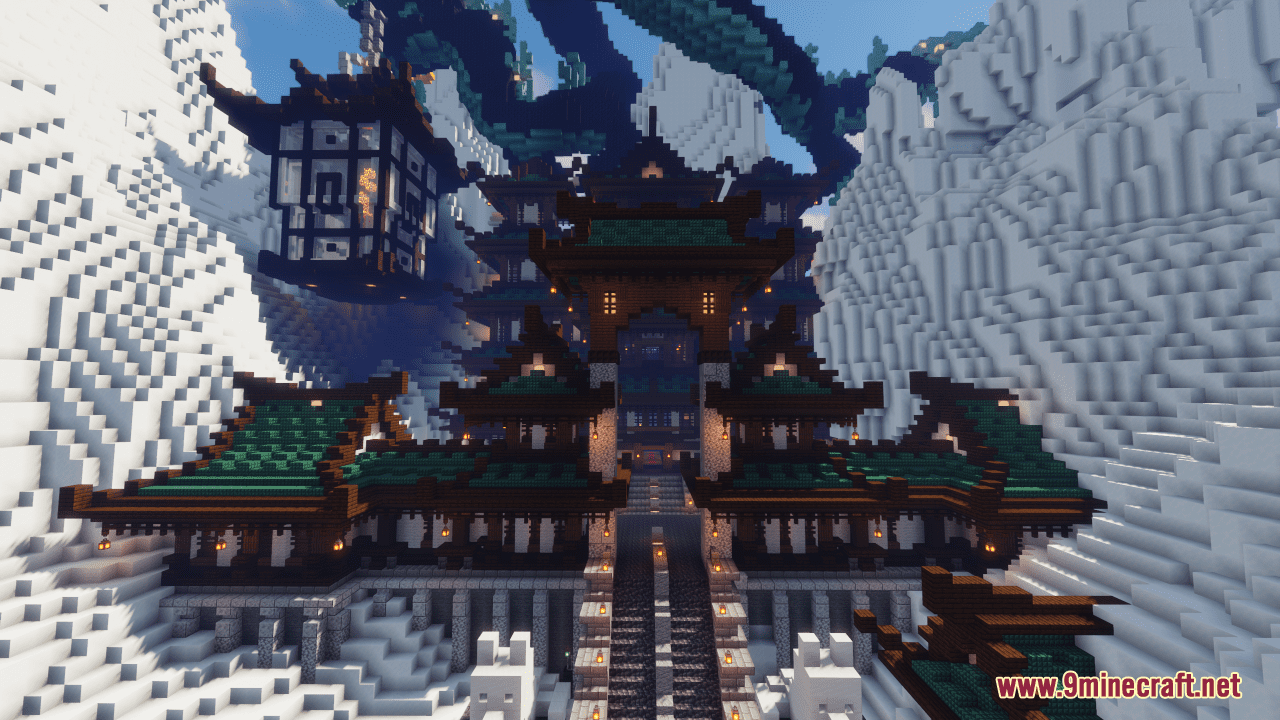
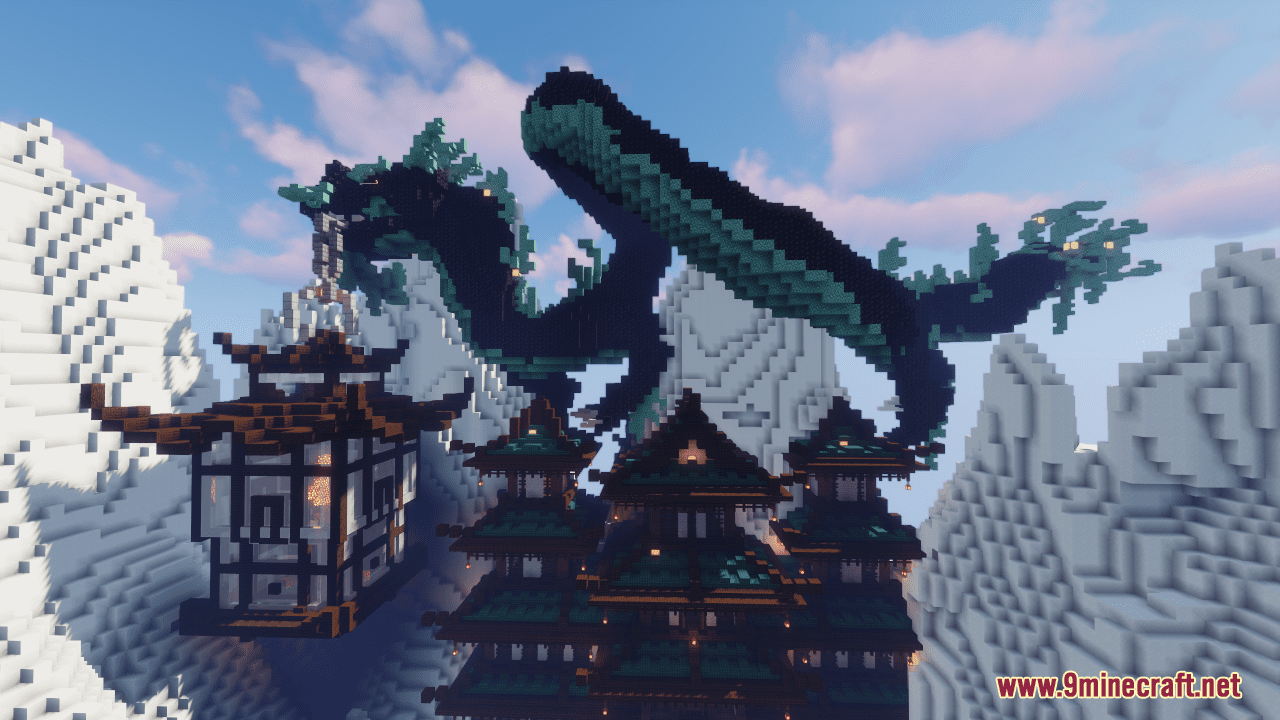
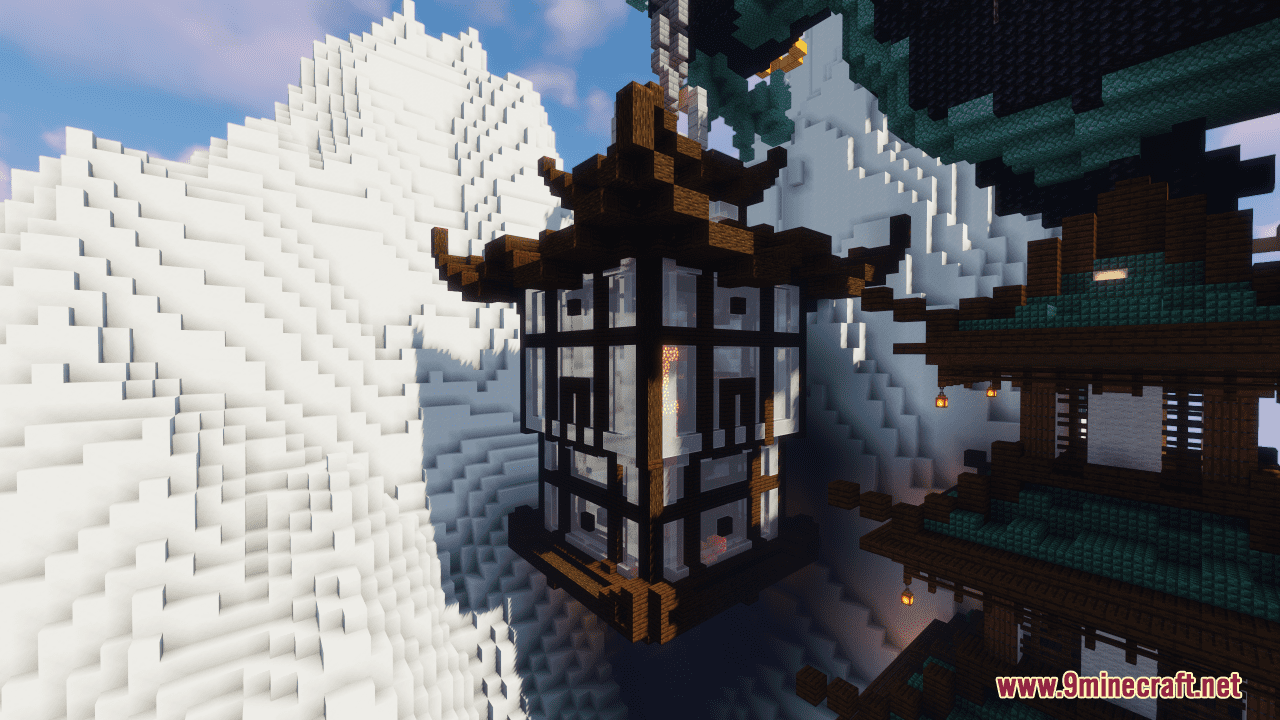
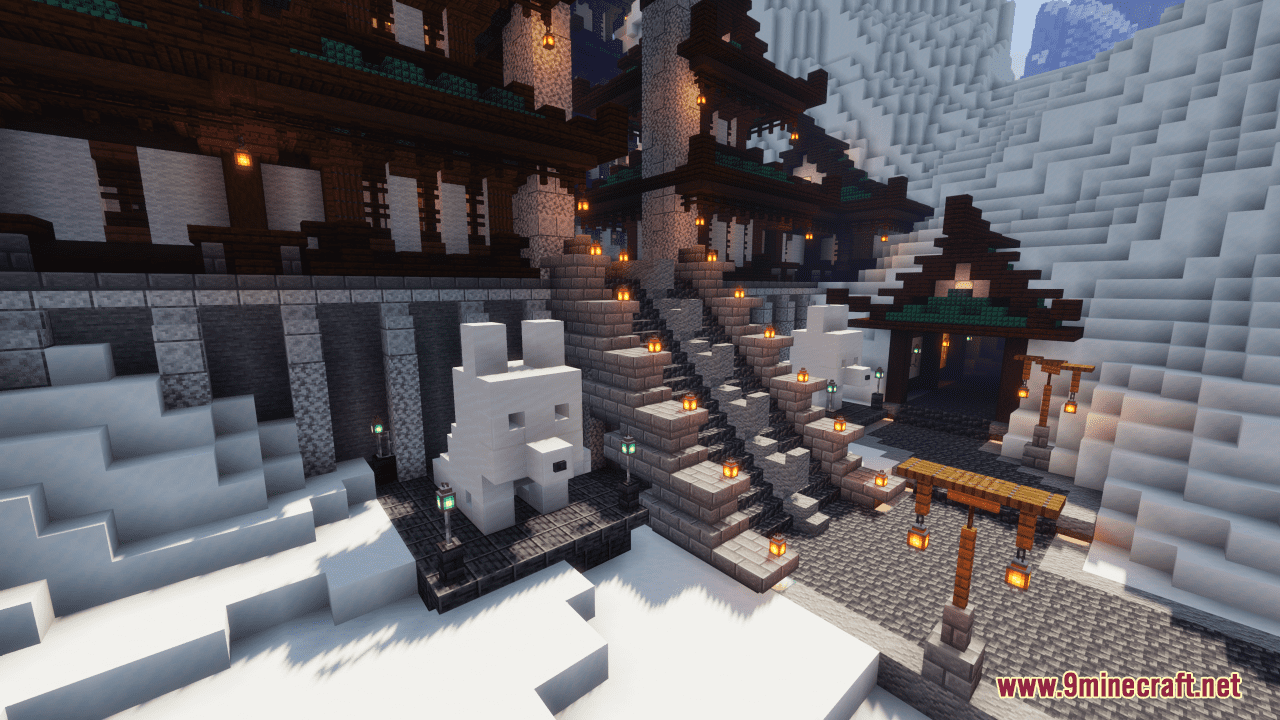
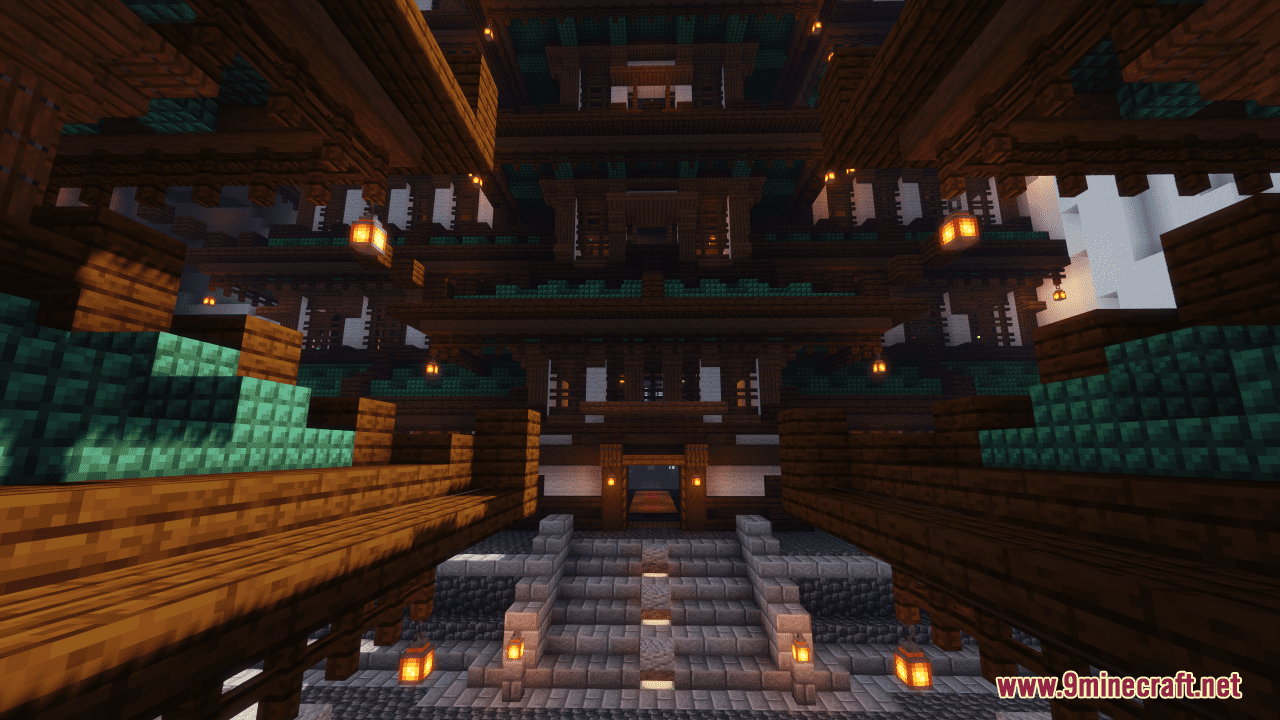
Sarogawa Temple Map is a creation map designed by bablela26. Discover the tranquil beauty of Sarogawa Temple, a majestic Japanese sanctuary nestled atop a towering mountain that brushes against the sky. Beneath the watchful gaze of a dragon clutching a glowing lantern, this sacred temple invites visitors to explore its serene grounds and uncover its hidden secrets. Venture through the winding paths and lush gardens, where whispers of ancient wisdom linger in the air. Delve into the depths of the temple to uncover enigmatic passages, including the mysterious cave leading to the Nether portal. While the city that once thrived at its feet has faded into memory, Sarogawa Temple stands as a timeless testament to the enduring spirit of tranquility and reverence.
Screenshots:
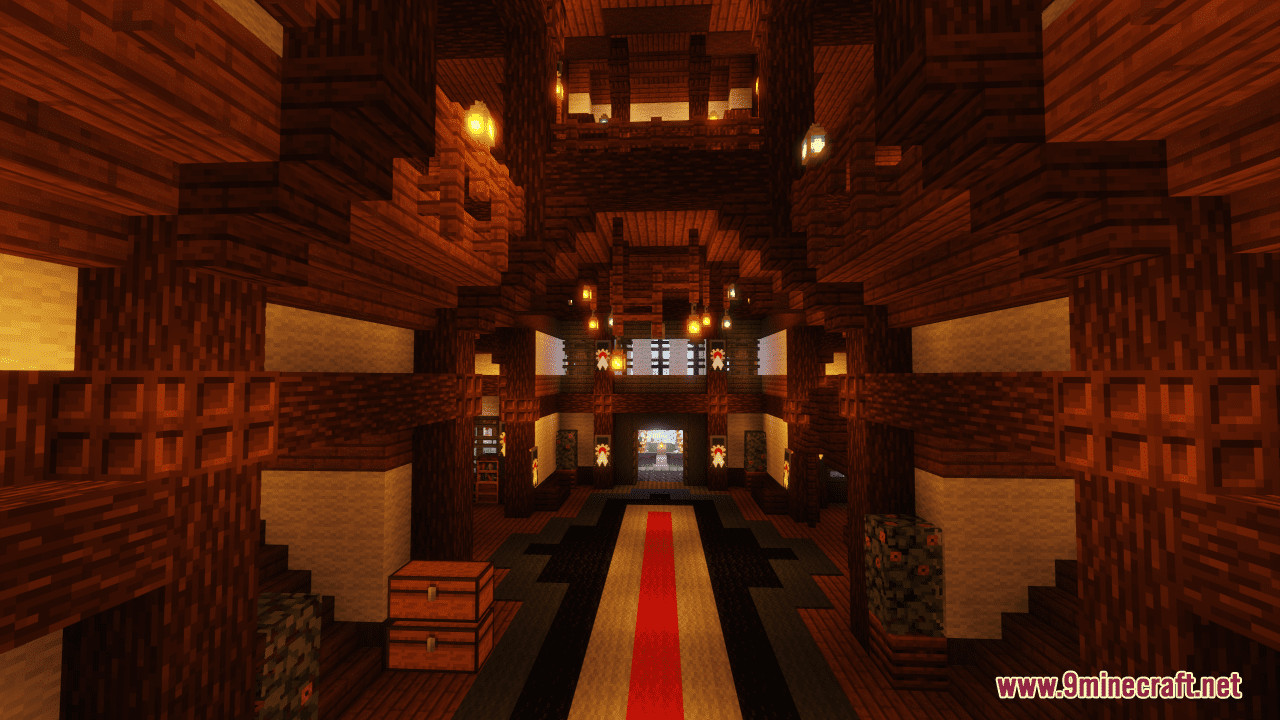
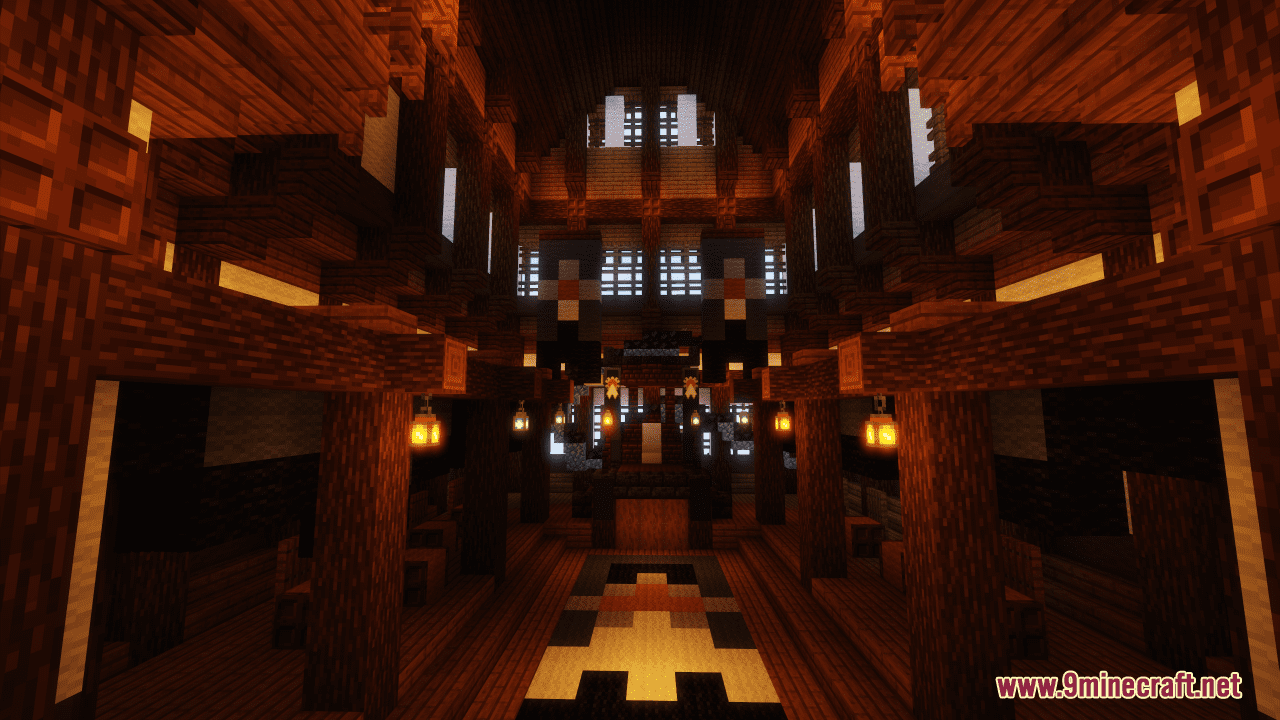
Sarogawa Temple Map Download Links
- Edition: Minecraft Java
- File type: .zip (world save)
- Minecraft version listed: 1.20.1
- How to install: Download the .zip world. → Unzip it. → Move the folder into .minecraft/saves.
- Where to get it: In MC Java Mods, or directly above on this page.
Install steps are the general flow for this file type — How to install Minecraft Java maps & worlds walks through it step by step.
Sarogawa Temple Map (26.2, 1.20.1) – Serenity Among the Clouds is a free Minecraft Java map. Compatible with Minecraft 1.20.1. Download it and open it directly in the game.