Finding Frankie Minecraft Map World Download Map (26.3, 1.20.1)
Java map listed for Minecraft 1.20–26.x. Download on the author's site.
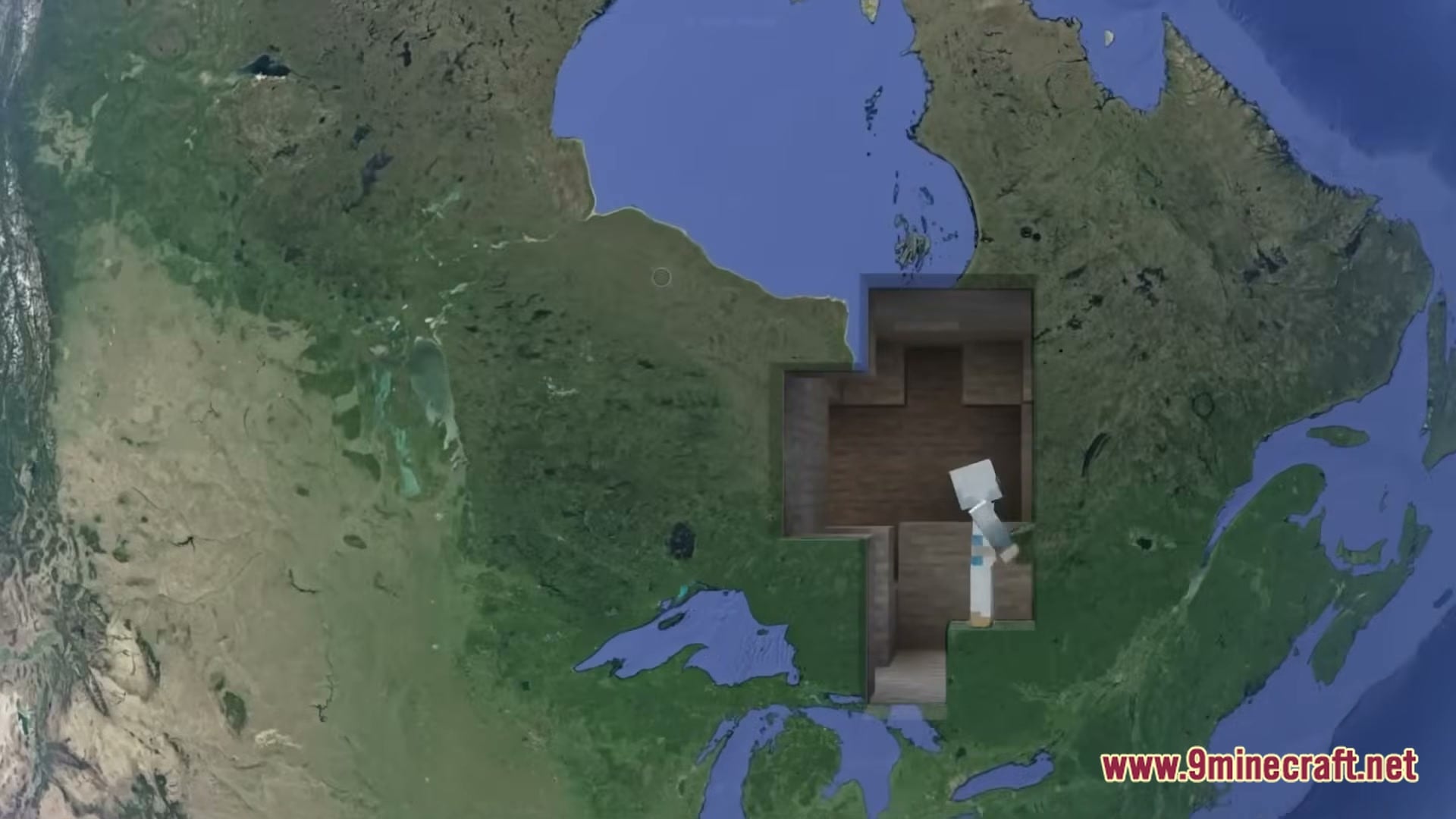
⬇ DownloadFinding Frankie Minecraft Map World Download Map drops you into an exciting custom world full of unique locations to explore. You walk through detailed halls and complete adventure goals while traveling across the map. It includes built-in camera items that let you record smooth cinematic views of your playthrough. You can inspect tricky spots with night vision tools or adjust path movements as you move forward.
Features:
- Offers an adventure world built for exploration and story progression.
- Includes special camera tools that let you set up cinematic paths and test movement.
- Gives you speed controls ranging from slowest pace to fastest run.
- Lets you place focus points and path markers across the area.
- Adds toggle options for night vision so you can see in dark rooms.
- Features quick teleport items to keep up with friends during multiplayer sessions.
- Uses clean 16x textures that run smoothly on basic setups.
How to Play:
- Start the world and explore the main adventure rooms around you.
- Follow pathways and clear obstacles as you search for your path forward.
- Use your special camera tools if you want to record cool angles of your run.
- Reach the end of the adventure route to complete the challenge.
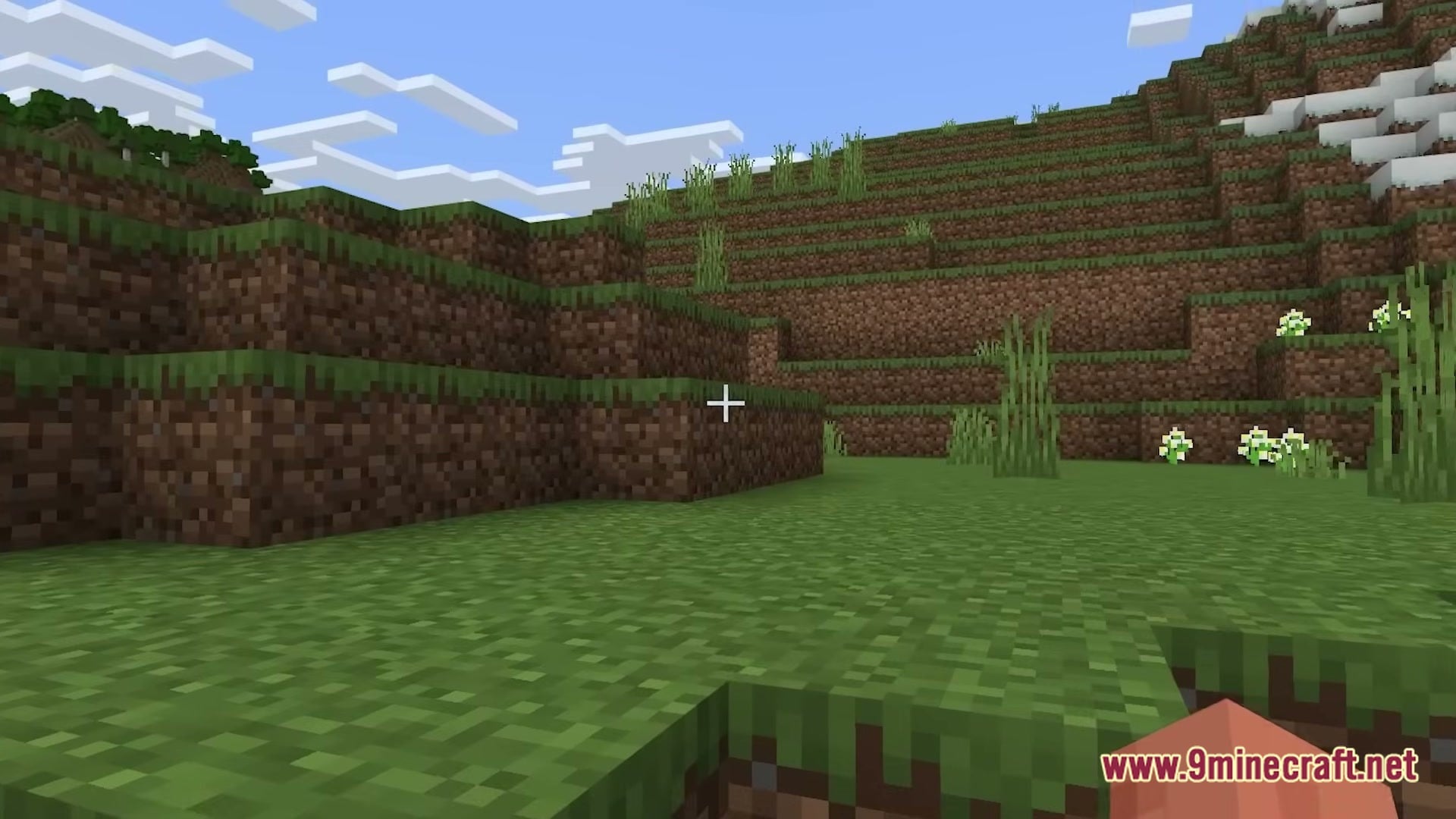
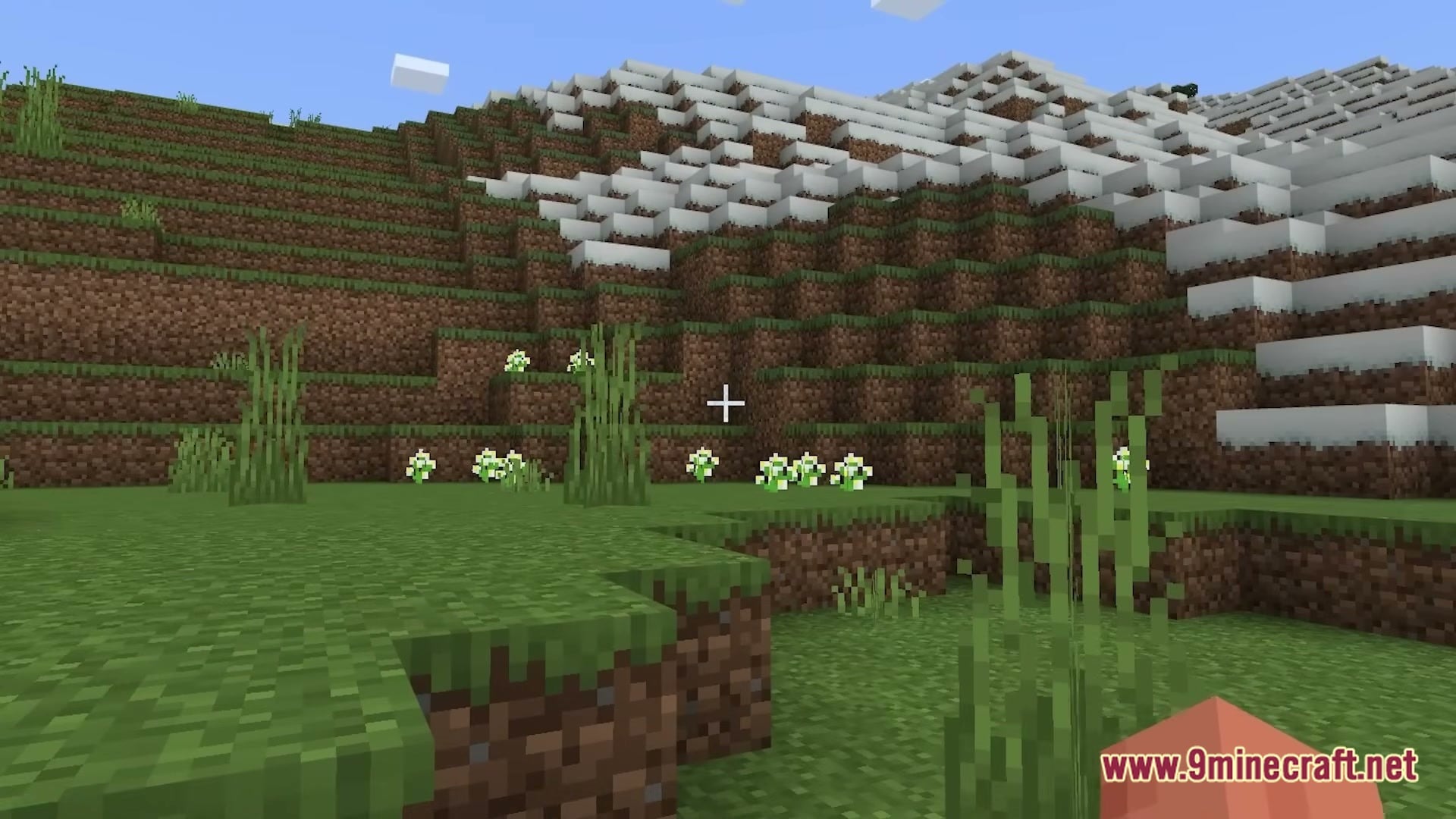
Screenshots:
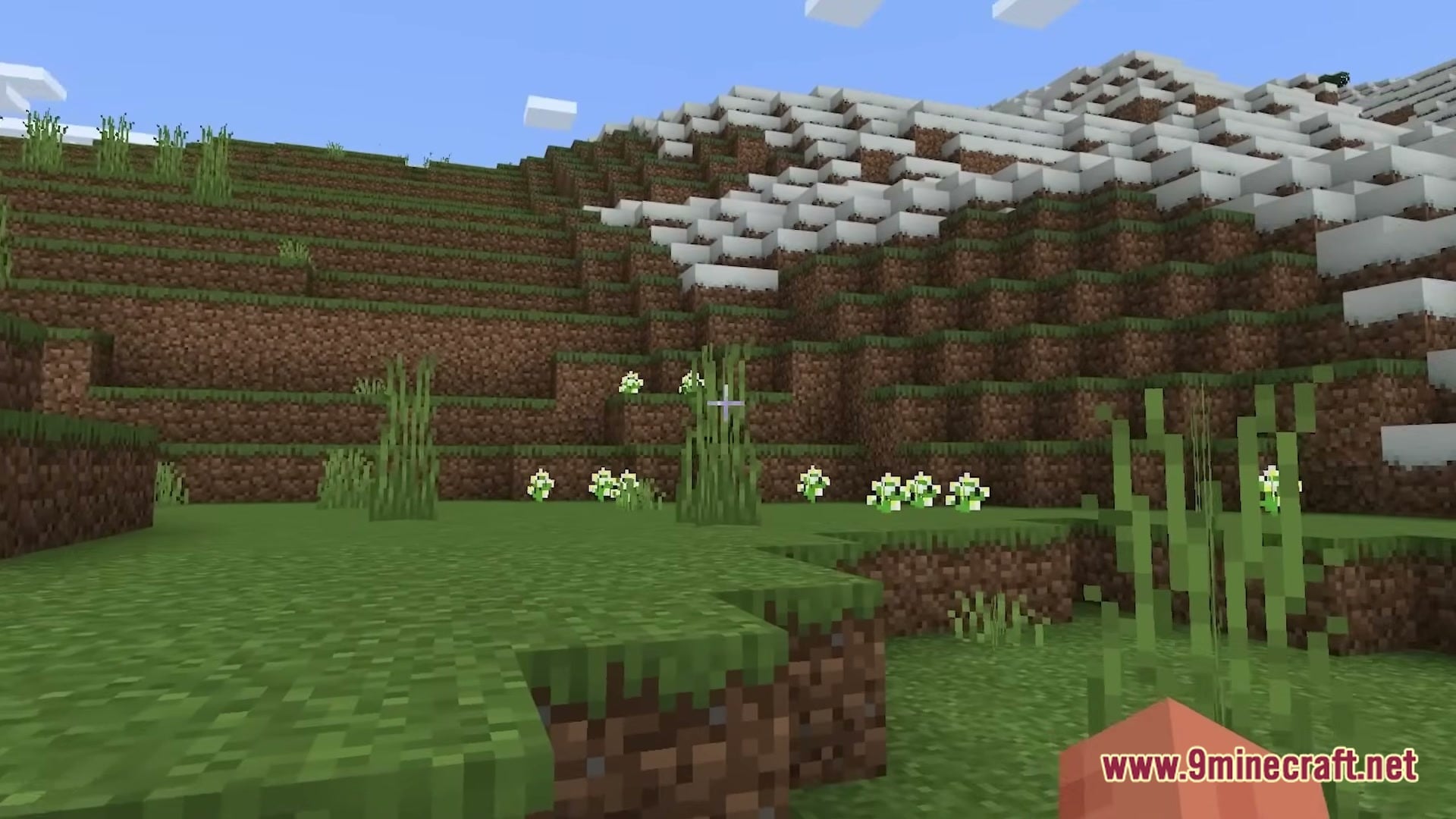
Finding Frankie Minecraft Map World Download Map Download Links
- Edition: Minecraft Java
- File type: .zip (world save)
- Minecraft versions listed: 26.3, 1.20.1
- How to install: Download the .zip world. → Unzip it. → Move the folder into .minecraft/saves.
- Where to get it: Opens on the file's original source — not every file is mirrored on our own servers.
Install steps are the general flow for this file type — How to install Minecraft Java maps & worlds walks through it step by step.
Finding Frankie Minecraft Map World Download Map (26.3, 1.20.1) is a free Minecraft Java map. Compatible with Minecraft 26.3, 1.20.1. Download it and open it directly in the game.