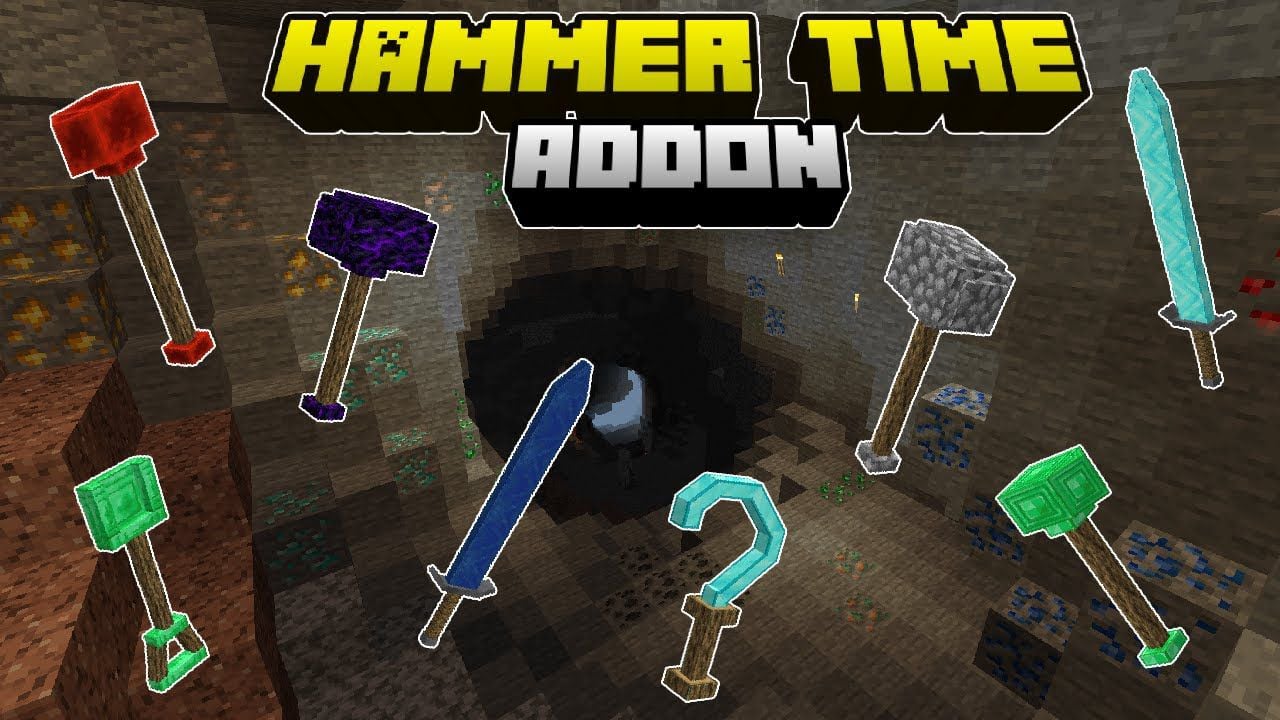
Hammer Time Addon (26.x, 1.21) – Breaks 3×3 Blocks at Once
Bedrock add-on listed for Minecraft 1.21 (behavior + resource pack). File opened and checked on 9 Oct 2026; installs from the MC Bedrock Mods app on Android.
⬇ Download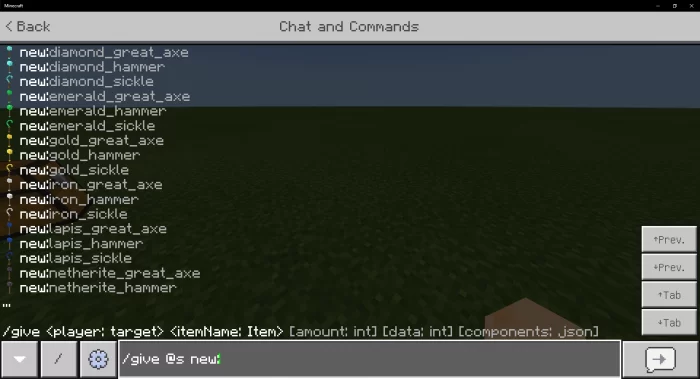
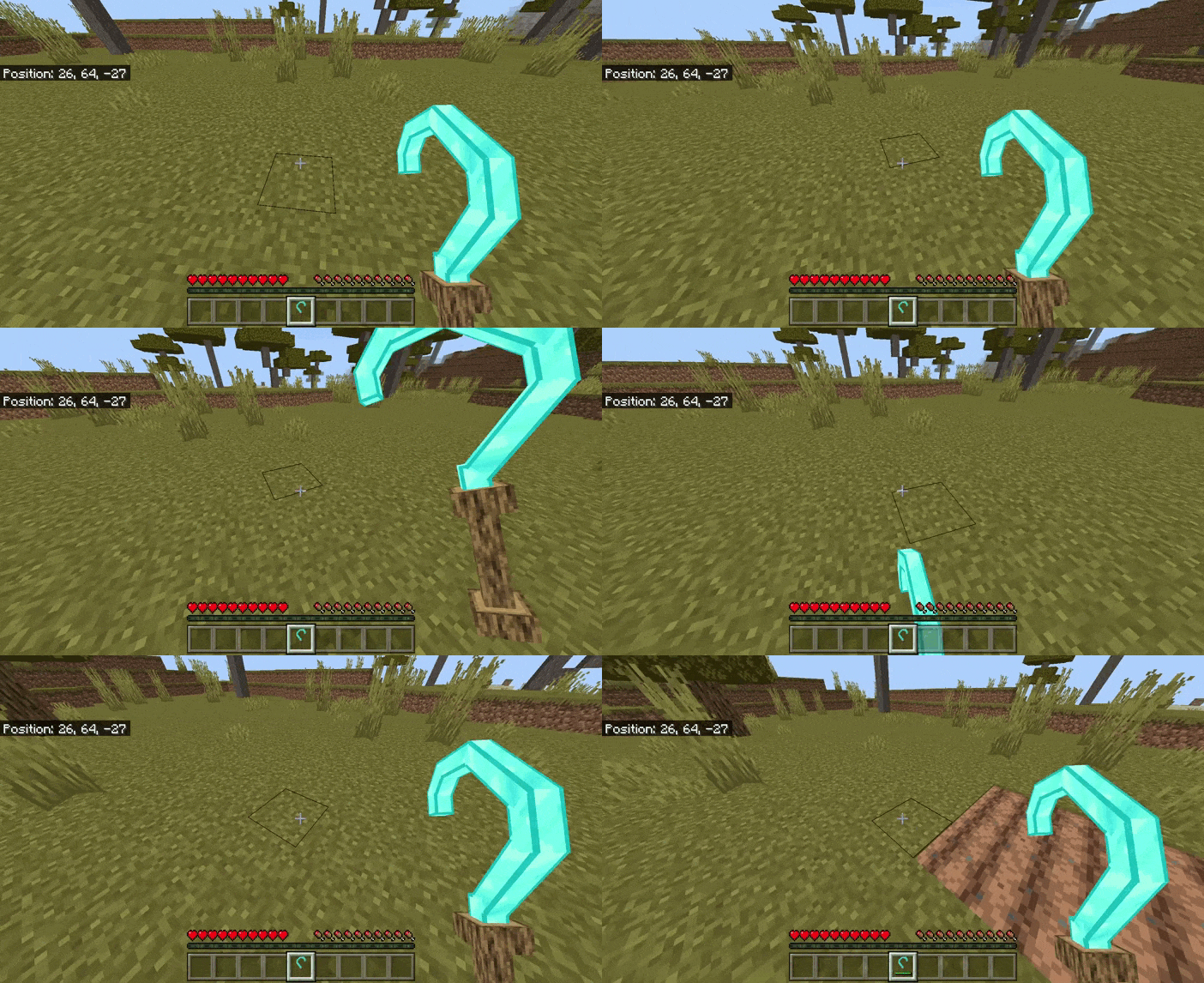
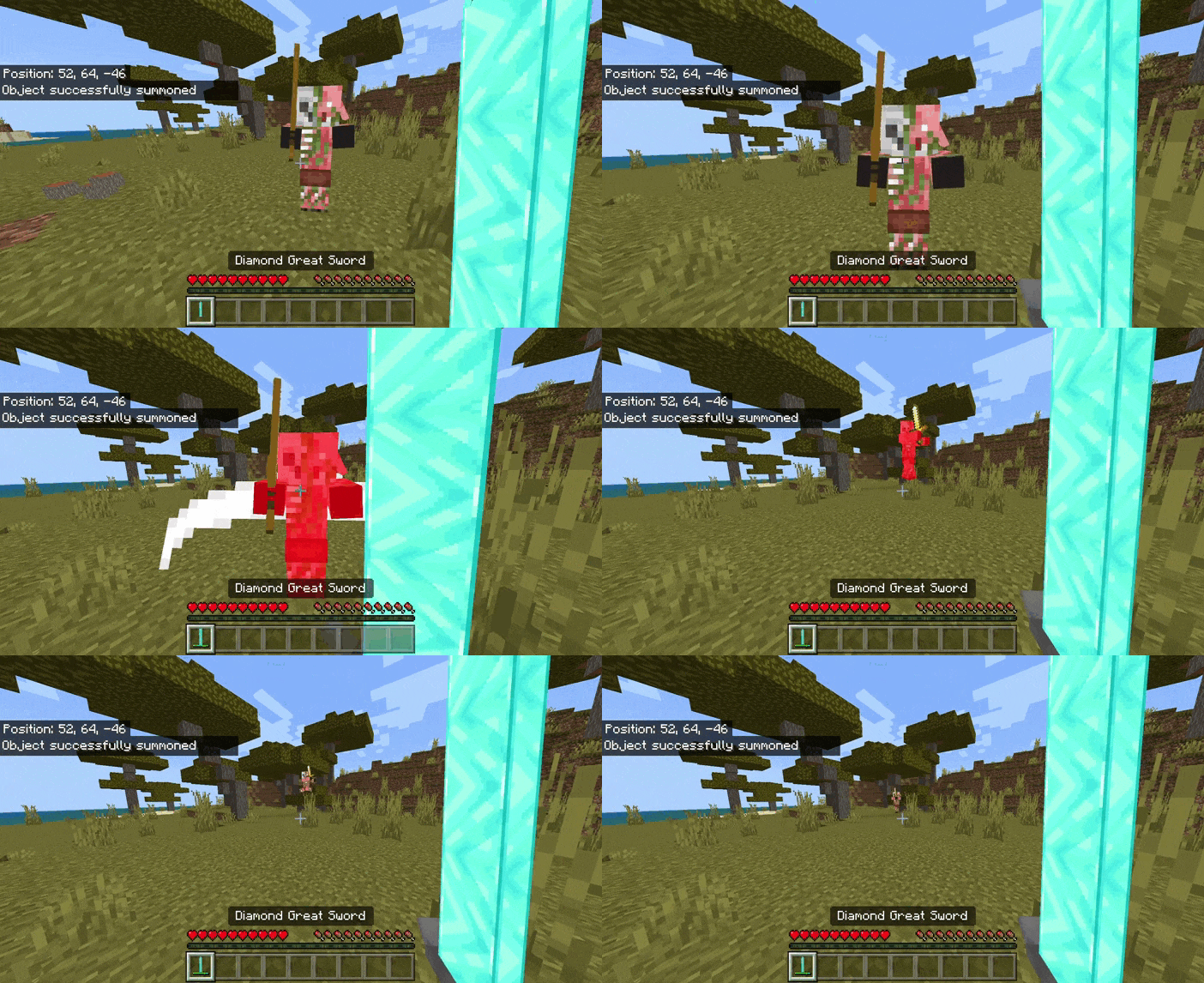
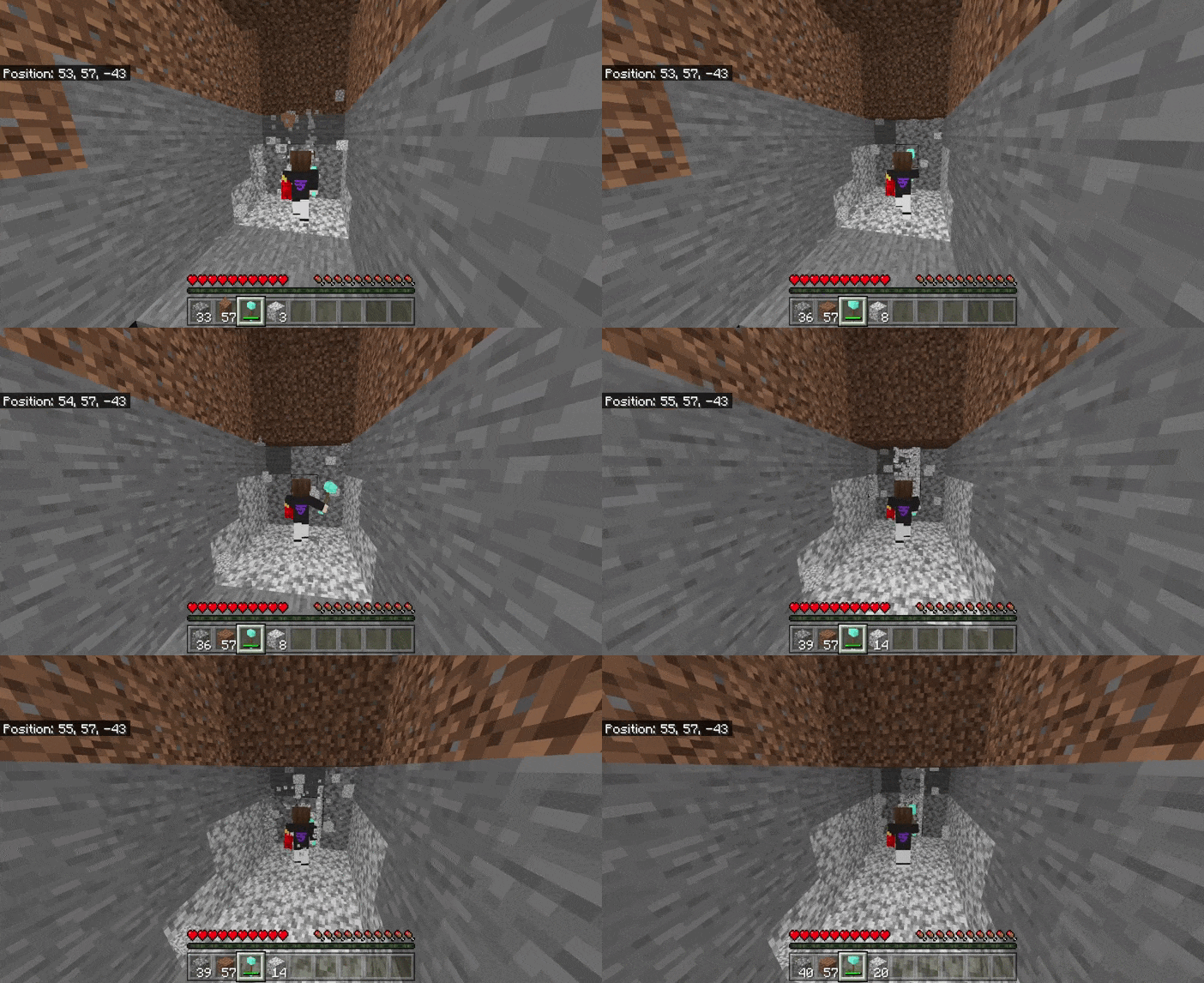
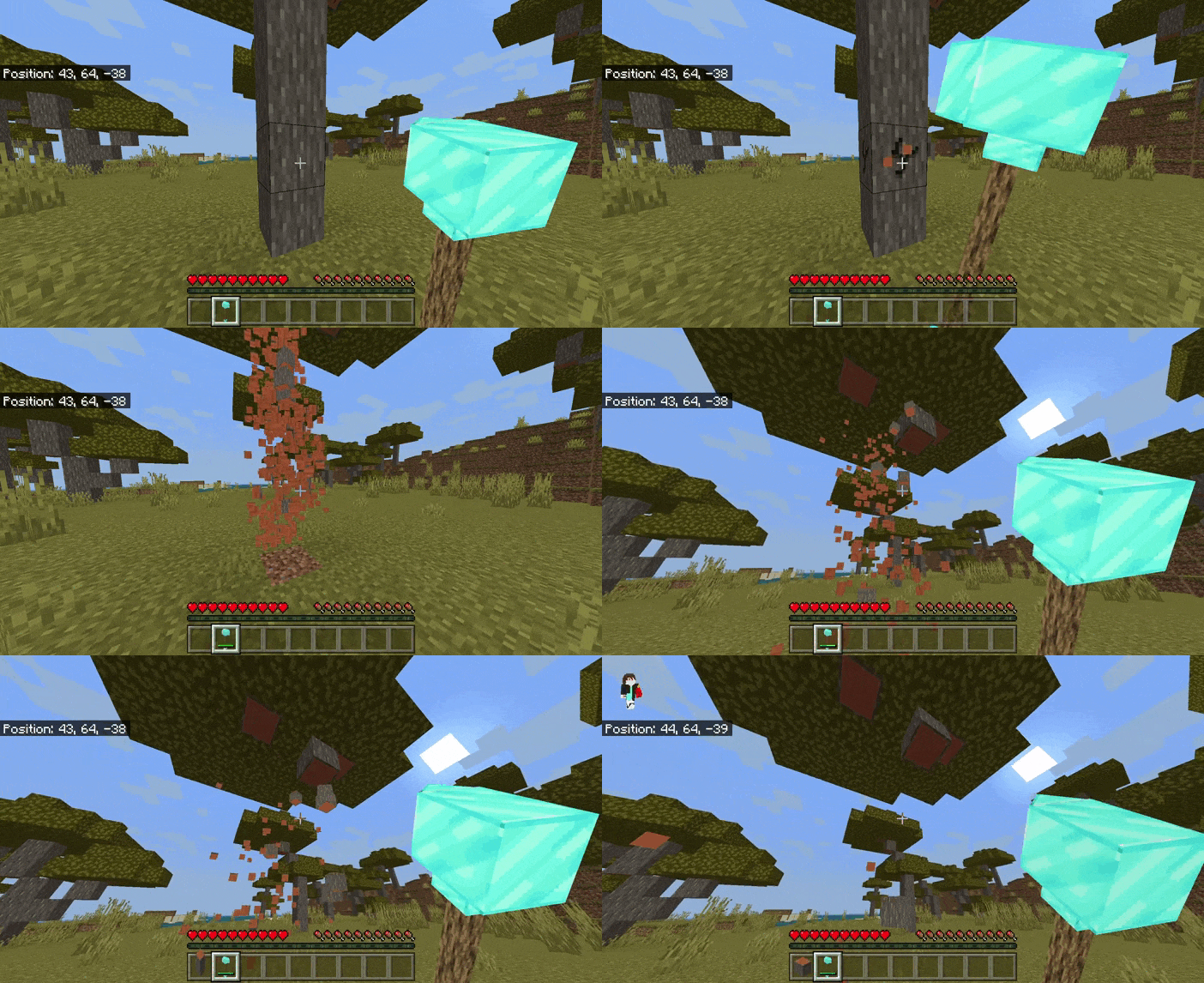
Hammer Time Addon is based on the Java Hammer Time mod and the author has the permission of the original creator of the Java mod, it should also be noted that this plugin was previously called Mining Hammers but now it is called Hammer Time Bedrock. Totaling 10 Hammers, 10 Megas Axes, and 10 Megas Hoes, of course, all based on the Java mod and how much with a 2d and 3d version of the plugin. In this update of the plugin, we add new useful tools for different things, the hammer is useful to chop the blocks and minerals faster since it does it in 3 × 3, and the hoes serve more to cultivate faster, remove grass and leaves as well. 3×3 and finally there would be the axes that are used to cut large amounts of wood by just cutting 1 block of wood.
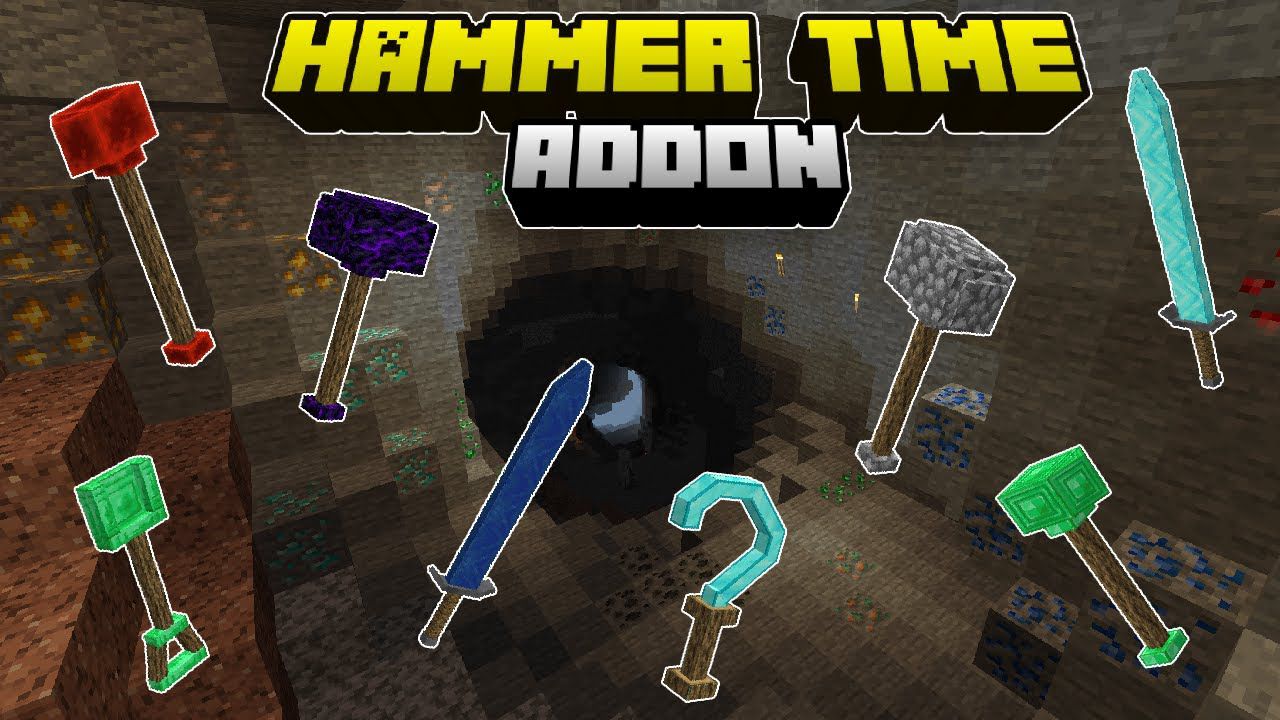
Features:
Commands:
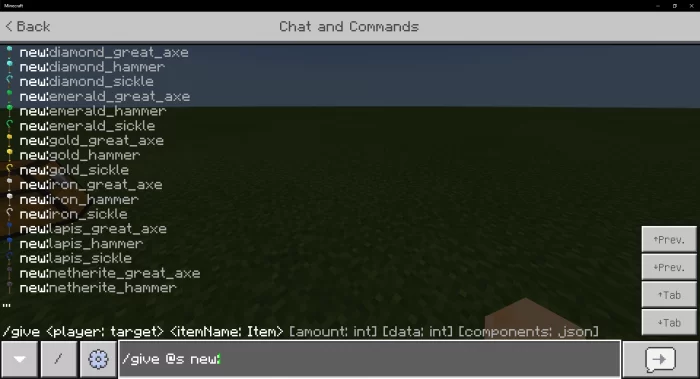
With the following command, you can add the hammers one by one
/give @s new:
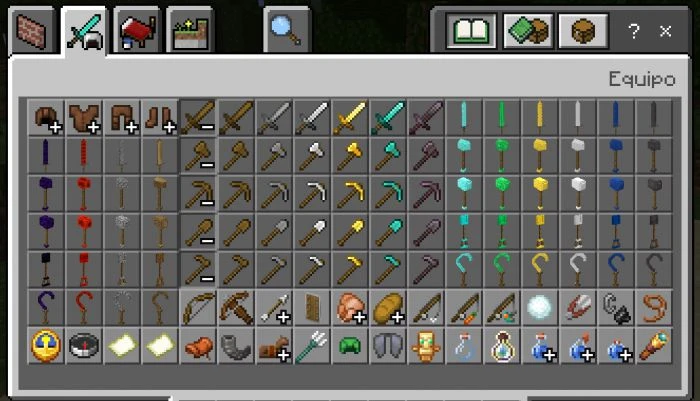
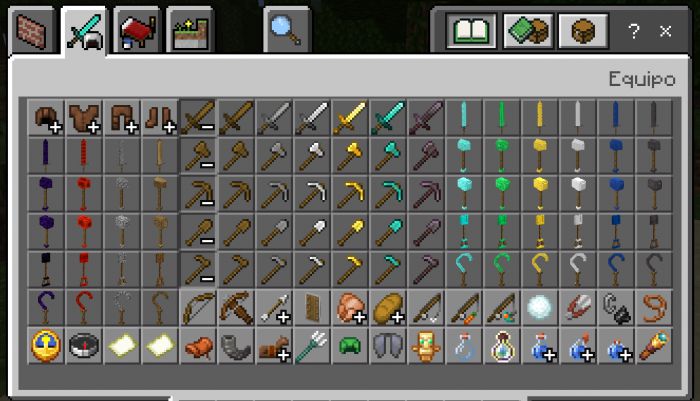
Inventory Creative:
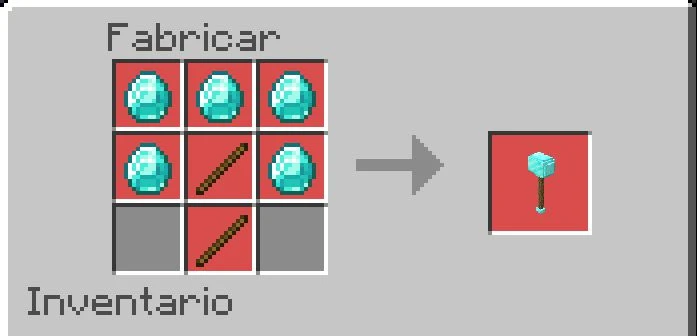
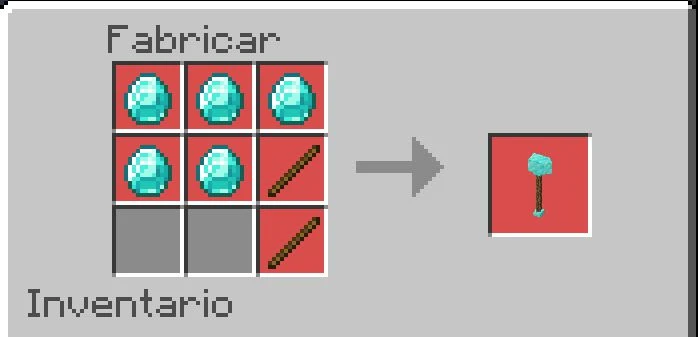
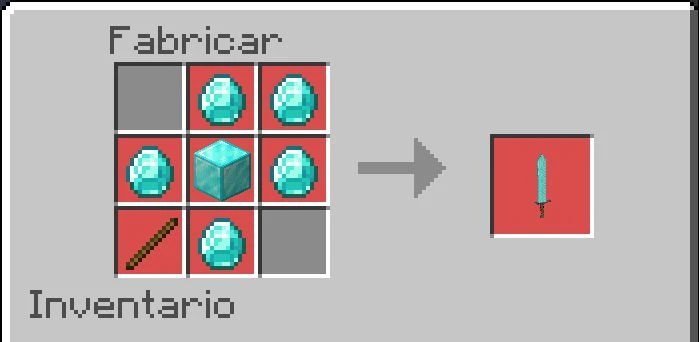
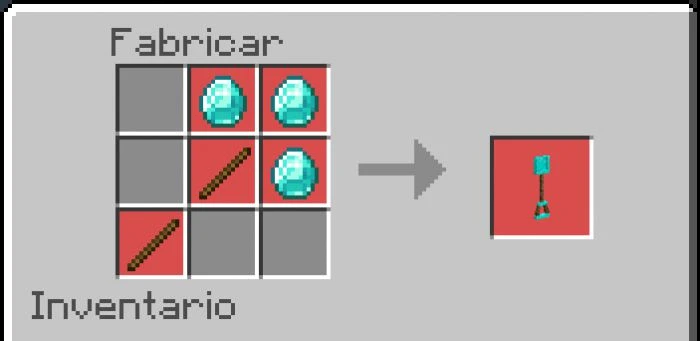
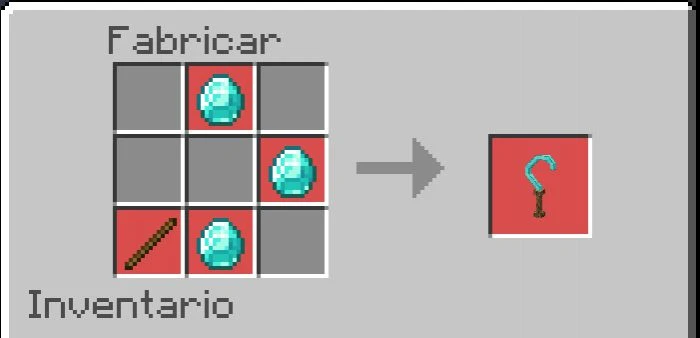
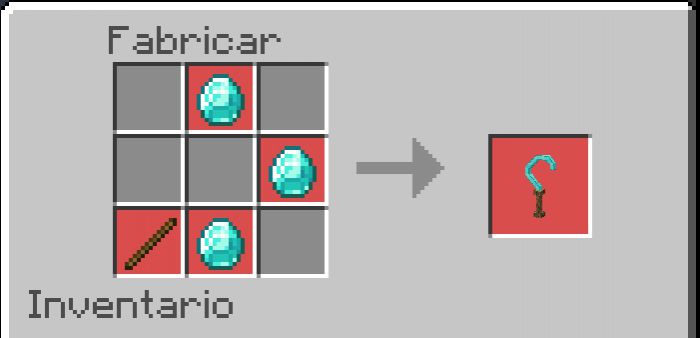
Crating Recipes:
(This is just an example with a material for the rest of the materials the same format is used)
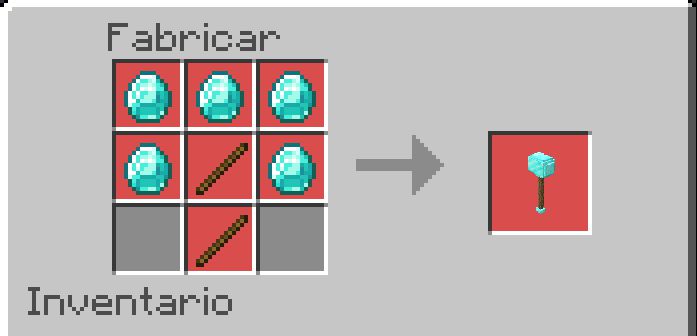
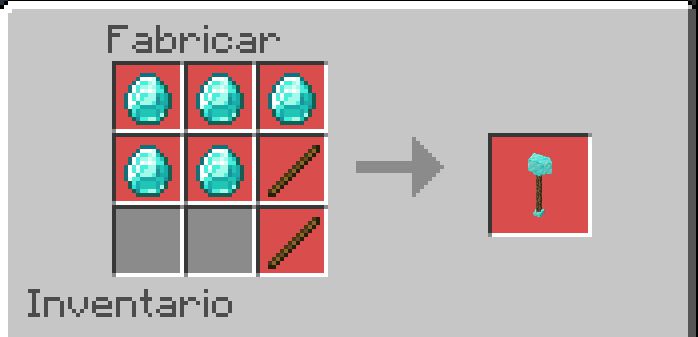
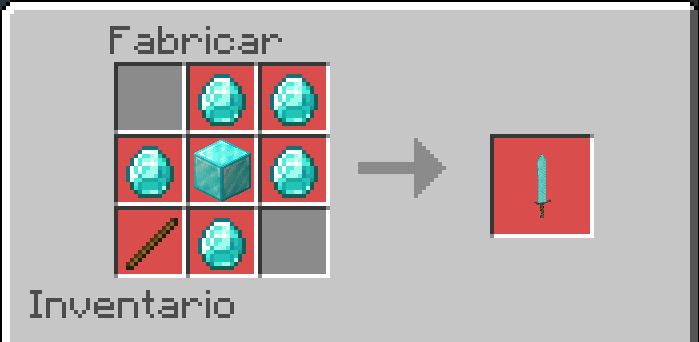
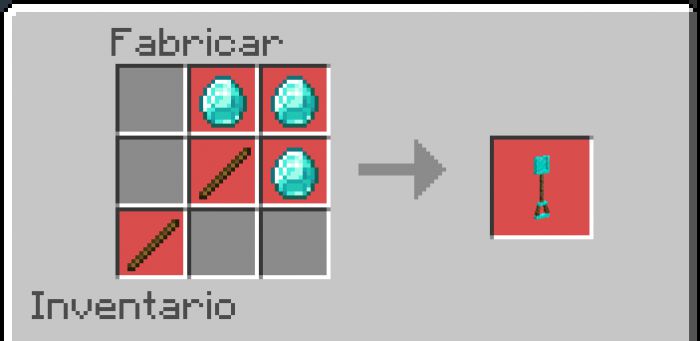
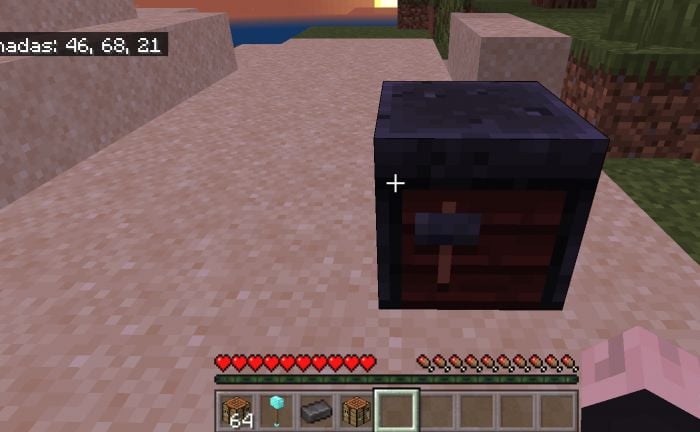
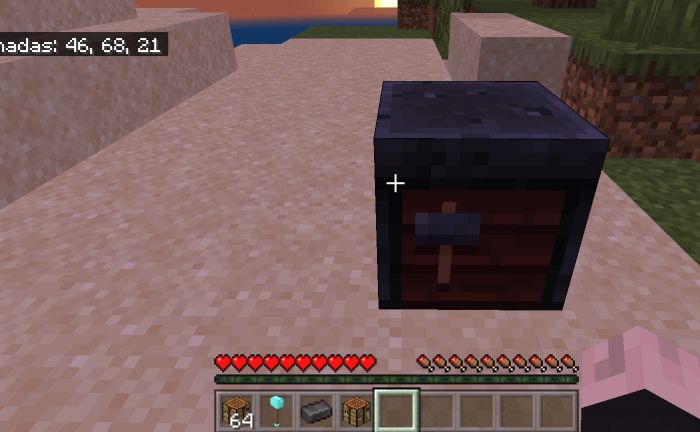
Smithing Table:
To craft the tools in the netherite version, the blacksmith table will be used as normally done in the game.
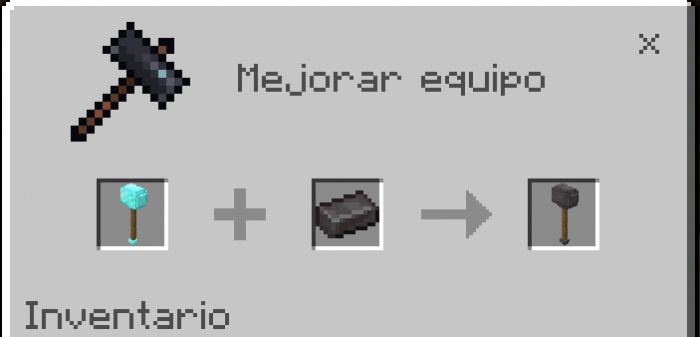
and so with each tool that the addon adds.
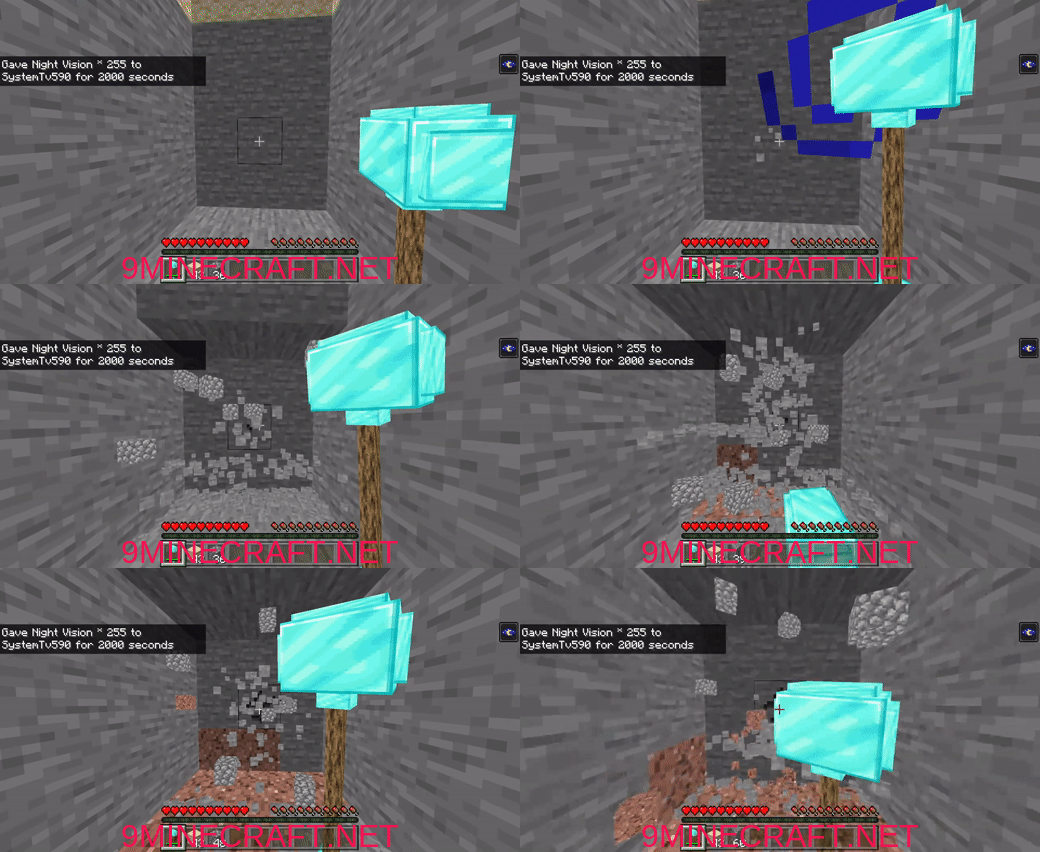
Functions:
Here is the functions that each addon tool has, one will be more useful than another and also more resistant and powerful.
Compatibility:
- You can use it with almost any addon that contains a custom axe, but this does not ensure that it works with all custom axes, another thing is that this addon DOES NOT USE PLAYER.JSON so it will be compatible with almost any addon and you can easily put it last if you want.
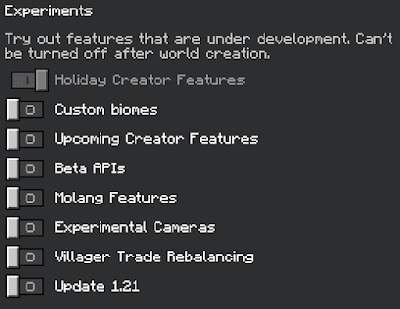
- Make sure you active all the Experimental Gameplay.
Hammer Time Addon Download Links
- Edition: Minecraft Bedrock
- File type: .mcpack or .mcaddon
- Minecraft version listed: 1.21
- How to install: Download the .mcpack or .mcaddon file. → Open it — Minecraft imports it. → In your world: Behavior Packs → Available → Activate, then the same under Resource Packs.
- Where to get it: In MCModsHub, or directly above on this page.
Install steps are the general flow for this file type — How to install Minecraft Bedrock addons & mods walks through it step by step.
- Pack type: .mcaddon — behaviour and resource pack in one file
- Complete pack — everything it depends on is inside the file
- Download size: 400 KB
- Download link checked 22 Jul 2026 — working
- Mirrored on our own servers — the download does not depend on the original host
These come from our own check of the pack file, not from the source page.