ResourcepacksJava
Bring Back Old Potion Colors Resource Pack (26.2, 1.20.1)
Java resource pack listed for Minecraft 1.19–26.x. Downloads from the MC Java Mods app on Android.
⬇ Download
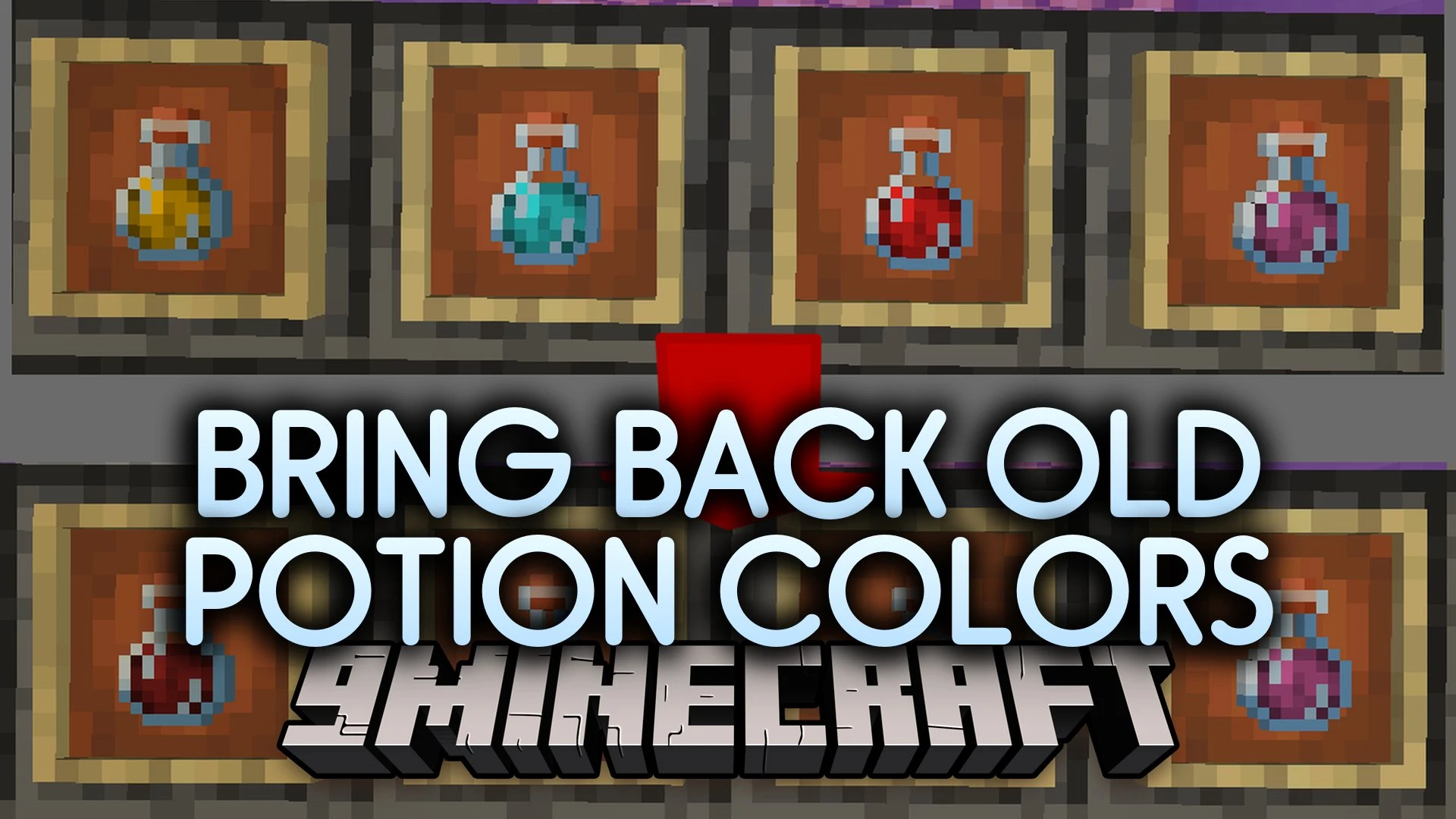
Bring Back Old Potion Colors Resource Pack restores the classic drinkable bottle tints used prior to Minecraft update 1.19.4. This pack swaps out the adjusted modern colors so your brewing stands and chests look familiar again. It functions smoothly on releases past 1.20.1 while keeping classic bottle visuals intact. You need either OptiFine or the Polytone mod installed for these custom color definitions to display in your world.
Features:
- Classic Bottle Palette: Restores pre-1.19.4 liquid colors for all standard potions.
- Modern Compatibility: Functions on Minecraft versions above 1.20.1.
- OptiFine and Polytone Support: Uses custom color properties that load through OptiFine or Polytone.
- Replaces newer tint values with original legacy color definitions.
- Keeps brewing inventory screens and hotbar items clear and familiar.
Bring Back Old Potion Colors Resource Pack Download Links
Quick facts
- Edition: Minecraft Java
- File type: .zip (resource pack)
- Minecraft versions listed: 26.2, 1.20.1, 1.19.4
- How to install: Download the .zip resource pack — do not unzip it. → Put it in .minecraft/resourcepacks. → Enable it in Options → Resource Packs.
- Where to get it: In MC Java Mods, or directly above on this page.
Install steps are the general flow for this file type — How to install Minecraft Java resource packs walks through it step by step.
File checked by MCModsHub
- Downloads as 542911.mcpack
- Download size: 5 KB
- Download link checked 8 Nov 2026 — working
- Mirrored on our own servers — the download does not depend on the original host
These come from our own check of the pack file, not from the source page.