Home›Bedrock›Addons›What Am I Looking At? Addon (1.26+) – Instantly Identify Any Block or Mob
AddonsBedrock
What Am I Looking At? Addon (1.26+) – Instantly Identify Any Block or Mob
Bedrock add-on listed for Minecraft 1.21–26.x (behavior + resource pack). File opened and checked on 21 Sep 2026; installs from the MC Bedrock Mods app on Android.
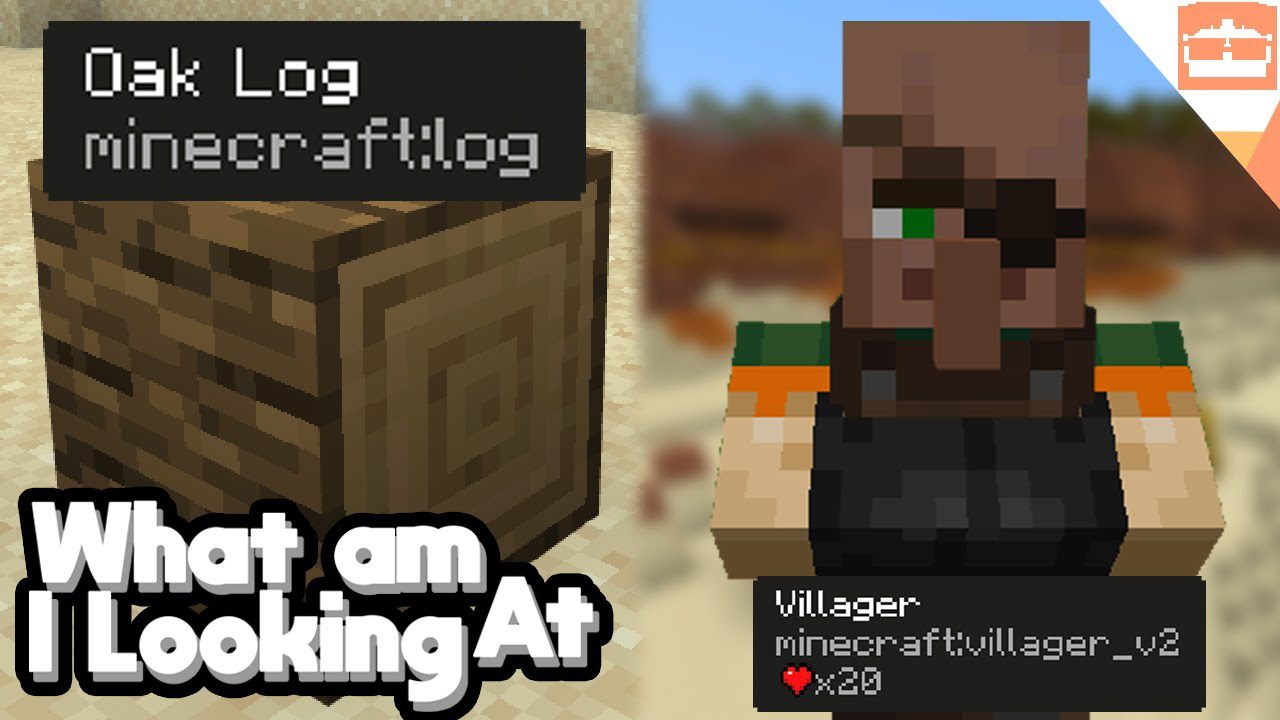
What Am I Looking At? Addon shows you helpful information about any block or mob you are looking at. A display appears at the top of your screen, telling you exactly what is in front of you. This addon is inspired by the Java mod called “WAILA” and brings a similar feature to Bedrock Edition.
Features:
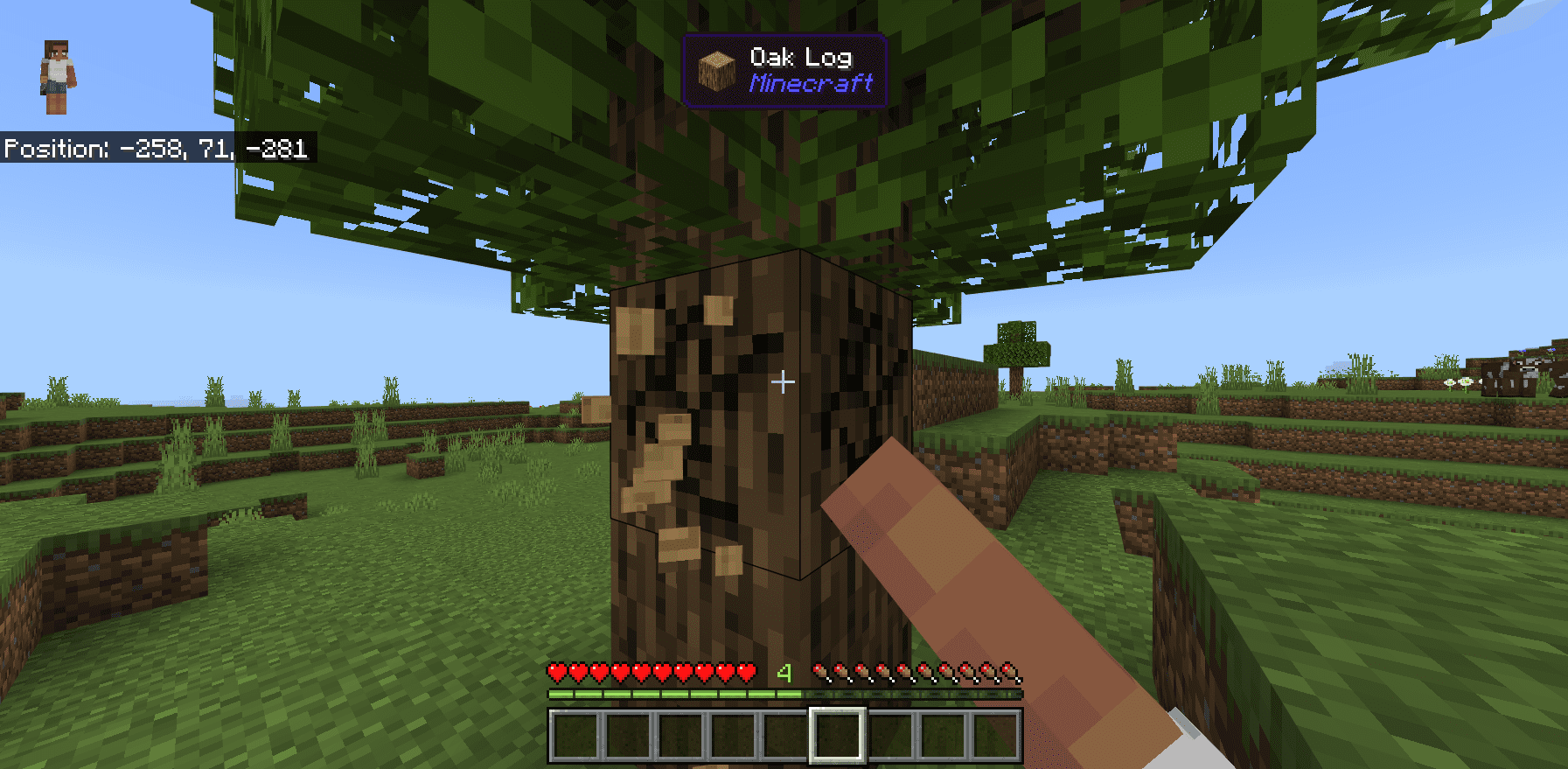
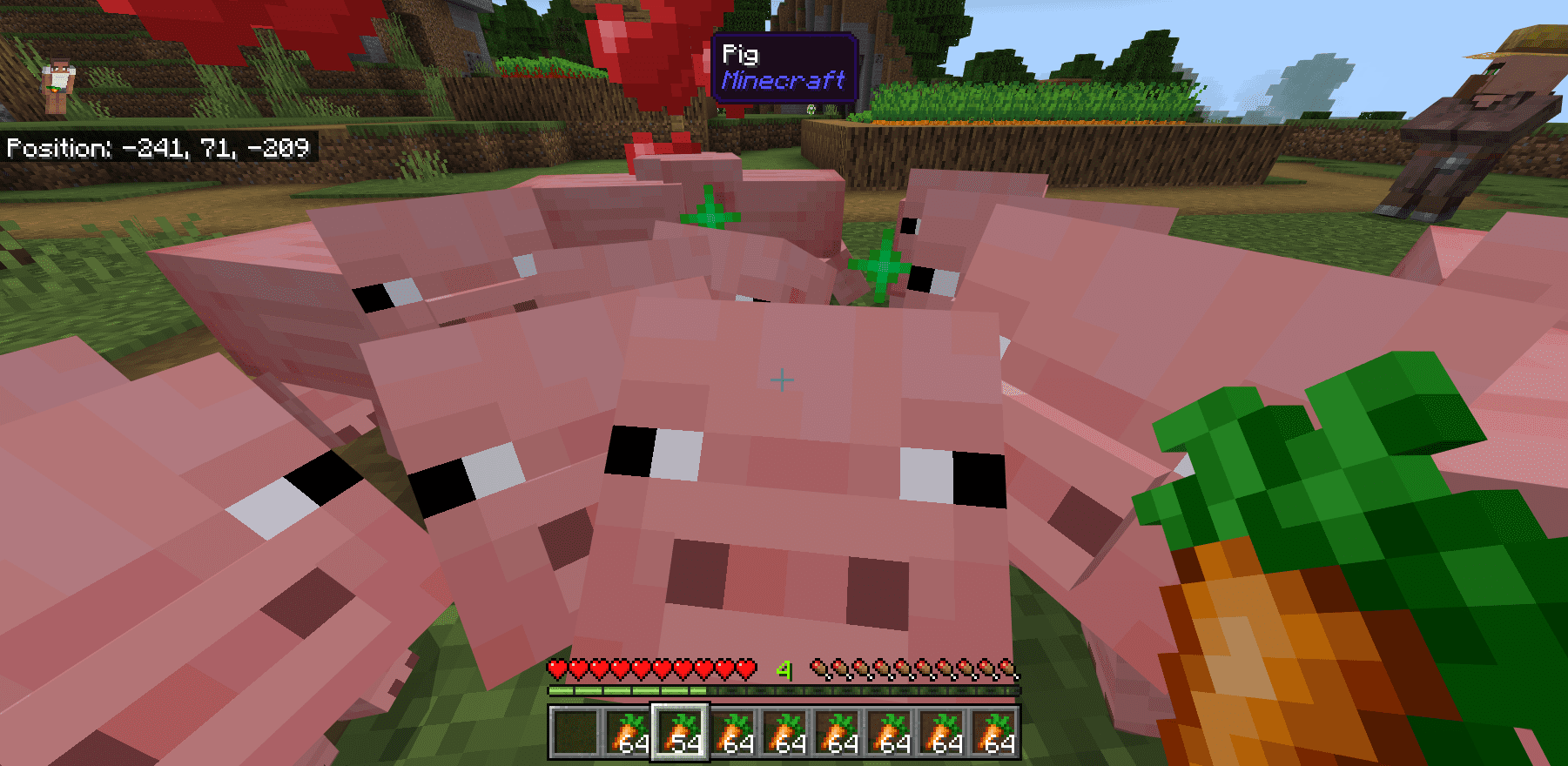
Shows the name of any block or mob you look at.
Displays the icon of the targeted block or mob.
Tells you which addon an item or mob is from.
Shows the correct tool to use for a block and whether you are holding it.
Works in both survival and multiplayer modes.
Compatible with most other addons and packs.
Supports all languages in Minecraft.
Commands:
Use the /waila command to open the settings and customize the display.
As an operator, you can use /waila [player] to adjust the settings for other players.
How to Use:
Simply point your crosshair at any block or mob in the world.
A display will automatically pop up at the top of your screen with information.
To change the display’s position or what it shows, use the /waila command in the chat.
Screenshots:
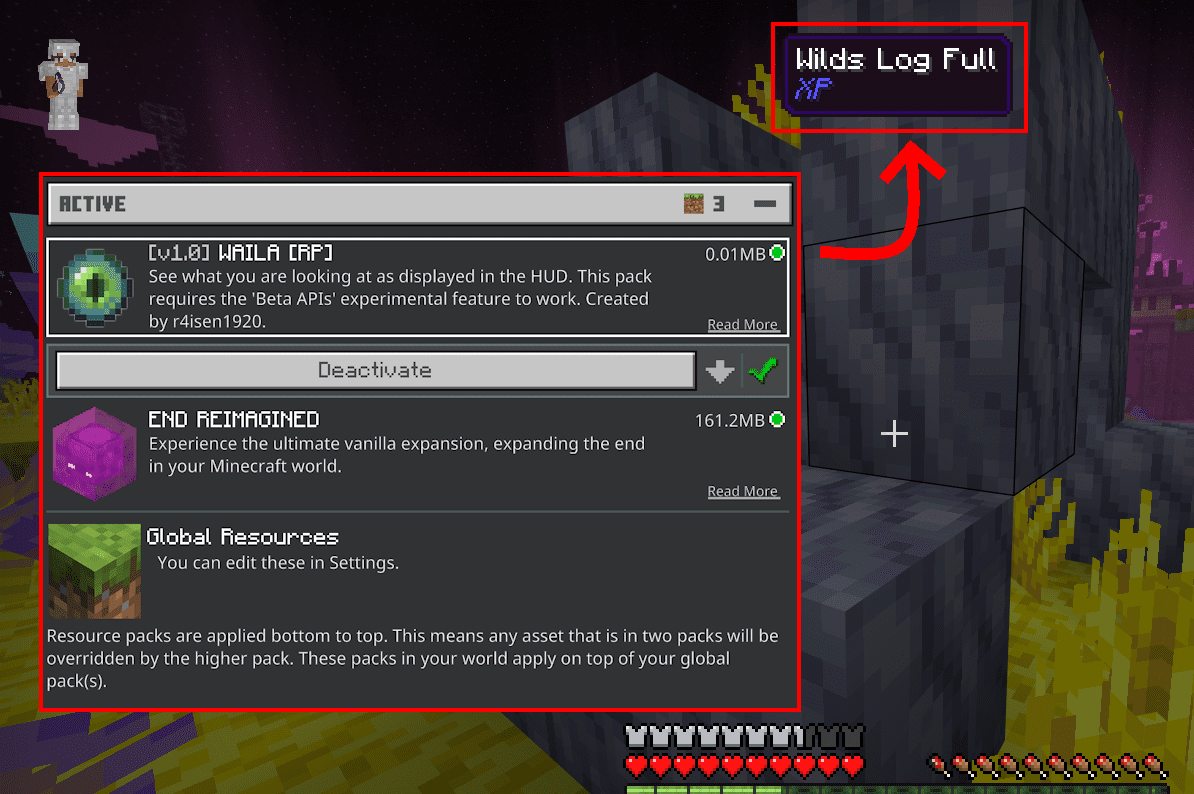
Player mining an oak log with What Am I Looking At Addon HUDPlayer holding a carrot surrounded by pigs with the entity information HUD visibleActive resource packs menu and HUD showing information about a targeted block
What Am I Looking At? Addon Download Links
Quick facts
Edition: Minecraft Bedrock
File type: .mcpack or .mcaddon
Minecraft version listed: 1.26
How to install: Download the .mcpack or .mcaddon file. → Open it — Minecraft imports it. → In your world: Behavior Packs → Available → Activate, then the same under Resource Packs.
Where to get it: In MCModsHub, or directly above on this page.