ModsJava
QoL Bundle Mod (26.3) – Play Smarter with Custom On-Screen Survival Previews
Java mod listed for Minecraft 26.x. Download on the author's site.
⬇ Download


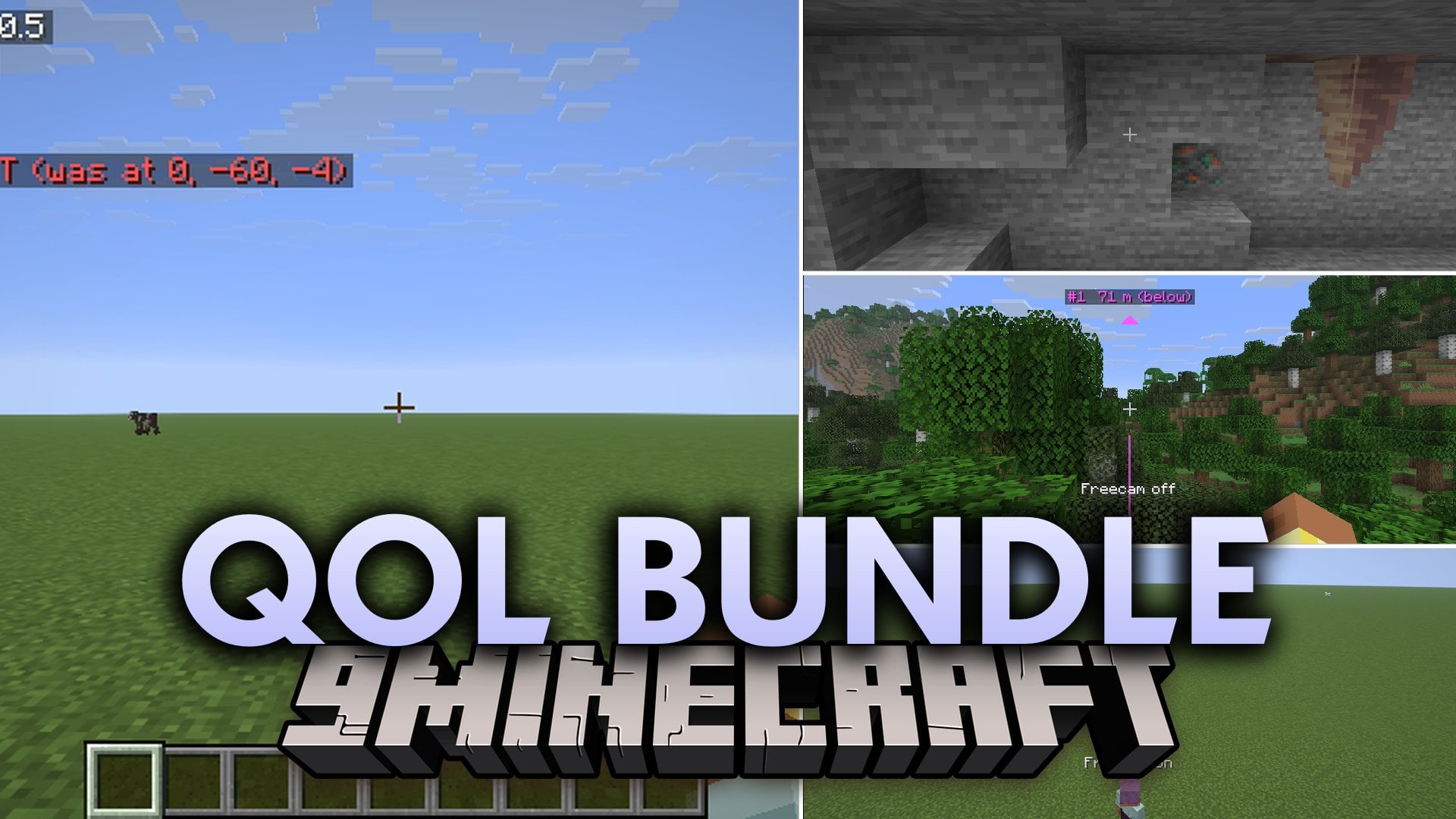
QoL Bundle Mod packs client-side quality-of-life modules into Minecraft: Java Edition. This mod gives you extra on-screen info, helpful previews, and handy tools without a separate mod for every small feature. Each module comes with its own toggle switch and individual settings so you only keep what you want.
Features:
- Includes safety tools such as Fall Damage Preview, Lava Safety Net, Throw Landing Preview, and Escape Trail.
- Brings travel helpers like Sound Compass, Portal Calculator, and Elytra Dashboard.
- Adds storage tools like Chest Memory, Container Presets, Recipe Book Helper, and a Flow Meter that tracks items that move in and out of bound containers.
- Provides Redstone Diagnostics alongside Redstone Timing, which shows the exact order and game tick of every block change.
- Gives you player-awareness tools like Opponent Gear Panel, Approach Alert, and Being Watched.
- Keeps extra modules like AFK Clicker, Freecam, Elytra Take-off, Water & Lava Vision, and Rear-view Mirror turned off by default until you switch them on.
- Gives every module its own switch and settings, saves your changes right away, and lets you share your setup as a copyable code.
- Shows an optional X-ray addon right inside the settings screen if you install that separate file alongside this mod.
How to Use:
- Press K in-game (or open Mod Menu) to bring up the QoL Bundle Mod settings screen.
- Click the switch next to any module to turn it on or off and adjust its individual settings.
- Copy your settings code from the menu if you want to share your setup, while all changes save automatically.
Screenshots:
QoL Bundle Mod Download Links
Quick facts
- Edition: Minecraft Java
- File type: .jar
- Minecraft version listed: 26.3
- How to install: Install the matching mod loader (Forge, Fabric or NeoForge) for your Minecraft version. → Download the .jar. → Put it in the .minecraft/mods folder and launch that loader profile.
- Where to get it: Opens on the file's original source — not every file is mirrored on our own servers.
Install steps are the general flow for this file type — How to install Minecraft Java mods & modpacks walks through it step by step.
QoL Bundle Mod (26.3) – Play Smarter with Custom On-Screen Survival Previews is a free Minecraft Java mod. Compatible with Minecraft 26.3. Download it and open it directly in the game.