VMR Booklet Mod (26.3) – Track and Complete Every Vanilla Item Collection Goal
Java mod listed for Minecraft 26.x. Download on the author's site.
⬇ Download


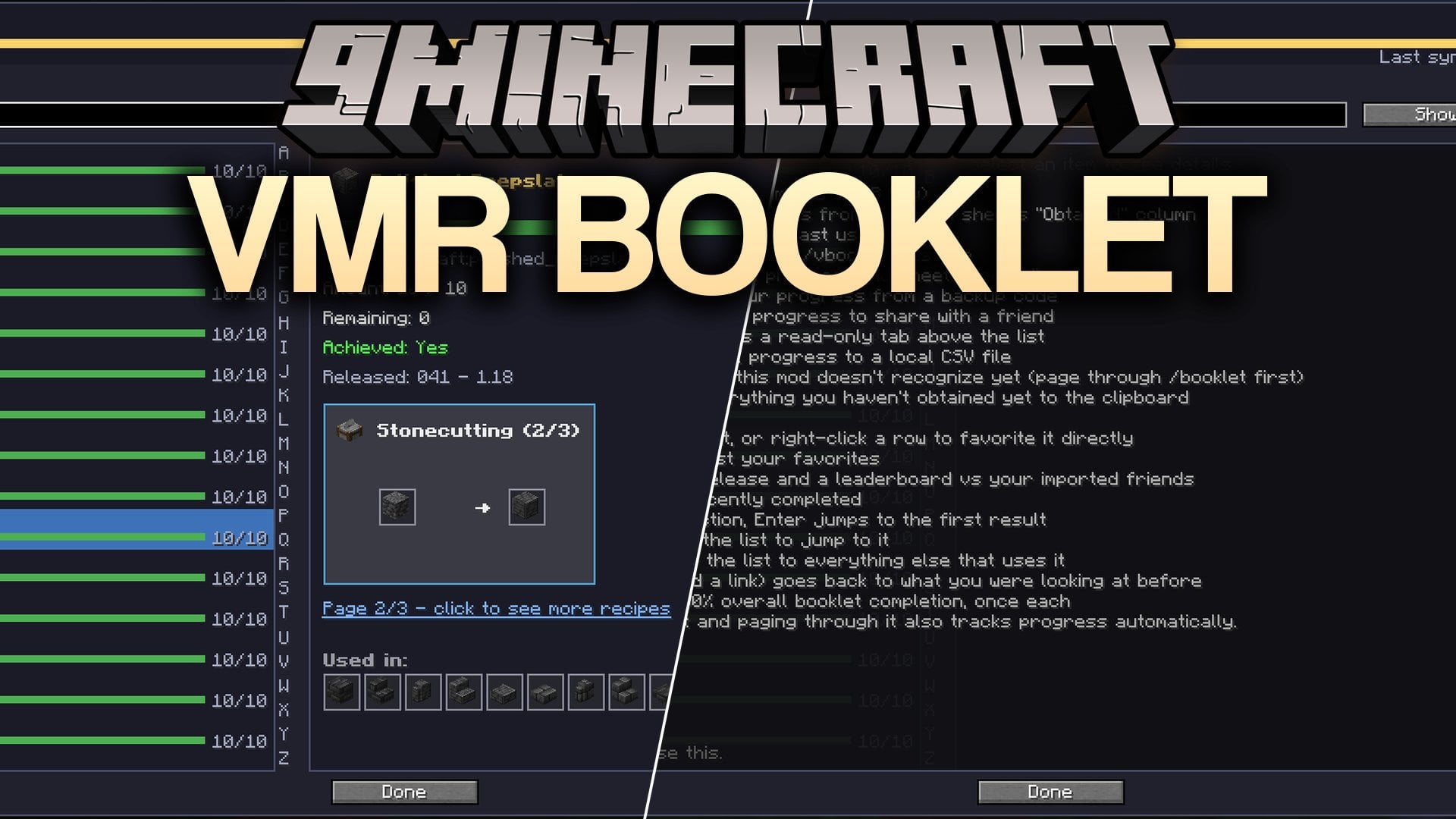
VMR Booklet Mod puts every vanilla Minecraft item into one searchable checklist right inside your game. This client-side mod tracks progress for the EcoCityCraft collection event, and it also works on any other server without touching server plugins. You can look up crafting recipes, check off collected items, and sync your counts with Google Sheets. It keeps all your collection goals organized in one clean menu so you always know what block or item to hunt next.
Features:
- Full Item Checklist: Lists every vanilla Minecraft item in one menu with built-in recipe lookups.
- Three Ways to Track Progress: Reads the server’s
/bookletmenu passively as you flip through pages, pulls the “Obtained” column from Google Sheets, or lets you click the – and + buttons manually. - Smart Search Filters: Filters items by category, release version, completion percentage, or status such as done, todo, partial, and new.
- Custom Goal Lists: Lets you name and switch between different goal lists while showing your active list as a progress line in the menu header.
- You can attach personal notes with saved coordinates and dimensions to individual items.
- Imports share codes from friends as read-only tabs so you can compare progress and find trades.
- Copies missing items to your clipboard as plain text, with notes, or grouped by category.
- Generates backup and restore codes, exports data to CSV files, and saves a progress card as a PNG image.
- Reloads the menu with custom item lists and includes dedicated
/selltracking for EcoCityCraft. - Runs only on your client without installing anything on the server.
Commands:
/vbooklet: Opens the main item checklist menu and gives access to backup codes, CSV export, and clipboard copy tools./vbooklet need: Lists the raw materials still needed to craft a specific item./vbooklet trades: Lists your missing items that an imported friend already has./upload: Pulls the “Obtained” column from a Google Sheets link to update your progress.
How to Use:
- Press B (rebindable in controls) or run
/vbookletto open the VMR Booklet Mod menu, or hover over any item and press B to open directly to that item. - Page through the server’s
/bookletGUI to record progress automatically, link a Google Sheet with/upload, or adjust counts with the – and + buttons. - Type in the search box to filter your collection by category, release, status, or percentage completed.
- Import a friend’s share code as a read-only tab and use
/vbooklet tradesto see which missing items you can trade for.
Screenshots:
VMR Booklet Mod Download Links
- Edition: Minecraft Java
- File type: .jar
- Minecraft version listed: 26.3
- How to install: Install the matching mod loader (Forge, Fabric or NeoForge) for your Minecraft version. → Download the .jar. → Put it in the .minecraft/mods folder and launch that loader profile.
- Where to get it: Opens on the file's original source — not every file is mirrored on our own servers.
Install steps are the general flow for this file type — How to install Minecraft Java mods & modpacks walks through it step by step.
VMR Booklet Mod (26.3) – Track and Complete Every Vanilla Item Collection Goal is a free Minecraft Java mod. Compatible with Minecraft 26.3. Download it and open it directly in the game.