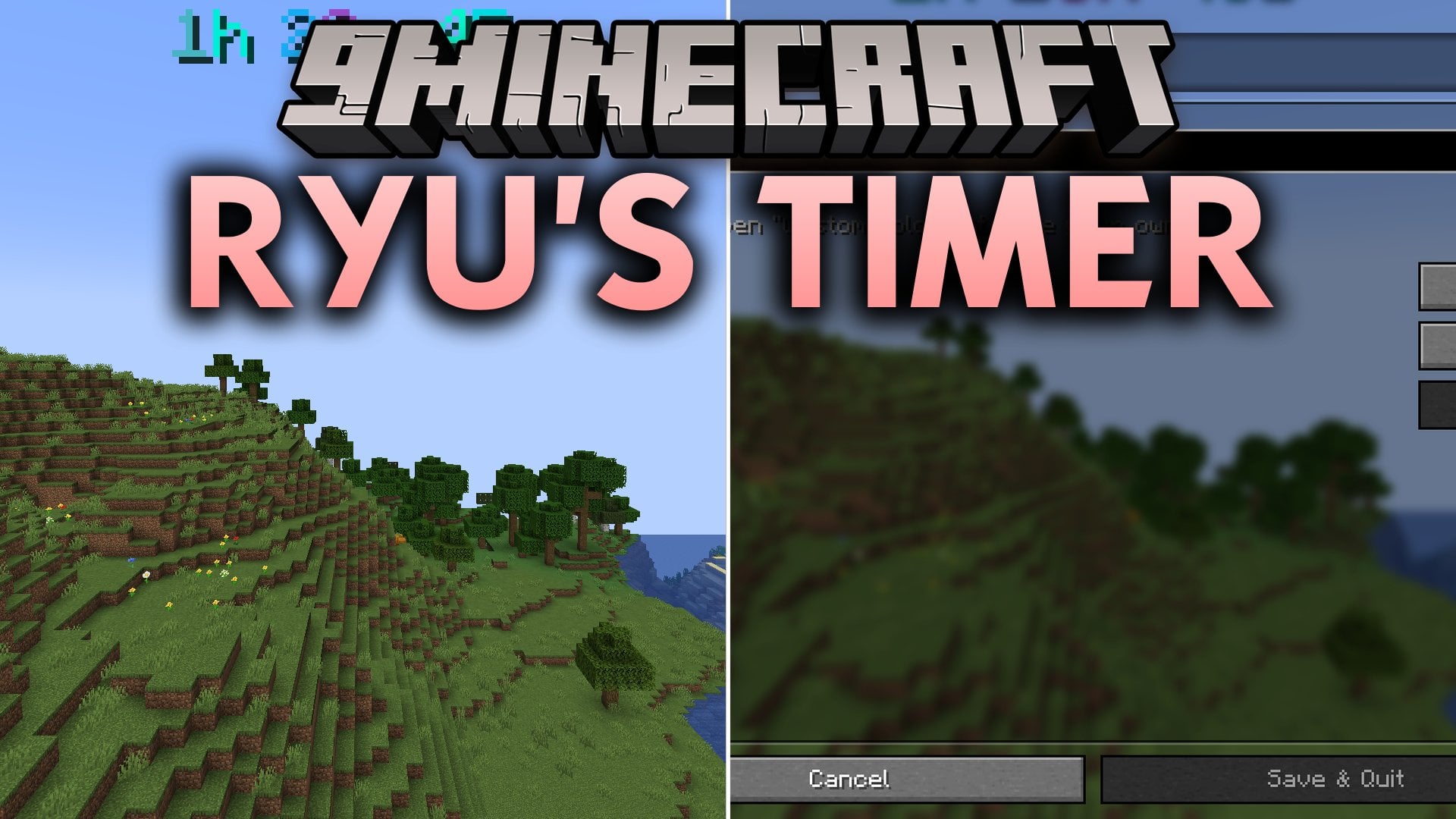
Ryu's Timer Mod (26.3, 1.21.1) – Keep a Speedrun Clock Running
Java mod listed for Minecraft 1.21–26.x. Download on the author's site.
Ryu's Timer Mod adds a simple on-screen timer for speedruns and challenge videos. It looks good on screen and does not reset when you close the game…
⬇ Download


Ryu’s Timer Mod adds a simple on-screen timer for speedruns and challenge videos. It looks good on screen and does not reset when you close the game. Every world and every server keeps its own time, so you can leave, play somewhere else, and come back to the same timer.
Features:
- Saves Per World and Server: Each world and server has its own timer, and it stays saved when Minecraft closes.
- Three Counting Modes: Count in real time (keeps going while you are offline), only while you are in the world, or only while you are actually playing (stops in the pause menu).
- Free HUD Position: Drag the timer anywhere on the screen with the mouse, or pick one of 9 fixed positions.
- 28 Color Presets: Choose solid colors, gradients like Fire, Ocean, Aurora and Galaxy, or Rainbow.
- Animated Gradients: Colors flow through the numbers, and you can change the speed.
- Sync Old Worlds: Played a world for weeks? Set the timer to the world’s age or to your own playtime.
- Shows the time as
42s,12m 4s,2h 14m 9sor3d 4h 12m 9s, with optional milliseconds. - Lets you pick any size, from small to really big.
- Accepts your own colors: one hex color, or two for a gradient.
- Adds keybinds for start/pause, reset and the editor. They are unbound by default, so set them under Controls.
- Opens a settings screen from Mod Menu for all other options.
- Works client-side only, in singleplayer and on any server.
Solid Colors:
- White, Gray, Black, Red, Orange, Yellow, Green, Lime, Cyan, Blue, Purple and Pink.
Gradient Colors:
- Fire, Lava, Ice, Ocean, Forest, Sunset, Aurora, Gold, Neon, Plasma, Galaxy and Candy.
Special Colors:
- Rainbow, Basti, E63 and Vito.
Commands:
/timer start: starts the timer./timer stop: pauses the timer./timer resume: continues after a pause./timer toggle: starts, pauses or resumes, depending on the state./timer reset: resets to zero after you confirm./timer edit: opens the editor to drag and resize the timer./timer sync world: sets the timer to how long the world has existed./timer sync playtime: sets the timer to your playtime in this world or on this server./timer show: shows the timer./timer hide: hides the timer./timer gradient <preset>: changes the color preset./timer color [#hex]: sets one custom color, or two for a gradient./timer pos <preset>: moves the timer to a fixed spot, likeTOP_LEFTorBOTTOM_CENTER./timer pos <x> <y>: puts the timer at exact coordinates.
How to Use:
- Type
/timer startto begin counting. - Type
/timer editto drag and resize the timer where you want it. - Pick a color with
/timer gradient <preset>or/timer color [#hex]. - Type
/timer stopto pause and/timer resumeto continue. - Use
/timer sync worldor/timer sync playtimeif you already played the world for a while. - Open the keybinds under Controls to set keys for start/pause, reset and the editor.
Screenshots:
Ryu's Timer Mod Download Links
- Edition: Minecraft Java
- File type: .jar
- Minecraft versions listed: 26.3, 1.21.1
- How to install: Install the matching mod loader (Forge, Fabric or NeoForge) for your Minecraft version. → Download the .jar. → Put it in the .minecraft/mods folder and launch that loader profile.
- Where to get it: Opens on the file's original source — not every file is mirrored on our own servers.
Install steps are the general flow for this file type — How to install Minecraft Java mods & modpacks walks through it step by step.
Ryu's Timer Mod (26.3, 1.21.1) – Keep a Speedrun Clock Running is a free Minecraft Java mod. Compatible with Minecraft 26.3, 1.21.1. Download it and open it directly in the game.