ModsJava
Recording Tools Mod (26.3, 1.21.11) – Film Server Footage with Fake Coords
Java mod listed for Minecraft 1.21–26.x. Download on the author's site.
⬇ Download


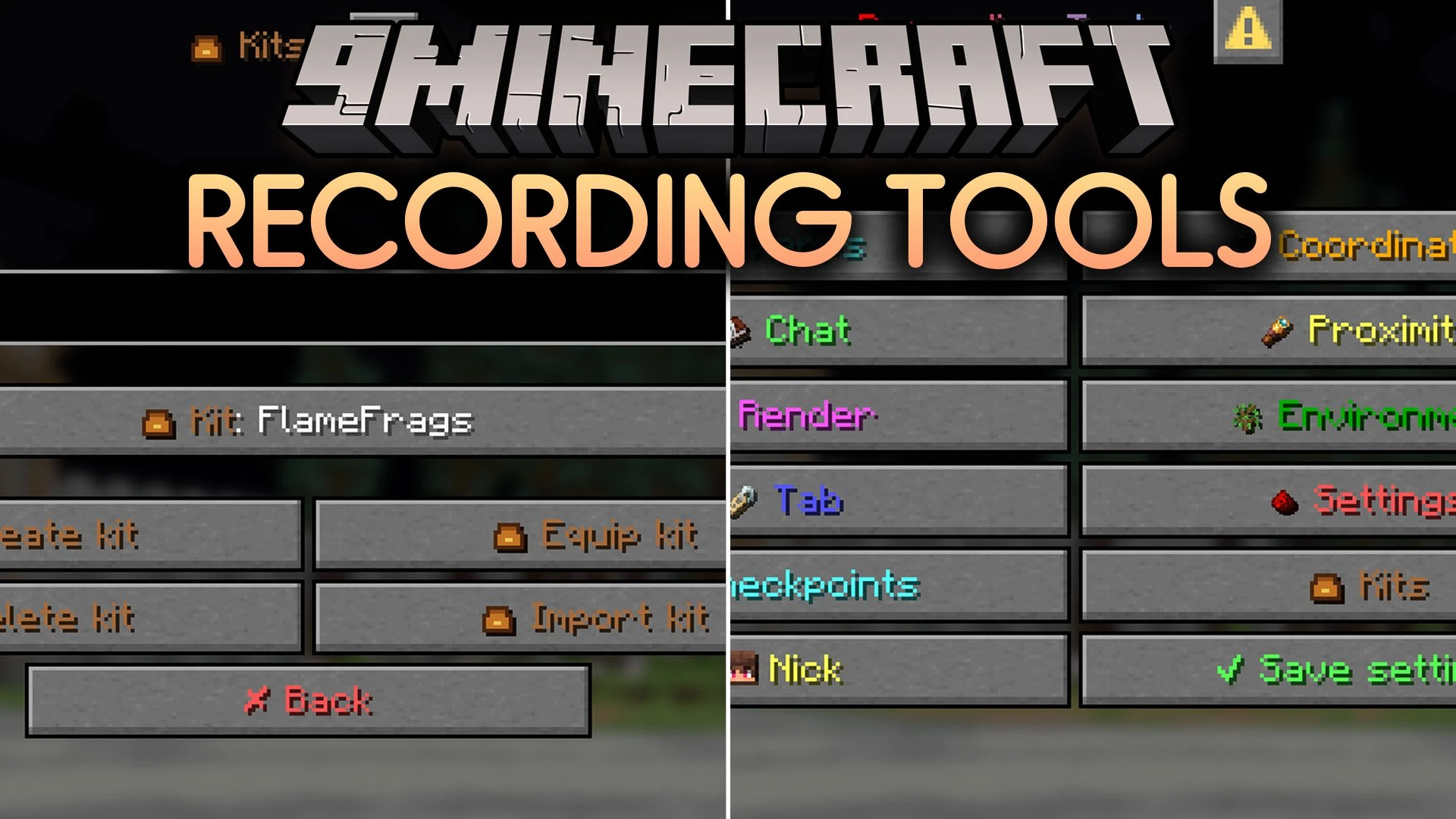
Recording Tools Mod gives you simple tools to record videos on servers. This client side mod adds a menu and a few handy tricks to make your footage look better. Use a command to turn the features on or off, and press a key to open the menu.
Features:
- Render Changer: Changes your render and simulation distance.
- Tab Spoofer: Changes the tab list so it looks like many players are online.
- Coordinates Spoofer: Hides your real coordinates by showing fake ones.
- Adds a menu you can open in the game to control all features.
- Includes kits and warps with their own Kit GUI.
- Adds themed features for recording videos.
- Works on the client side, so you can use it while you record on servers.
Commands:
/recmode on: turns the features on./recmode off: turns the features off.
How to Use:
- Type
/recmode onin chat to turn on the features. - Press Right Shift to open the menu.
- Pick the tool you want, like the render changer, tab spoofer, or coordinates spoofer.
- Type
/recmode offwhen you want to turn the features off.
Screenshots:
Recording Tools Mod Download Links
Quick facts
- Edition: Minecraft Java
- File type: .jar
- Minecraft versions listed: 26.3, 1.21.11
- How to install: Install the matching mod loader (Forge, Fabric or NeoForge) for your Minecraft version. → Download the .jar. → Put it in the .minecraft/mods folder and launch that loader profile.
- Where to get it: Opens on the file's original source — not every file is mirrored on our own servers.
Install steps are the general flow for this file type — How to install Minecraft Java mods & modpacks walks through it step by step.
Recording Tools Mod (26.3, 1.21.11) – Film Server Footage with Fake Coords is a free Minecraft Java mod. Compatible with Minecraft 26.3, 1.21.11. Download it and open it directly in the game.