ModsJava
Silicone Dolls Mod (26.3, 1.21.1) – Spawn Bot Players That Walk, Jump
Java mod listed for Minecraft 1.21–26.x. Download on the author's site.
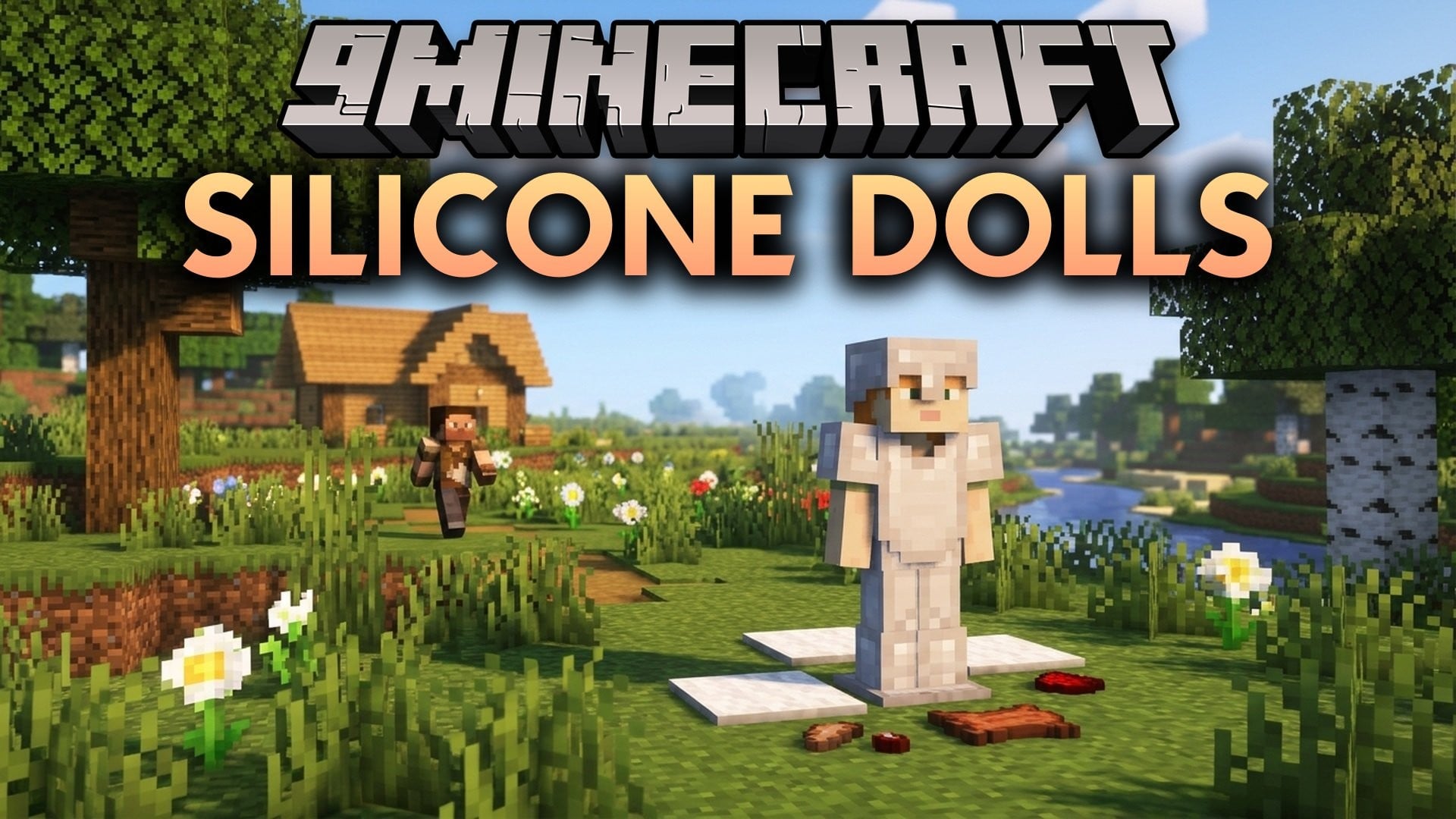
⬇ DownloadSilicone Dolls Mod adds fake players that you spawn and control with commands. You can make a bot walk, jump, attack, drop items, and look around. This mod also saves bots in lists and groups, so you can bring them back fast.

Features:
- Fake Players: Spawns a bot at any position, rotation, dimension, and gamemode you pick.
- Action Control: Lets a bot use, jump, attack, or drop once, nonstop, or at set time gaps.
- Bot List: Saves bots with a name and a short description so you can spawn them later.
- Bot Groups: Puts bots into groups and spawns or removes a whole group with one command.
- AFK Shadow: Replaces an offline player with a bot to fake AFK time.
- Makes a bot sneak, sprint, mount an mob, or get off it again.
- Lets you aim a bot at a spot or turn it by a set number of degrees.
- Switches a bot to any hotbar slot from 1 to 9.
- Stops all bot actions with a single command.
Commands:
Fake Player Commands:
/player <name> spawn at <pos> facing <rotation> in <dimension> in <gamemode>: spawns a fake player. Theat,facing, dimension, and gamemode parts are optional./player <name> kill: logs the fake player out./player <name> use|jump|attack|drop [once|continue|interval <times>]: does the action once, nonstop (every game tick), or every set number of game ticks./player <name> sneak: makes the bot crouch./player <name> unsneak: stops crouching./player <name> sprint: makes the bot sprint./player <name> unsprint: stops sprinting./player <name> mount: mounts a mob./player <name> dismount: gets off a mob./player <name> look [at <pos>|<direction>]: looks at a position or faces a direction./player <name> turn [<x> <y>|<rotation>]: turns by horizontal and vertical degrees, or to a set rotation./player <name> dropstack [all]: drops one stack of items. Addallto drop the whole inventory./player <name> move <rotation>: moves the bot in that direction./player <name> hotbar <slot>: switches to hotbar slot 1-9./player <name> shadow: replaces an offline player with a bot for AFK play./player <name> stop: stops all actions of the fake player.
Bot List Commands:
/bot list <page>: shows all fake players. The page starts at 1./bot add <name> <description>: adds a fake player to the list with a description./bot load <name>: spawns the fake player with that name./bot remove <name>: deletes a fake player from the list.
Bot Group Commands:
/bot group create <name>: creates a new group./bot group list <page>: shows all groups. The page starts at 1./bot group remove <name>: deletes a group./bot group add <bot> <group>: adds a bot to a group./bot group remove <bot> <group>: removes a bot from a group./bot group load <group>: spawns every bot in the group./bot group unload <group>: despawns every bot in the group./bot group info <group>: shows details about the group.
Command Values:
<pos>: coordinates, like100 64 -200.<rotation>: facing direction, like~5 ~-10for a relative turn.<dimension>: dimension ID, likeoverworldorthe_nether.<gamemode>:survival,creative,adventure, orspectator.- Game ticks: Minecraft’s small time units. 20 ticks equal 1 second.
Silicone Dolls Mod Download Links
Quick facts
- Edition: Minecraft Java
- File type: .jar
- Minecraft versions listed: 26.3, 1.21.1
- How to install: Install the matching mod loader (Forge, Fabric or NeoForge) for your Minecraft version. → Download the .jar. → Put it in the .minecraft/mods folder and launch that loader profile.
- Where to get it: Opens on the file's original source — not every file is mirrored on our own servers.
Install steps are the general flow for this file type — How to install Minecraft Java mods & modpacks walks through it step by step.
Silicone Dolls Mod (26.3, 1.21.1) – Spawn Bot Players That Walk, Jump is a free Minecraft Java mod. Compatible with Minecraft 26.3, 1.21.1. Download it and open it directly in the game.