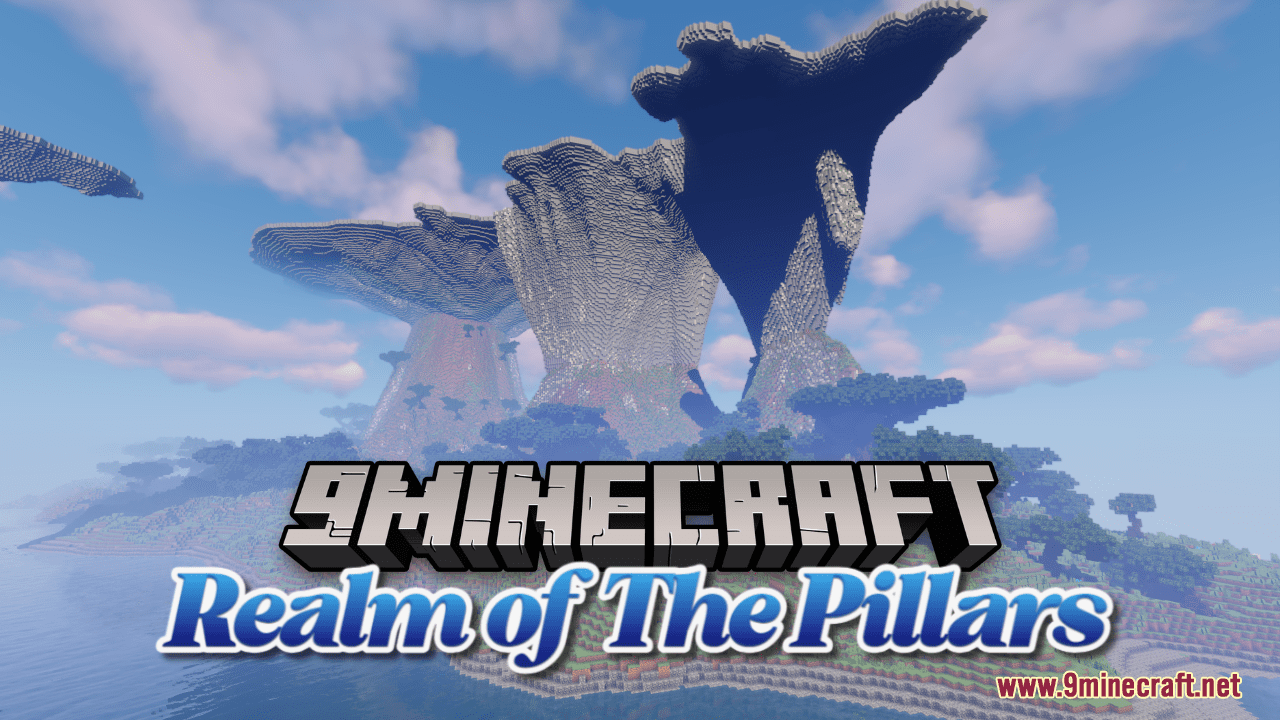
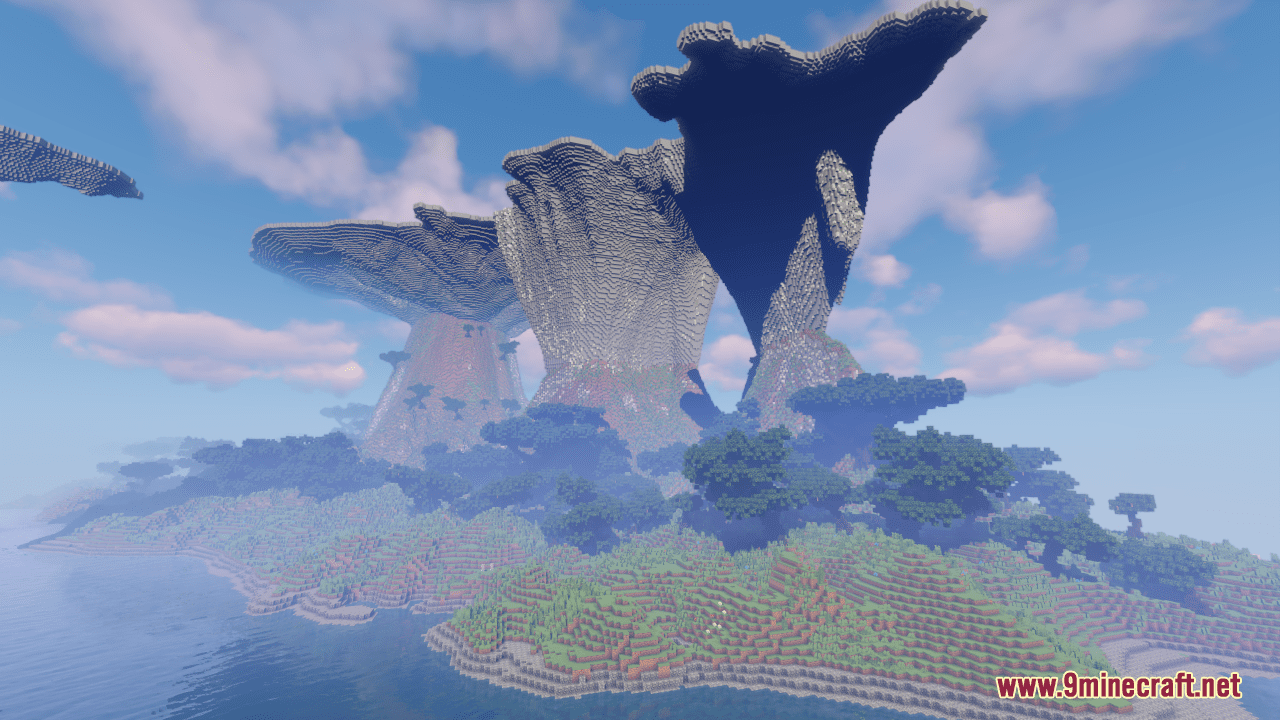
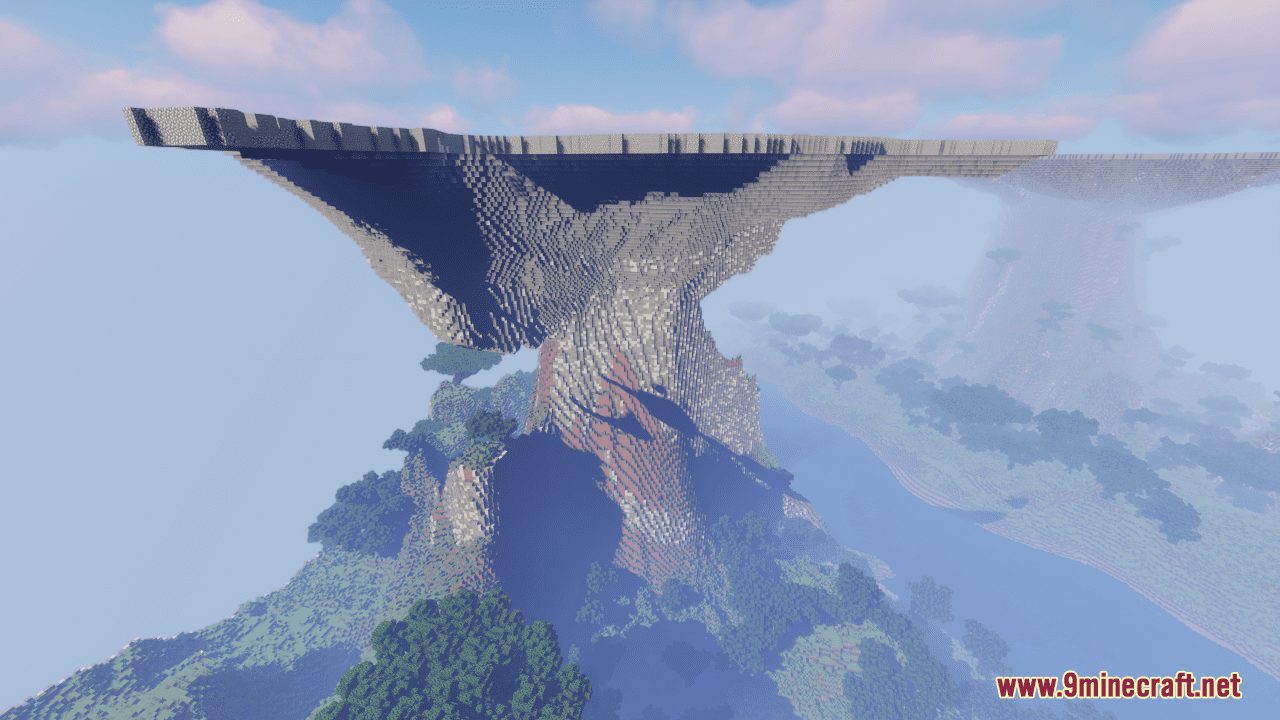
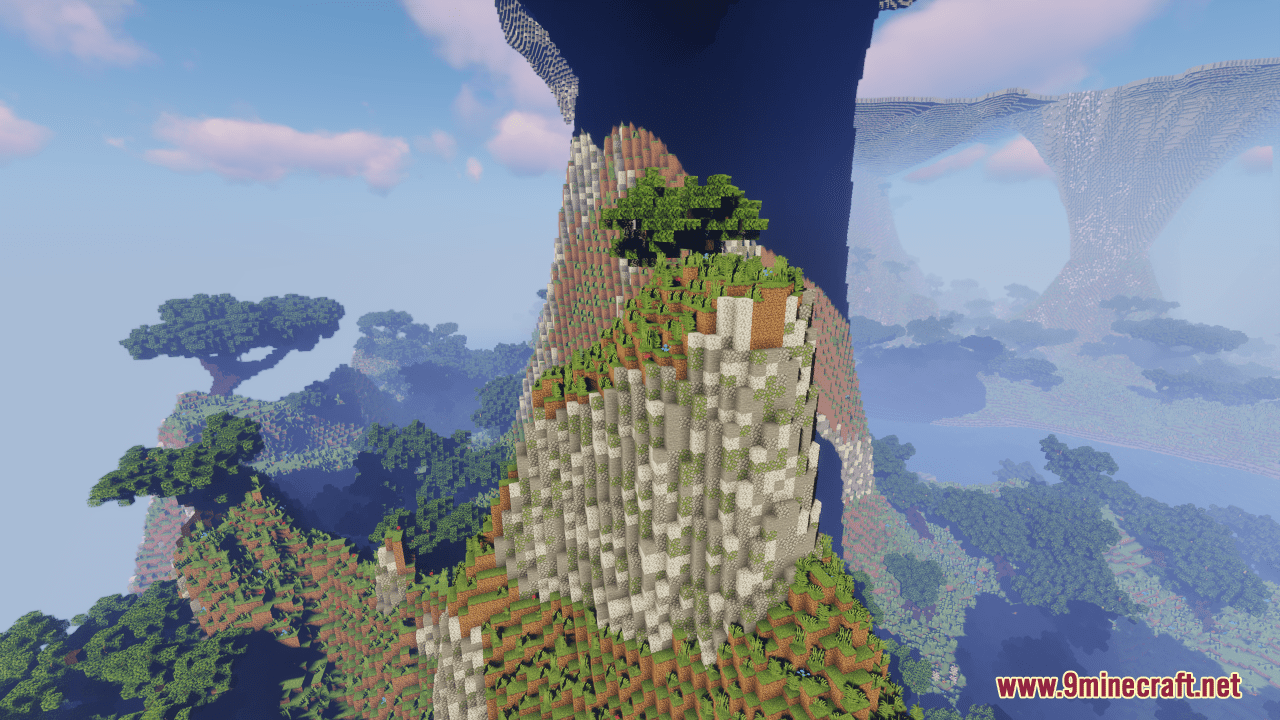
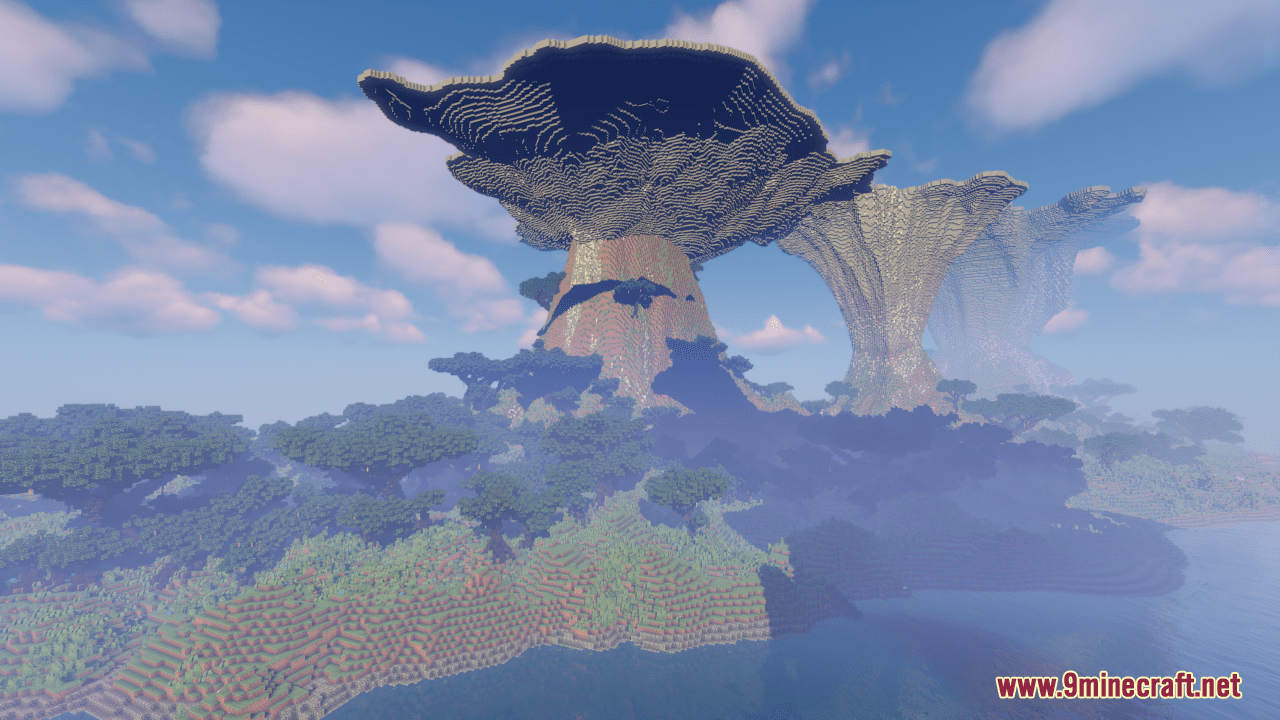
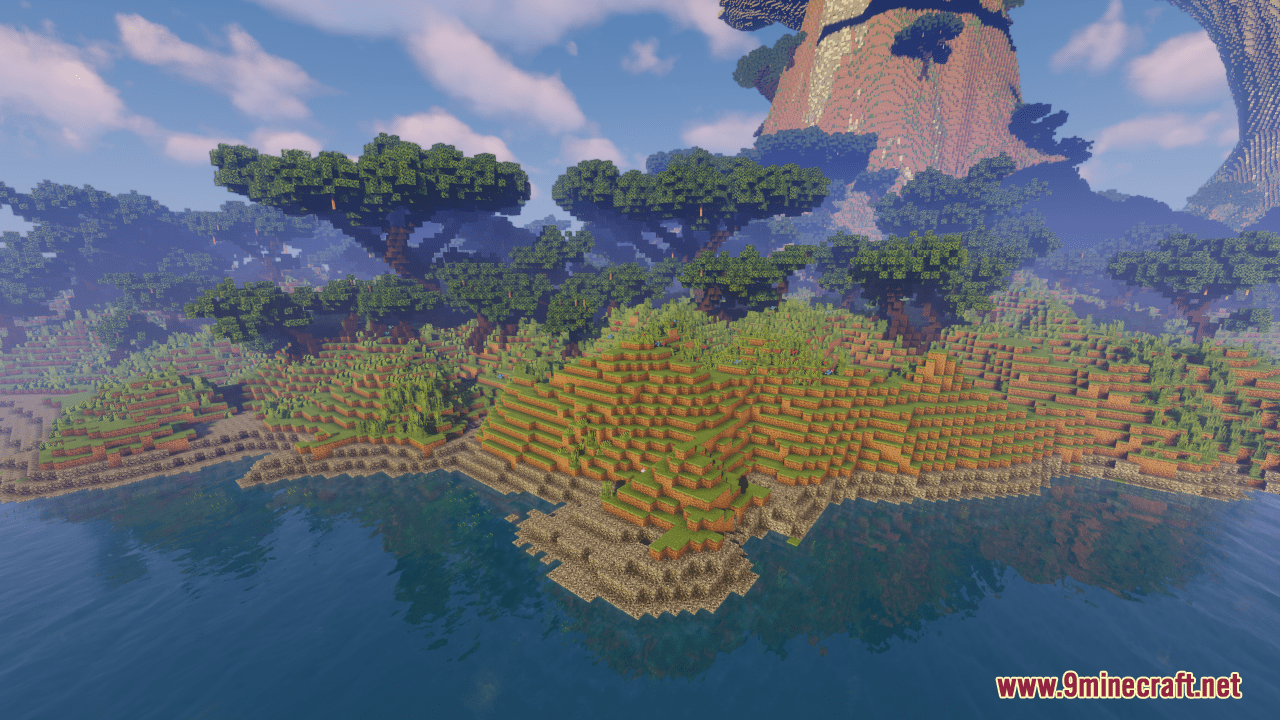
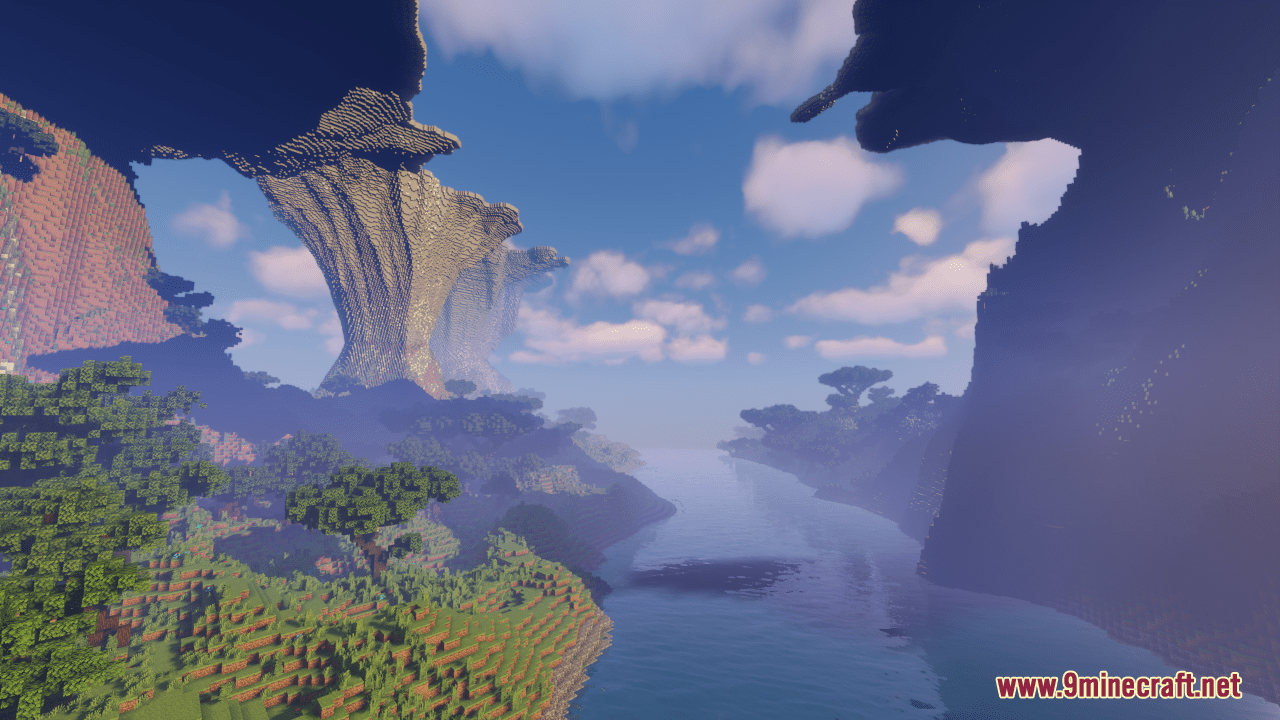
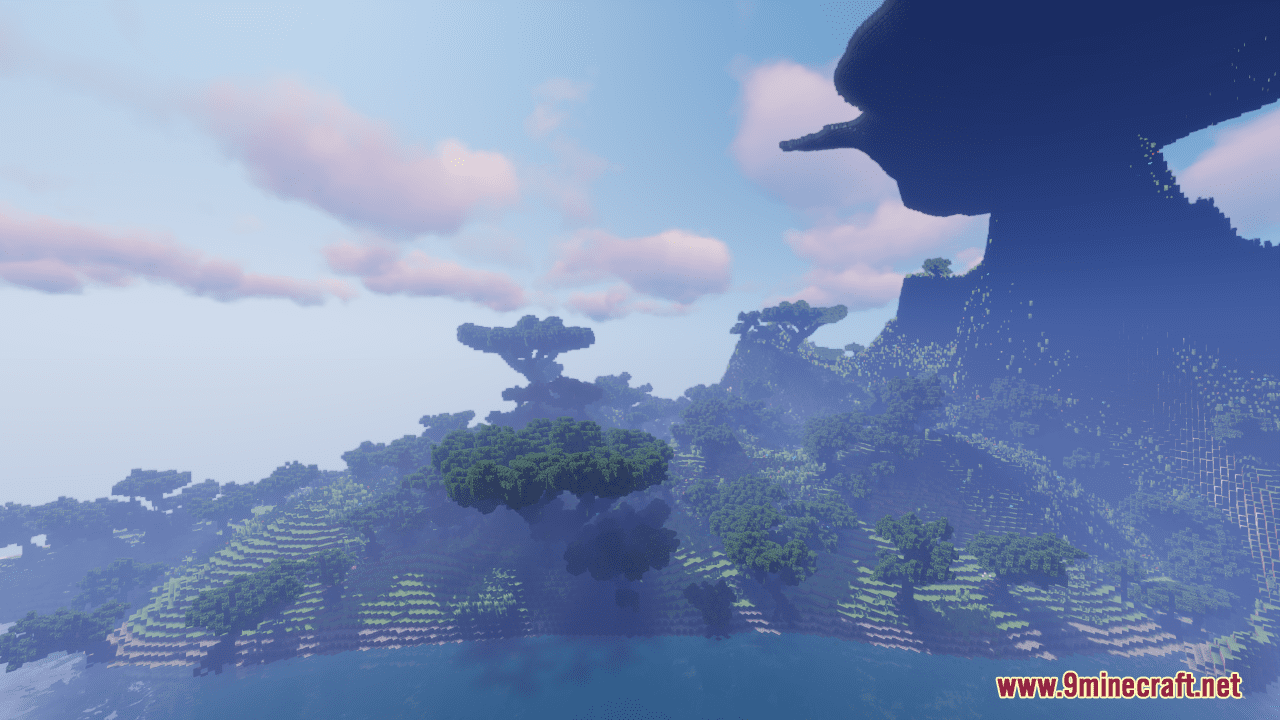
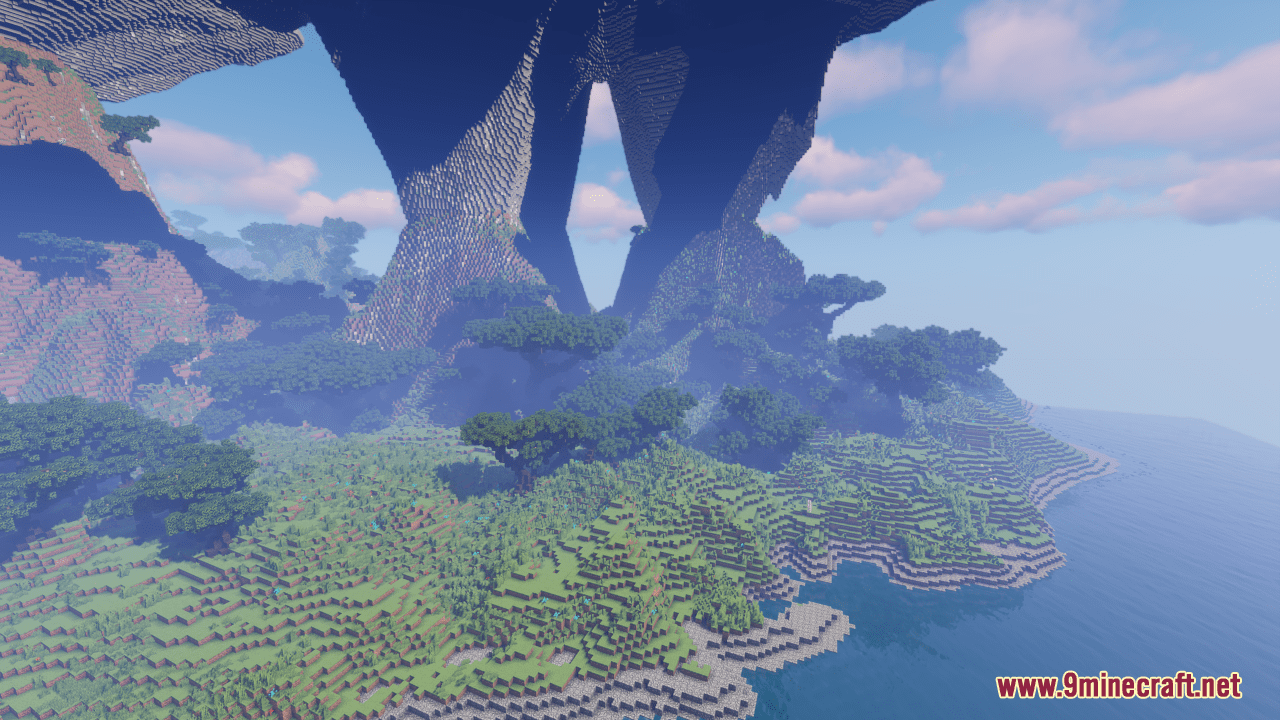
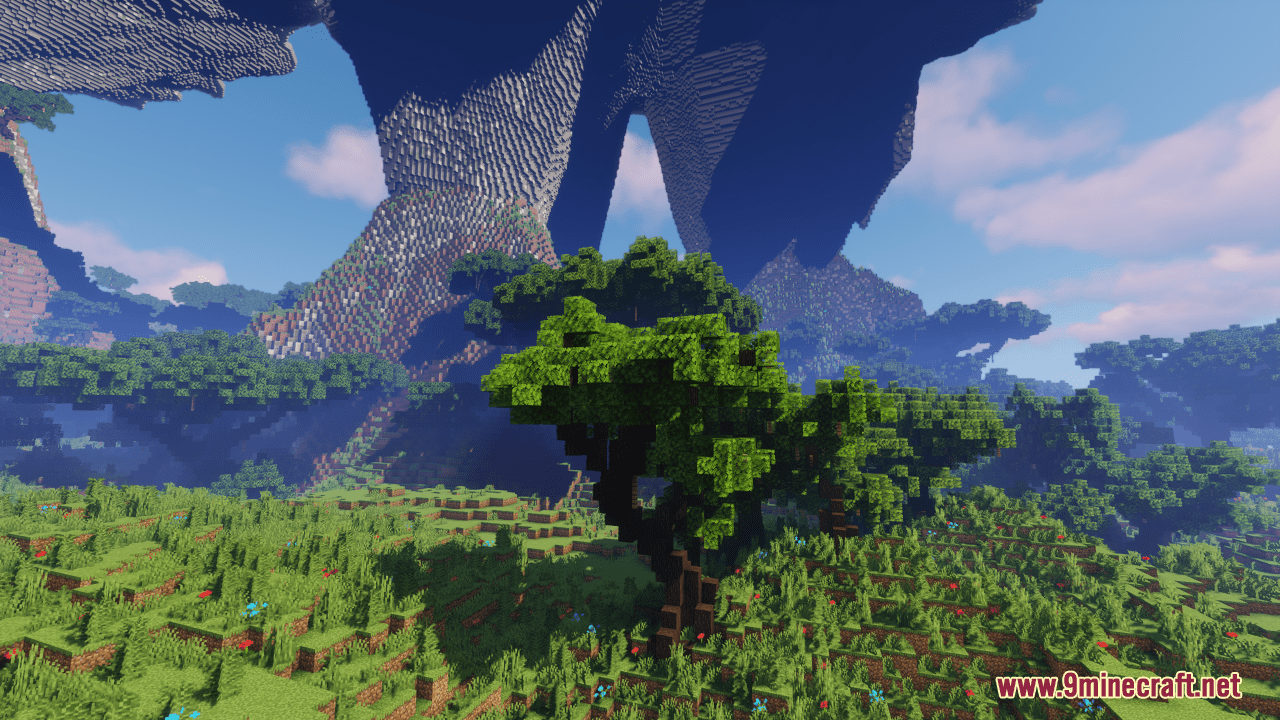
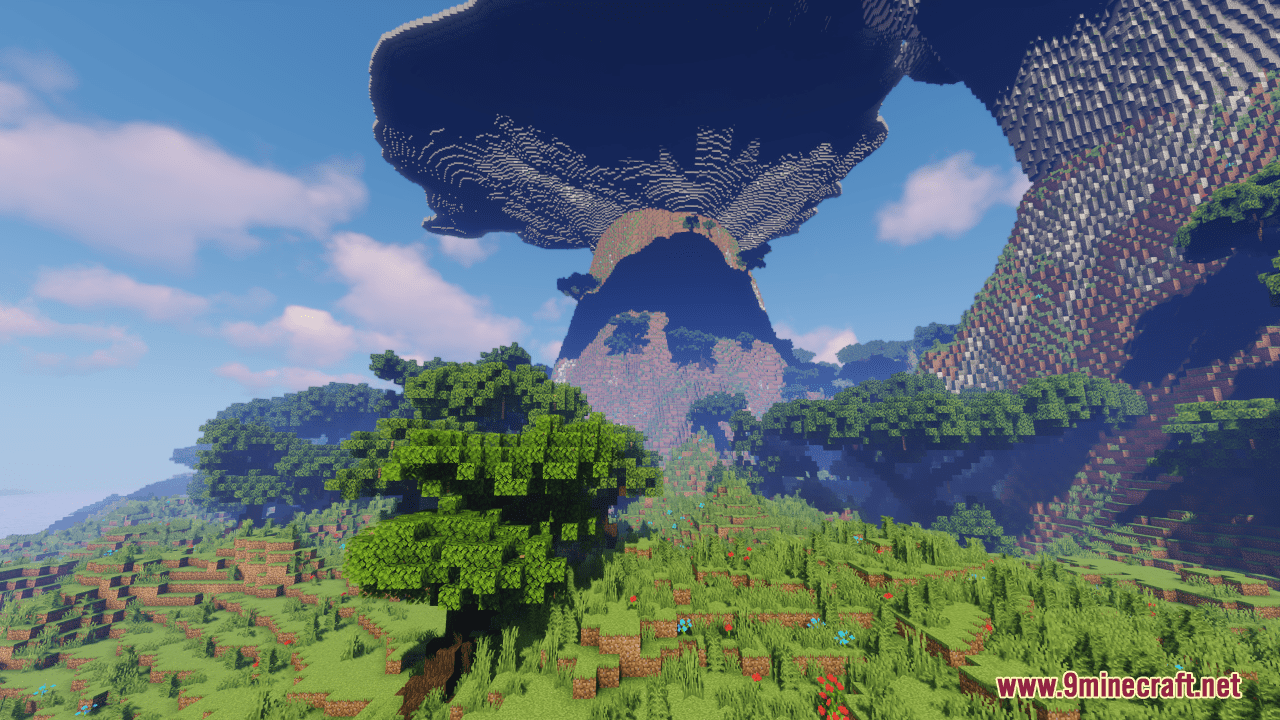
Realm of The Pillars Map is a creation map designed by Delta Plane. Explore the majestic expanse of the ‘Realm of the Pillars,’ a sprawling 600×600 block terrain teeming with towering mushrooms and rugged mountains. As its name suggests, this realm is adorned with natural pillars of fungal wonder, casting their shadows across the landscape in a mesmerizing display. Whether you seek to wander amidst the towering fungi or conquer the lofty peaks of the mountains, this terrain offers boundless opportunities for creativity and exploration. Build upon its fertile soil and sculpt its contours to bring forth your own visions of beauty and grandeur, transforming this realm into a testament to your creativity.
Screenshots:
Realm of The Pillars Map Download Links
- Edition: Minecraft Java
- File type: .zip (world save)
- Minecraft version listed: 1.20.1
- How to install: Download the .zip world. → Unzip it. → Move the folder into .minecraft/saves.
- Where to get it: In MC Java Mods, or directly above on this page.
Install steps are the general flow for this file type — How to install Minecraft Java maps & worlds walks through it step by step.
Realm of The Pillars Map (26.2, 1.20.1) – Mushroom Mountains Terrain is a free Minecraft Java map. Compatible with Minecraft 1.20.1. Download it and open it directly in the game.