ModsJava
CompixelUI Mod (26.3, 1.20.1) – Style Your Mod Menus with Crisp Pixel Color
Java mod listed for Minecraft 1.20–26.x. Downloads from the MC Java Mods app on Android.
⬇ Download
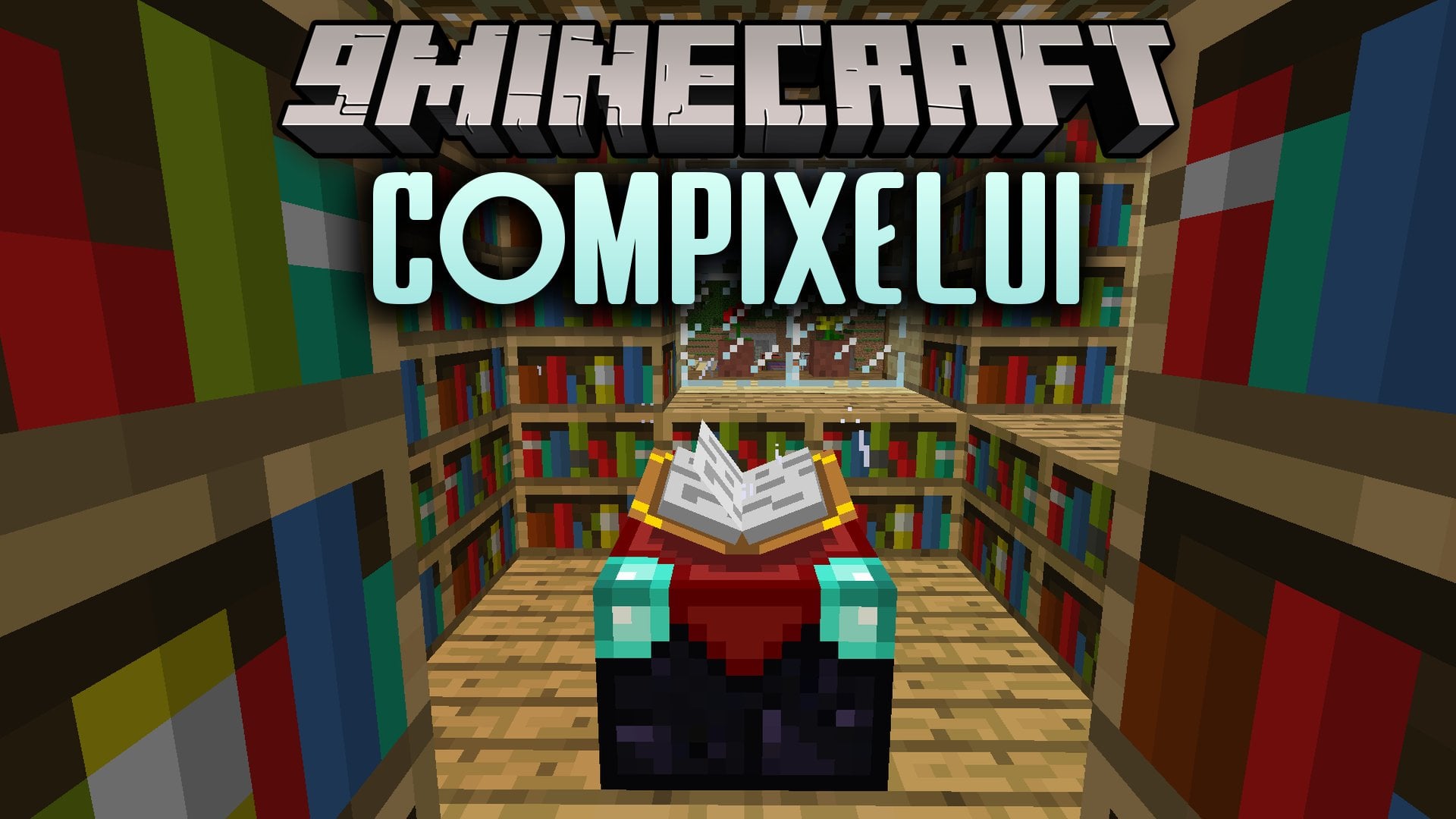
CompixelUI Mod brings Jetpack Compose to Minecraft Java Edition so other mods can build clean custom screens. It works as a library and adds nothing to the game on its own. When you run it alongside mods that need it, you get crisp pixel menus, real item slots, and adjustable color schemes.
Features:
- Pixel-Style Screens: Adds crisp buttons, sliders, tabs, menus, tooltips, and windows that fit the classic look of Minecraft.
- Custom Color Schemes: Lets you switch between built-in Light and Twilight themes, edit any color or opacity in-game, and export your colors as a resource pack.
- Vanilla-Style Inventories: Keeps normal clicking, dragging, and shift-clicking actions while working alongside recipe viewers and other inventory mods.
- Shows real item icons with full animations, enchantment glints, and standard inventory tooltips.
- Handles text fields properly by matching your keyboard layout and allowing text selection, copy and paste, plus input methods for languages like Chinese and Japanese.
- Draws screens directly on your GPU through the game’s graphics API, including Vulkan on Minecraft 26.2 and 26.3.
Configuration:
assets/compixel/compixel/schemes.json: changes default color schemes inside a resource pack.-Dcompixel.backend=cpu: makes the mod draw screens on your CPU instead of your graphics card when added to your launcher JVM arguments.
Example resource pack file to set the built-in Twilight scheme as default:
{
  "format": 1,
  "default": "twilight"
}
How to Use:
- Open the mod list in Minecraft and click the Config button for this mod to open its color editor.
- Switch between preset schemes like Light and Twilight, or change individual colors and their opacity.
- Export your custom colors as a resource pack, or press F3+T in-game to reload active scheme packs.
CompixelUI Mod Download Links
Quick facts
- Edition: Minecraft Java
- File type: .jar
- Minecraft versions listed: 26.3, 1.20.1
- How to install: Install the matching mod loader (Forge, Fabric or NeoForge) for your Minecraft version. → Download the .jar. → Put it in the .minecraft/mods folder and launch that loader profile.
- Where to get it: In MC Java Mods, or directly above on this page.
Install steps are the general flow for this file type — How to install Minecraft Java mods & modpacks walks through it step by step.
File checked by MCModsHub
- Downloads as 543943.mcaddon
- Download size: 40.0 MB
- Download link checked 10 Nov 2026 — working
- Mirrored on our own servers — the download does not depend on the original host
These come from our own check of the pack file, not from the source page.