Create Essentials Better Experience With Create 6.0 And Addons Modpack (1.20.1) – Build Big Automated Machine Factories
Java modpack listed for Minecraft 1.20. Download on the author's site.
⬇ Download
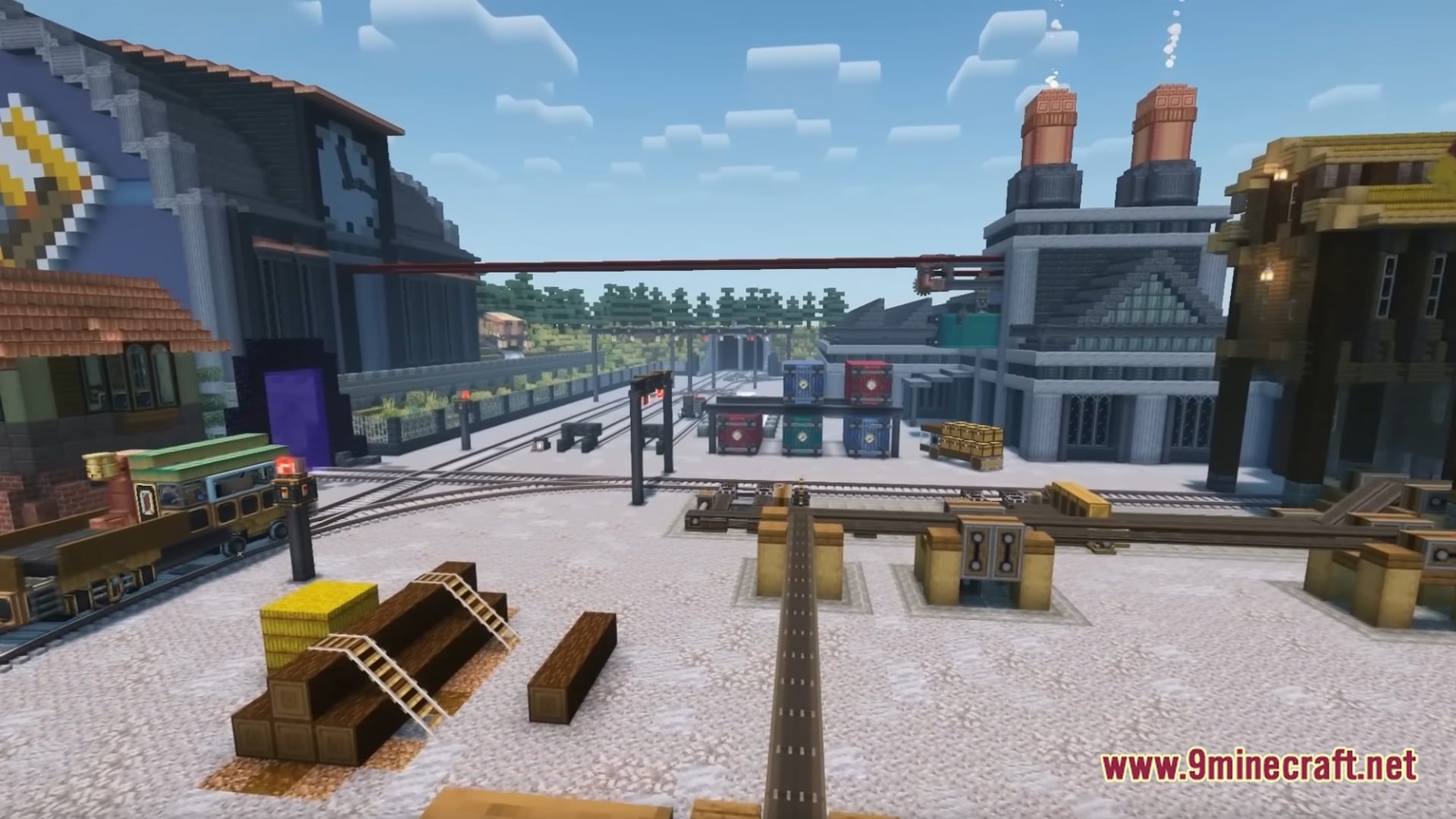
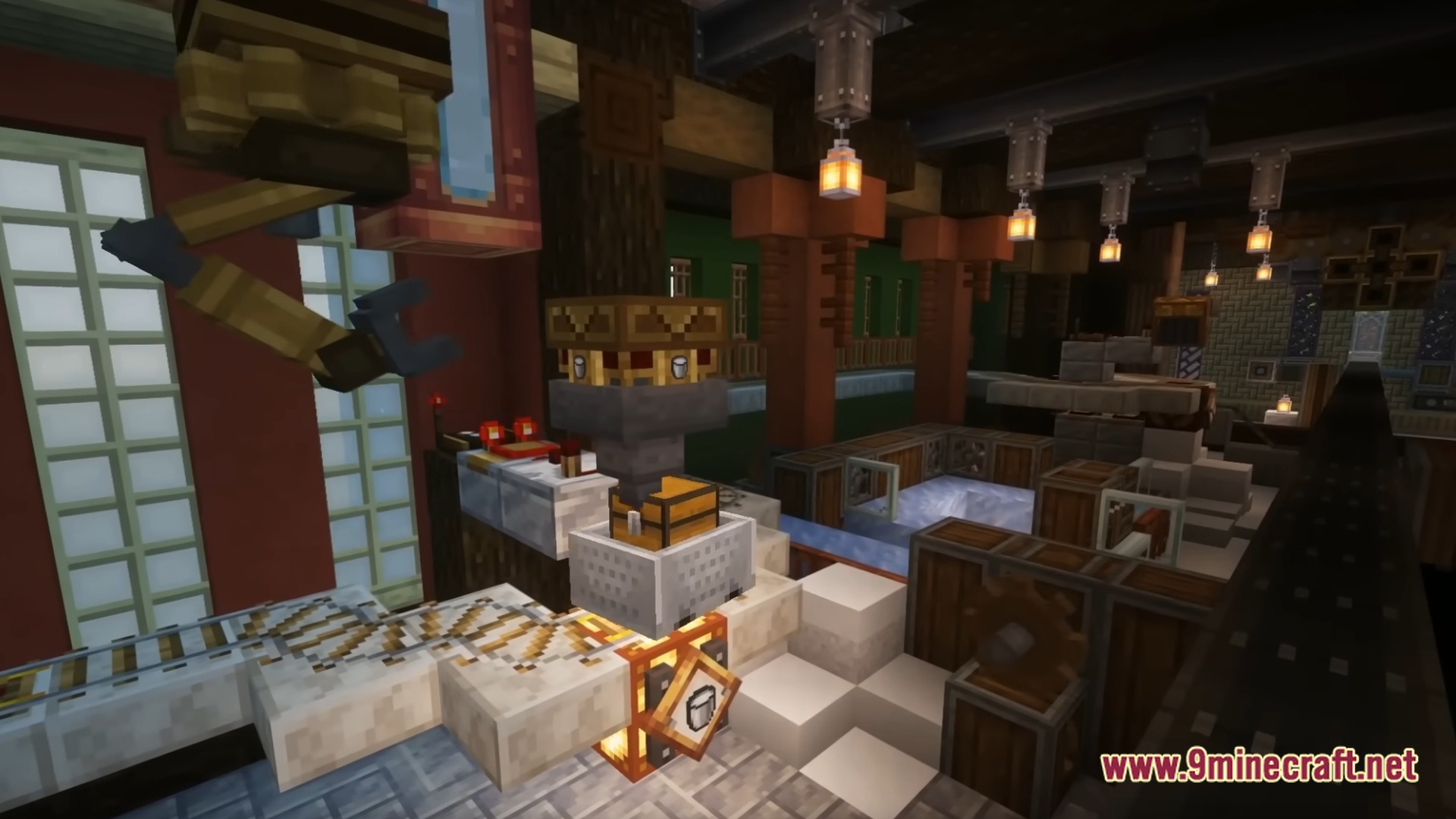
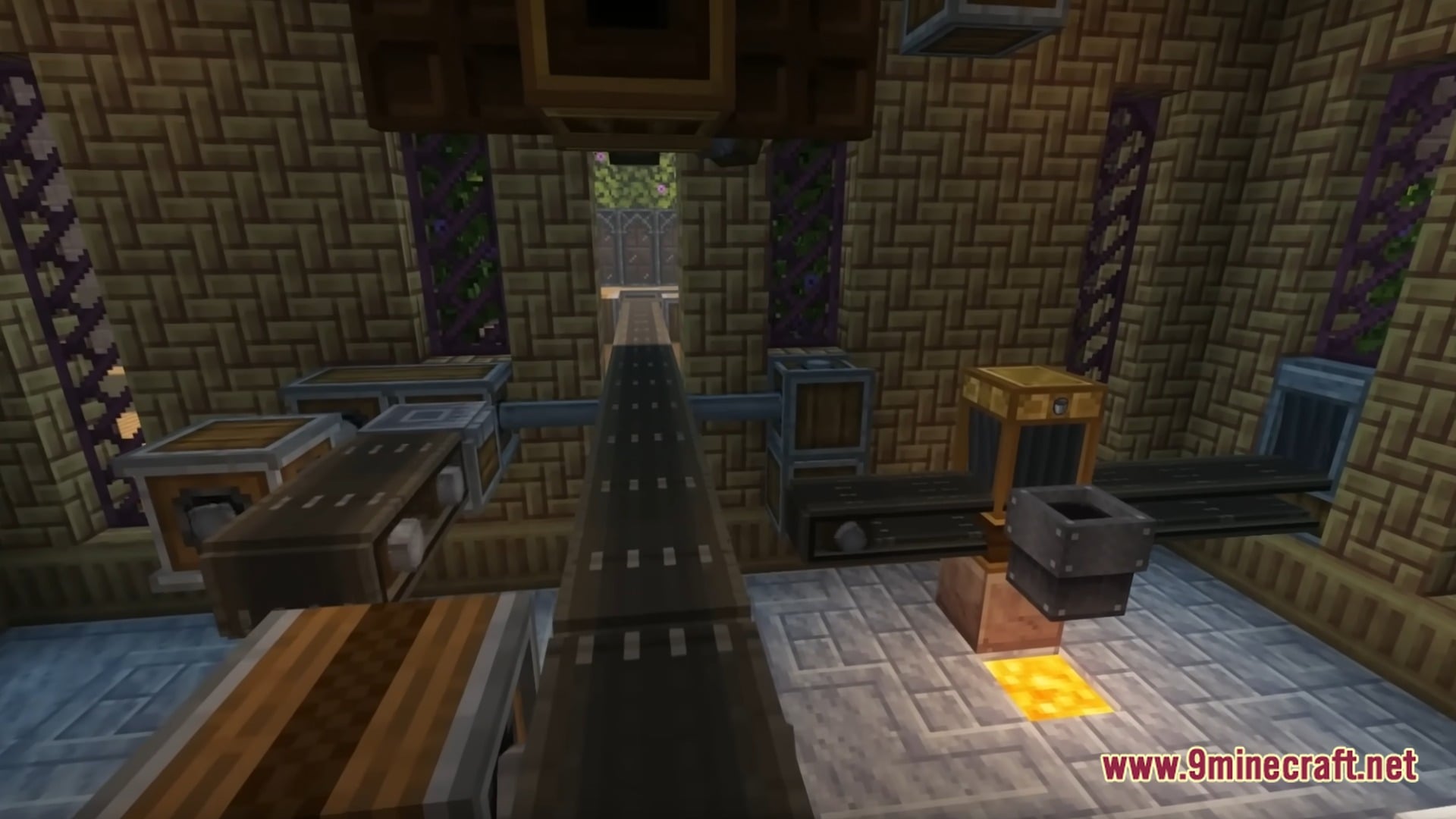
Create Essentials Better Experience With Create 6.0 And Addons Modpack focuses on the Create mod and dozens of extra addons for players who enjoy building machines and factories. You can design complex moving contraptions, set up working railways, and automate your resource gathering while keeping the classic feel of the game. Careful speed tweaks and shader support keep your world looking great and running smoothly during solo play or with friends.
Features:
- Expanded Machine Addons: Dozens of extra Create packs add fresh gears, tools, and moving parts to your world
- Smooth Frame Rates: Built-in speed mods help prevent lag even when you run huge factories
- Full Shader Support: Ready-to-use lighting upgrades let you add bright shadows and pretty water effects
- Custom train parts allow you to lay down long tracks and run working railways across the map
- Extra decorative blocks give builders plenty of fresh styles for workshops and small towns
- Automated farming and crafting systems take care of boring chores on their own
- Balanced progression keeps the normal survival charm alive for explorers and tinkerers alike
- Multiplayer readiness makes sharing big building projects on a server easy and stable
How to Play:
- Gather basic ores and wood to craft your first simple hand cranks, cogs, and water wheels.
- Connect shafts and belts to power automatic farms, crushers, and item sorters.
- Unlock addon parts to build giant factories and lay railway tracks between your bases.
- Decorate your buildings with custom blocks and turn on shaders to enjoy the view.
Screenshots:
Create Essentials Better Experience With Create 6.0 And Addons Modpack Download Links
- Edition: Minecraft Java
- File type: .jar
- Minecraft version listed: 1.20.1
- How to install: Install the matching mod loader (Forge, Fabric or NeoForge) for your Minecraft version. → Download the .jar. → Put it in the .minecraft/mods folder and launch that loader profile.
- Where to get it: Opens on the file's original source — not every file is mirrored on our own servers.
Install steps are the general flow for this file type — How to install Minecraft Java mods & modpacks walks through it step by step.
Create Essentials Better Experience With Create 6.0 And Addons Modpack (1.20.1) – Build Big Automated Machine Factories is a free Minecraft Java modpack. Compatible with Minecraft 1.20.1. Download it and open it directly in the game.