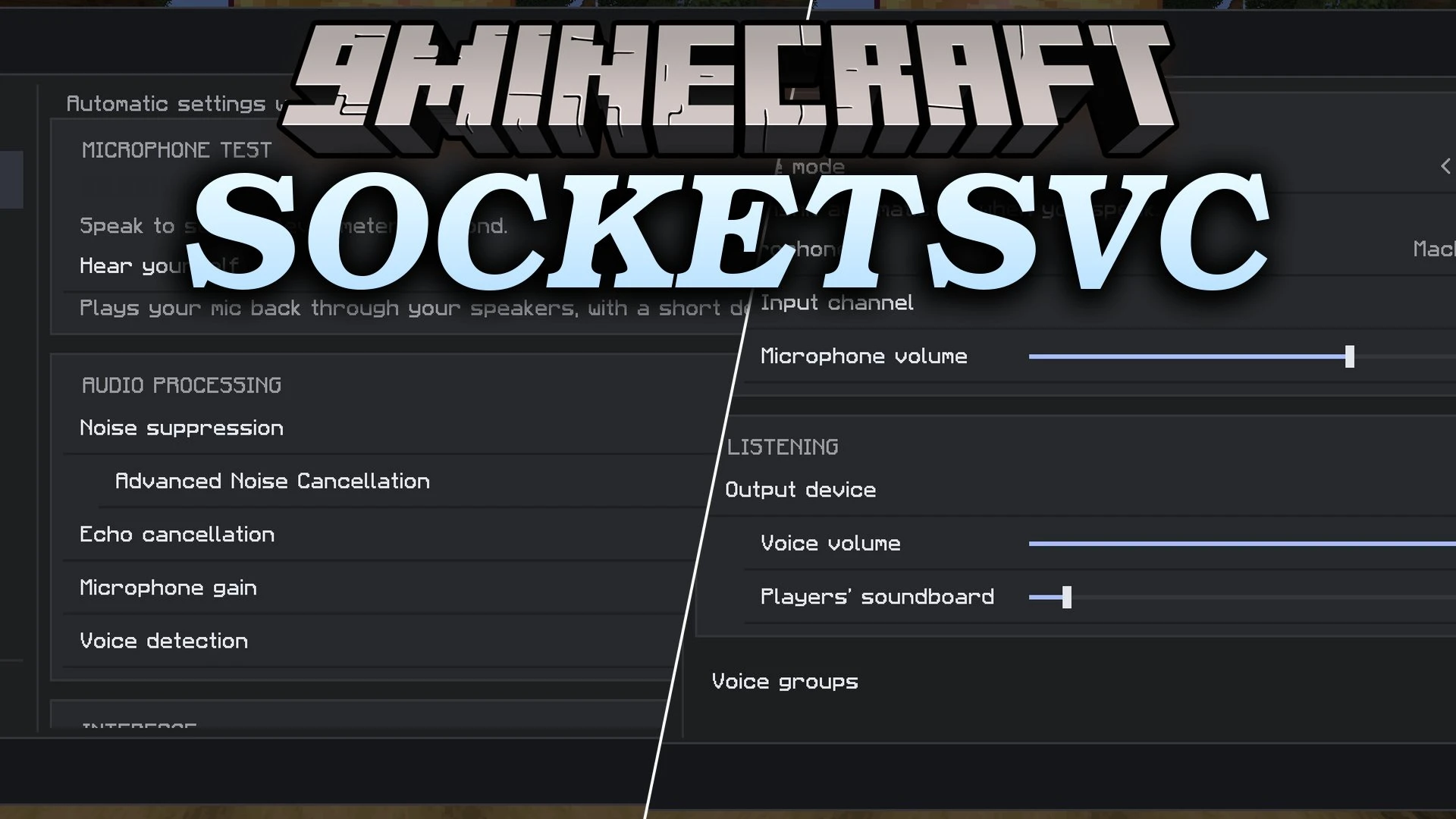
SocketSVC Mod (26.3, 1.21.11) – Talk to Nearby Players Without Opening
Java mod listed for Minecraft 1.21–26.x. Download on the author's site.
⬇ Download


SocketSVC Mod brings real-time 3D proximity voice chat to Minecraft. It sends voice over WebSockets instead of UDP, so you do not need a second port on your firewall. Players hear each other based on how close they are in the game. Voice uses the same kind of connection your browser uses for HTTPS. You can also use it in singleplayer by opening your world to LAN.
Features:
- Proximity Voice: Players hear each other based on distance, with volume falloff and left and right panning.
- WebSocket Connection: Voice starts as a normal HTTP upgrade, so there is no extra port to forward.
- Voice Groups: Join named channels from the in-game menu.
- Soundboard: Play local clips to nearby players.
- Noise Cleanup: Cuts background noise with RNNoise. DeepFilterNet is an optional download.
- Instruments: Play with a MIDI keyboard, line-in, drum machine and loop station.
- Works behind a reverse proxy, Cloudflare Tunnel, ngrok, or a Docker or Pterodactyl panel with no extra setup.
- Uses real
wss://encryption from the TLS setup you already run. - Sends audio, the player list, speaker info and status updates through one single socket.
- Lets a proxy relay put a whole network behind one public port, so backend voice ports stay private.
- Gives you push-to-talk or voice activation, plus mute and deafen.
- Lets you change the volume of each player, so you can turn one person down without muting everyone.
- Uses Opus audio with a jitter buffer, packet-loss concealment and automatic reconnect.
- Adds echo cancellation, automatic gain and limiting for cleaner sound.
- Adds headphone spatial audio, head animation that follows the speaker’s voice, and custom icon packs, including animated ones.
Commands:
/ssvc-server reload: reloads the server settings after you change them.
Configuration:
public-url: the address your players use to reach the voice server.
How to Use:
- Put the client mod on every player’s game, and one server piece on the server.
- Start the server once. It creates
config.ymlon Paper orsocketsvc-server.ymlon the server mod. - Set
public-urlto an address your players can reach, then run/ssvc-server reload. - Press V in game to open settings.
- Press B to talk.
- Press G to open voice groups.
Screenshots:
SocketSVC Mod Download Links
- Edition: Minecraft Java
- File type: .jar
- Minecraft versions listed: 26.3, 1.21.11
- How to install: Install the matching mod loader (Forge, Fabric or NeoForge) for your Minecraft version. → Download the .jar. → Put it in the .minecraft/mods folder and launch that loader profile.
- Where to get it: Opens on the file's original source — not every file is mirrored on our own servers.
Install steps are the general flow for this file type — How to install Minecraft Java mods & modpacks walks through it step by step.
SocketSVC Mod (26.3, 1.21.11) – Talk to Nearby Players Without Opening is a free Minecraft Java mod. Compatible with Minecraft 26.3, 1.21.11. Download it and open it directly in the game.